Exam Result Management System In PHP & SQl
NeuraBUG
in Web Development
Exam Result Management System In PHP & SQl
₹499.00
₹899.00
Available for download
Project DetailsClick Here
Product DemoClick Here
Description
An Exam Result Management System is a web-based application that allows administrators to securely manage, store, and update student examination results from a centralized dashboard. It eliminates manual result handling and reduces errors through structured digital records.
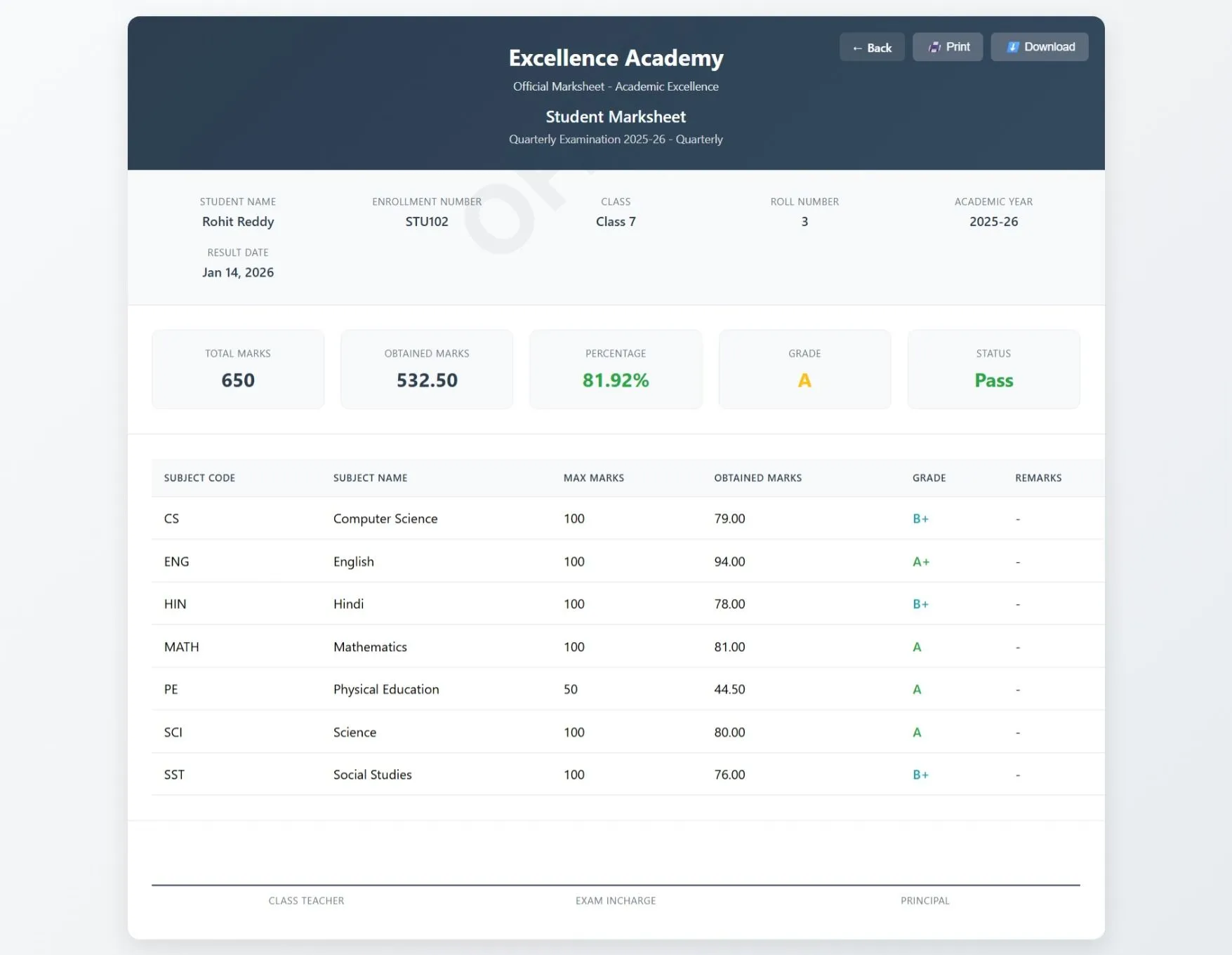
Students can easily view their marksheet using their enrollment number without login complexity. The system ensures fast result access, transparency, and reliable academic record management for institutions.
Students can easily view their marksheet using their enrollment number without login complexity. The system ensures fast result access, transparency, and reliable academic record management for institutions.
Requirements
Project Name
Exam Result Management System
Language Used
PHP 8, JavaScript, HTML5, CSS3
Database
MySQL 8, MariaDB 10.6+
UI Framework
Bootstrap 5, Custom CSS, Responsive Design
Web Browser
Mozilla, Google Chrome, IE8, OPERAMozilla,
Software
XAMPP / Wamp / Mamp/ Lamp (anyone)
User Module
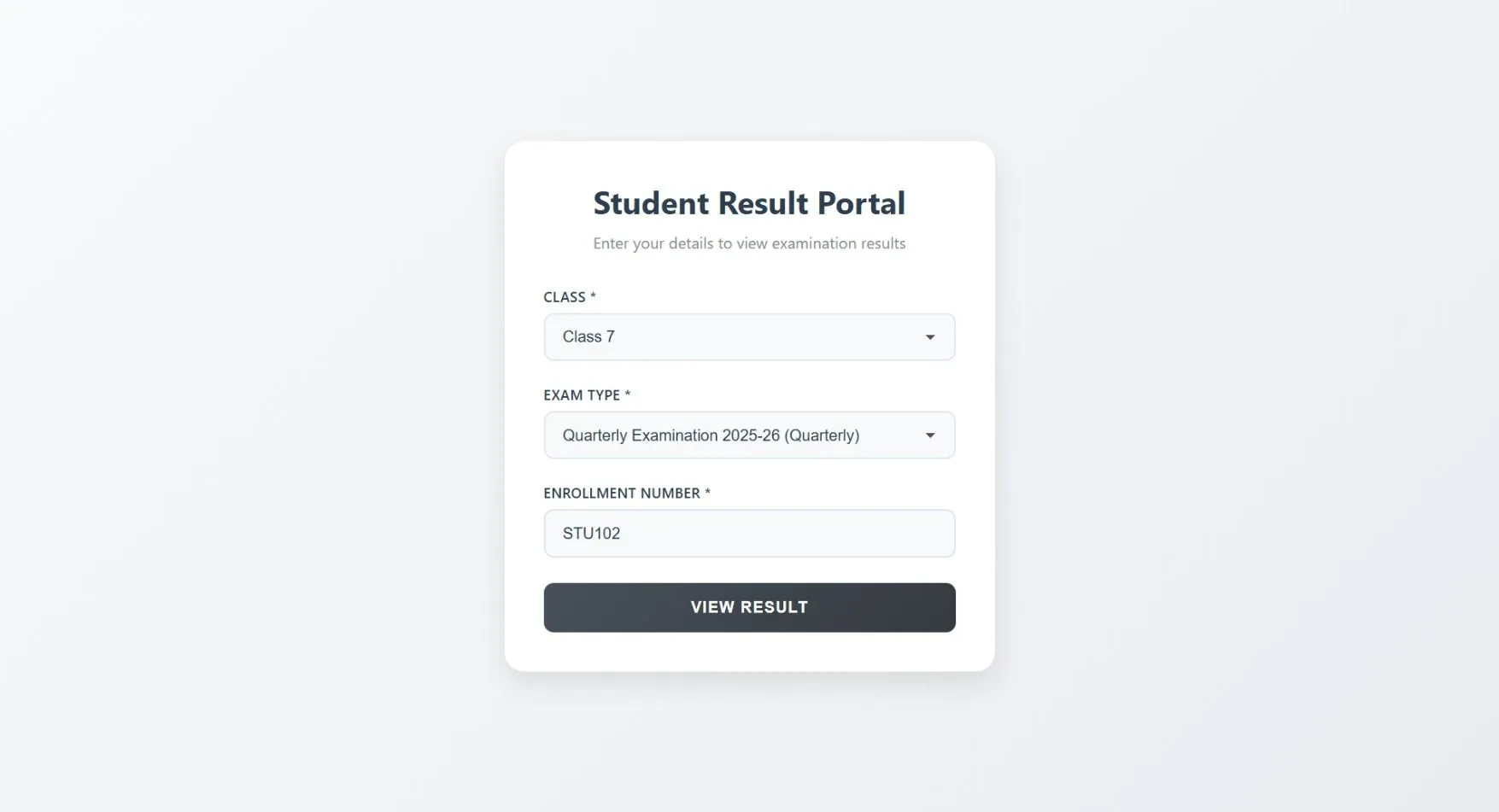
Result Search Section
A single input area where students select Class, Exam, and enter their Enrollment Number
Marksheet Display
Student marksheet is shown instantly in a structured and readable format
Subject
wise Results: Displays marks, total, grade, and pass/fail status
Printable Marksheet
One-click option to print the marksheet
Download Marksheet
Download the marksheet in PDF format for offline use
Error Handling
Displays clear messages for invalid enrollment or unavailable results
Admin Module
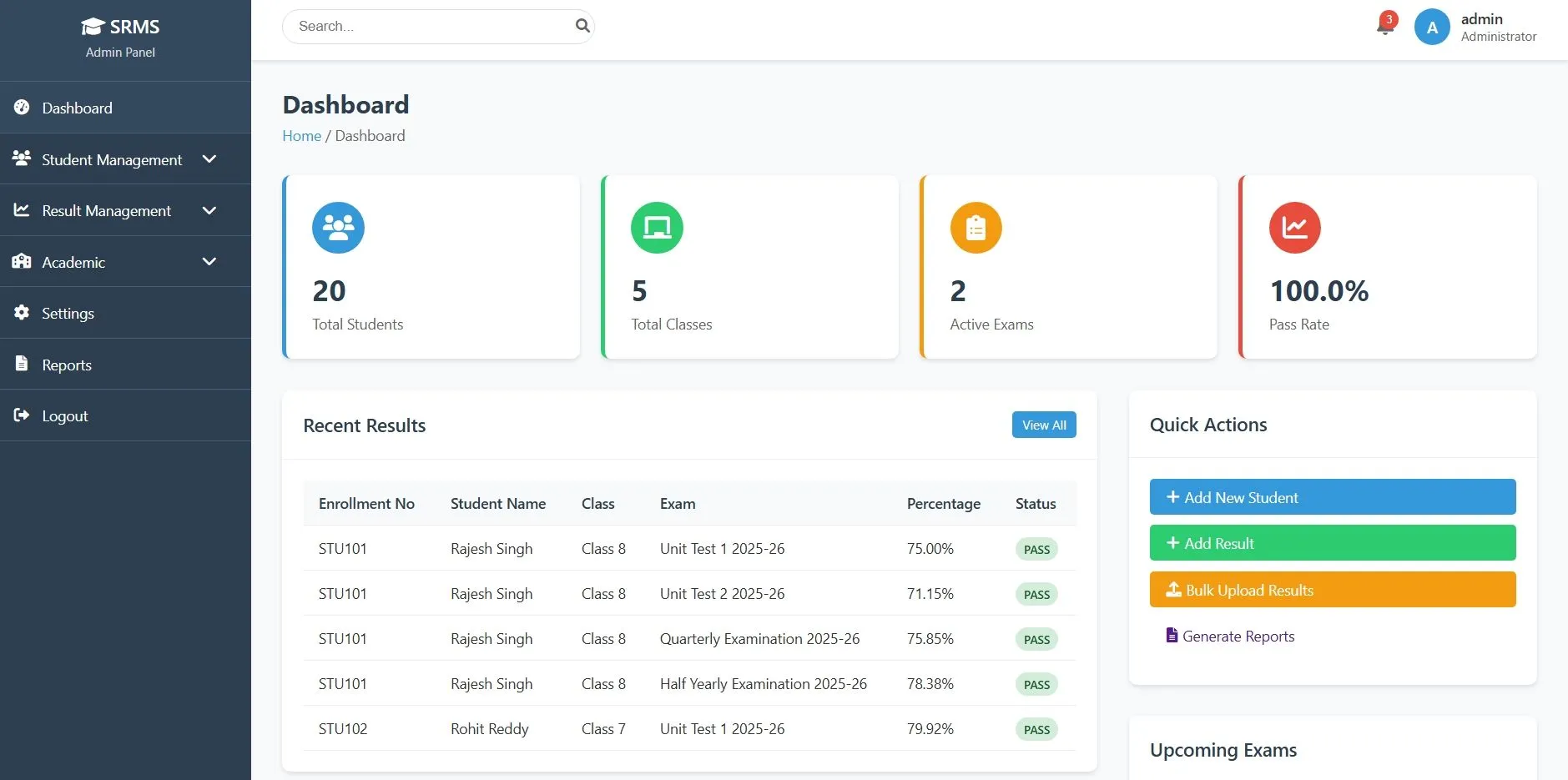
Dashboard
Overview of total students, published results, exams, and recent activities
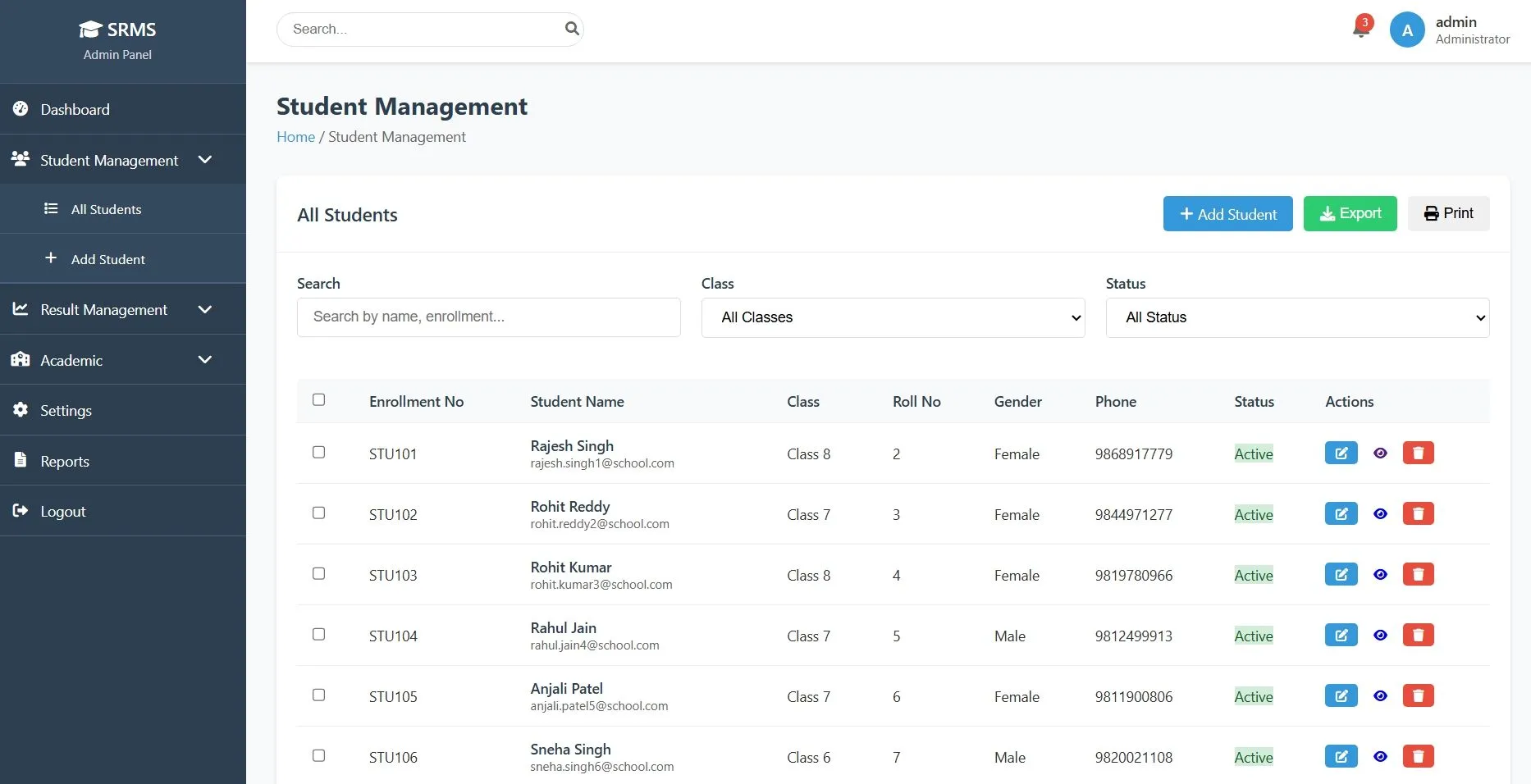
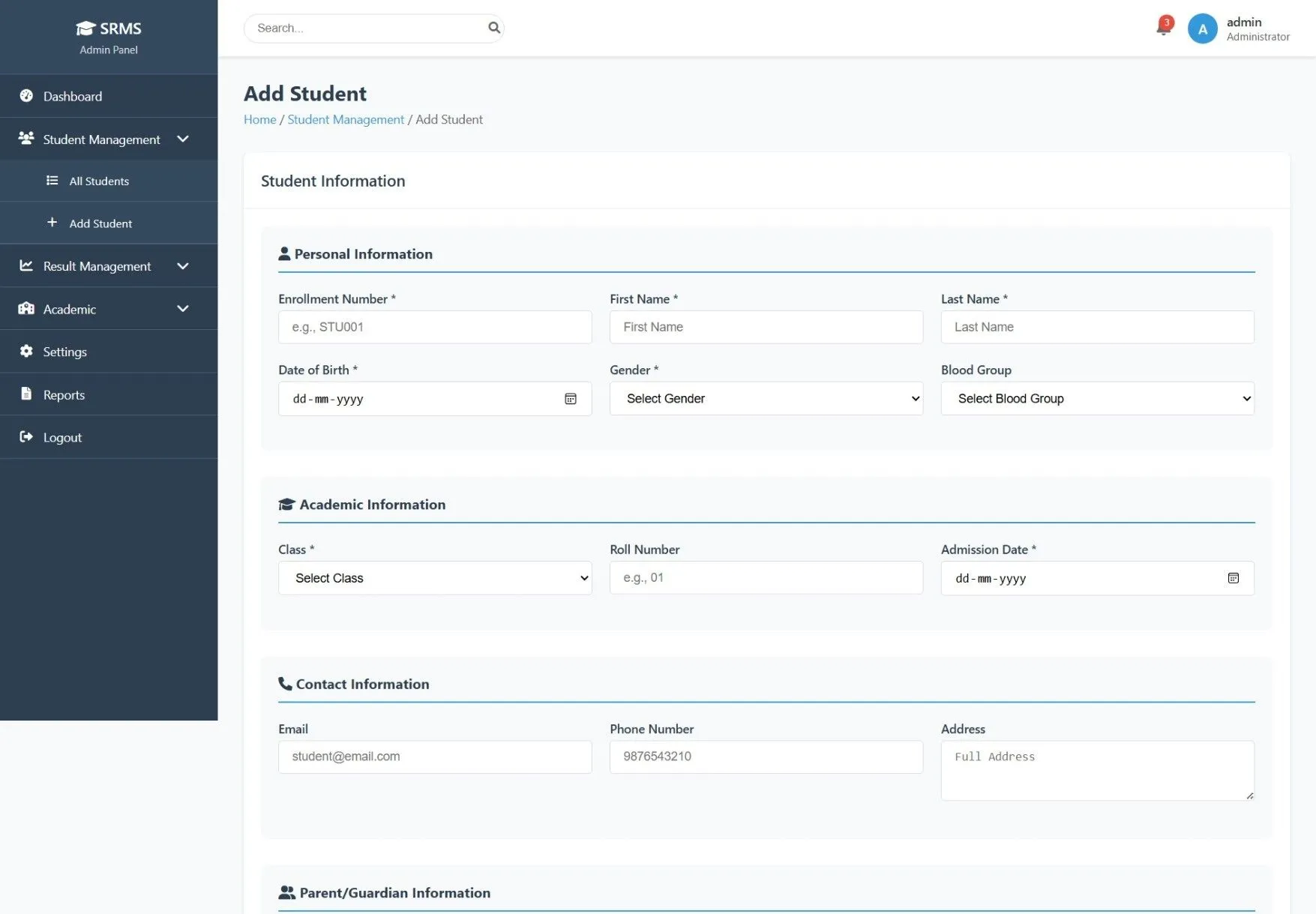
Student Management
Add, view, edit, and manage student records with enrollment and class details
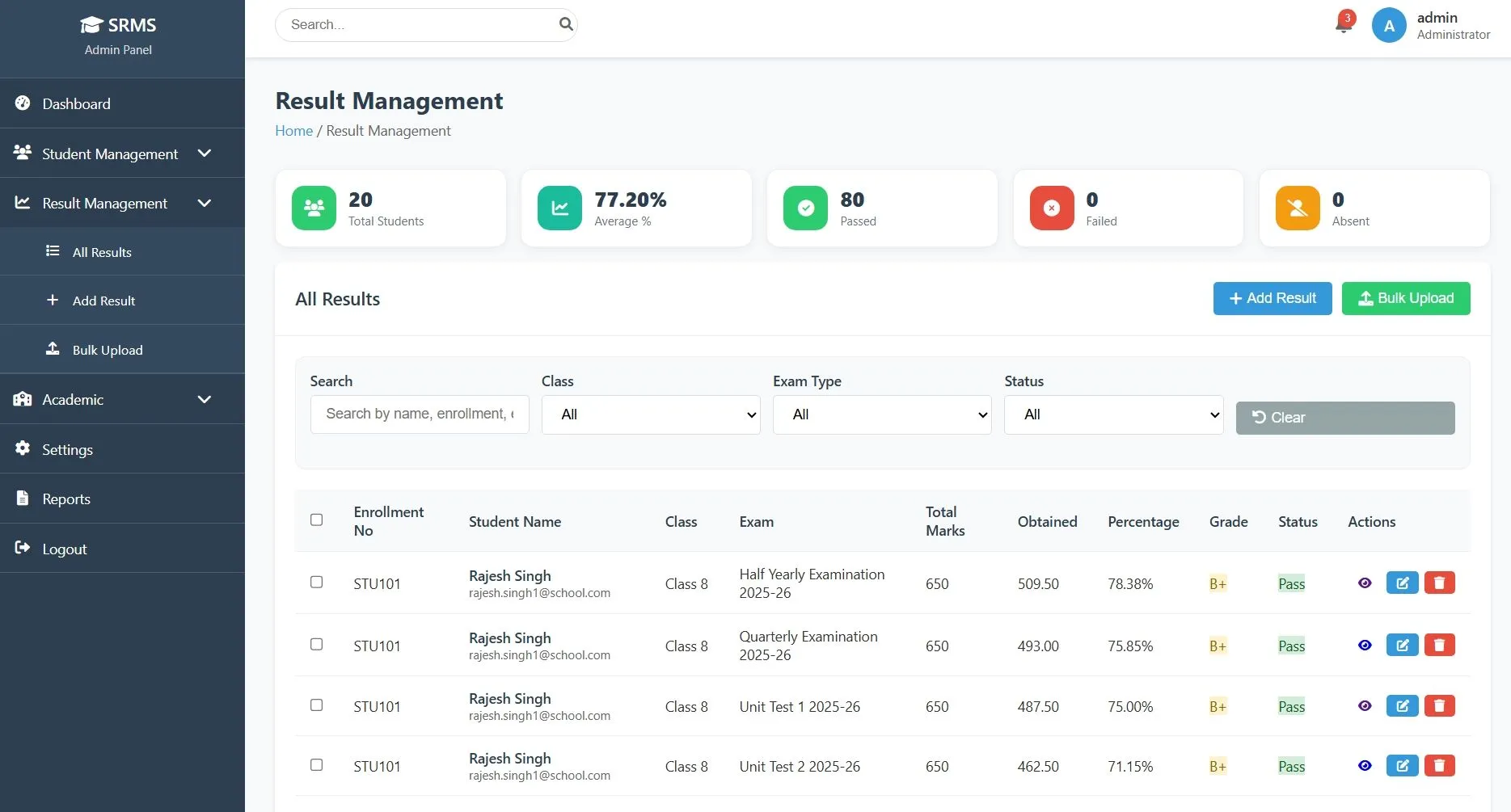
Result Management
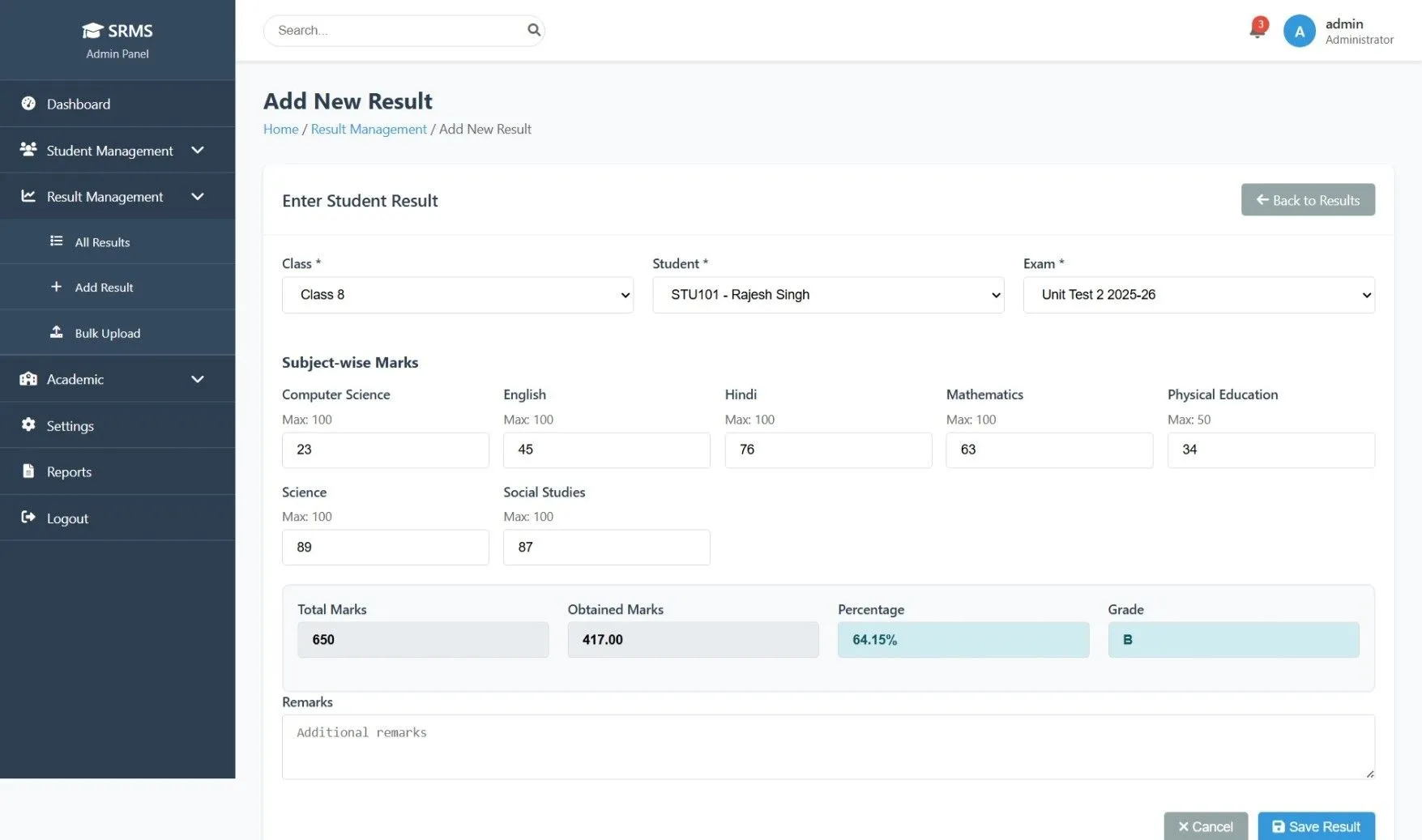
Add, update, view, and manage student examination results
Bulk Result Upload
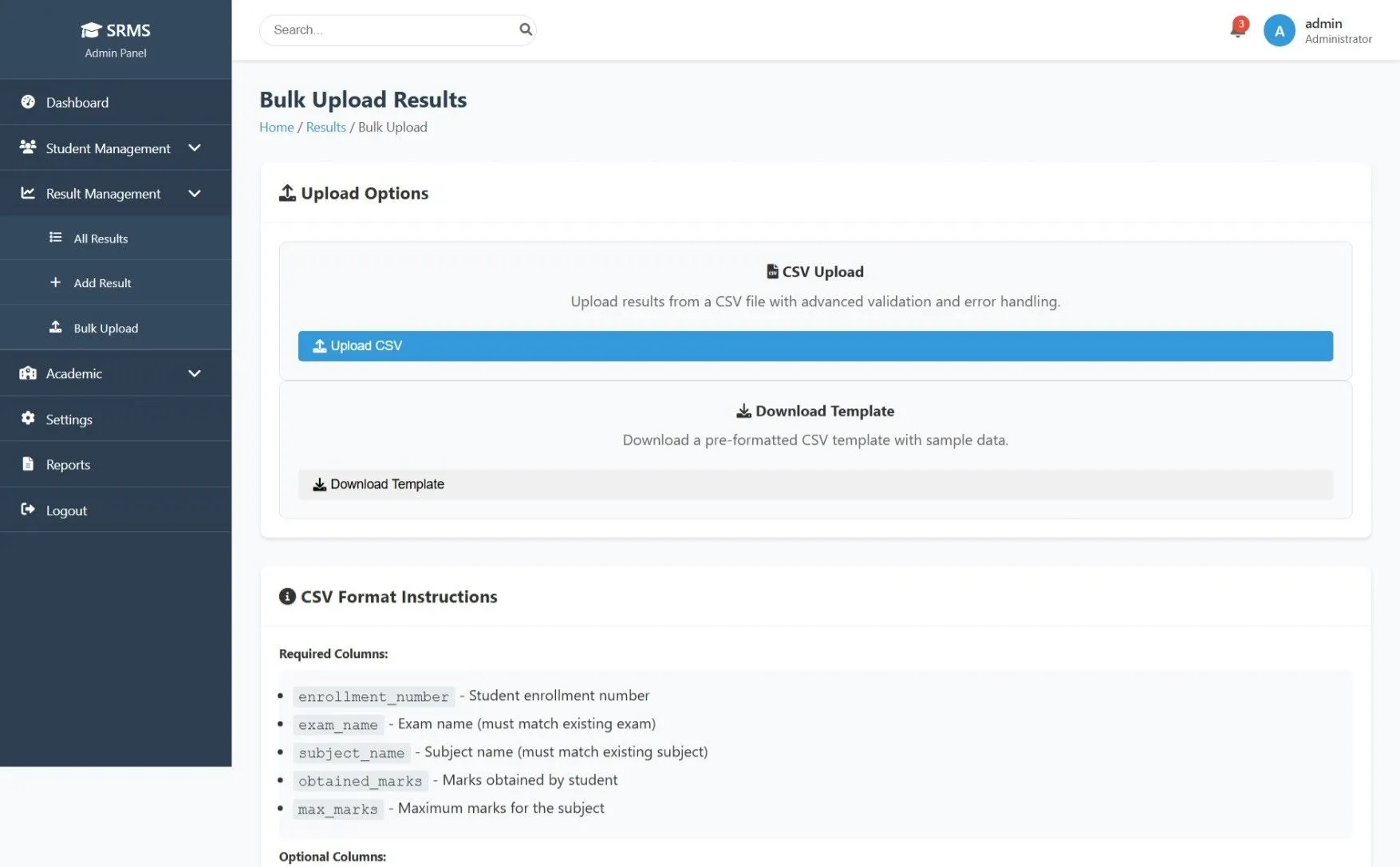
Upload multiple student results at once using bulk import (CSV/Excel)
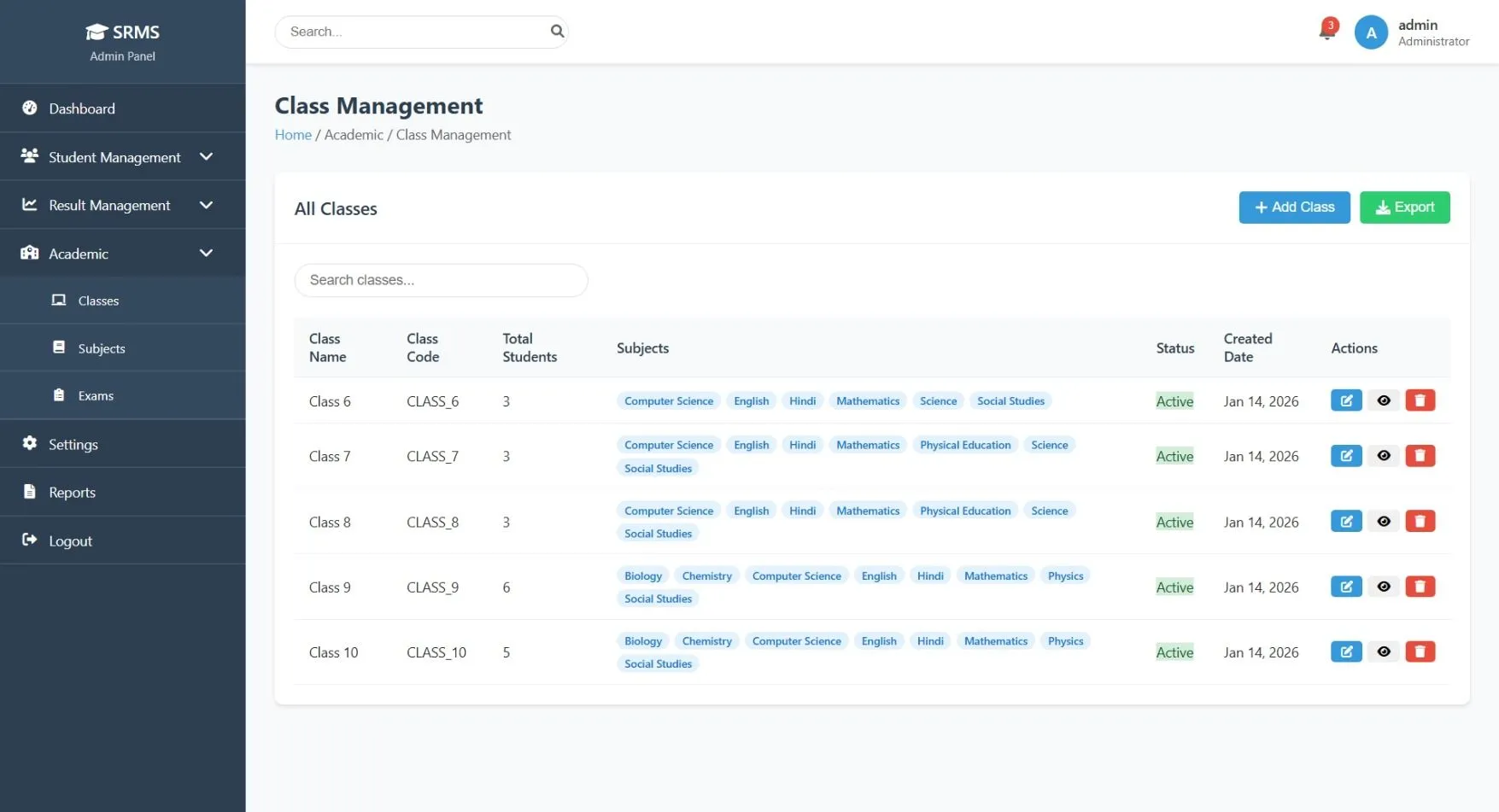
Academic Management
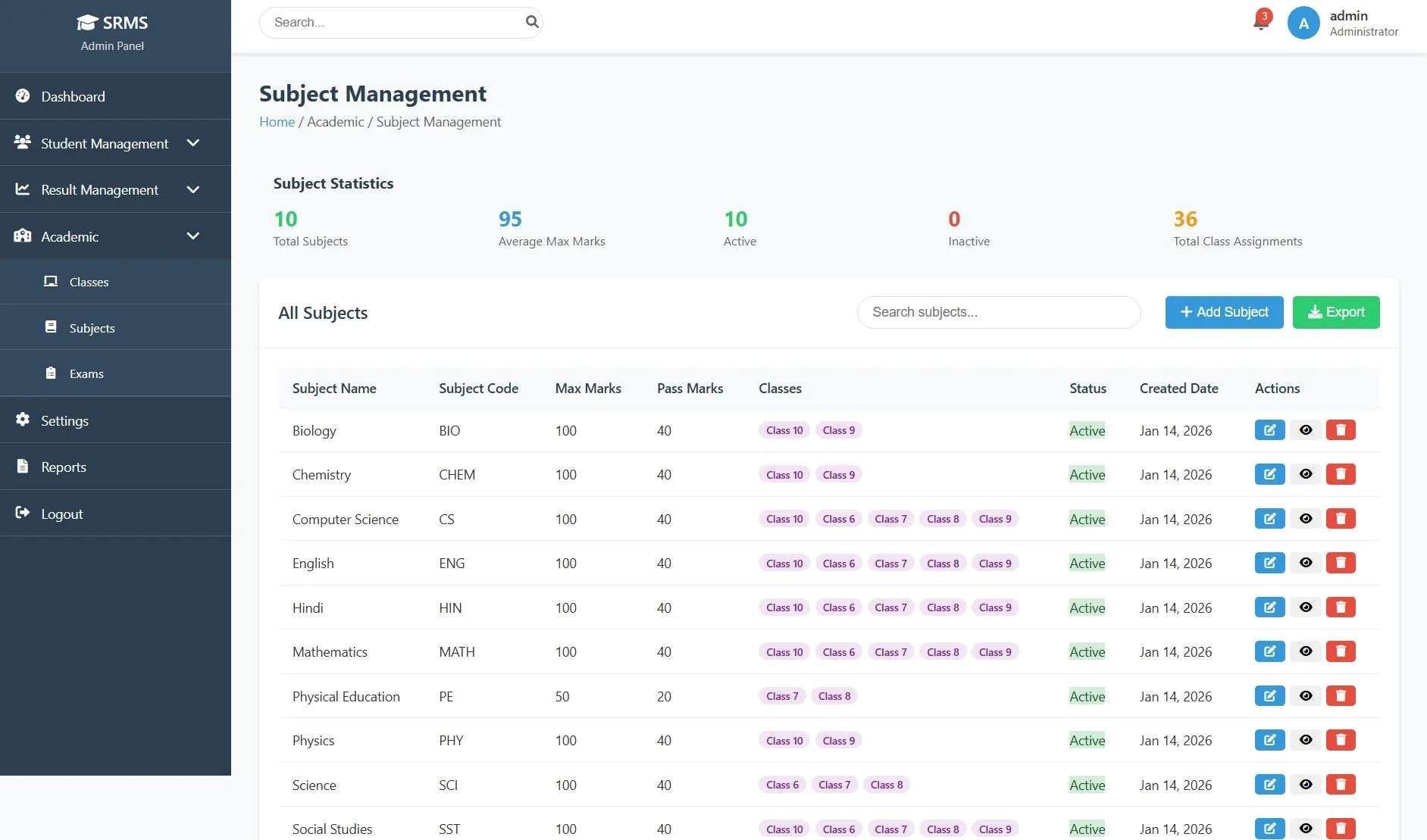
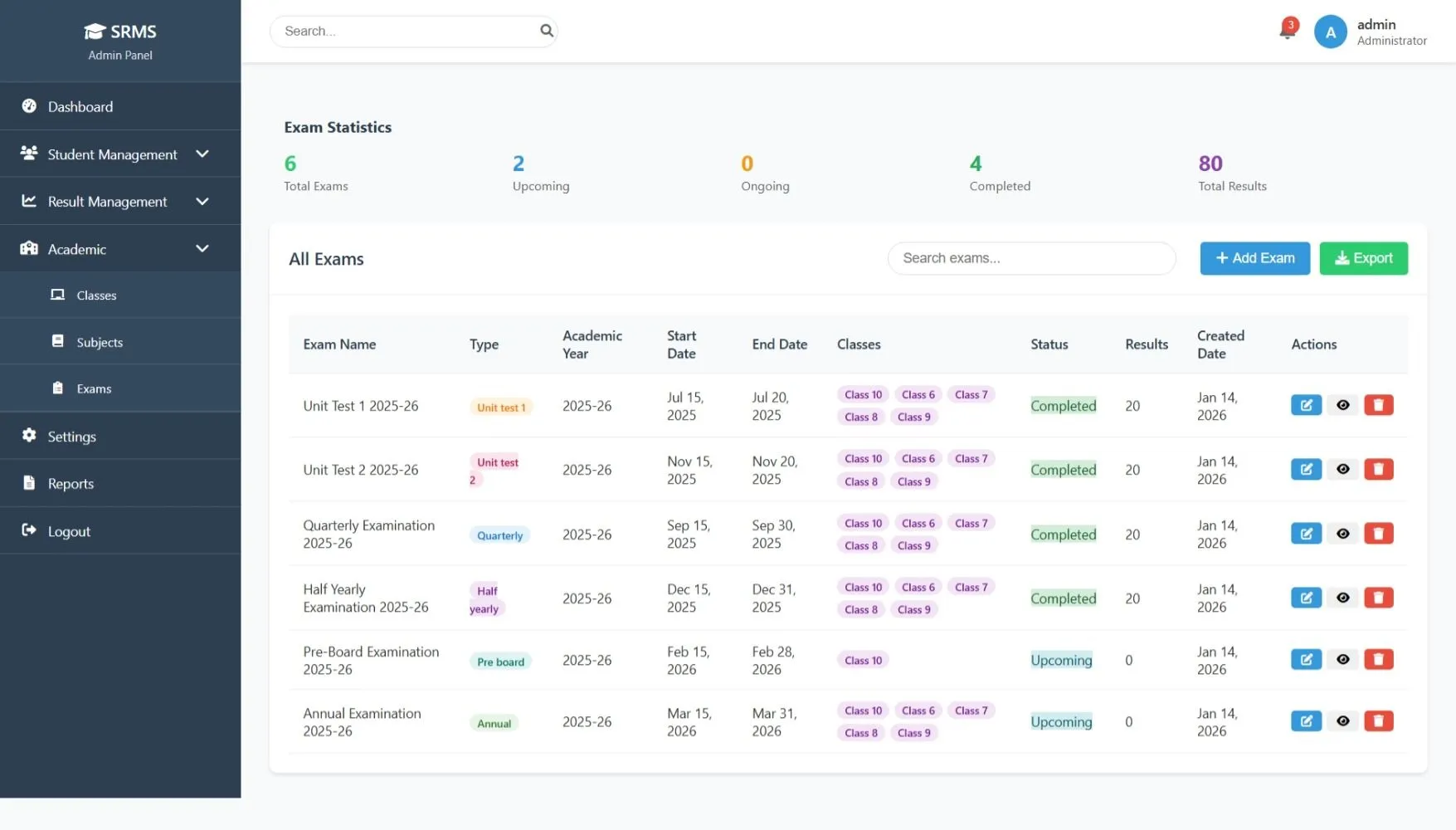
Manage classes, subjects, and examinations from a centralized academic module
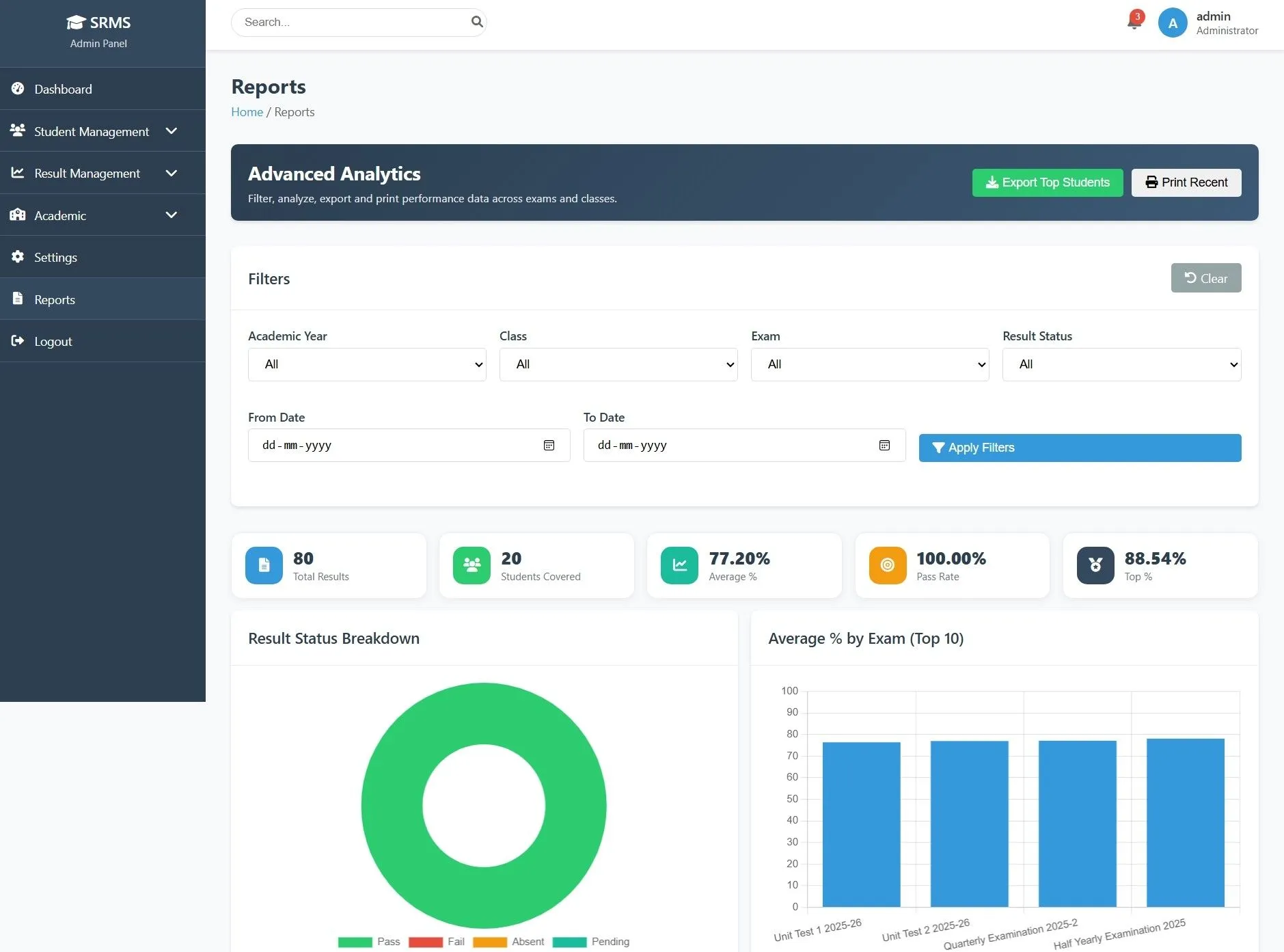
Reports
Generate and view result reports based on class, exam, and performance analysis
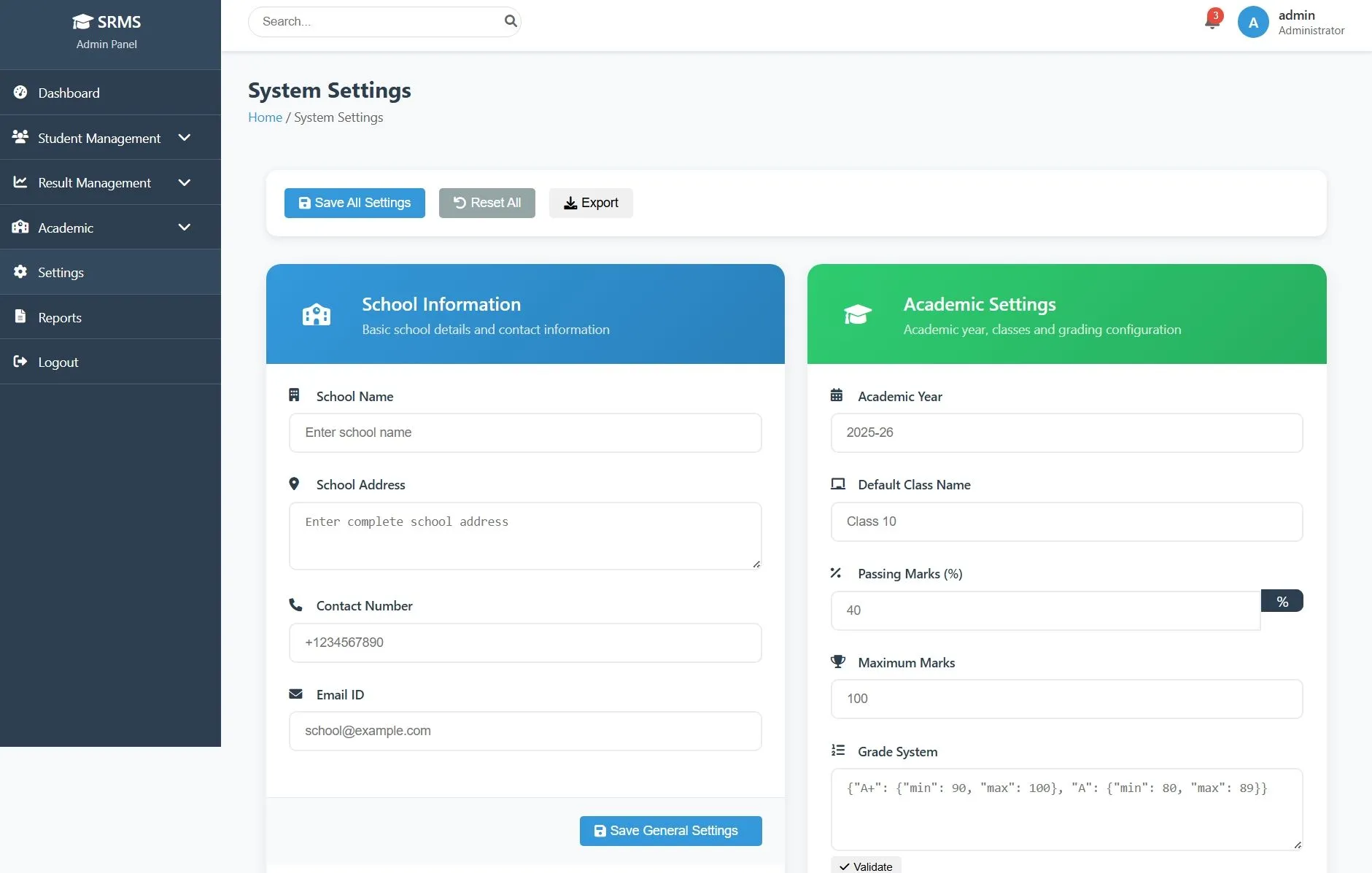
Settings
Configure system preferences, admin details, and application settings
Notifications
View alerts related to results, uploads, and system activities
Secure Authentication
Admin login-protected panel with session-based access control
Logout
Securely log out from the admin panel
How to Run
▶️ How to Run the Exam Result Management System
🔹 Prerequisites
->XAMPP or WAMP server installed
->Any web browser (Chrome, Firefox, Edge)
🔹 Installation Steps
1. Start Server
->Open XAMPP / WAMP Control Panel
->Start Apache and MySQL
2. Setup Database
->Open browser and go to http://localhost/phpmyadmin
->Create a new database named result
Click Import
->Select the file result.sql
->Click Go to import
3. Run the Project
->Open browser
->Go to http://localhost/result
🔹 Login Credentials
Admin
->Username: admin@gmail.com
->Password: admin123
🔹 Prerequisites
->XAMPP or WAMP server installed
->Any web browser (Chrome, Firefox, Edge)
🔹 Installation Steps
1. Start Server
->Open XAMPP / WAMP Control Panel
->Start Apache and MySQL
2. Setup Database
->Open browser and go to http://localhost/phpmyadmin
->Create a new database named result
Click Import
->Select the file result.sql
->Click Go to import
3. Run the Project
->Open browser
->Go to http://localhost/result
🔹 Login Credentials
Admin
->Username: admin@gmail.com
->Password: admin123
Important: Default max downloads per day (per order): 2. Download access may also be limited to 7 days from purchase.