Scientific Calculator Using JavaScript
NeuraBUG
in Web Development
Scientific Calculator Using JavaScript
₹99.00
Available for download
Project DetailsClick Here
Product DemoClick Here
Description
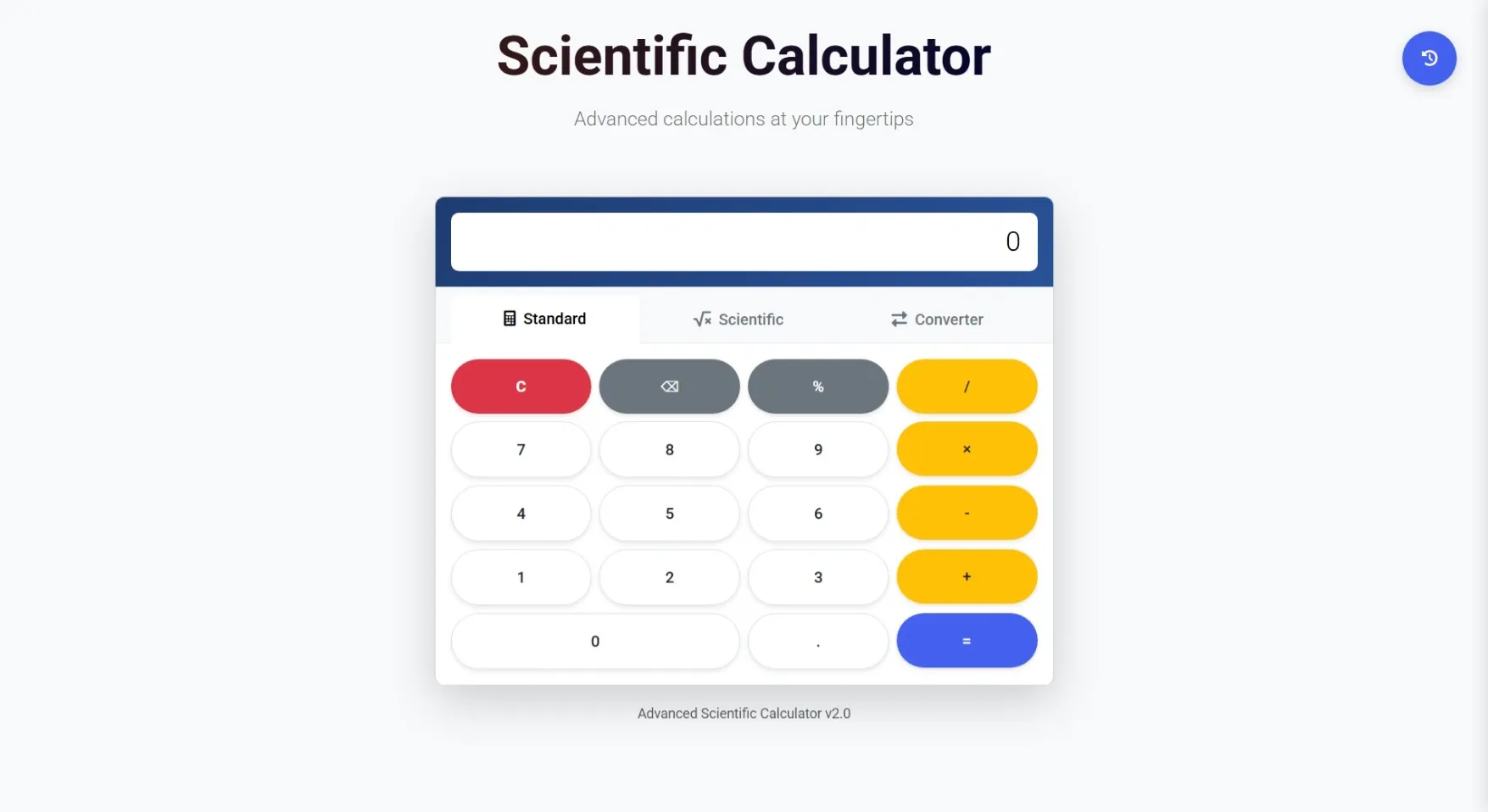
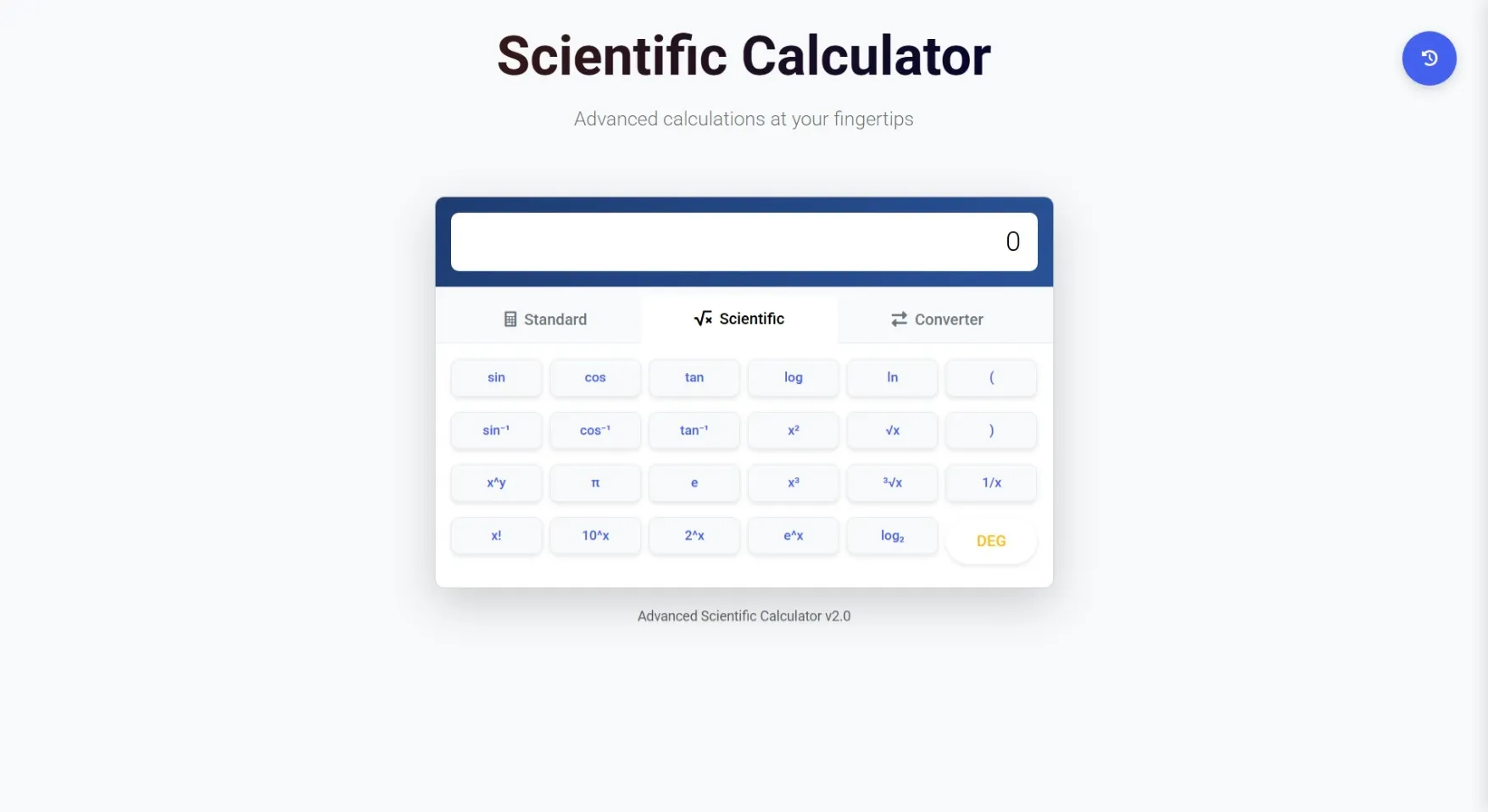
An advanced scientific calculator with a modern UI, featuring full scientific functions, equation solving, and built-in converters for length, temperature, weight, area, volume, and more. Designed for students and professionals who need fast, accurate calculations and unit conversions in one place.
Requirements
Project Name
Advanced Scientific Calculator
Language Used
HTML, CSS, JavaScript
Database
No Database (Fully client-side)
UI Framework
Bootstrap 5
Web Browser
Mozilla, Google Chrome, IE8, OPERAMozilla,
Software
Any modern code editor
User Module
Calculator Dashboard
Access all scientific functions in one place with a clean interface.
Scientific Operations
Perform advanced calculations like trigonometry, logarithms, powers, roots, and more.
Unit Converters
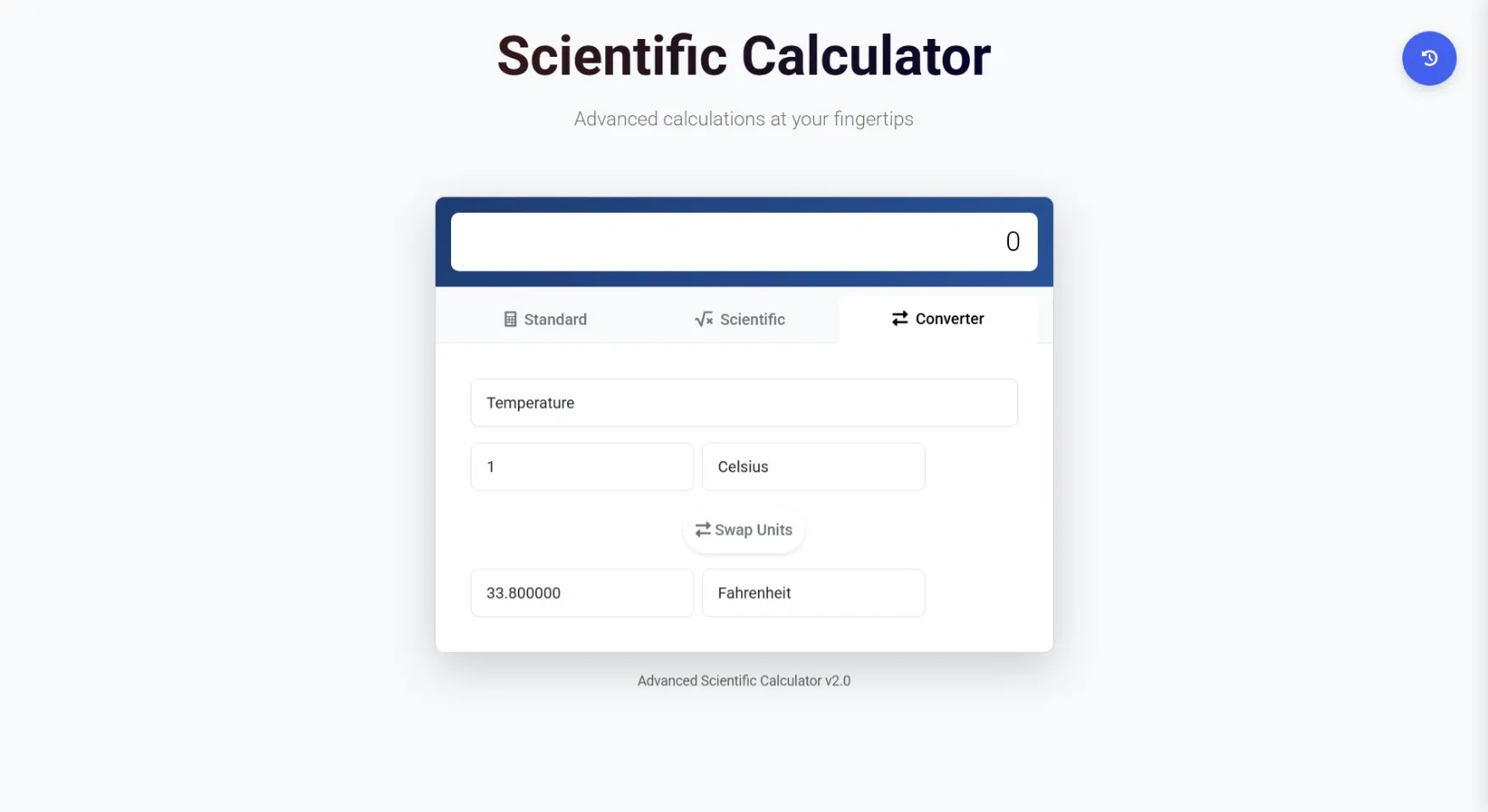
Quickly convert length, temperature, weight, area, volume, speed, and other units.
History Panel
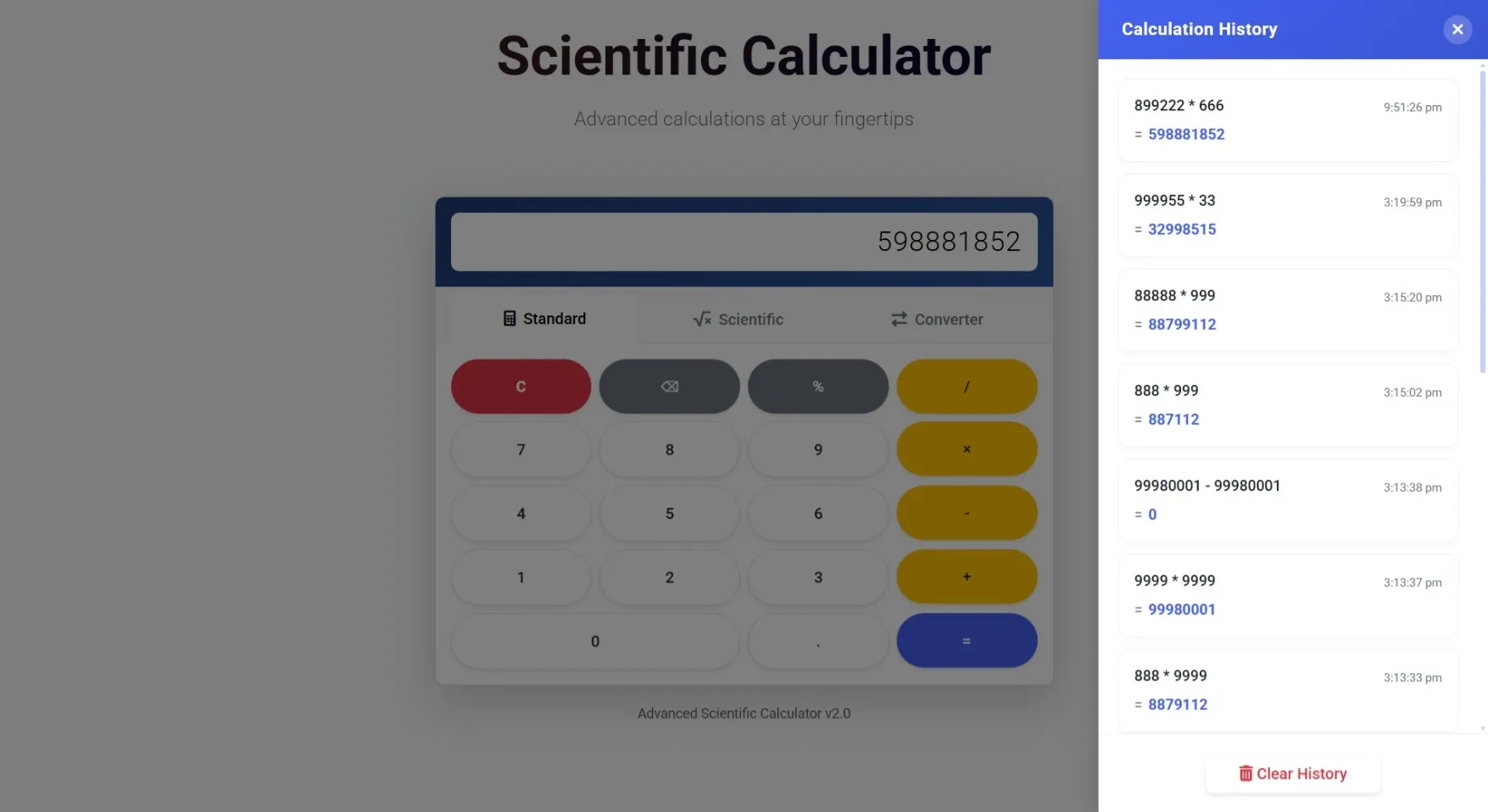
View recent calculations and conversions for easy reference.
Multi
Mode Support:Toggle between Standard, Scientific, and Programmer modes.
Keyboard Support
Use both on-screen keys and physical keyboard shortcuts.
How to Run
🧩 Installation Steps
Download and unzip the project.
Open the calculater folder in VS Code.
🌐 Run the Project
Install the Live Server extension in VS Code.
Right-click index.html → Open with Live Server.
The calculator will open in your browser instantly.
🛢️ Database
No database required
🔐 Login
No login system — ready to use
Download and unzip the project.
Open the calculater folder in VS Code.
🌐 Run the Project
Install the Live Server extension in VS Code.
Right-click index.html → Open with Live Server.
The calculator will open in your browser instantly.
🛢️ Database
No database required
🔐 Login
No login system — ready to use
Important: Default max downloads per day (per order): 2. Download access may also be limited to 7 days from purchase.