Inventory Management System using PHP

NeuraBUG
in Web Development
Inventory Management System using PHP
₹499.00
₹899.00
Available for download
Project DetailsClick Here
Product DemoClick Here
Description
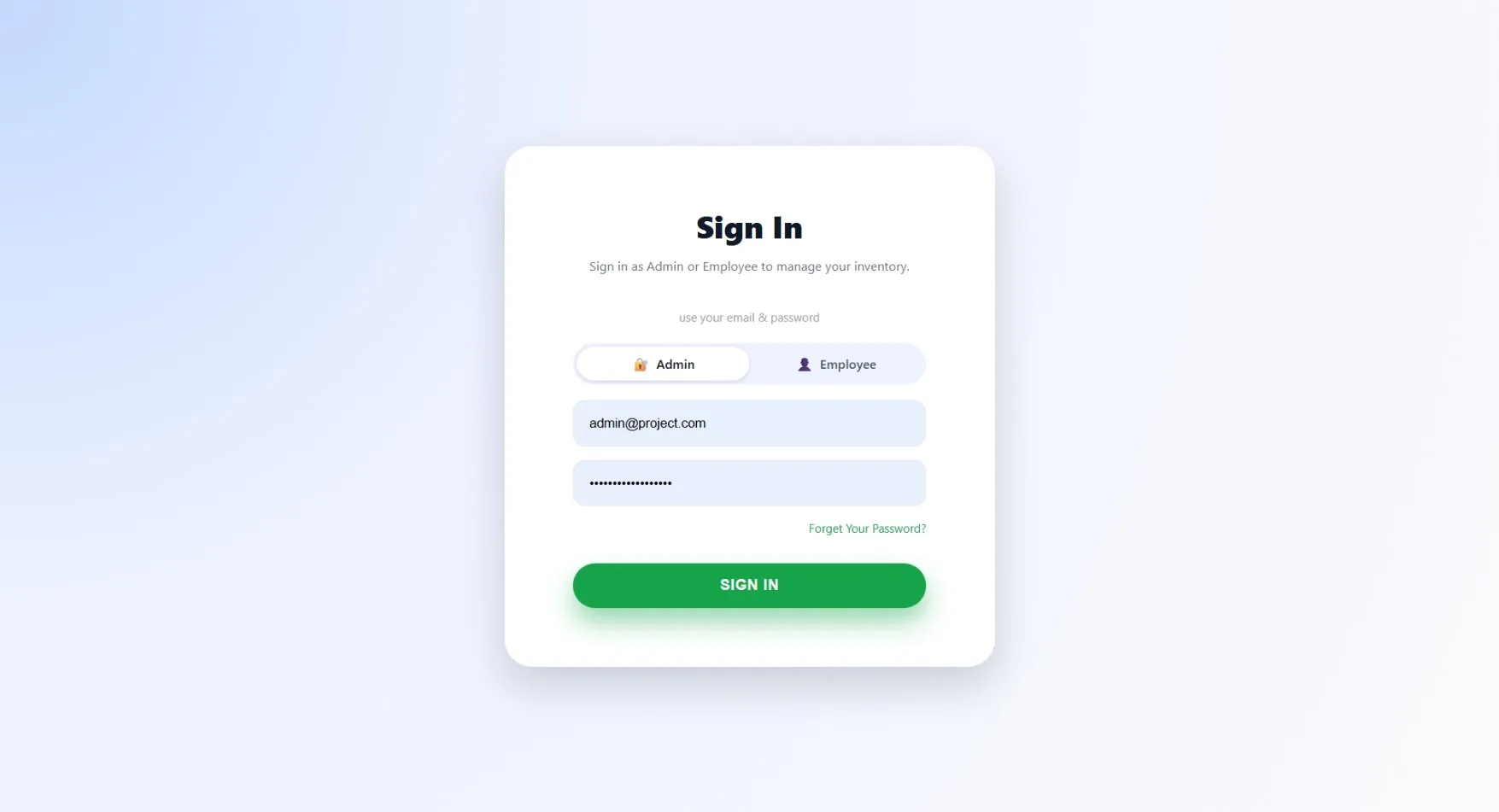
This is a comprehensive web-based inventory management system designed to help businesses track and manage their products, categories, suppliers, and sales. The system features a role-based access control system with separate interfaces for administrators and employees.
Requirements
Project Name
Inventory Management System using PHP
Language Used
PHP 8, JavaScript, HTML, CSS
Database
MySQL 8
UI Framework
Bootstrap 5
Web Browser
Chrome 120+ (or any modern browser)
Software
XAMPP / WAMP / Laragon (for local server and MySQL)
Admin Module
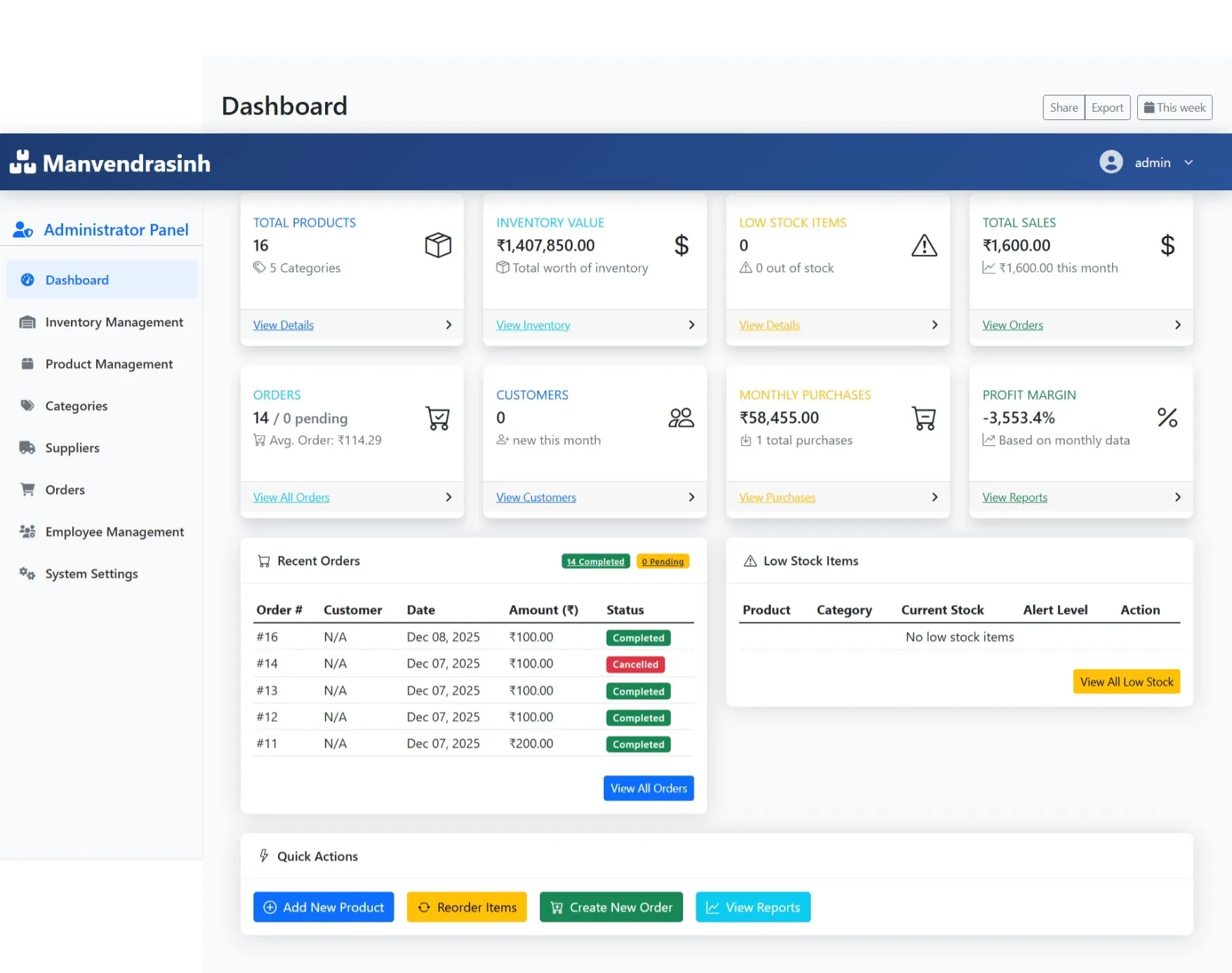
Dashboard
Quick view of inventory status, low-stock items, and recent orders
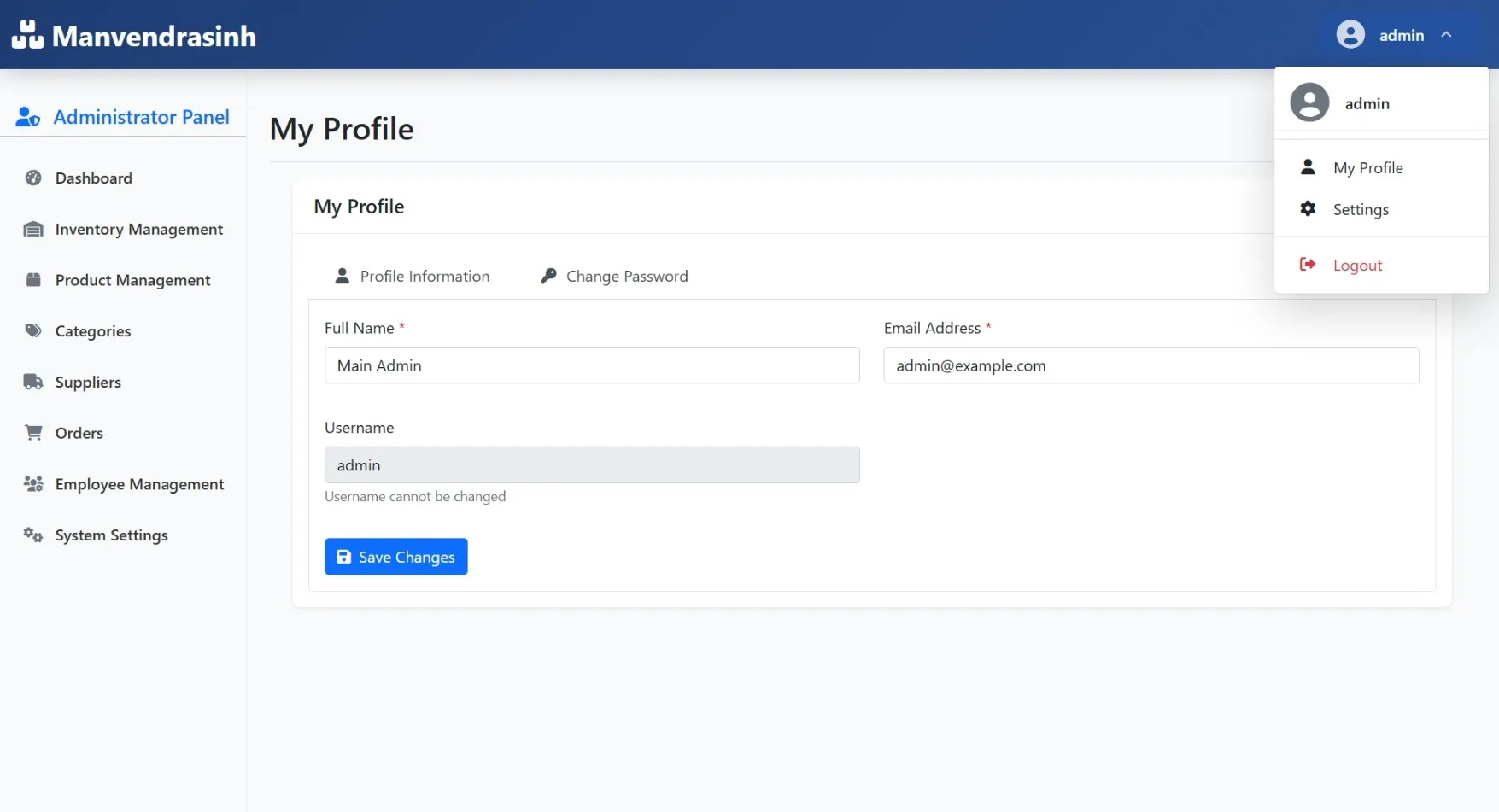
My Profile
Edit personal details, login credentials, and contact info
Product Management
Add, edit, delete, and view product details like name, category, quantity, and price
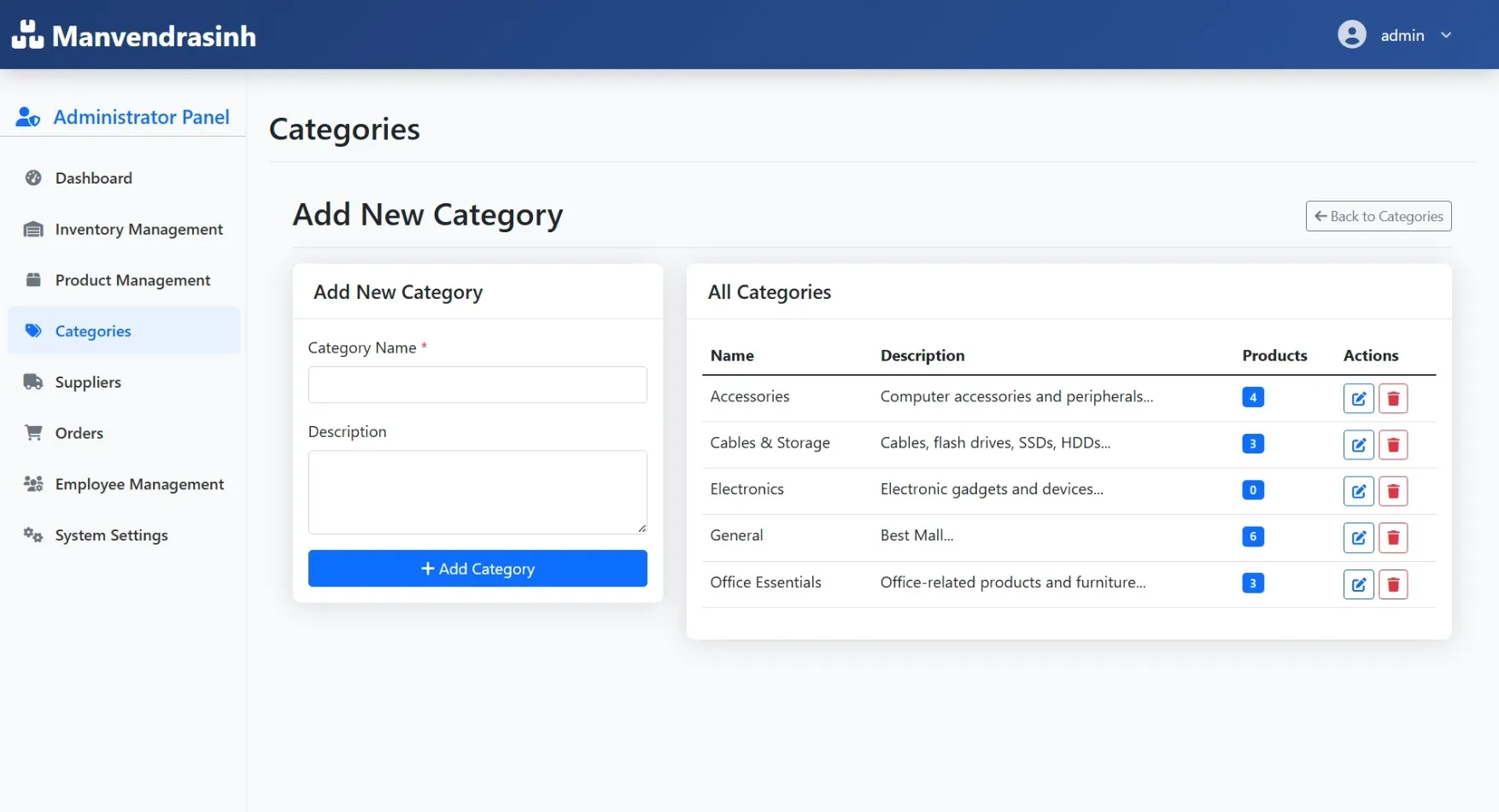
Category Management
Organize products into categories and manage descriptions
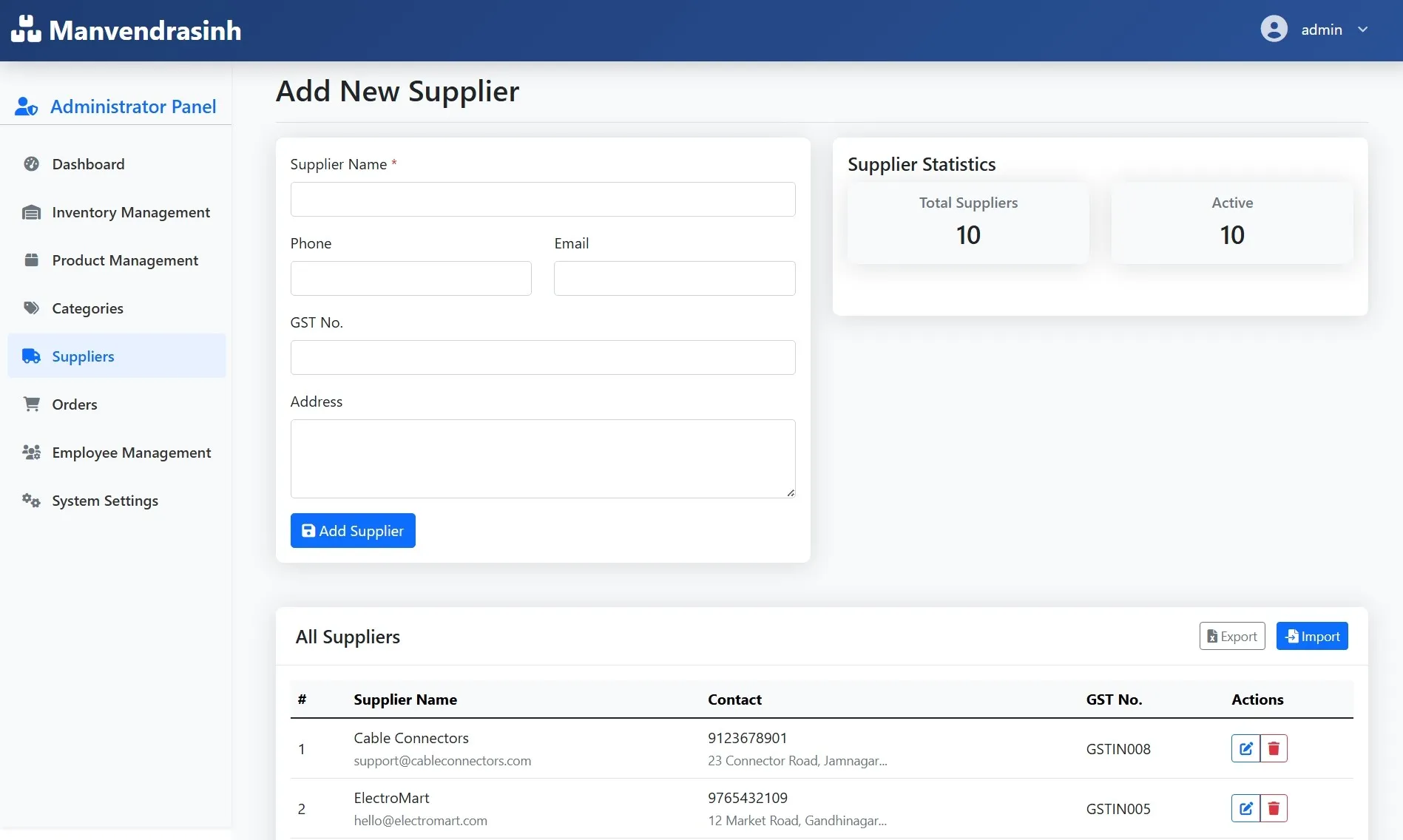
Supplier Management
Track supplier details and manage purchase orders
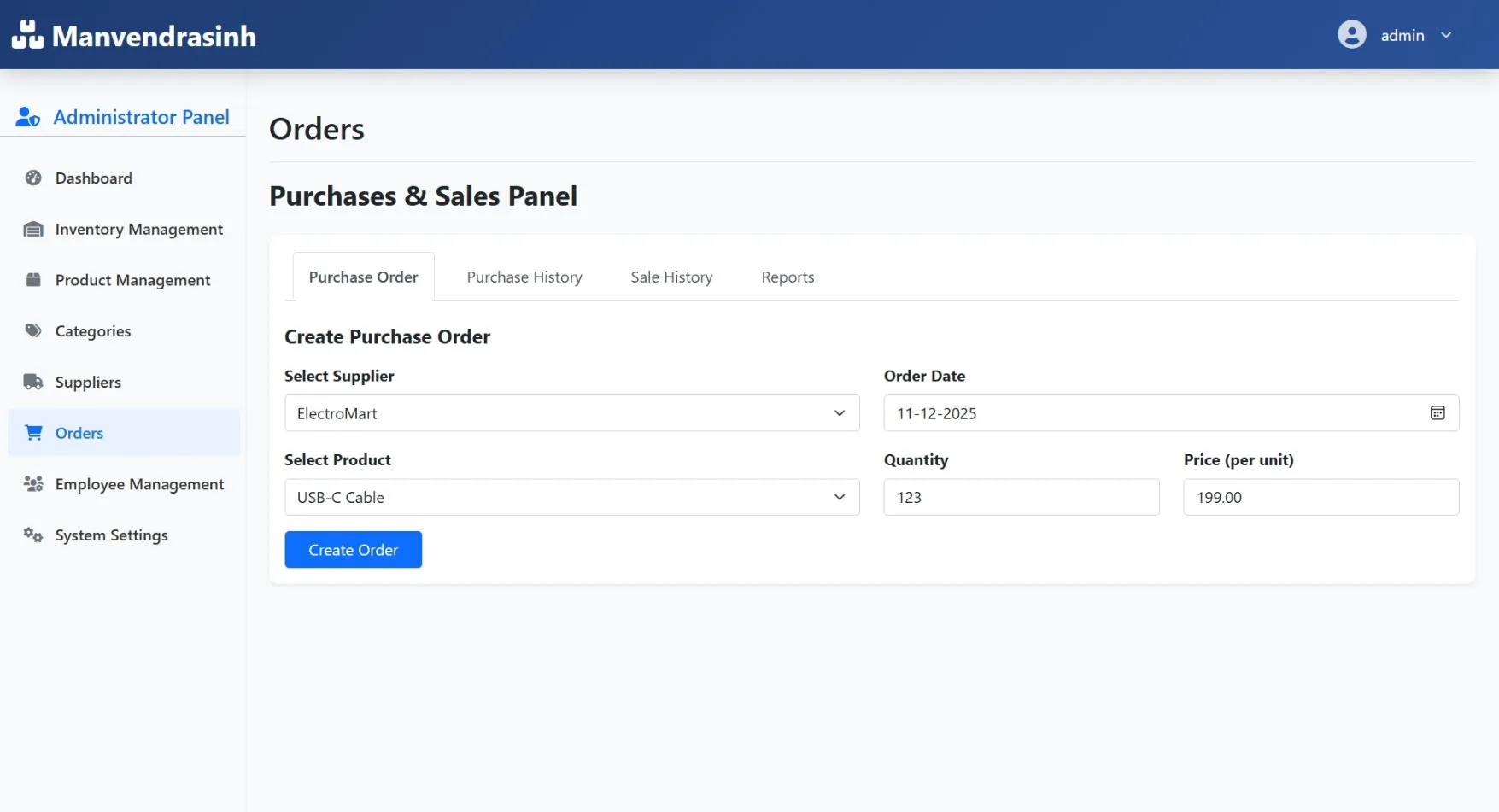
Order Management
View, approve, or cancel sales/orders and track order history
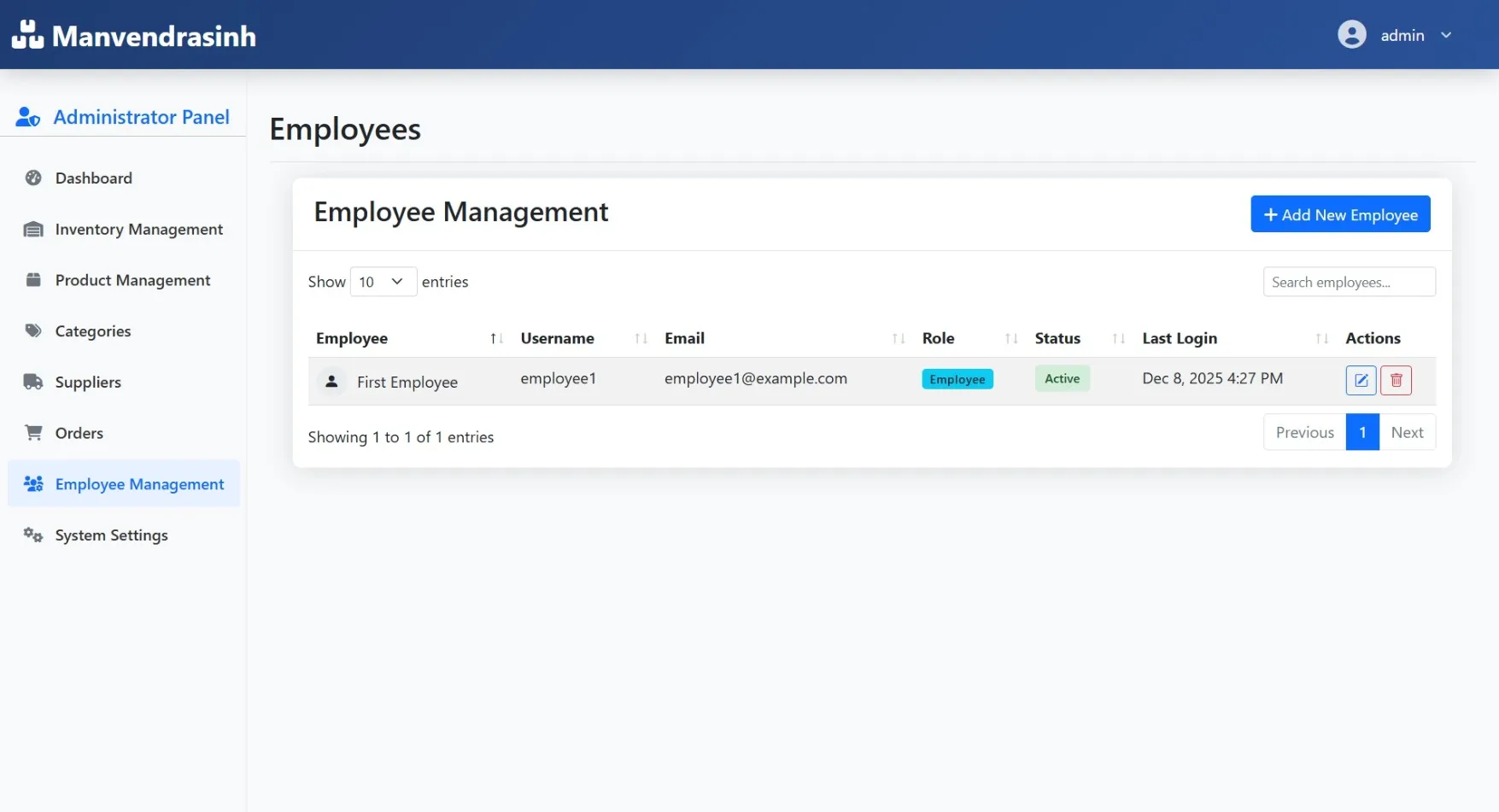
Employee Management
Add, edit, and manage employee accounts and permissions
Reports & Analytics
Generate stock, sales, and order reports
Notifications
Receive alerts for low stock, pending orders, and system updates
Employee Module
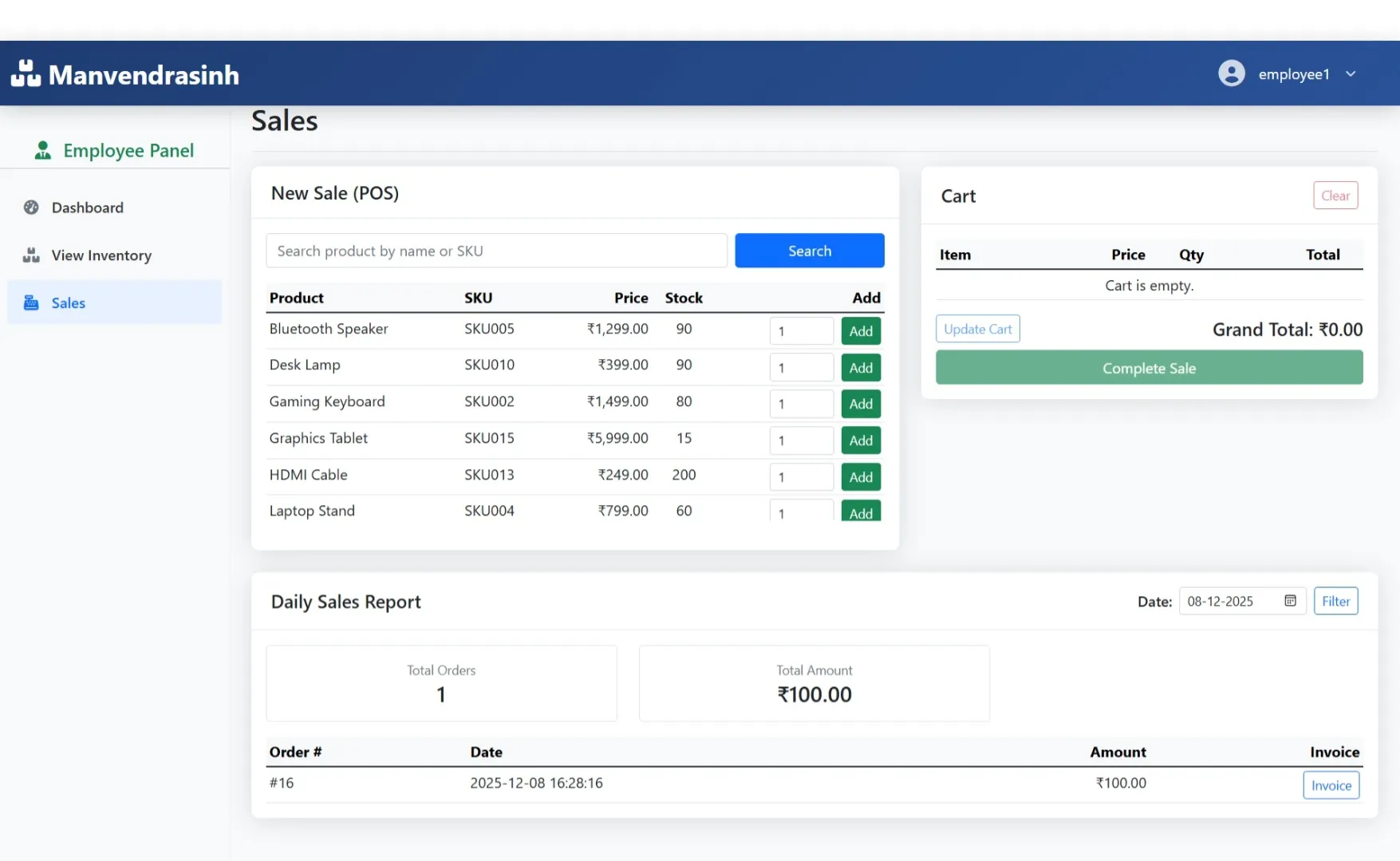
Dashboard
Quick view of assigned inventory, pending orders, and notifications
My Profile
Edit personal details, contact info, and password
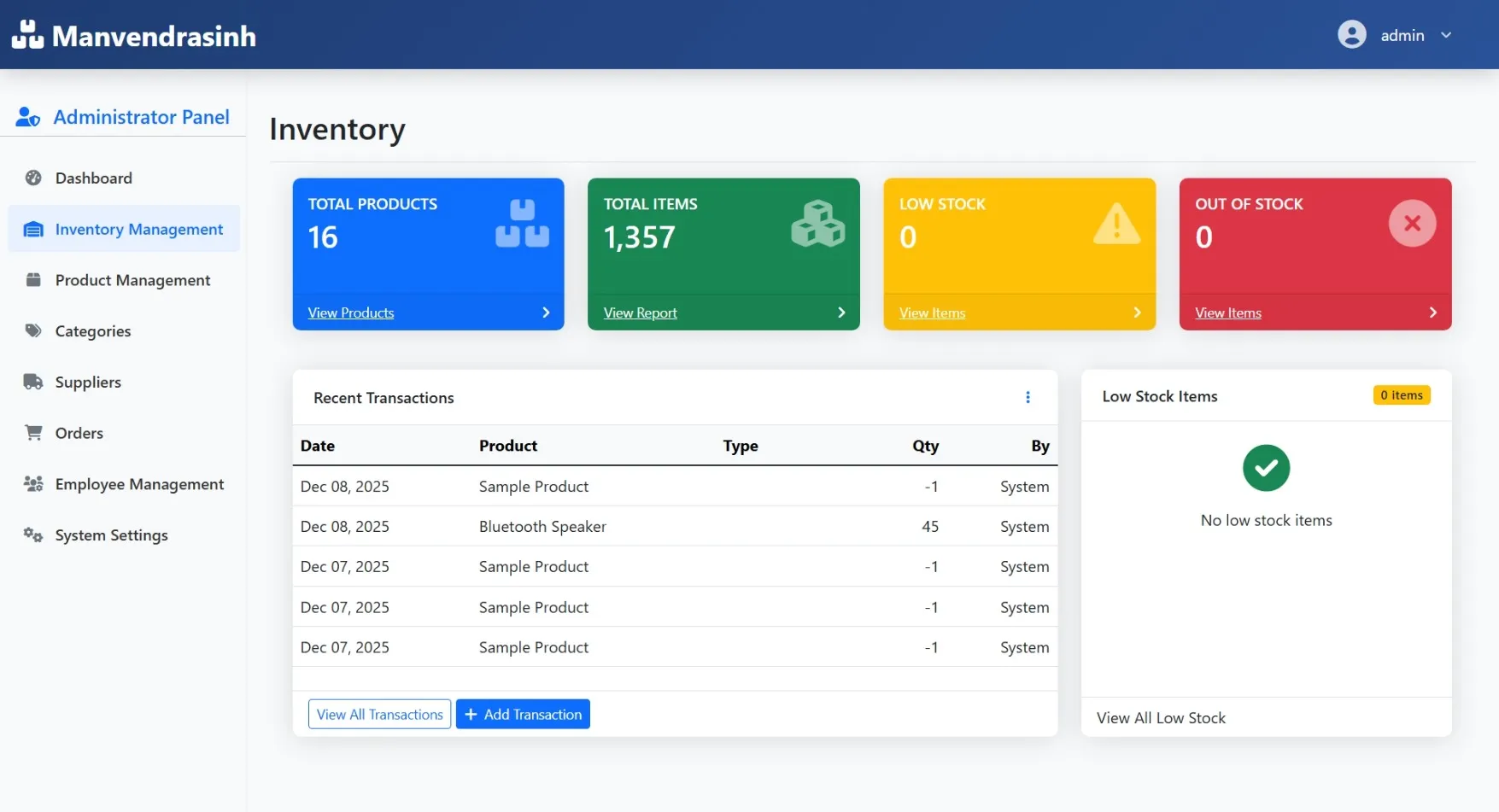
Inventory View
Check product availability, quantity, and details
Sales / Order Processing
Place sales orders or requests and track order status
Notifications
Receive alerts for approvals, updates, or low-stock items
My Complaints / Requests
Submit and track complaints about inventory issues or system problems
How to Run
## Inventory Management System – Run Guide
### 1️⃣ Setup Server
Install **XAMPP**, **WAMP**, or **Laragon**, then start **Apache** and **MySQL**.
### 2️⃣ Database Import
Open **phpMyAdmin**, create a new database, and **import the provided `inventory.sql` file**.
### 3️⃣ Project Files
Place the project folder inside the server’s `htdocs` (or `www`) directory.
### 4️⃣ Run in Browser
Open **Chrome**, **Edge**, or any modern browser, and navigate to:
```
http://localhost/project-folder/
```
### 5️⃣ Default Login Credentials
**Admin:**
* Username: `admin`
* Password: `admin123`
**Employee:**
* Username: `employee1`
* Password: `emp123`
> **Important:** Change default passwords after first login for security.
### 1️⃣ Setup Server
Install **XAMPP**, **WAMP**, or **Laragon**, then start **Apache** and **MySQL**.
### 2️⃣ Database Import
Open **phpMyAdmin**, create a new database, and **import the provided `inventory.sql` file**.
### 3️⃣ Project Files
Place the project folder inside the server’s `htdocs` (or `www`) directory.
### 4️⃣ Run in Browser
Open **Chrome**, **Edge**, or any modern browser, and navigate to:
```
http://localhost/project-folder/
```
### 5️⃣ Default Login Credentials
**Admin:**
* Username: `admin`
* Password: `admin123`
**Employee:**
* Username: `employee1`
* Password: `emp123`
> **Important:** Change default passwords after first login for security.
Important: Default max downloads per day (per order): 2. Download access may also be limited to 7 days from purchase.