Courier Management System In PHP
NeuraBUG


in Web Development
Courier Management System In PHP
₹899.00
₹1,199.00
Available for download
Project DetailsClick Here
Product DemoClick Here
Description
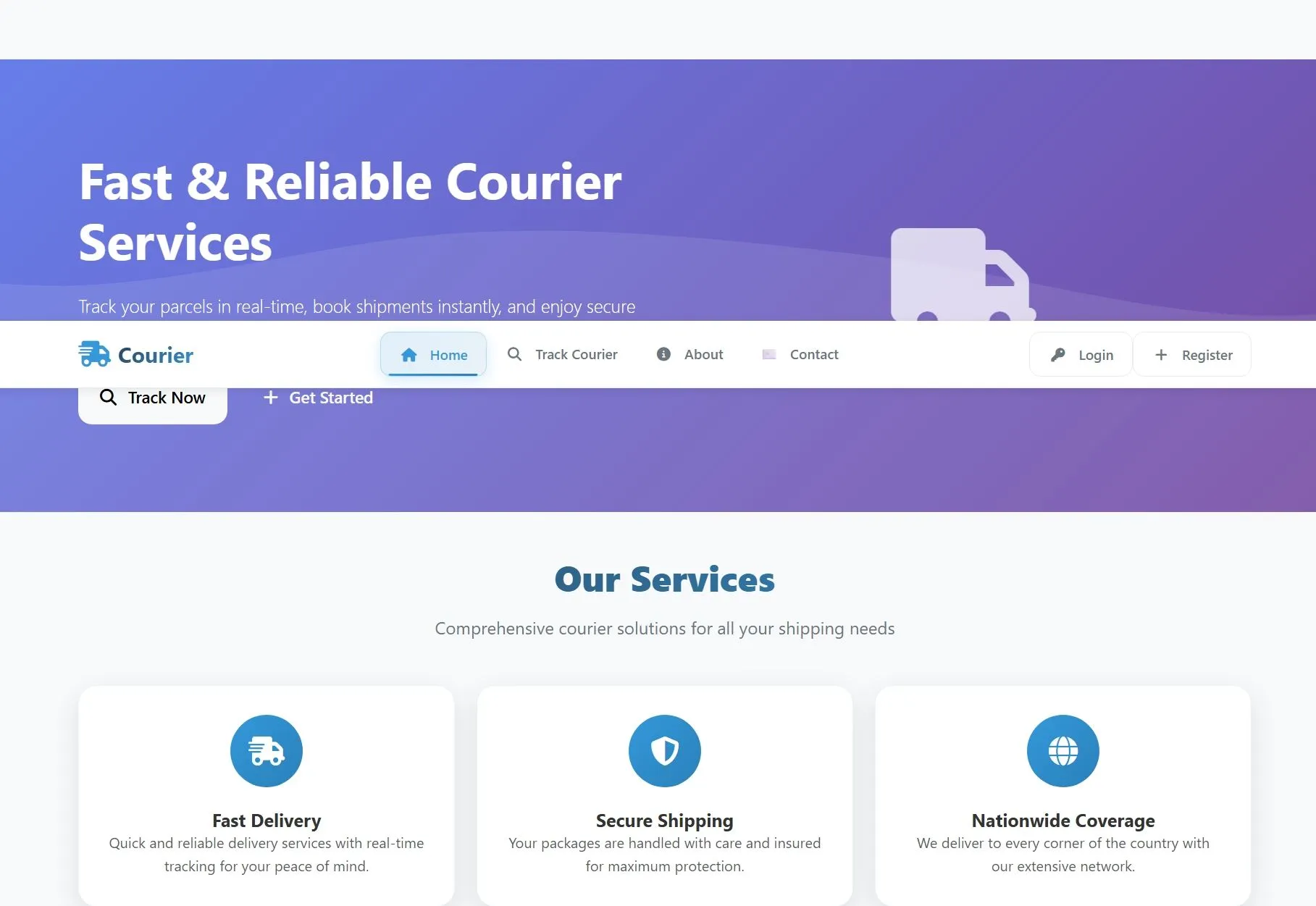
A comprehensive PHP-based Courier Management System that streamlines parcel tracking, customer management, and delivery operations with real-time monitoring capabilities.
The system features dual-panel architecture for administrators and customers, complete payment processing, complaint handling, and detailed reporting analytics.
Built with modern PHP and MySQL, it provides secure authentication, responsive design, and scalable architecture for efficient logistics management.
The system features dual-panel architecture for administrators and customers, complete payment processing, complaint handling, and detailed reporting analytics.
Built with modern PHP and MySQL, it provides secure authentication, responsive design, and scalable architecture for efficient logistics management.
Requirements
Project Name
courier Management System
Language Used
PHP 8, JavaScript, HTML5, CSS3
Database
MySQL 8, MariaDB 10.6+
UI Framework
Bootstrap 5, Custom CSS, Responsive Design
Web Browser
Chrome 120+, Firefox 75+, Safari 13+, Edge 80+
Software
XAMPP 8.2, WAMP 3.2, MAMP 6, Apache 2.4
User Module
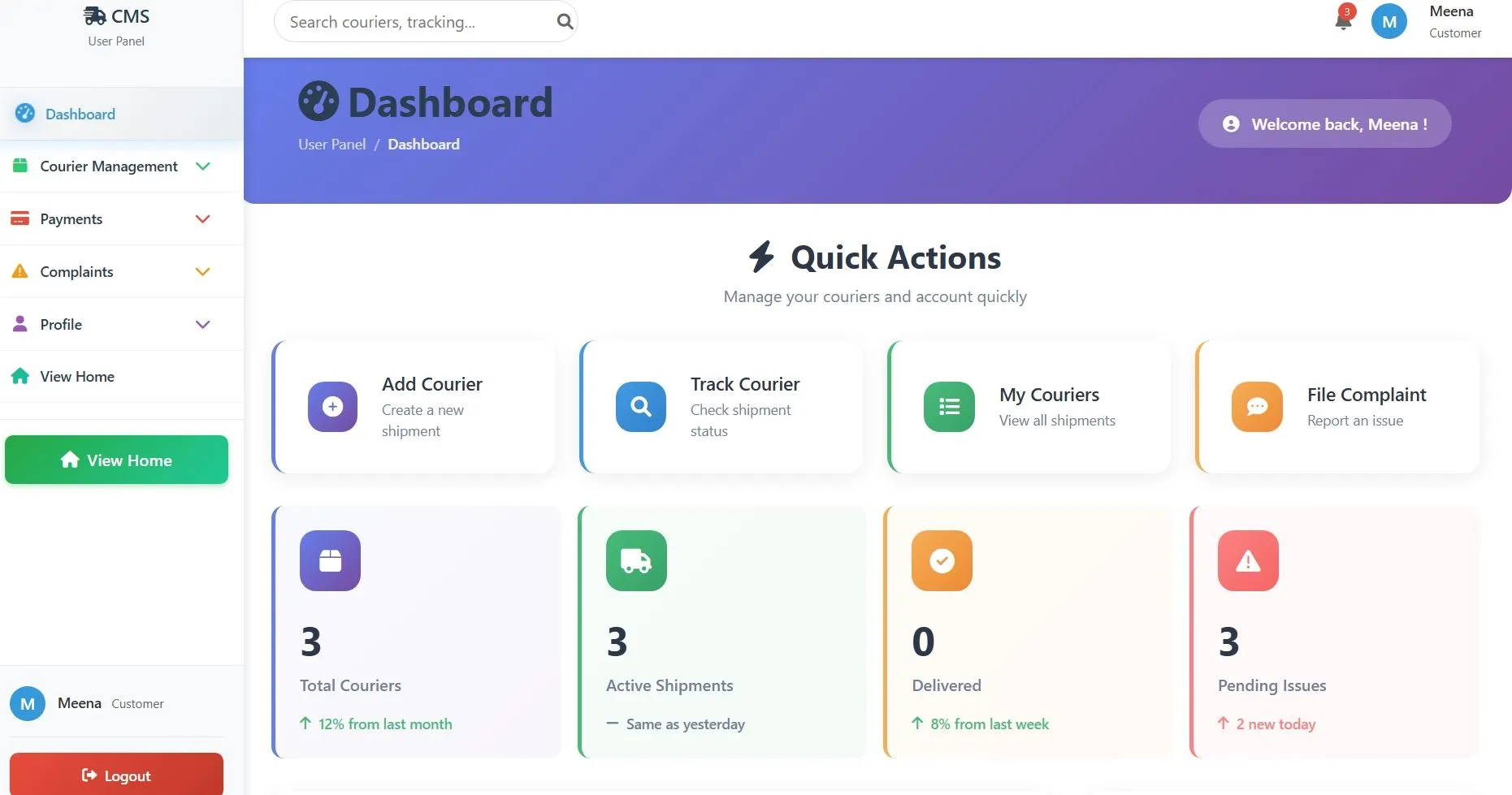
Dashboard
Quick view of total couriers, active shipments, delivered packages, pending complaints, total spending, recent couriers, and quick actions for booking new shipments
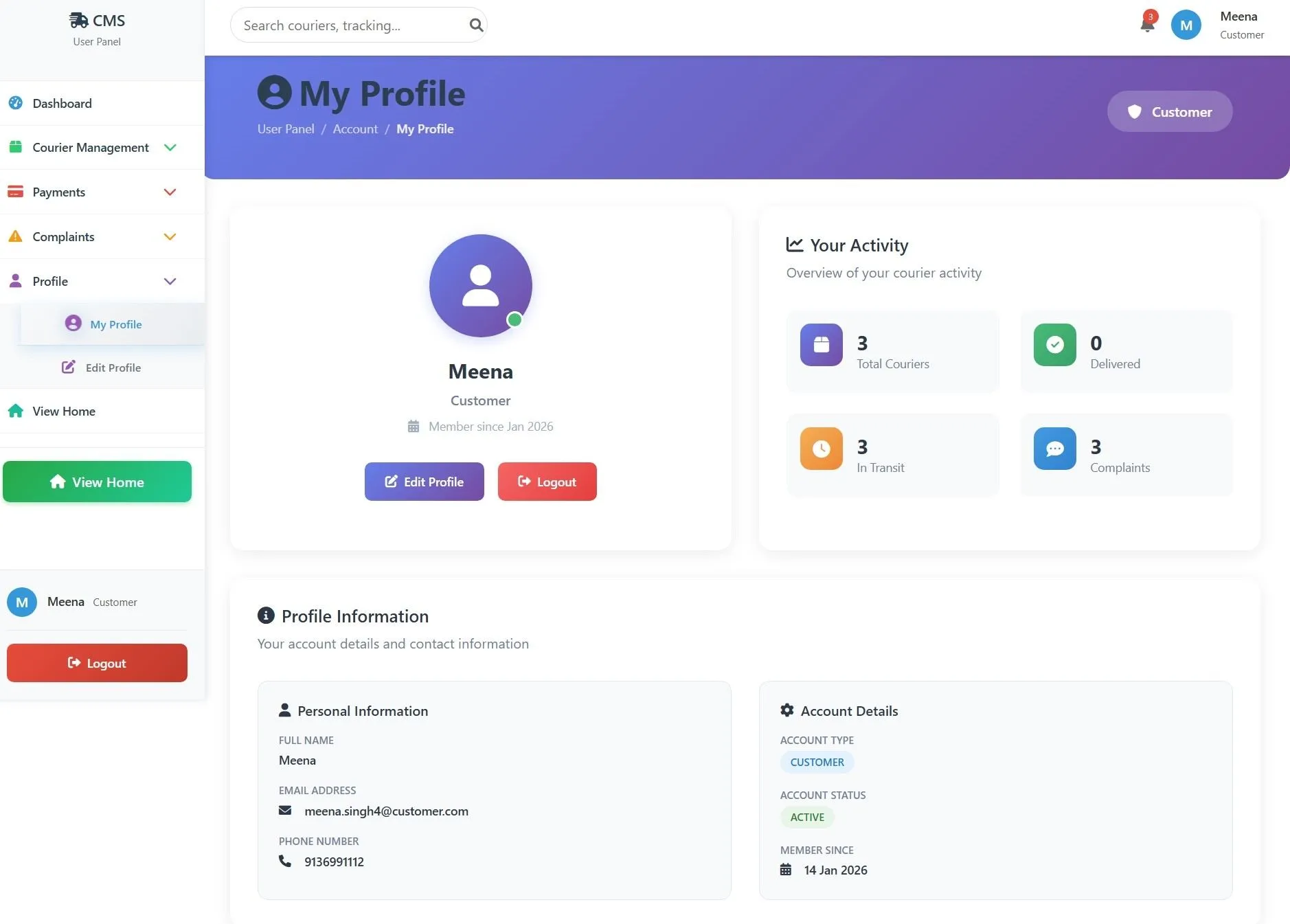
My Profile
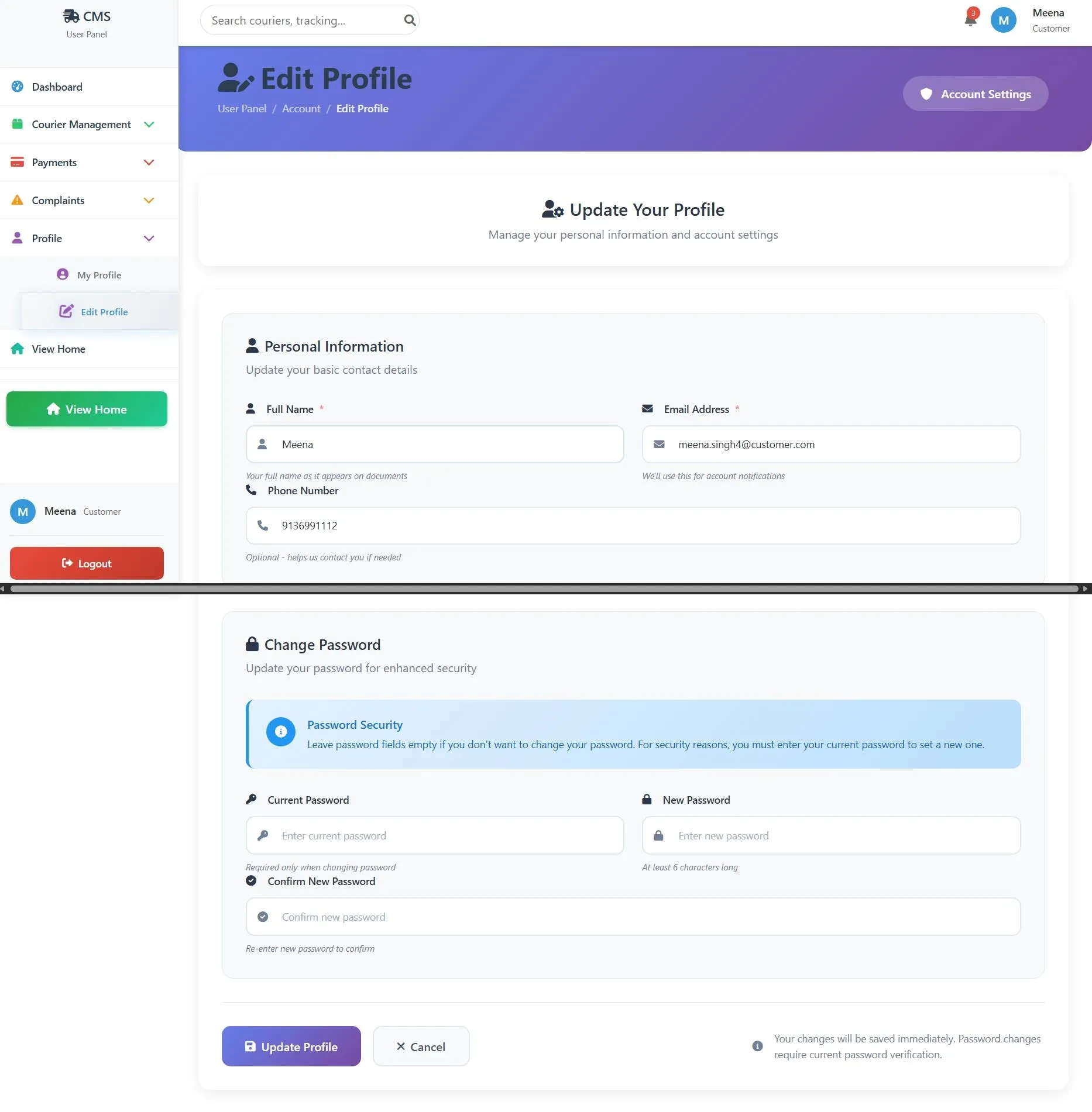
View and edit personal details, contact information, account statistics, profile picture, and manage account settings
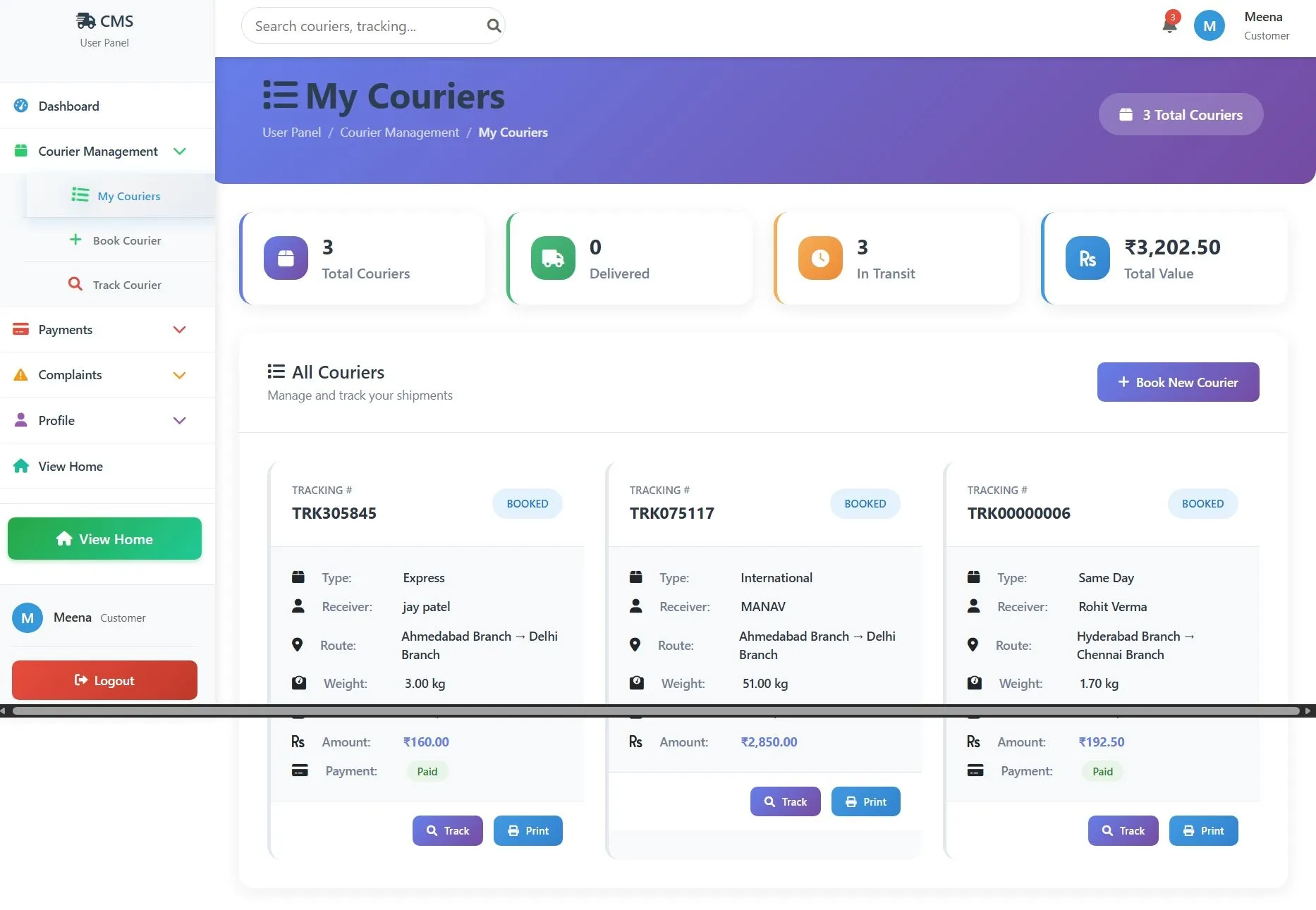
My Couriers
Complete list of all shipments with tracking numbers, receiver details, pickup/delivery branches, payment status, and courier status
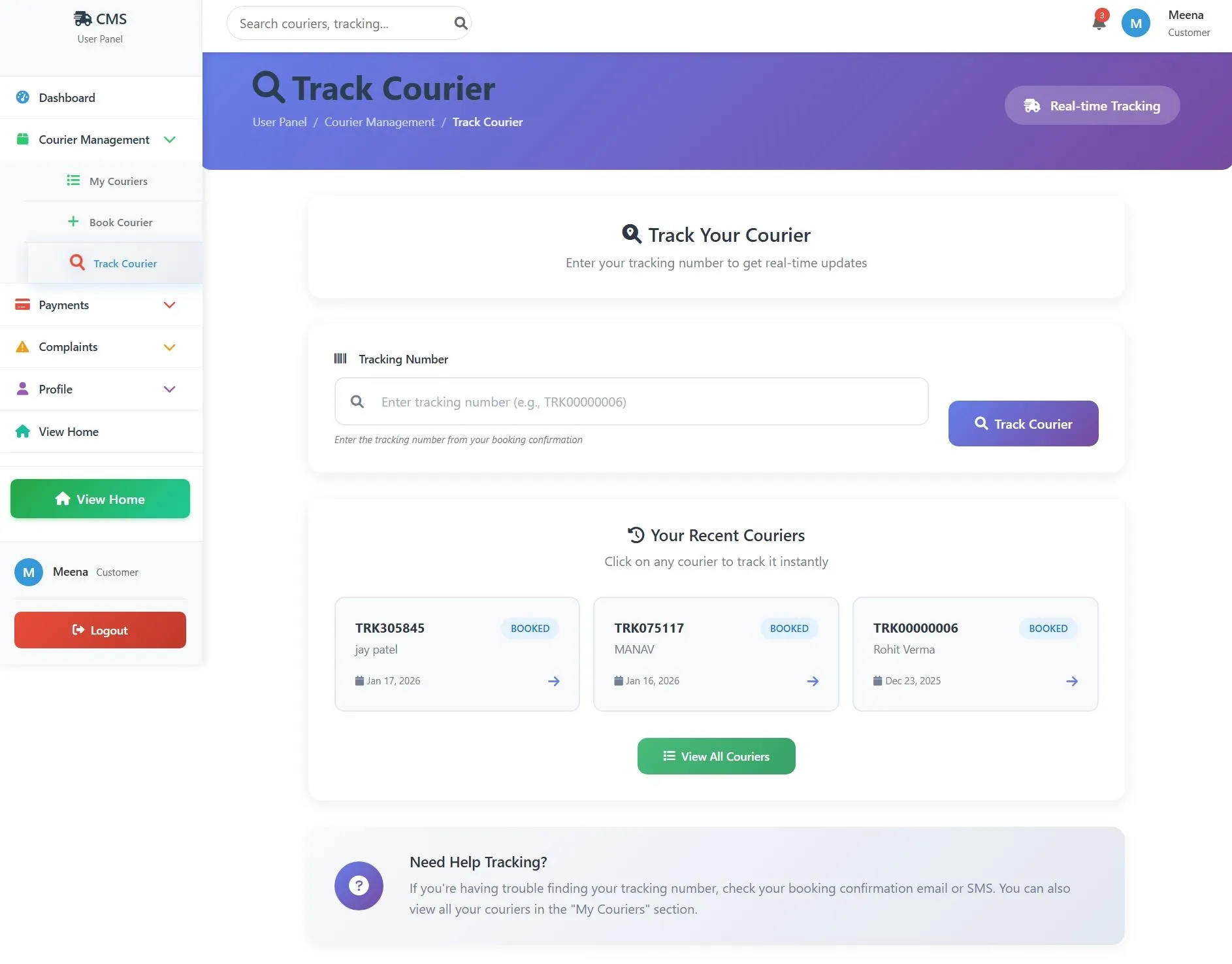
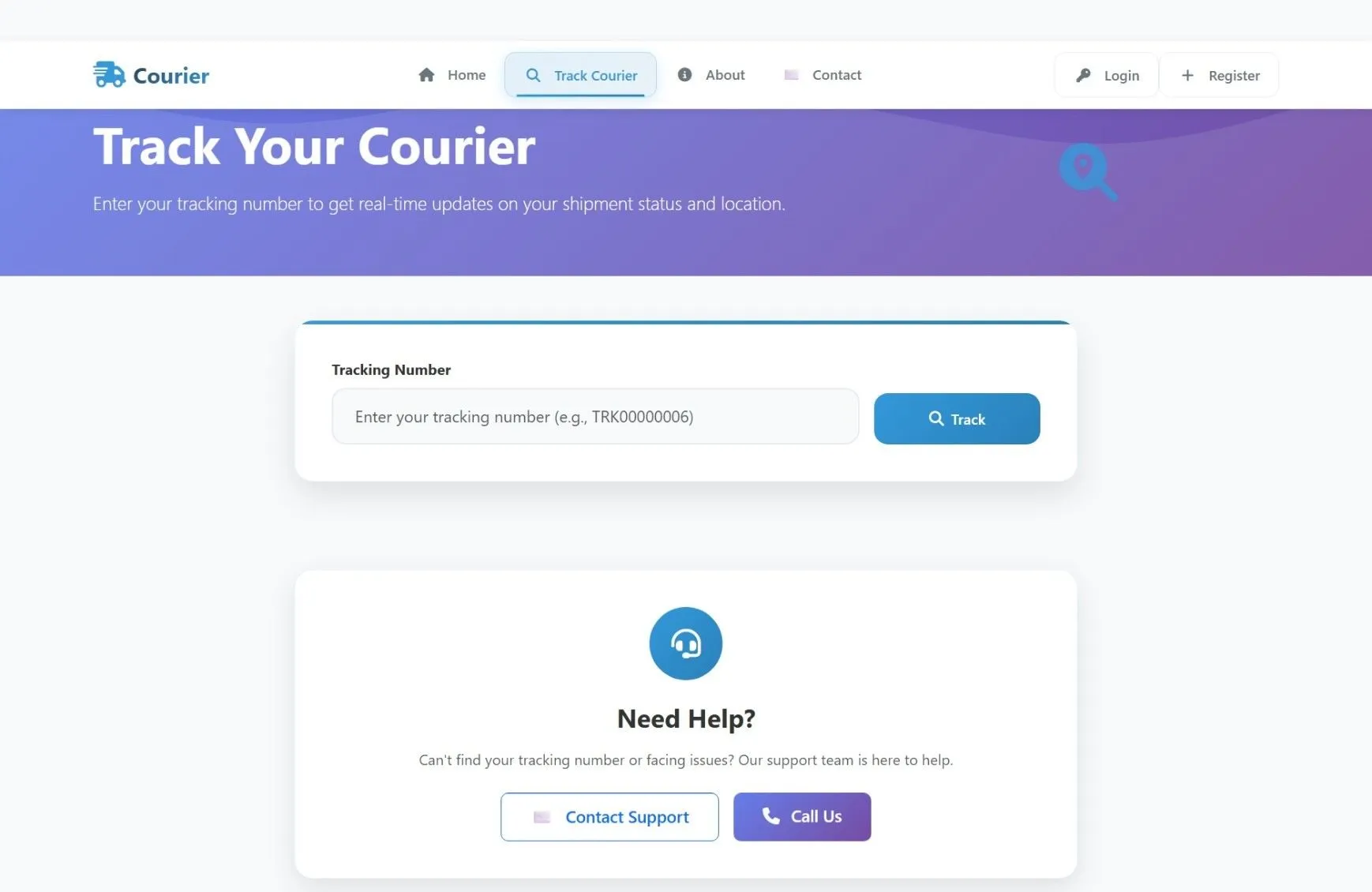
Track Courier
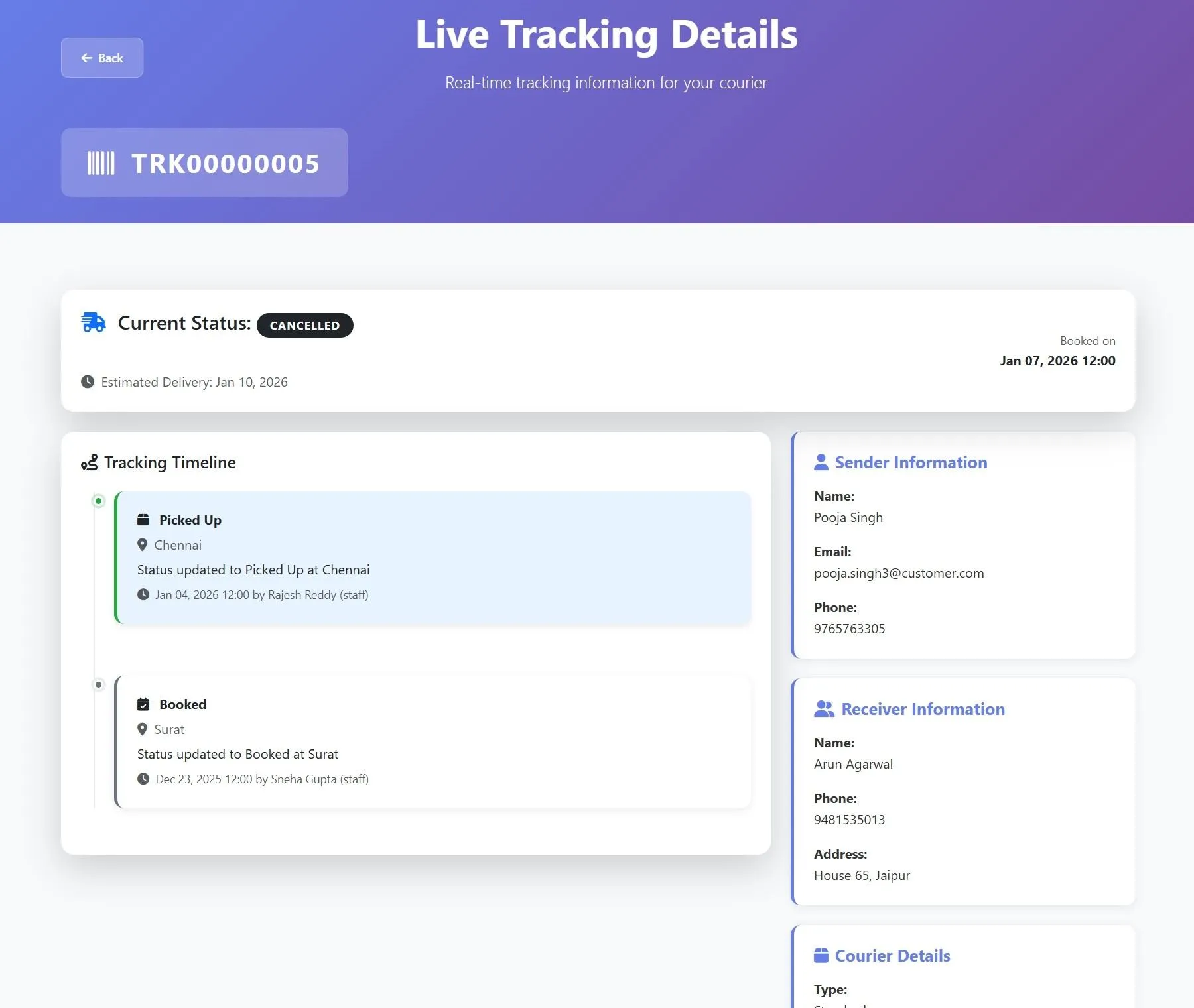
Real-time tracking system with search functionality, tracking history, delivery status updates, and location tracking
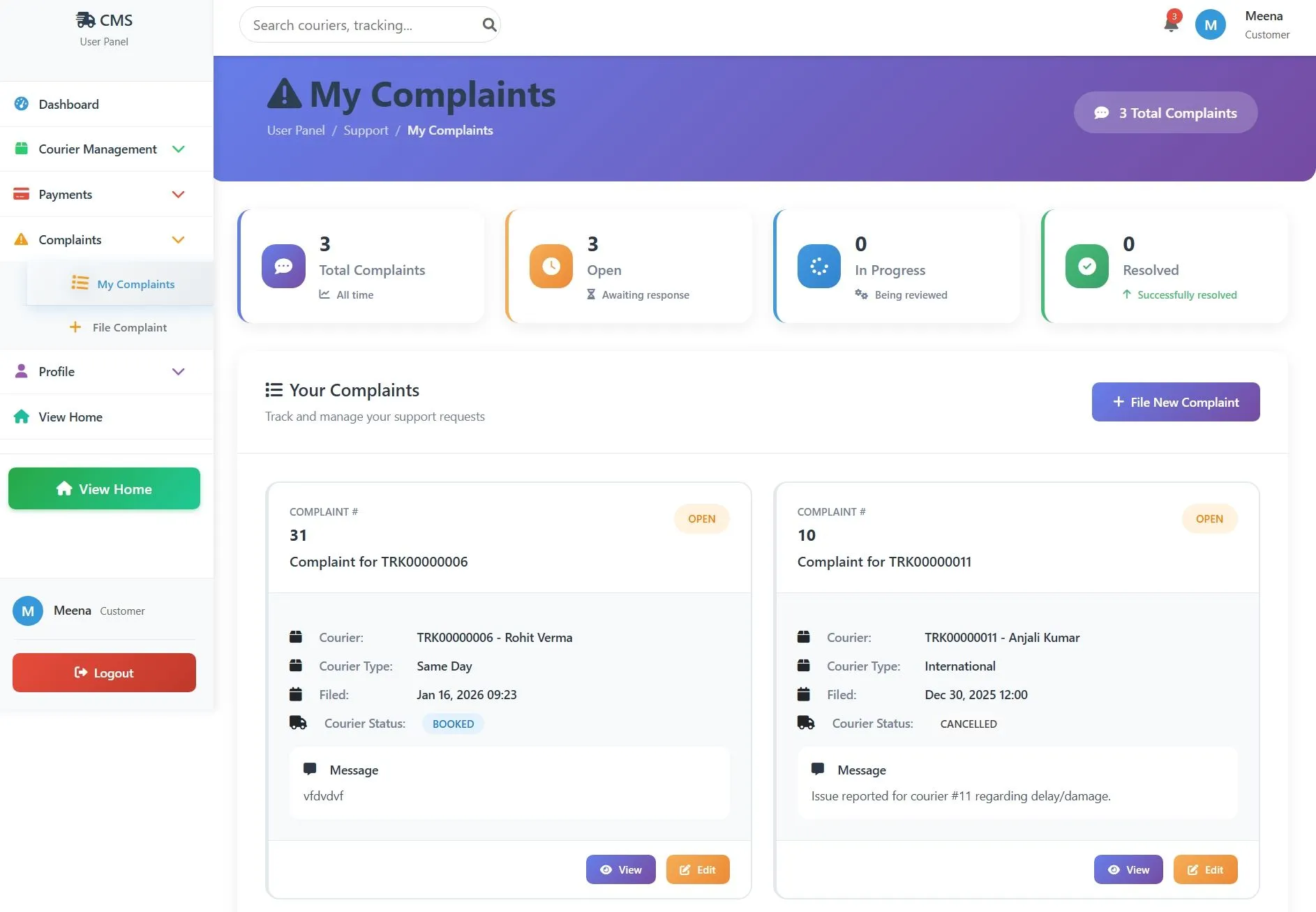
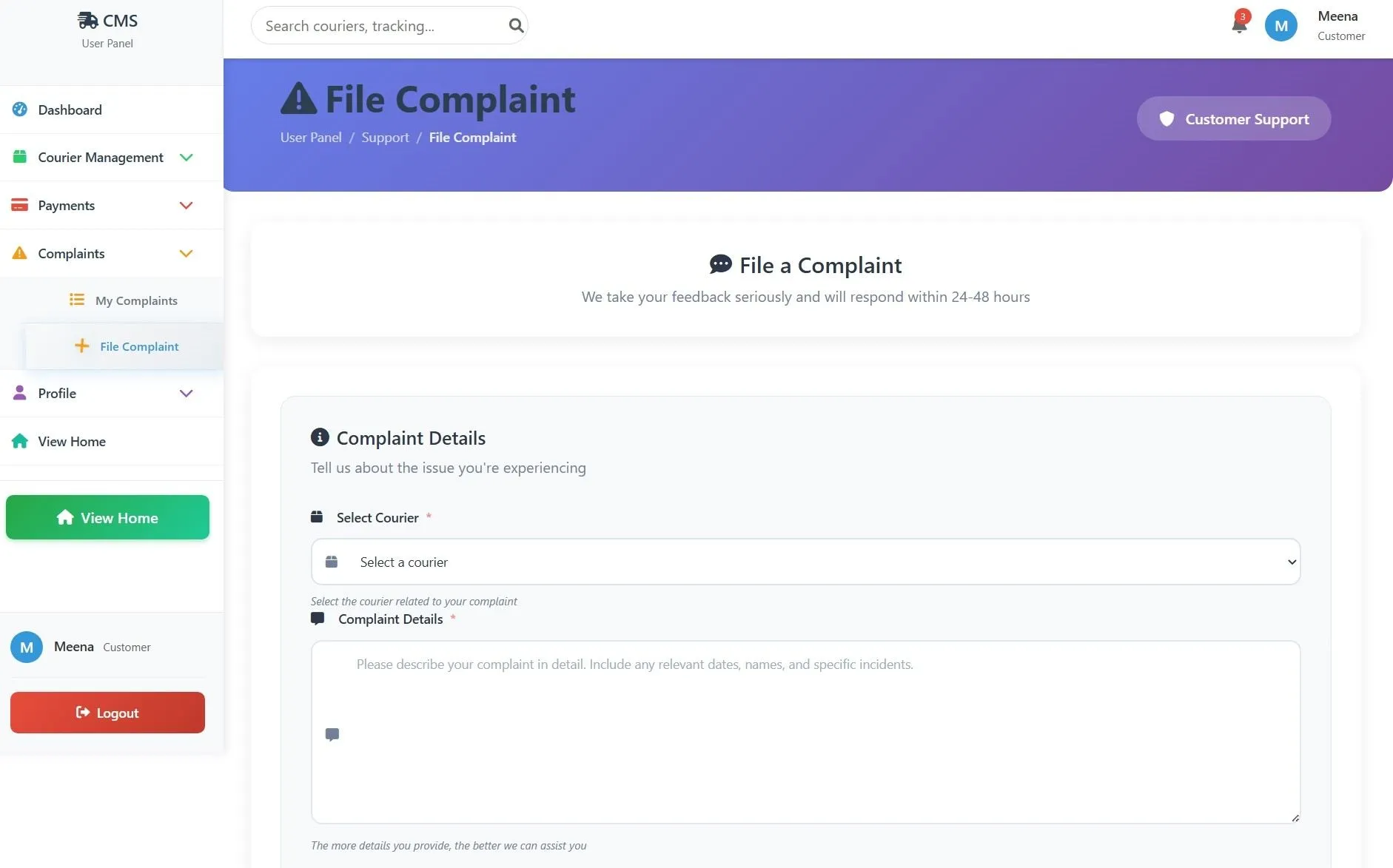
My Complaints
Submit new complaints, track complaint status, view complaint history, and manage resolution process
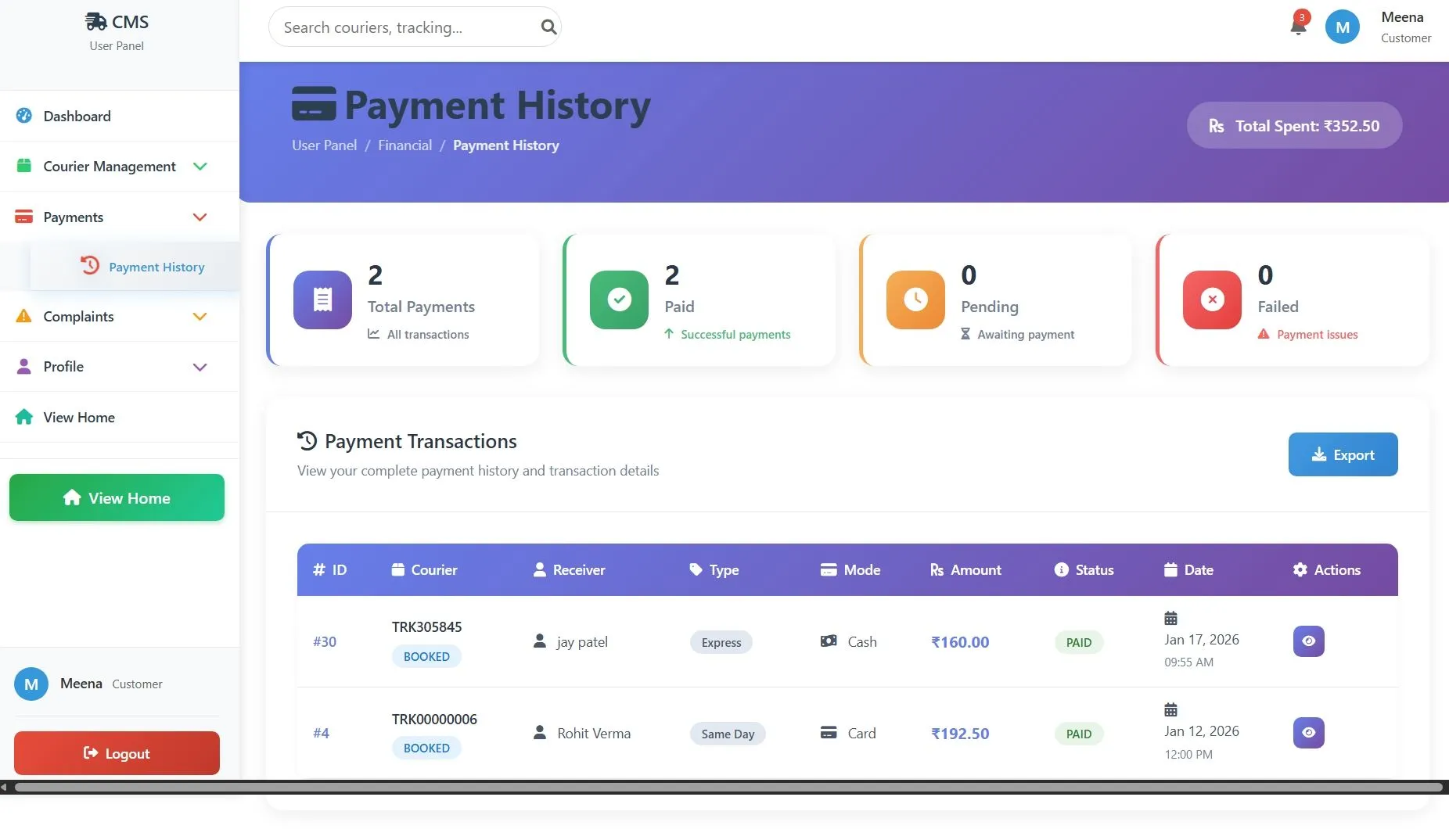
Payment History
View all payment records, transaction details, payment receipts, pending payments, and spending analytics
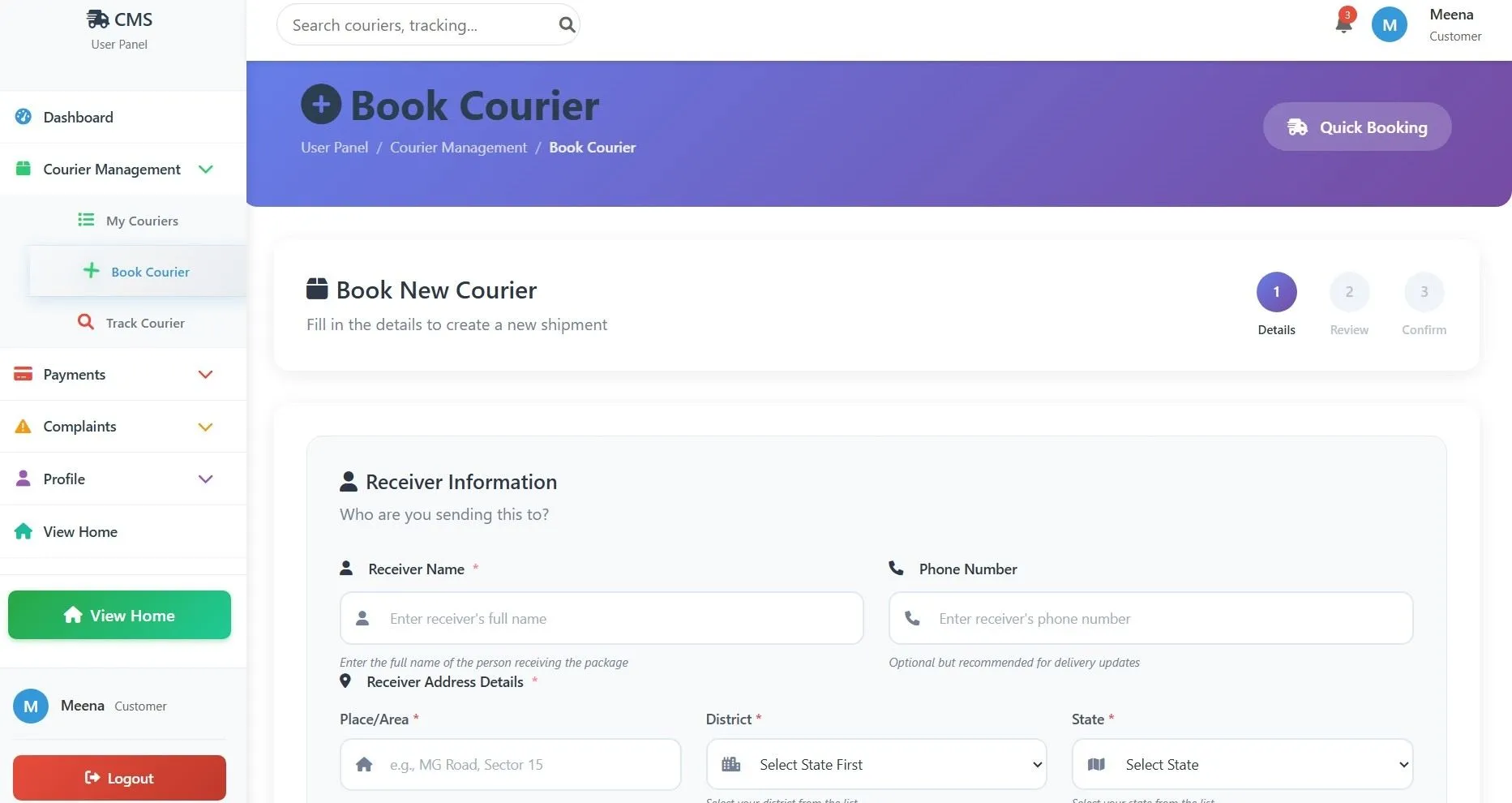
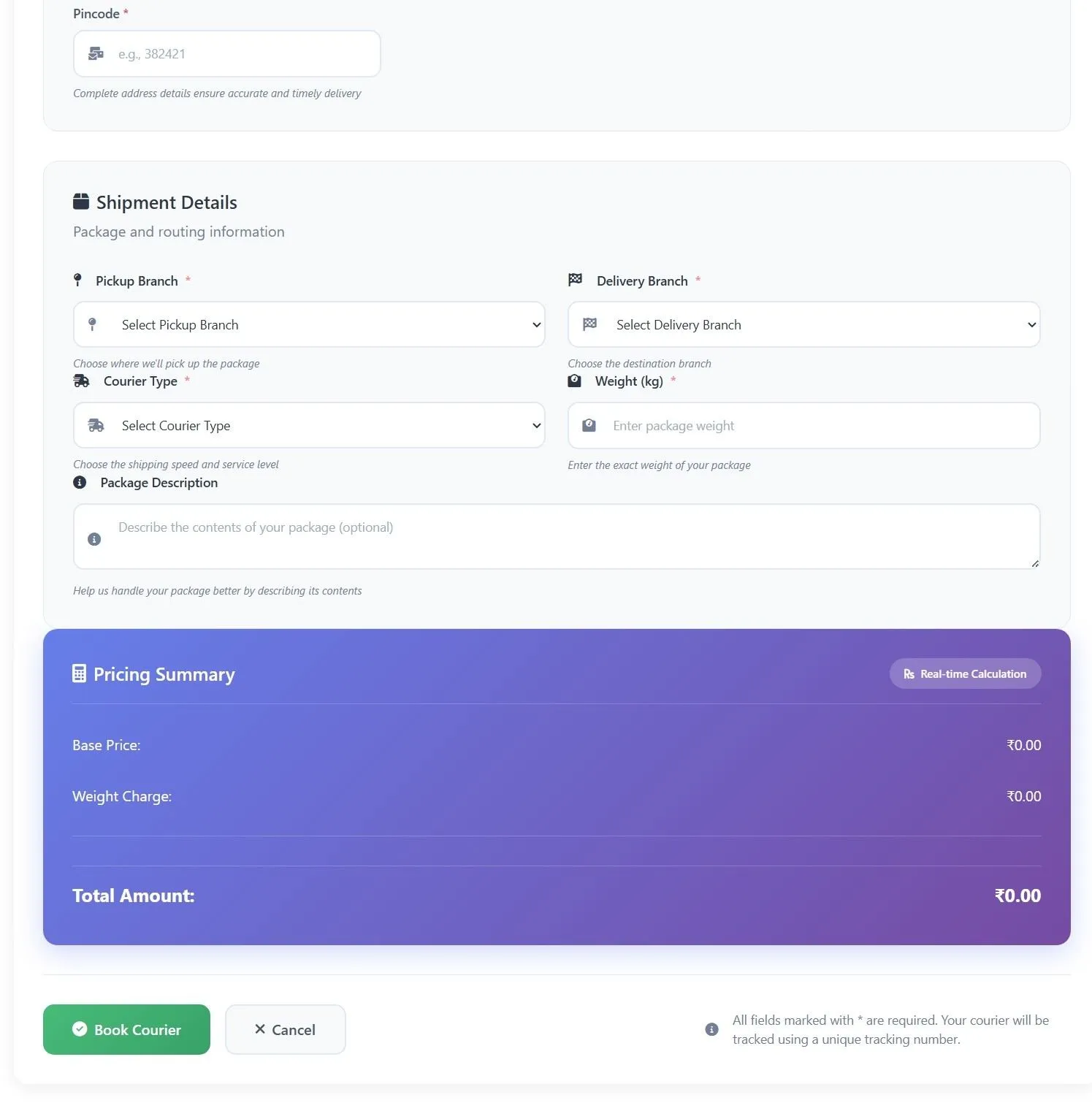
Book Courier
Create new shipments with receiver details, branch selection, courier type selection, weight calculation, and automatic pricing
Add Payment
Process payments for shipments, select payment methods, view payment breakdown, and generate receipts
Admin Module
Dashboard
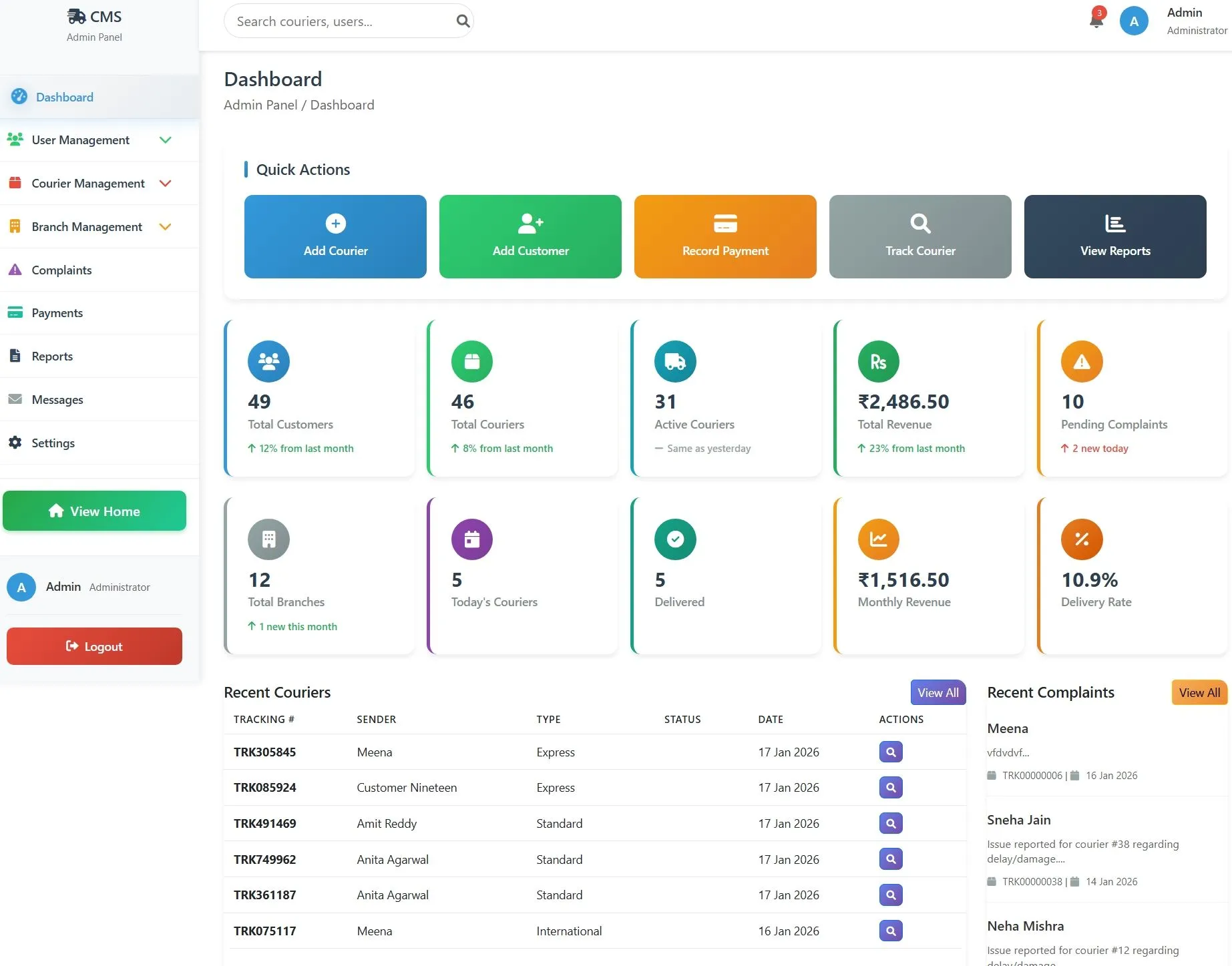
Quick view of total users, couriers, branches, revenue, active shipments, delivered packages, pending complaints, and recent activities with statistics overview
User Management
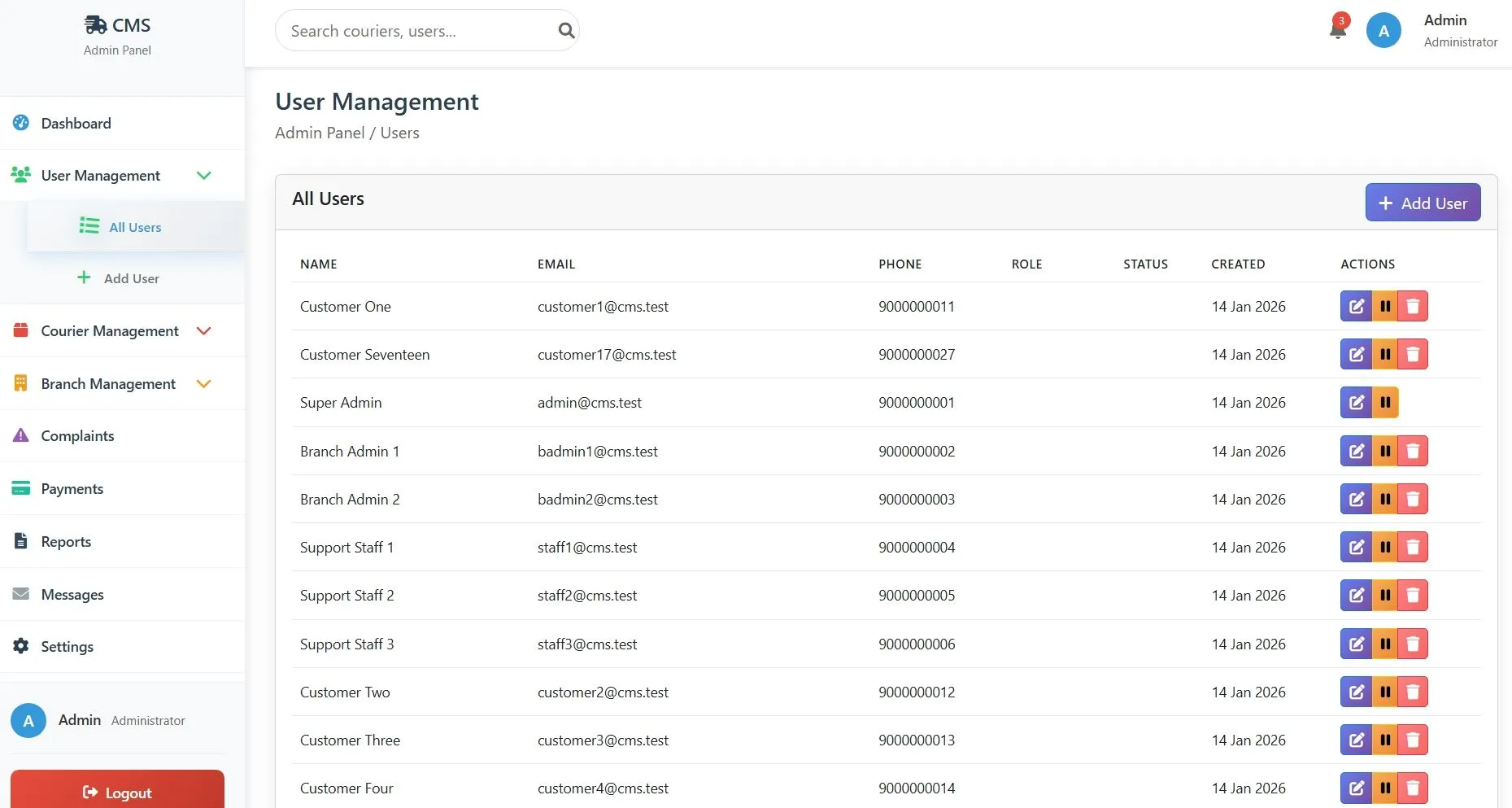
Add, edit, and manage customer accounts, view user statistics, manage user roles and status, and handle user authentication
Courier Management
Create new shipments, manage all couriers, update courier status, view tracking details, and handle delivery operations
Payment Management
Record payments, manage payment status, view transaction history, handle payment methods, and generate payment reports
Complaint Management
View all customer complaints, update complaint status, respond to complaints, manage resolution process, and track complaint metrics
Reports
Generate comprehensive analytics, view revenue reports, delivery statistics, user activity reports, branch performance, and export data
Settings
Configure system settings, manage site information, set up email notifications, configure payment settings, and maintain system preferences
Branch Management
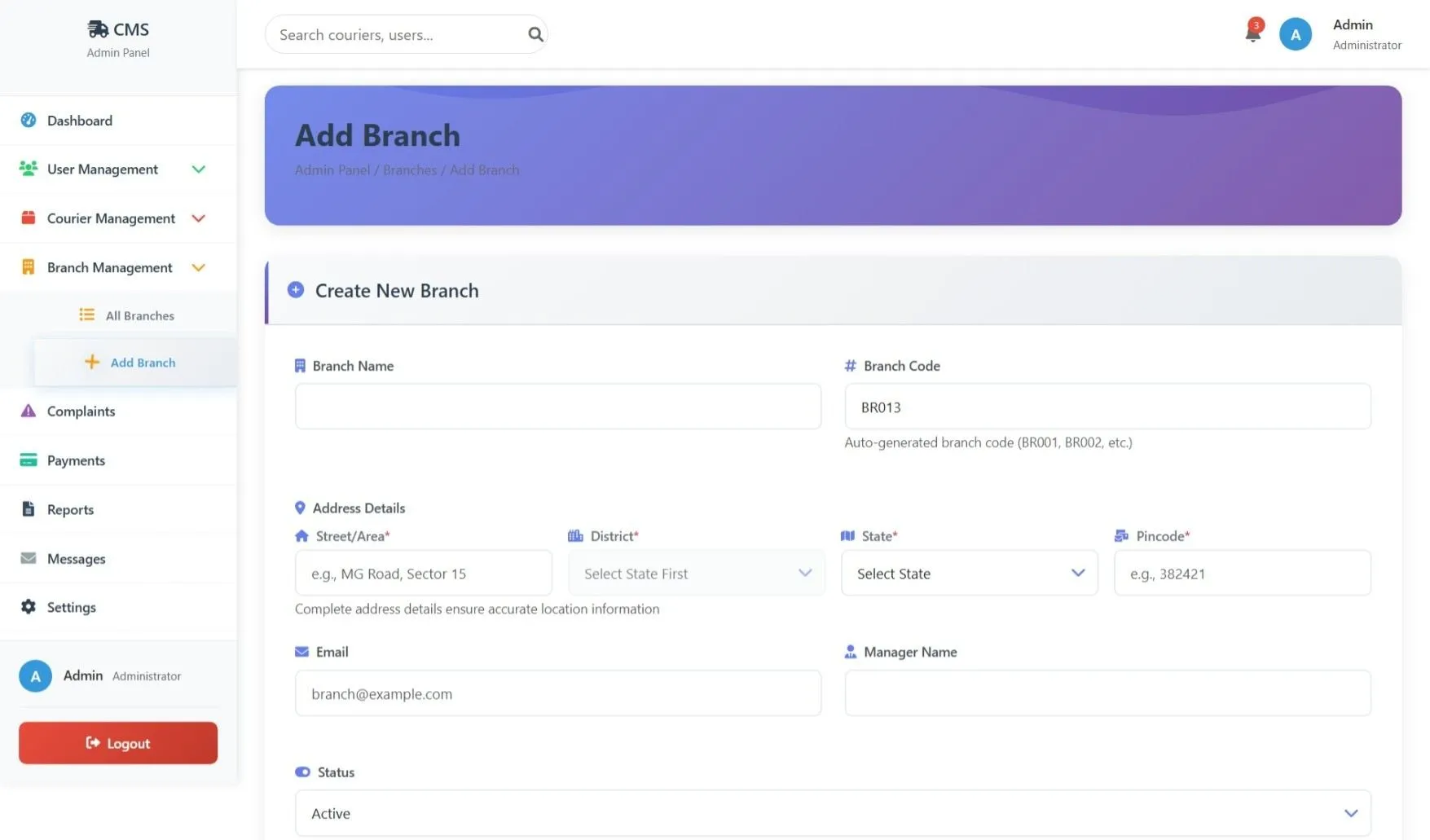
Add and manage pickup/delivery branches, update branch details, manage branch staff, and handle branch operations
Track Courier
Real-time tracking management, update tracking information, manage delivery locations, and handle tracking history
Add User
Create new customer accounts, set user roles, configure user permissions, and manage initial user setup
Add Courier
Create new shipments manually, set delivery details, calculate pricing, and generate tracking numbers
Add Payment
Process manual payments, update payment records, handle transaction details, and manage payment status
How to Run
▶️ How to Run the Courier Management System
🔹 Prerequisites
->XAMPP or WAMP server installed
->Any web browser (Chrome, Firefox, Edge)
🔹 Installation Steps
1. Start Server
->Open XAMPP / WAMP Control Panel
->Start Apache and MySQL
2. Setup Database
->Open browser and go to http://localhost/phpmyadmin
->Create a new database named courier_management_system
Click Import
->Select the file courier.sql
->Click Go to import
3. Run the Project
->Open browser
->Go to http://localhost/courier
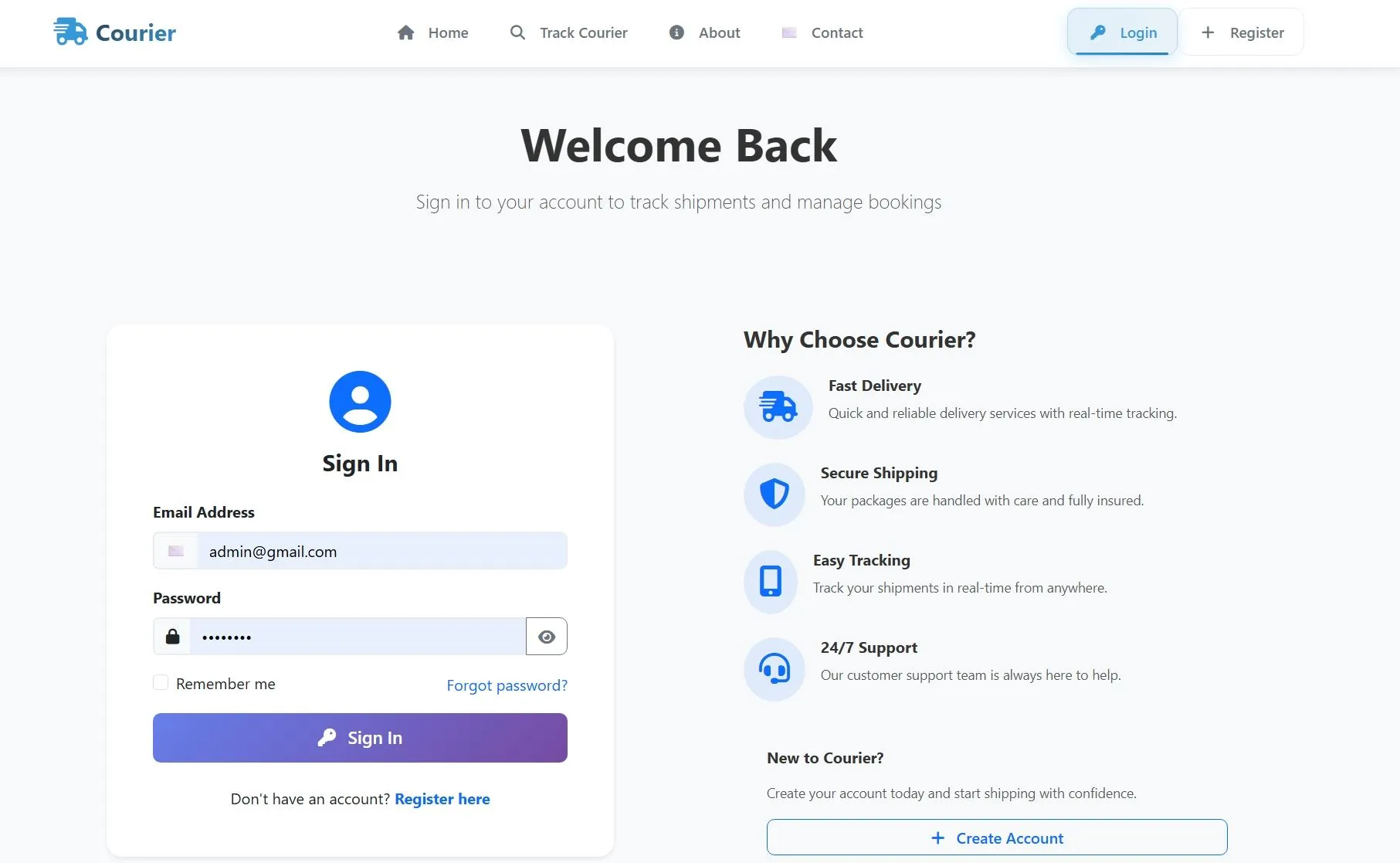
🔹 Login Credentials
Admin
->Username: admin@gmail.com
->Password: admin123
Customer
->Username: user@gmail.com
->Password: user123
🔹 Prerequisites
->XAMPP or WAMP server installed
->Any web browser (Chrome, Firefox, Edge)
🔹 Installation Steps
1. Start Server
->Open XAMPP / WAMP Control Panel
->Start Apache and MySQL
2. Setup Database
->Open browser and go to http://localhost/phpmyadmin
->Create a new database named courier_management_system
Click Import
->Select the file courier.sql
->Click Go to import
3. Run the Project
->Open browser
->Go to http://localhost/courier
🔹 Login Credentials
Admin
->Username: admin@gmail.com
->Password: admin123
Customer
->Username: user@gmail.com
->Password: user123
Important: Default max downloads per day (per order): 2. Download access may also be limited to 7 days from purchase.