Event Management System Using PHP
NeuraBUG






in Web Development
Event Management System Using PHP
₹499.00
₹899.00
Available for download
Project DetailsClick Here
Product DemoClick Here
Description
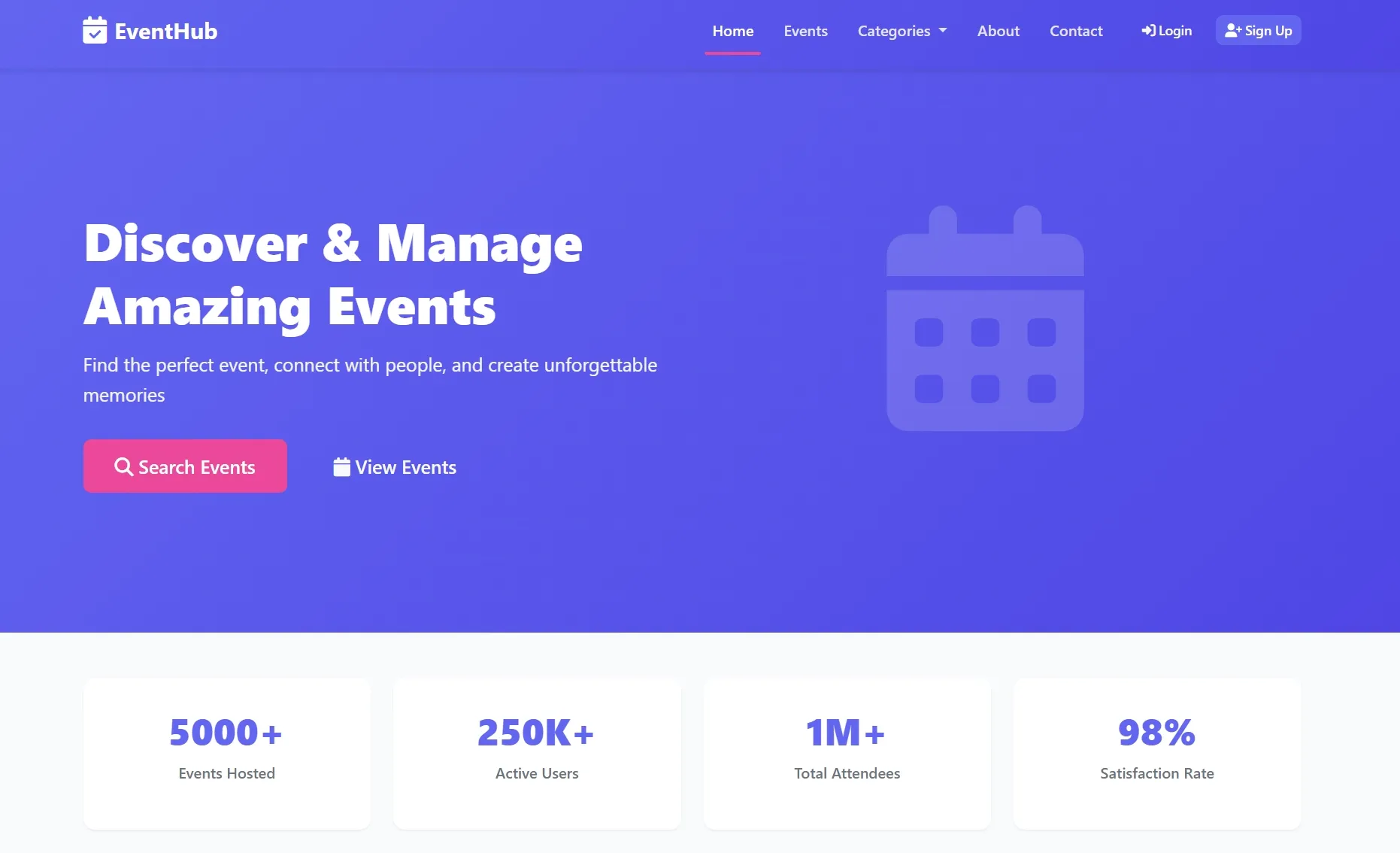
A web-based Event Management System developed using PHP to streamline event planning, registrations, and administrative control.
A centralized PHP application that automates event creation, user participation, and overall event coordination through an easy-to-use interface.
A centralized PHP application that automates event creation, user participation, and overall event coordination through an easy-to-use interface.
Requirements
Project Name
Event Management System
Language Used
PHP 8, JavaScript (ES6+), HTML5, CSS3
Database
MySQL 8.0+
UI Framework
Bootstrap 5, Font Awesome 6
Web Browser
Chrome 120+, Firefox 115+, Edge 120+, Safari 16+
Software
Laragon, XAMPP, WAMP, or any
User Module
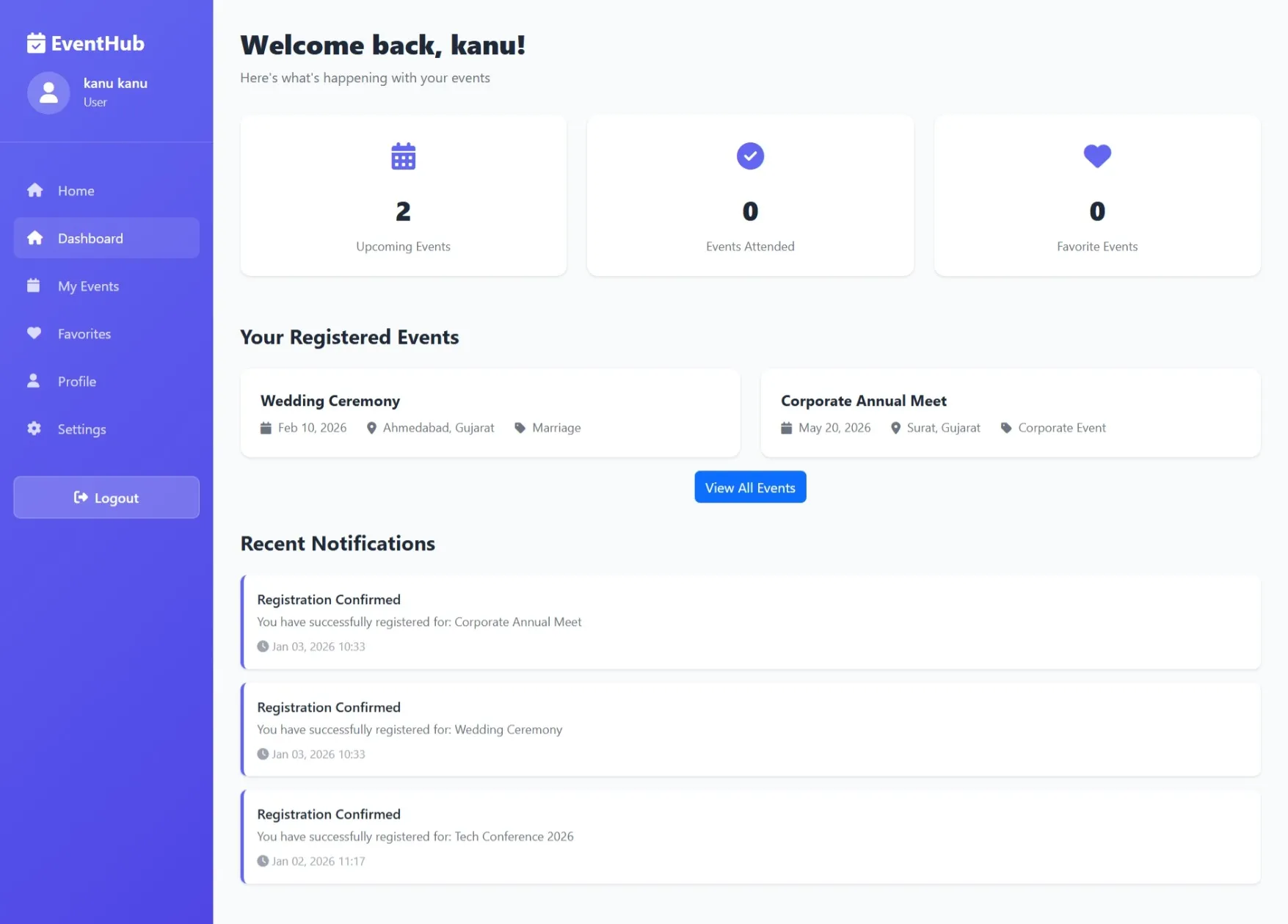
Dashboard
Quick view of upcoming events, registrations, and notifications.
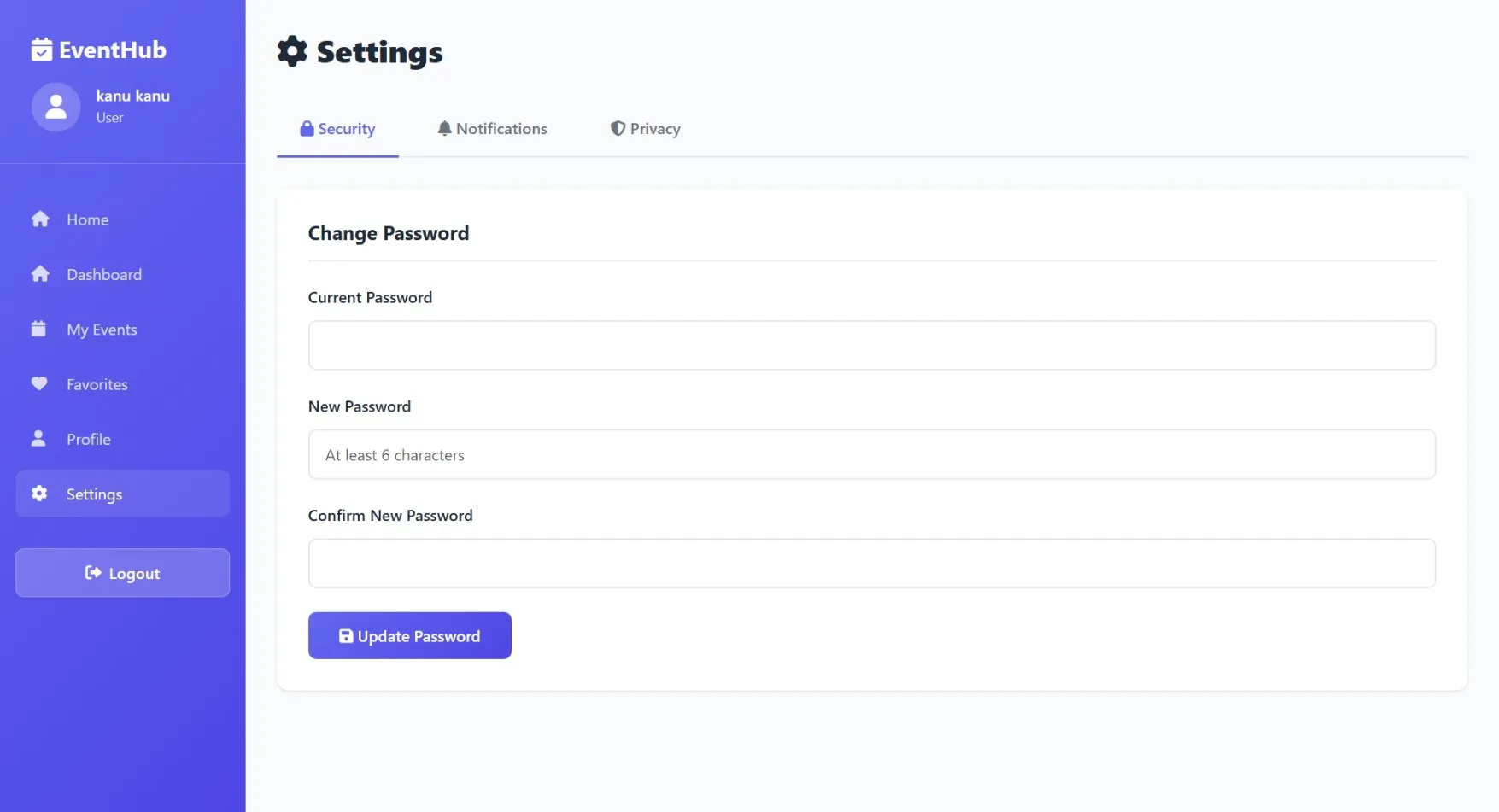
My Profile
Edit personal details, profile picture, and contact information.
Events
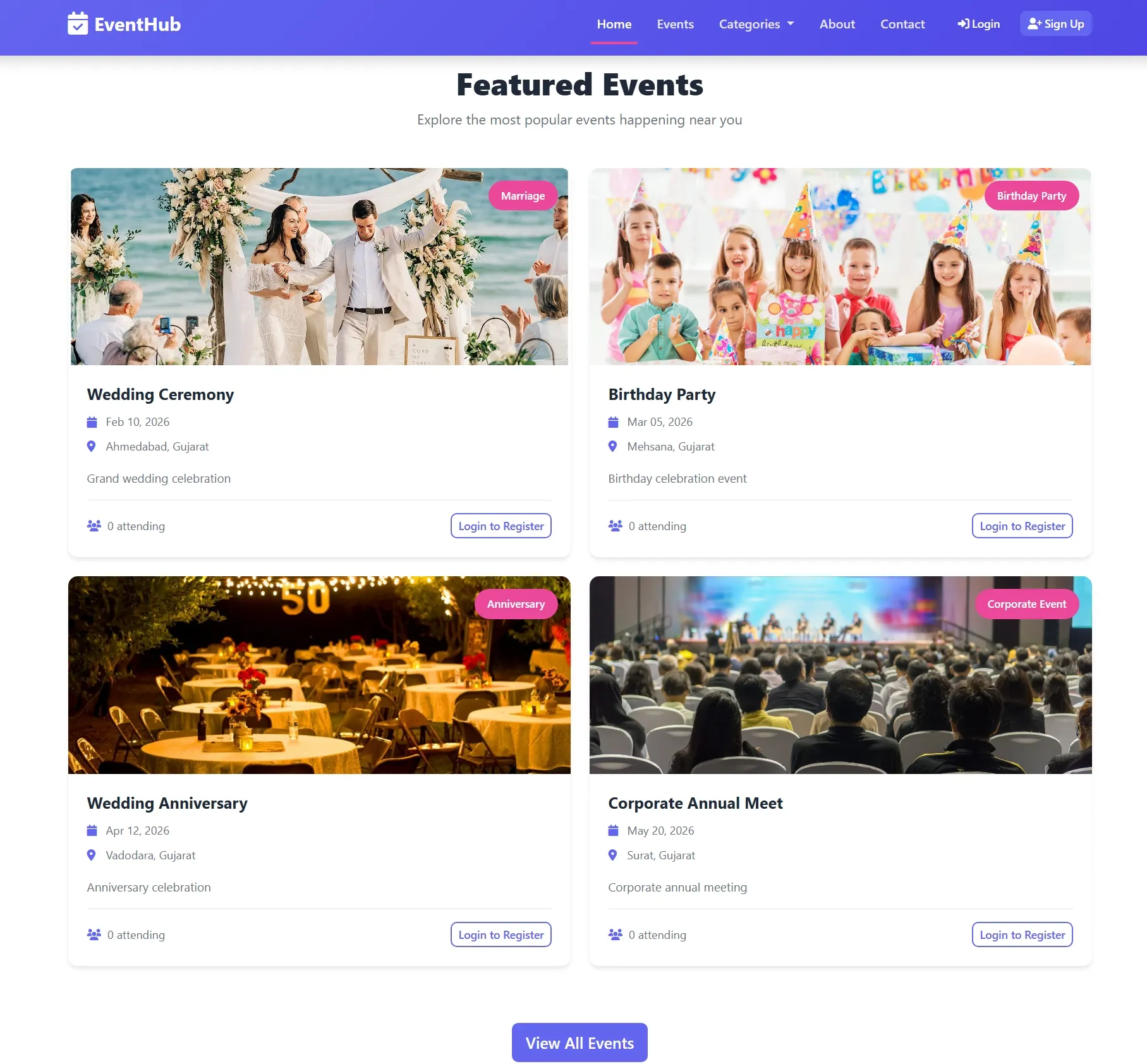
Browse, filter, and register for events; view event details and schedules.
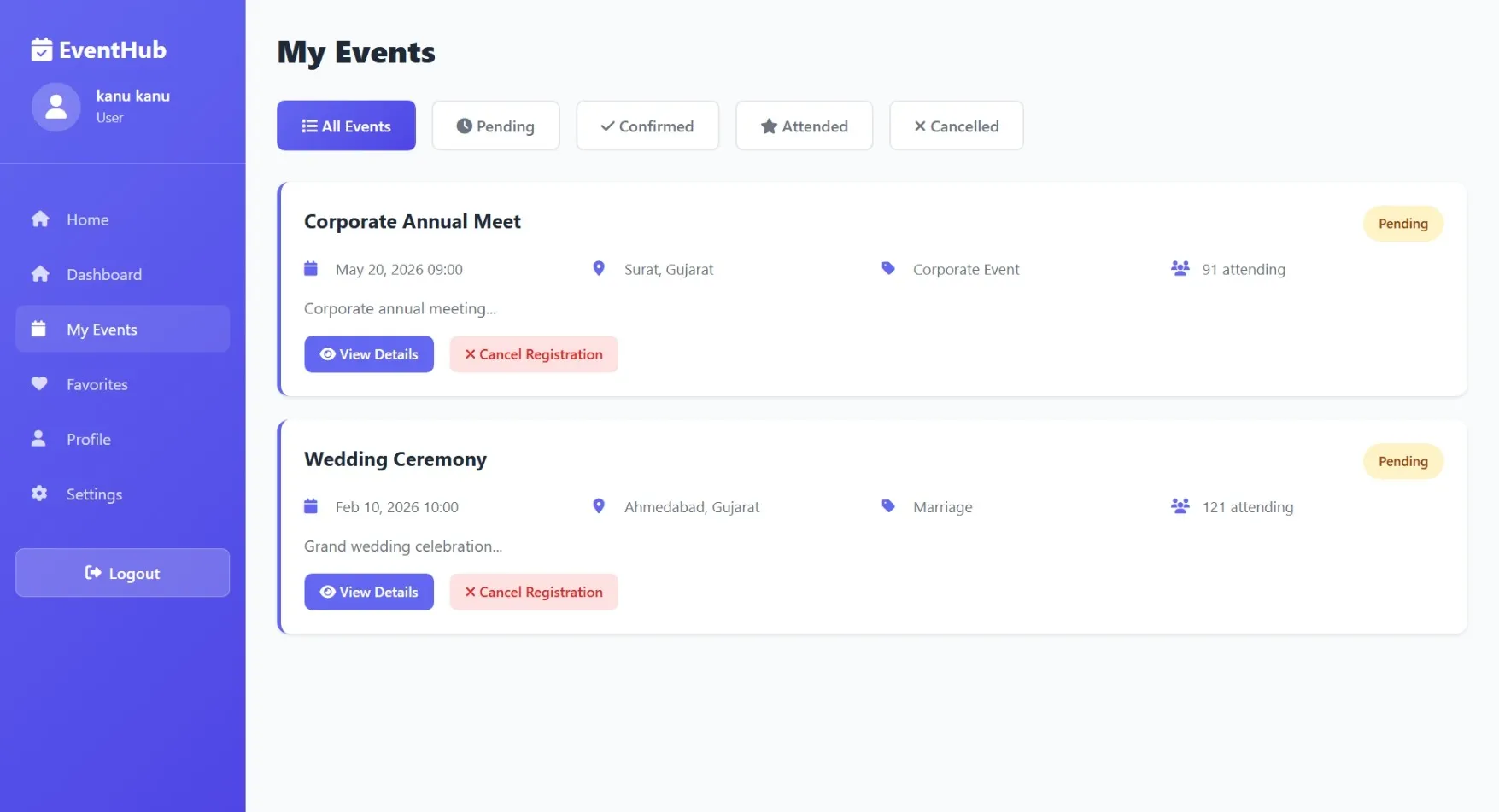
My Registrations
Track event registrations, check-in status, and download tickets.
Notifications
Stay updated with event reminders, announcements, and status changes.
Calendar
View event dates, deadlines, and personal schedule.
Feedback
Rate events and provide feedback for improvements.
Help & Support
Access FAQs or contact support for assistance.
Admin Module
Dashboard
Overview of events, registrations, and system analytics.
Event Management
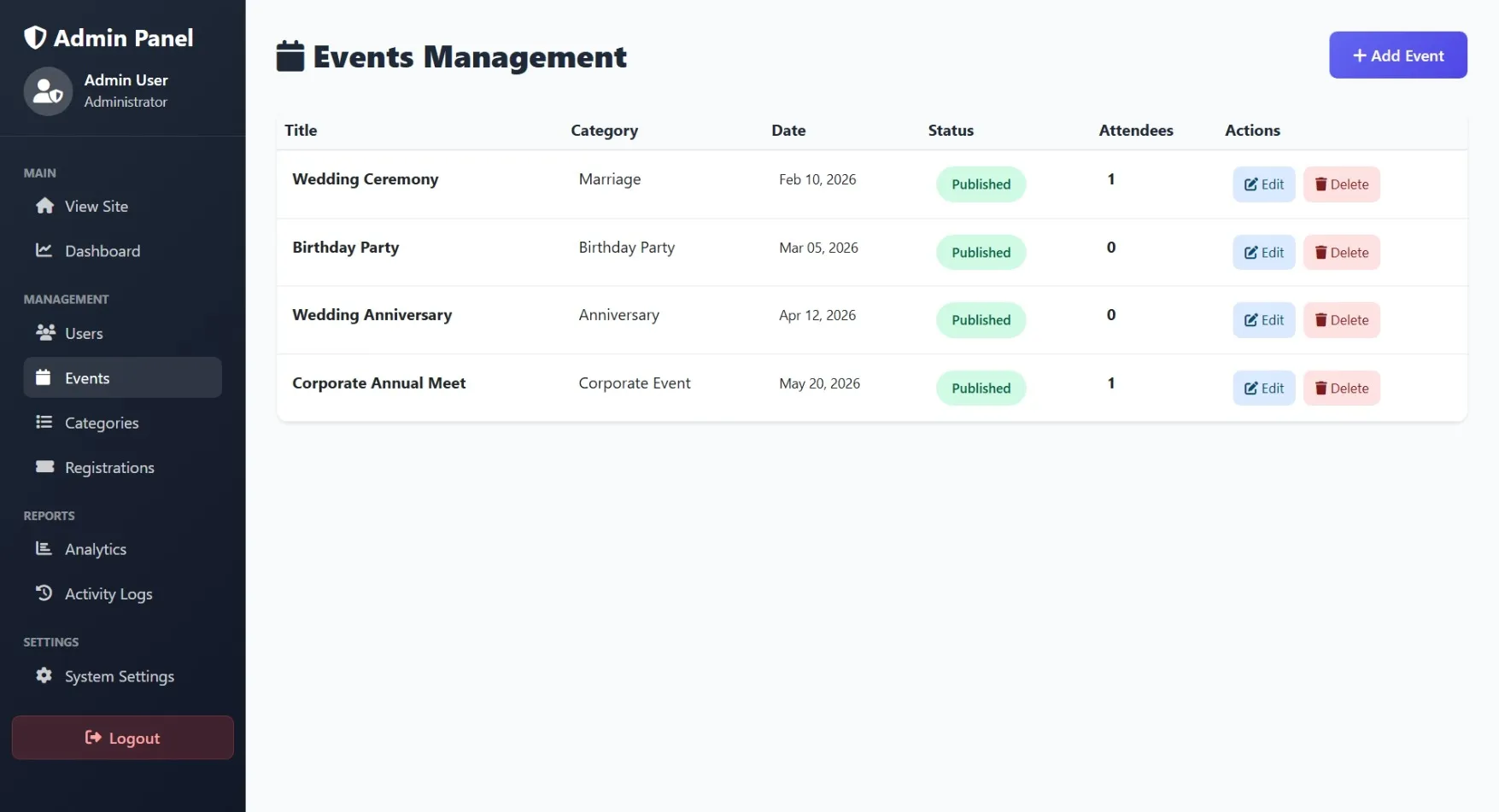
Create, edit, or cancel events; manage event details and categories.
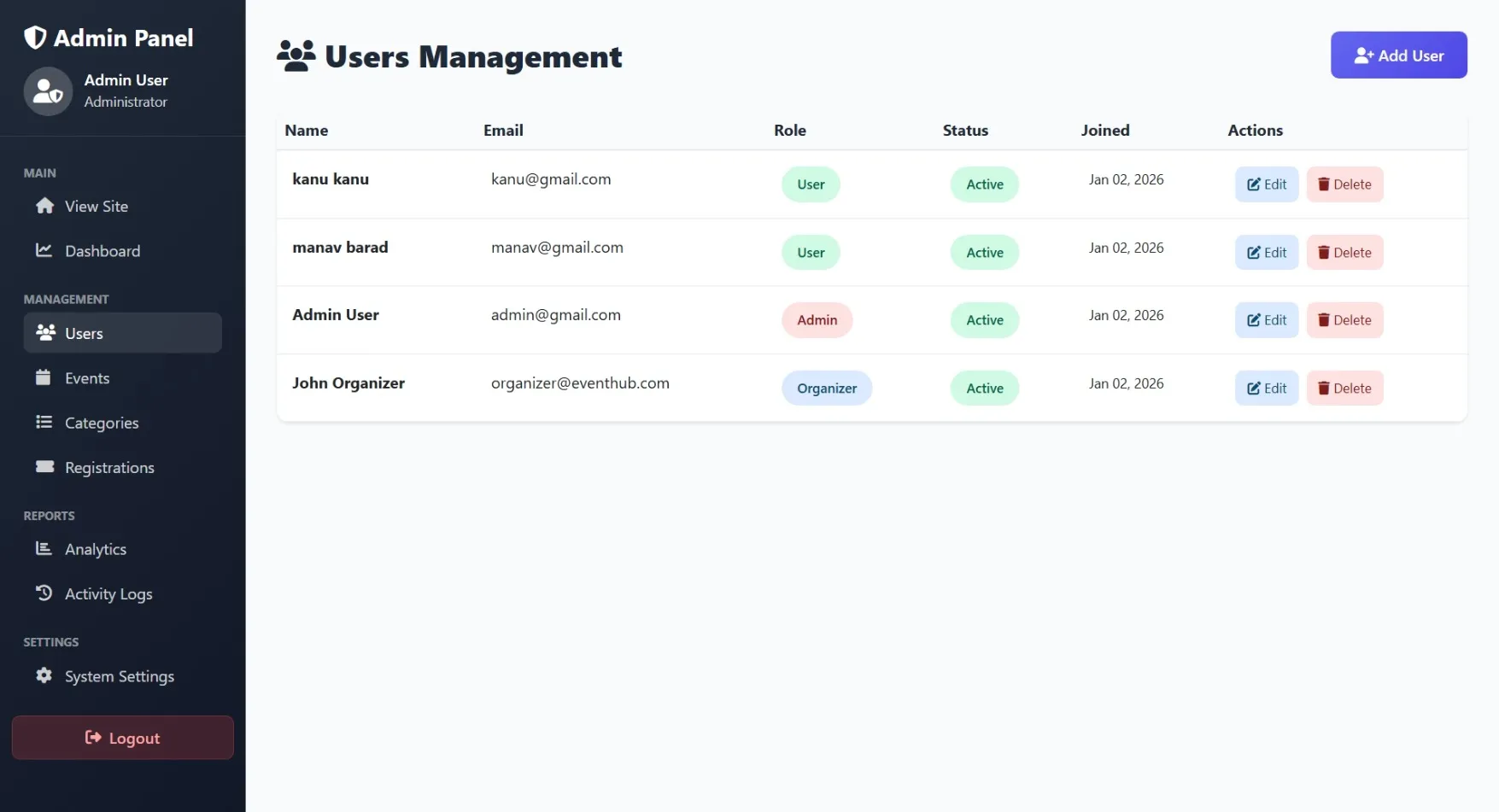
User Management
View, add, or deactivate user accounts; assign roles (user/organizer/admin).
Registrations
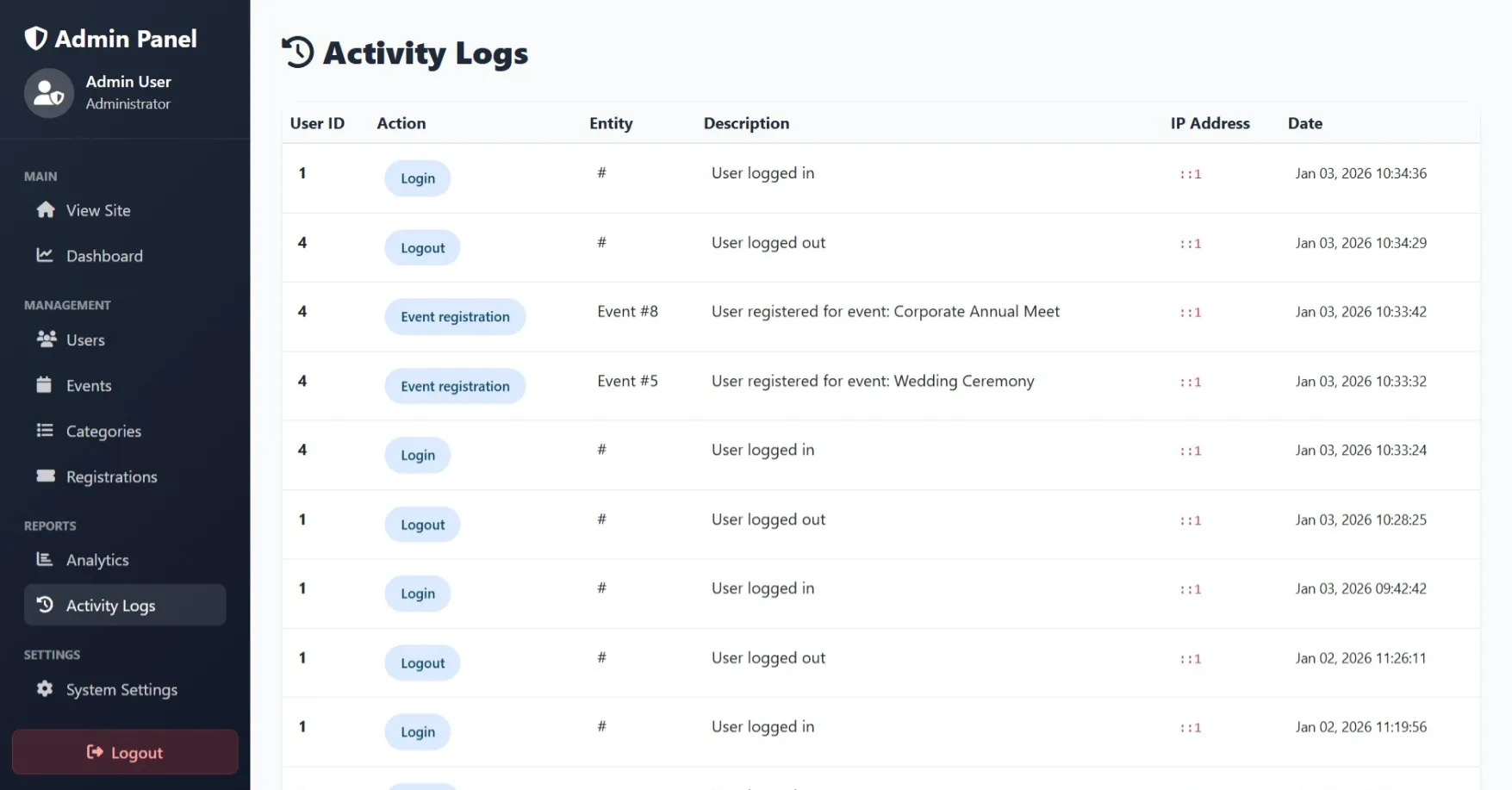
Approve/reject registrations; manage check-ins and attendance.
Reports
Generate reports on event popularity, attendance, and user engagement.
Notifications
Send announcements or updates to users.
System Settings
Configure payment gateways, email templates, and site preferences.
Support Tickets
Resolve user queries and technical issues.
How to Run
▶️ How to Run the Event Management System
🔹 Prerequisites
->XAMPP or WAMP server installed
->Any web browser (Chrome, Firefox, Edge)
🔹 Installation Steps
1. Start Server
->Open XAMPP / WAMP Control Panel
->Start Apache and MySQL
2. Setup Database
->Open browser and go to http://localhost/phpmyadmin
->Create a new database named event_management
Click Import
->Select the file event_management.sql
->Click Go to import
3. Run the Project
->Open browser
->Go to http://localhost/event
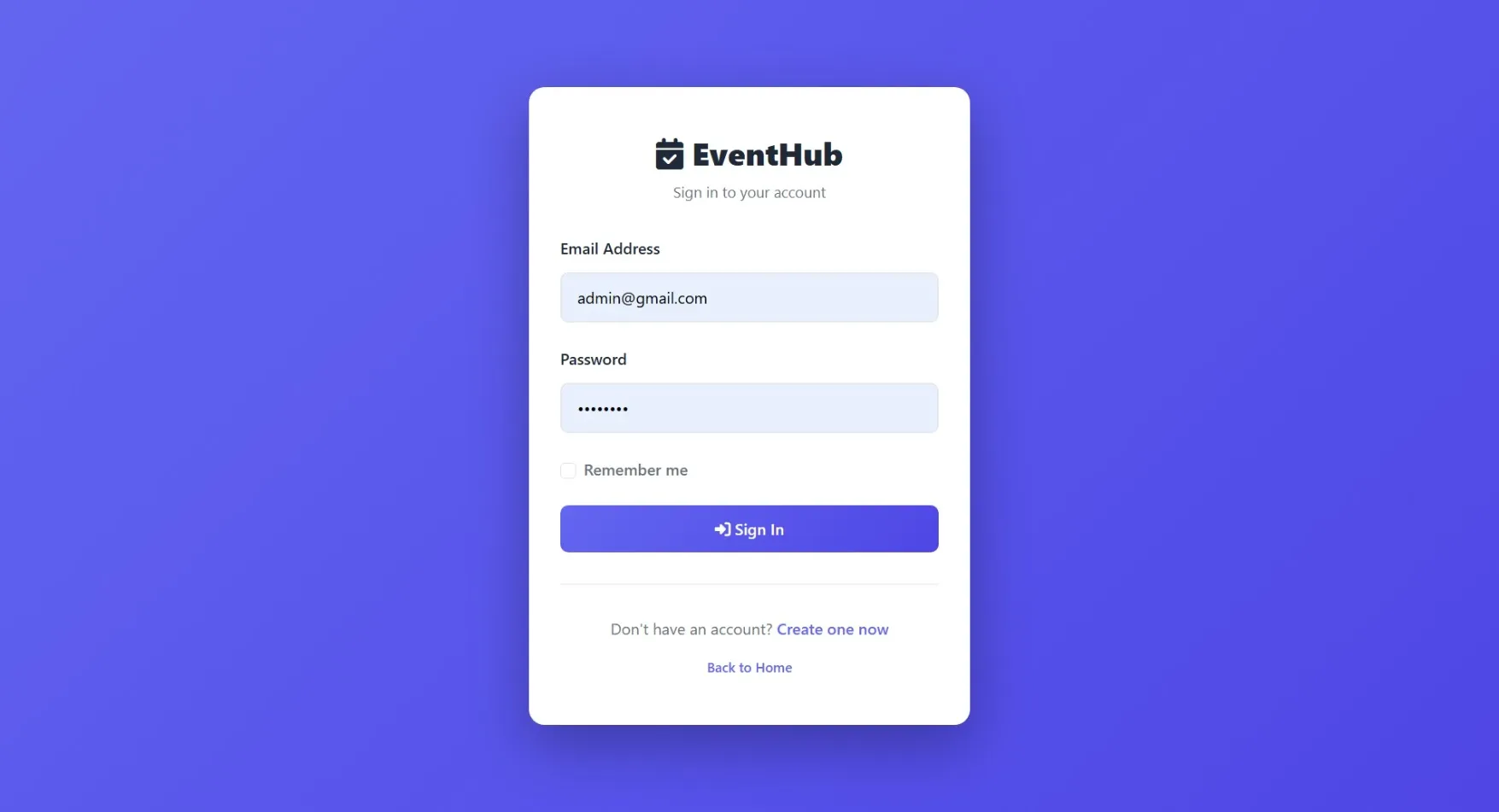
🔹 Login Credentials
Admin
->Username: admin@eventhub.com
->Password: admin123
🔹 Prerequisites
->XAMPP or WAMP server installed
->Any web browser (Chrome, Firefox, Edge)
🔹 Installation Steps
1. Start Server
->Open XAMPP / WAMP Control Panel
->Start Apache and MySQL
2. Setup Database
->Open browser and go to http://localhost/phpmyadmin
->Create a new database named event_management
Click Import
->Select the file event_management.sql
->Click Go to import
3. Run the Project
->Open browser
->Go to http://localhost/event
🔹 Login Credentials
Admin
->Username: admin@eventhub.com
->Password: admin123
Important: Default max downloads per day (per order): 2. Download access may also be limited to 7 days from purchase.