Real Estate Management System in PHP
NeuraBUG
in Web Development
Real Estate Management System in PHP
₹499.00
₹899.00
Available for download
Project DetailsClick Here
Product DemoClick Here
Description
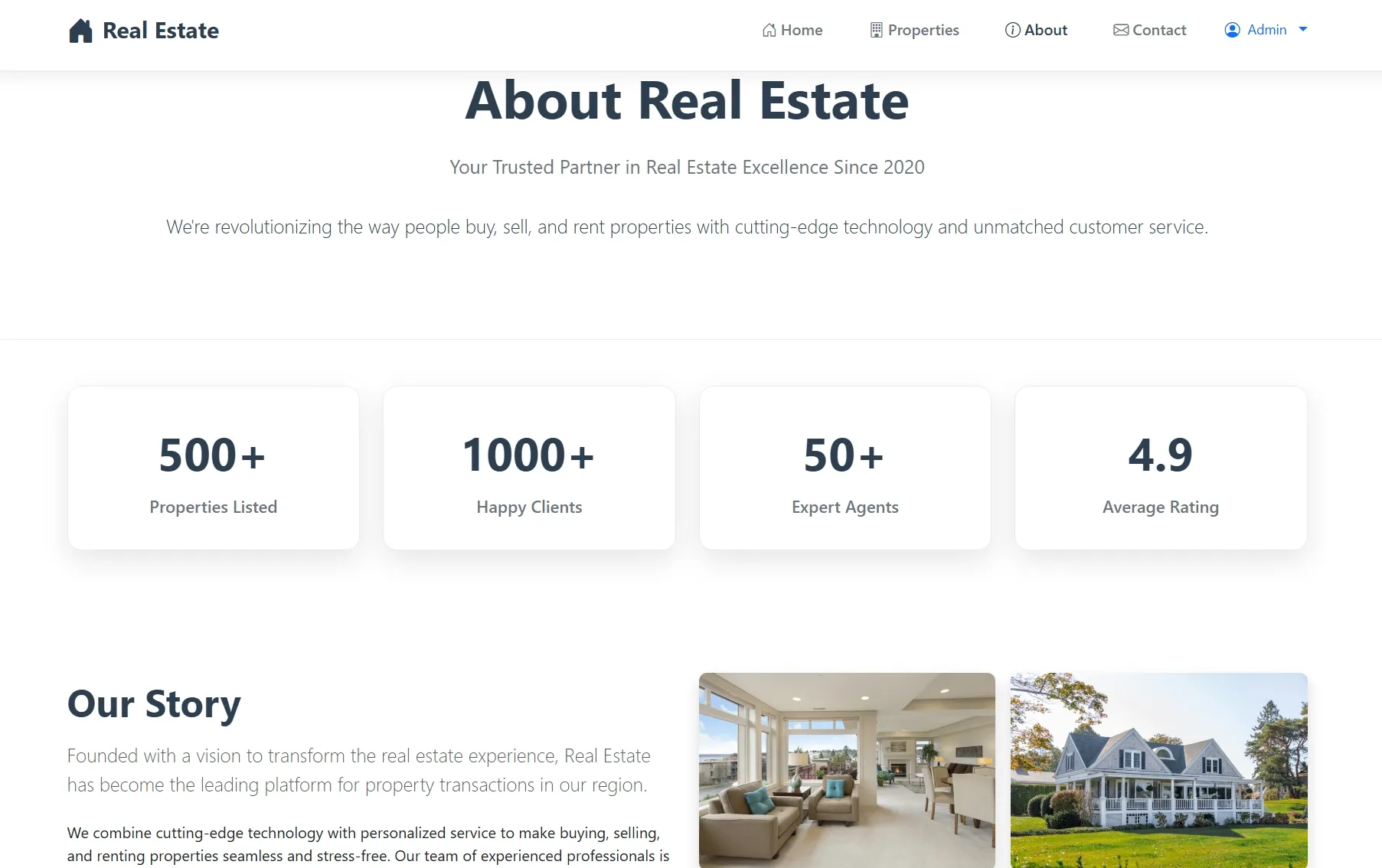
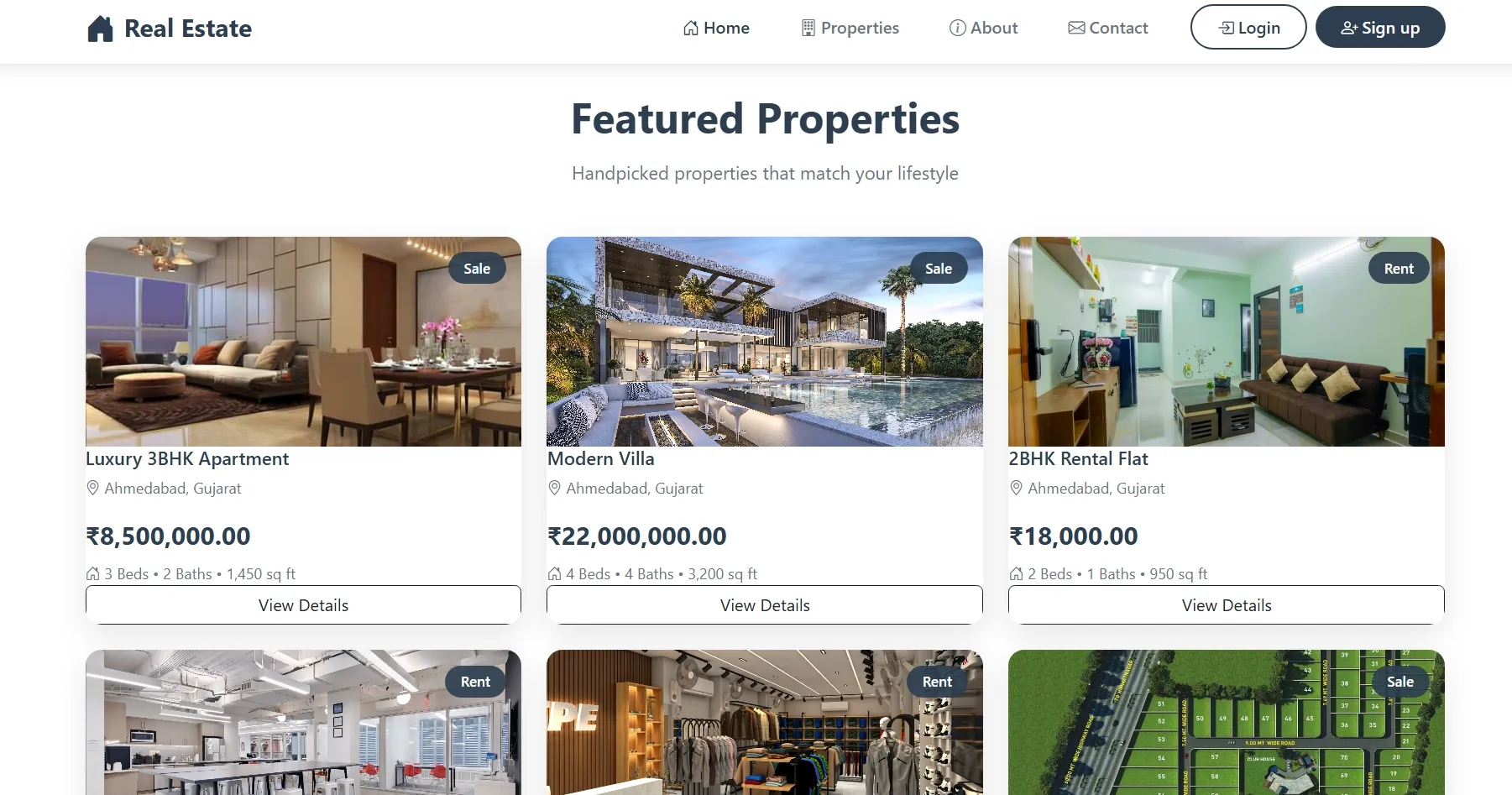
EstatePro is a comprehensive real estate management platform designed for buying, selling, and renting properties. The system provides an intuitive interface for property listings, user management, and inquiry handling.
Built with PHP 8 and Bootstrap 5, it features separate admin and customer panels with role-based access control. The platform supports property management with images, location details, and customer favorites functionality.
The application includes secure authentication, responsive design, and efficient database architecture using MySQL 8. It offers complete CRUD operations for properties, user activity tracking, and inquiry management for seamless real estate transactions.
Built with PHP 8 and Bootstrap 5, it features separate admin and customer panels with role-based access control. The platform supports property management with images, location details, and customer favorites functionality.
The application includes secure authentication, responsive design, and efficient database architecture using MySQL 8. It offers complete CRUD operations for properties, user activity tracking, and inquiry management for seamless real estate transactions.
Requirements
Project Name
Real Estate Management System
Language Used
PHP 8, JavaScript
Database
MySQL 8
UI Framework
Bootstrap 5.3.3
Web Browser
Mozilla, Google Chrome, IE8, OPERAMozilla,
Software
XAMPP / Wamp / Mamp/ Lamp (anyone)
User Module
Dashboard
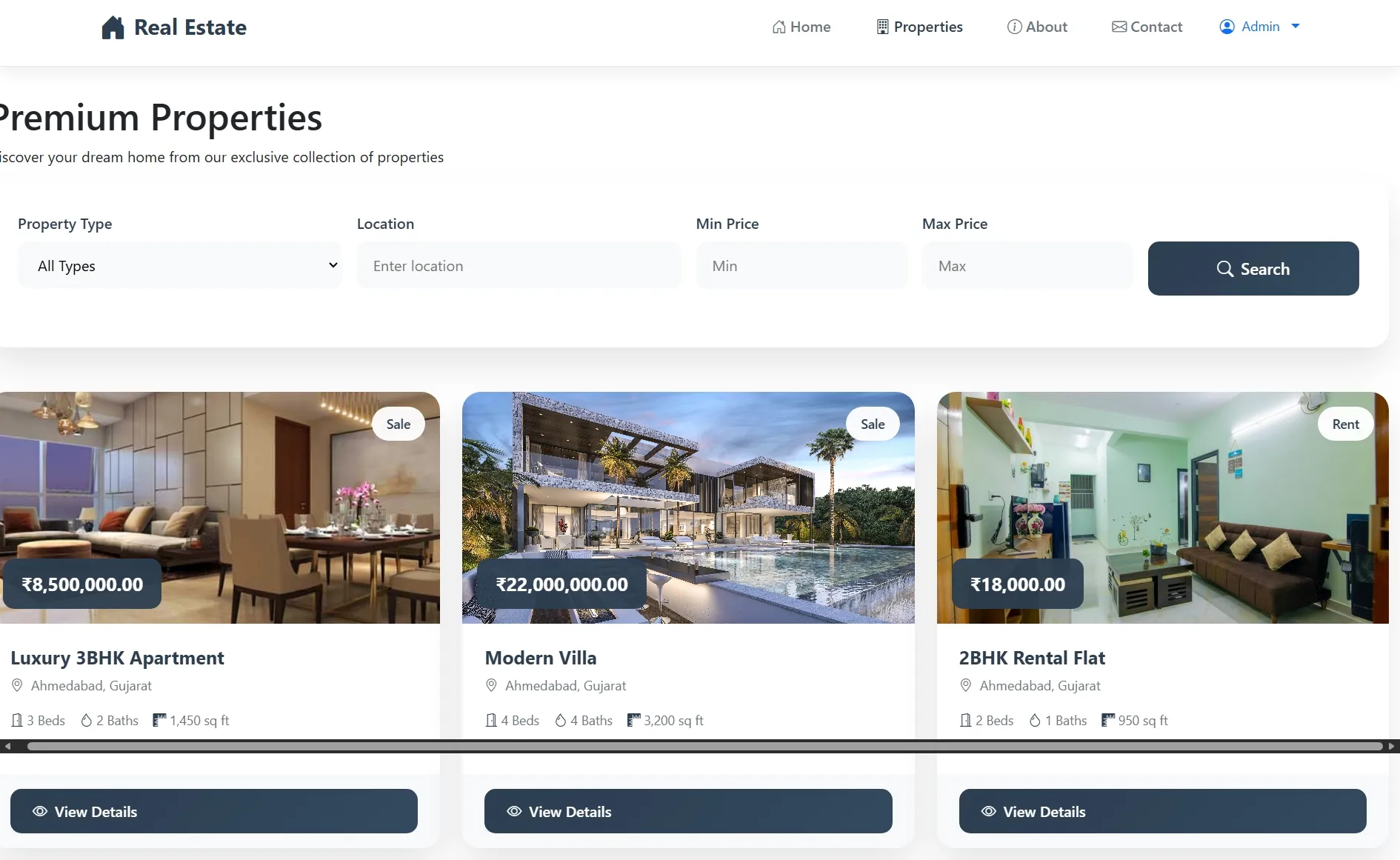
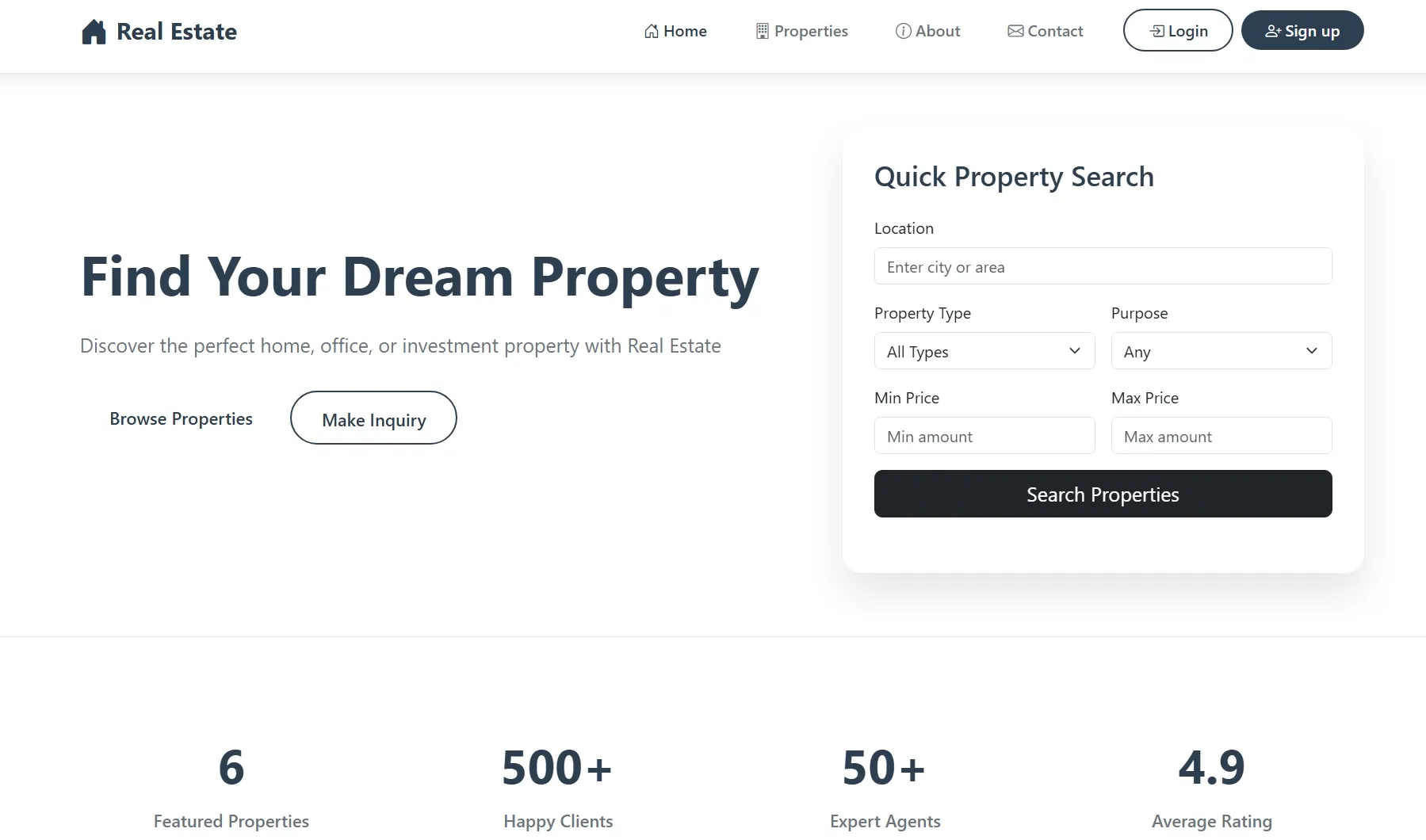
Browse featured properties and quick search functionality
Property Search
Advanced search with filters for location, type, price, and purpose
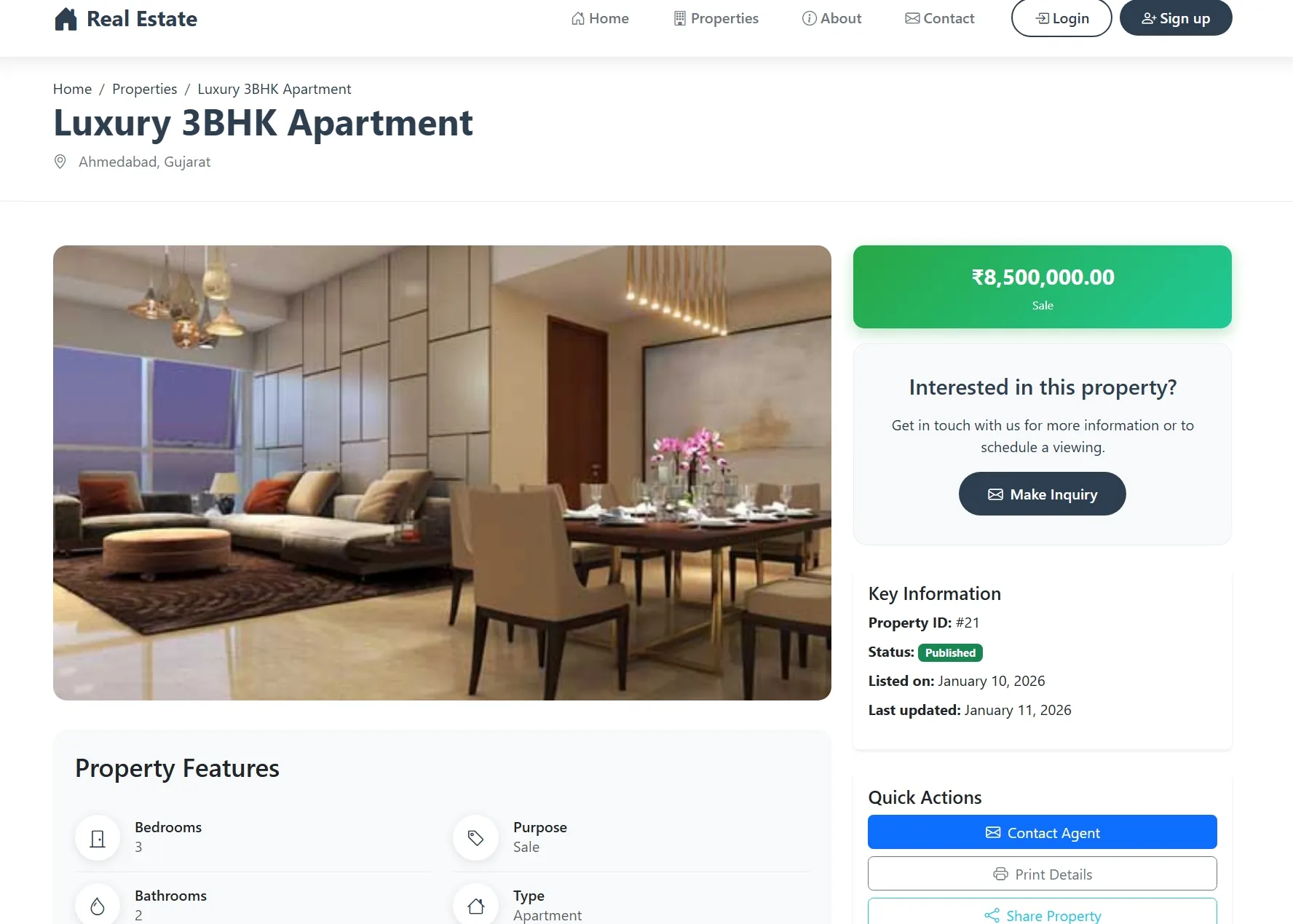
Property Details
View comprehensive property information with images and specifications
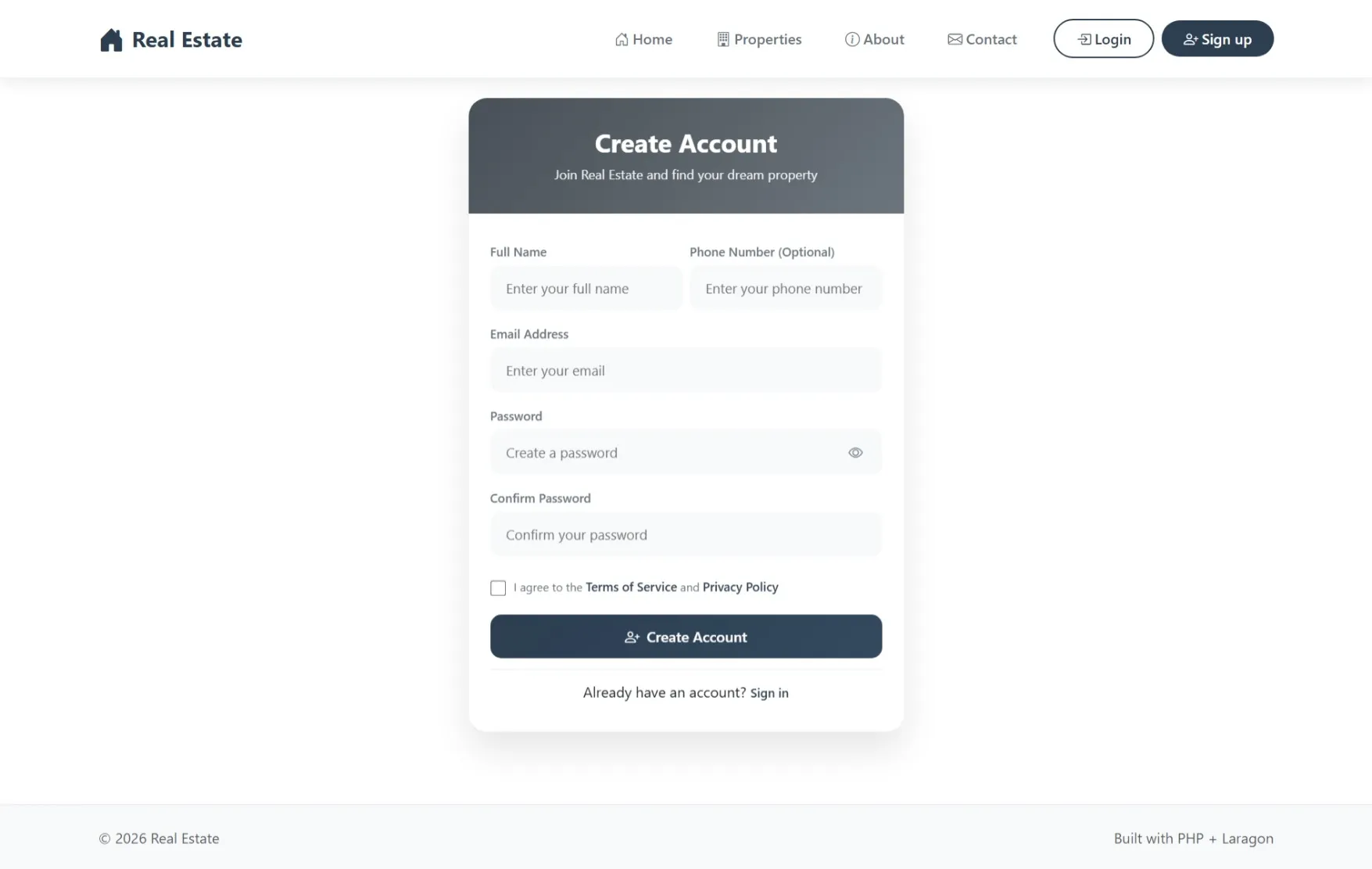
User Authentication
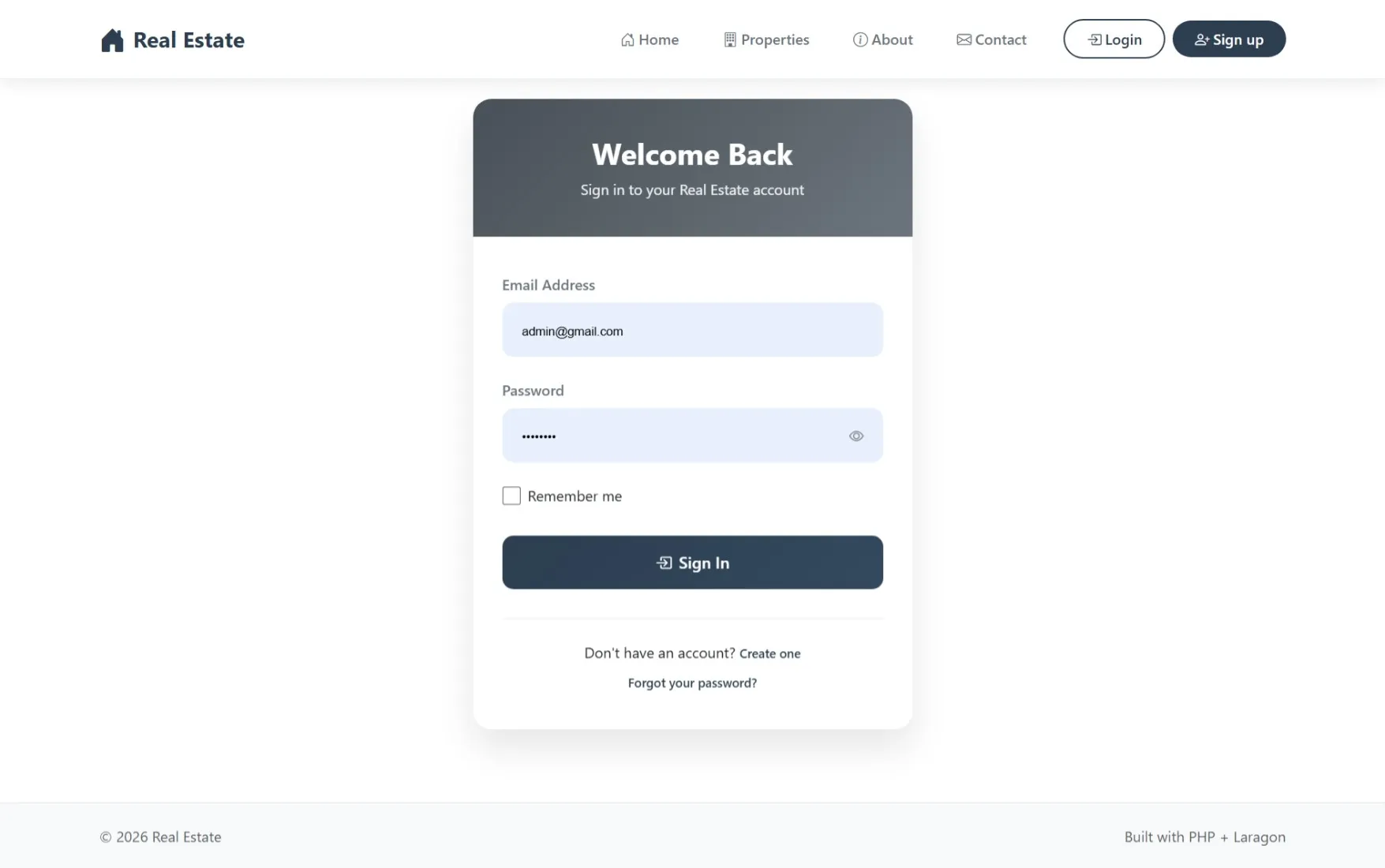
Login, signup, logout, and session management
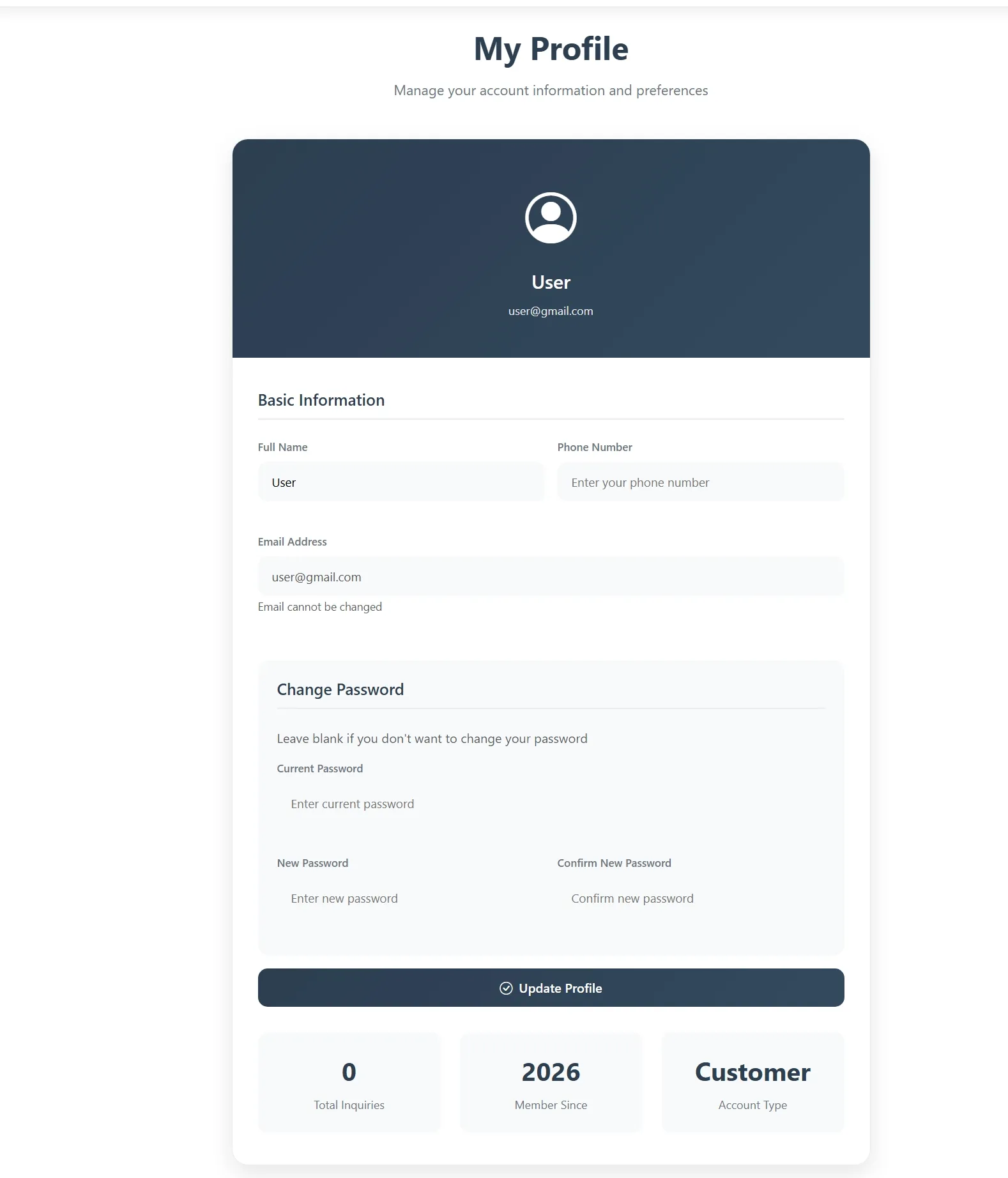
User Profile
Edit personal details, update contact information, and change password
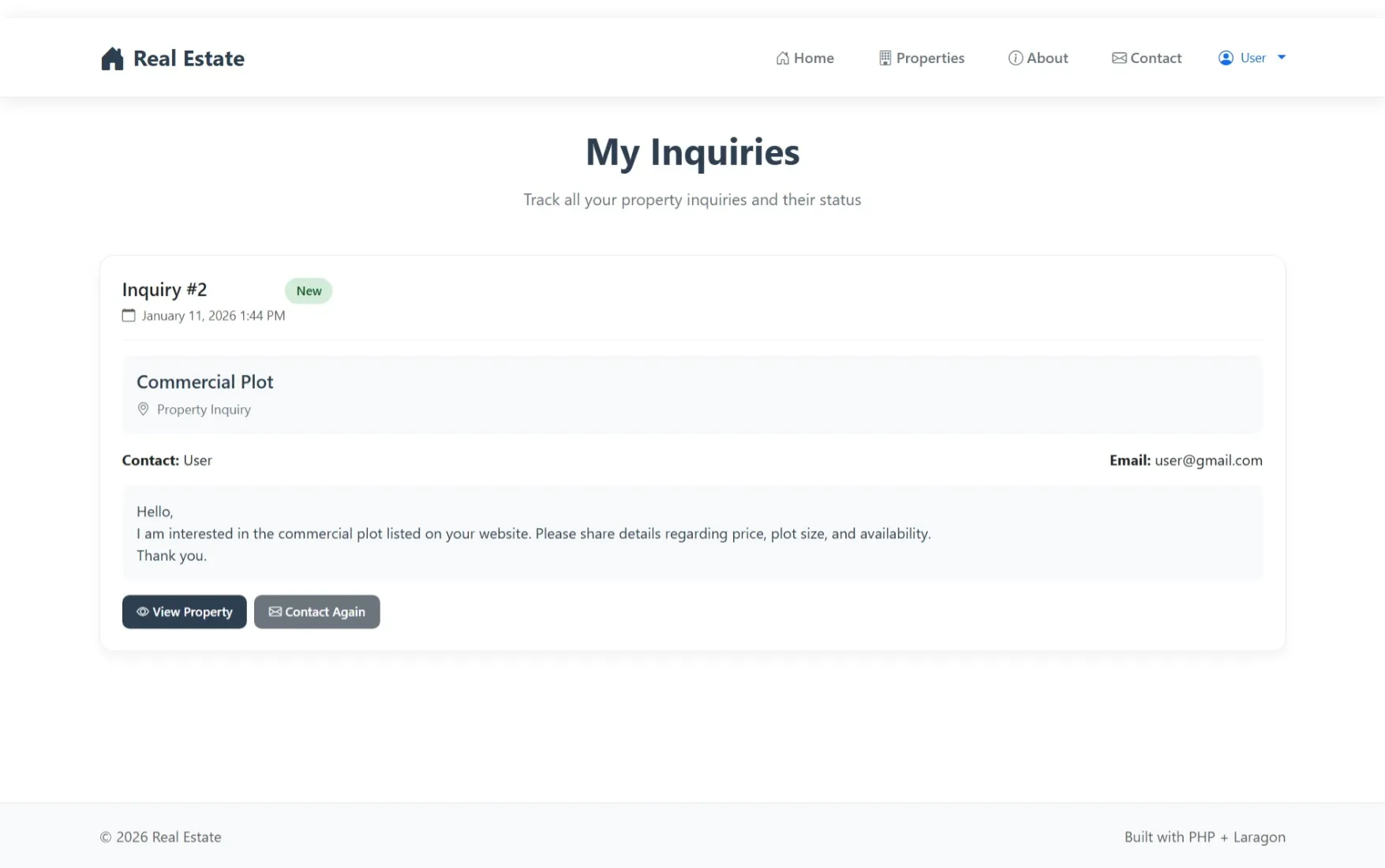
My Inquiries
Track submitted inquiries and view their status and responses
Property Favorites
Save and manage favorite property listings
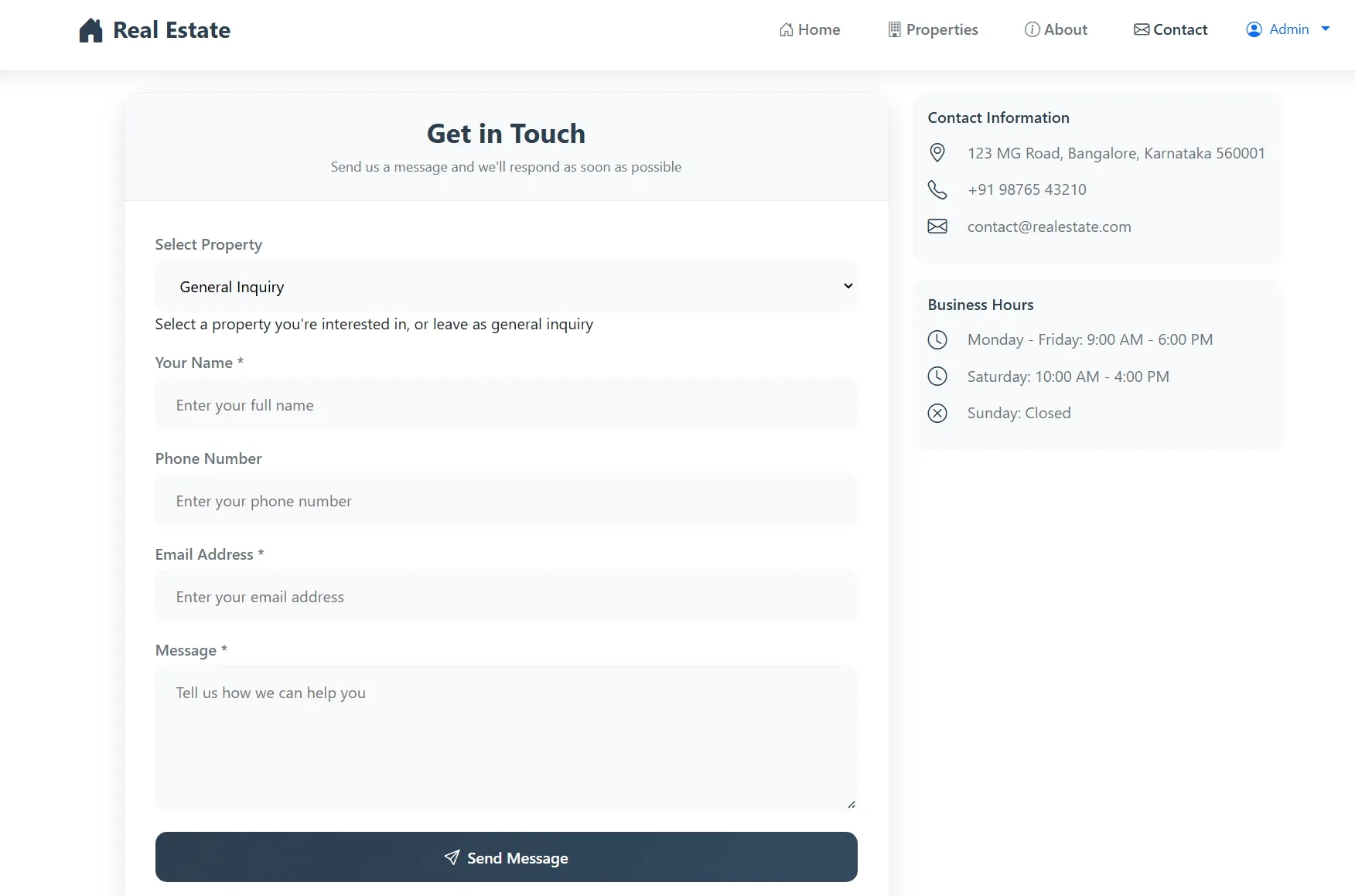
Contact System
Property-specific and general inquiry forms with email integration
Admin Module
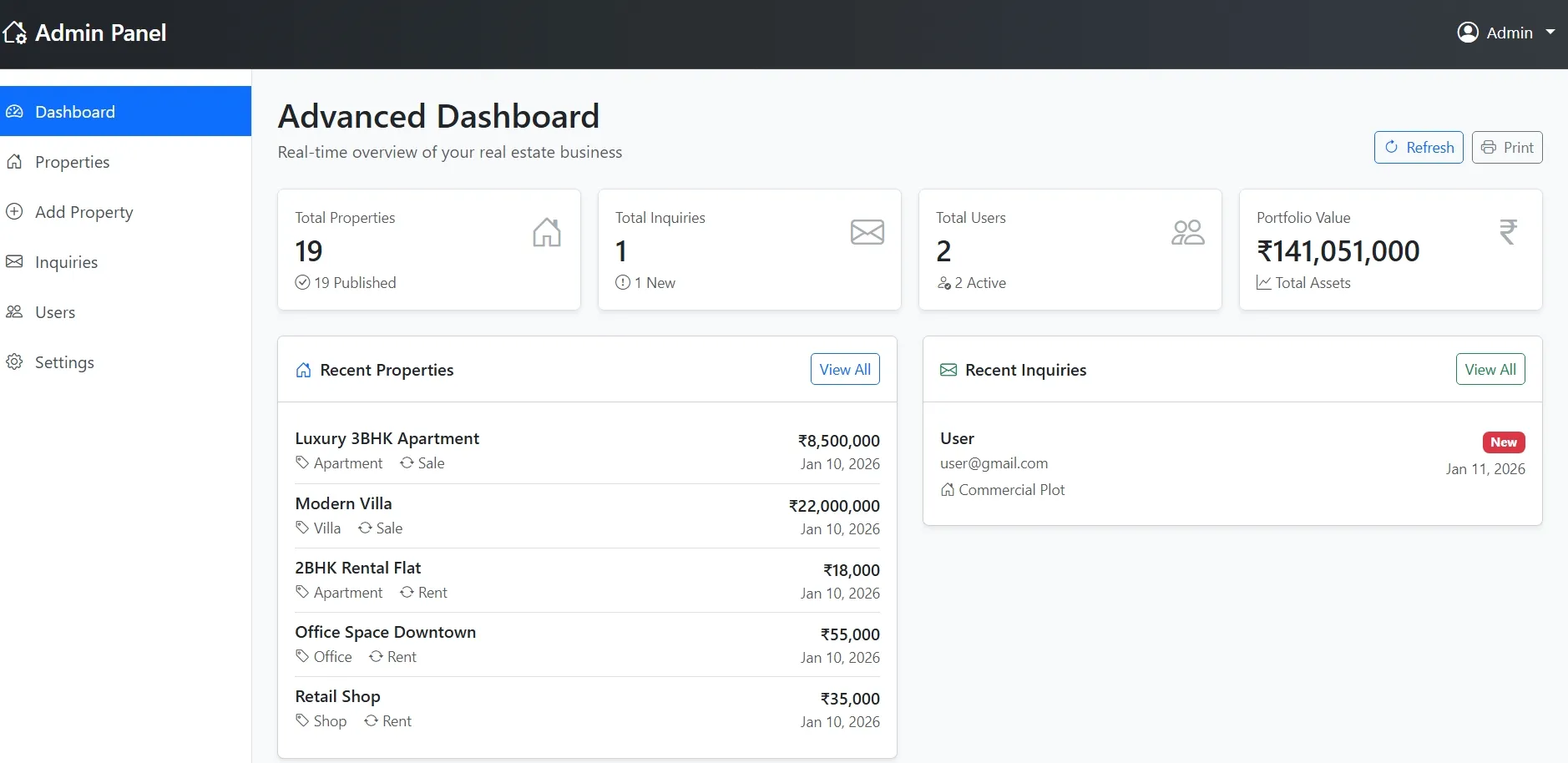
Admin Dashboard
Overview of properties, inquiries, users, and revenue statistics
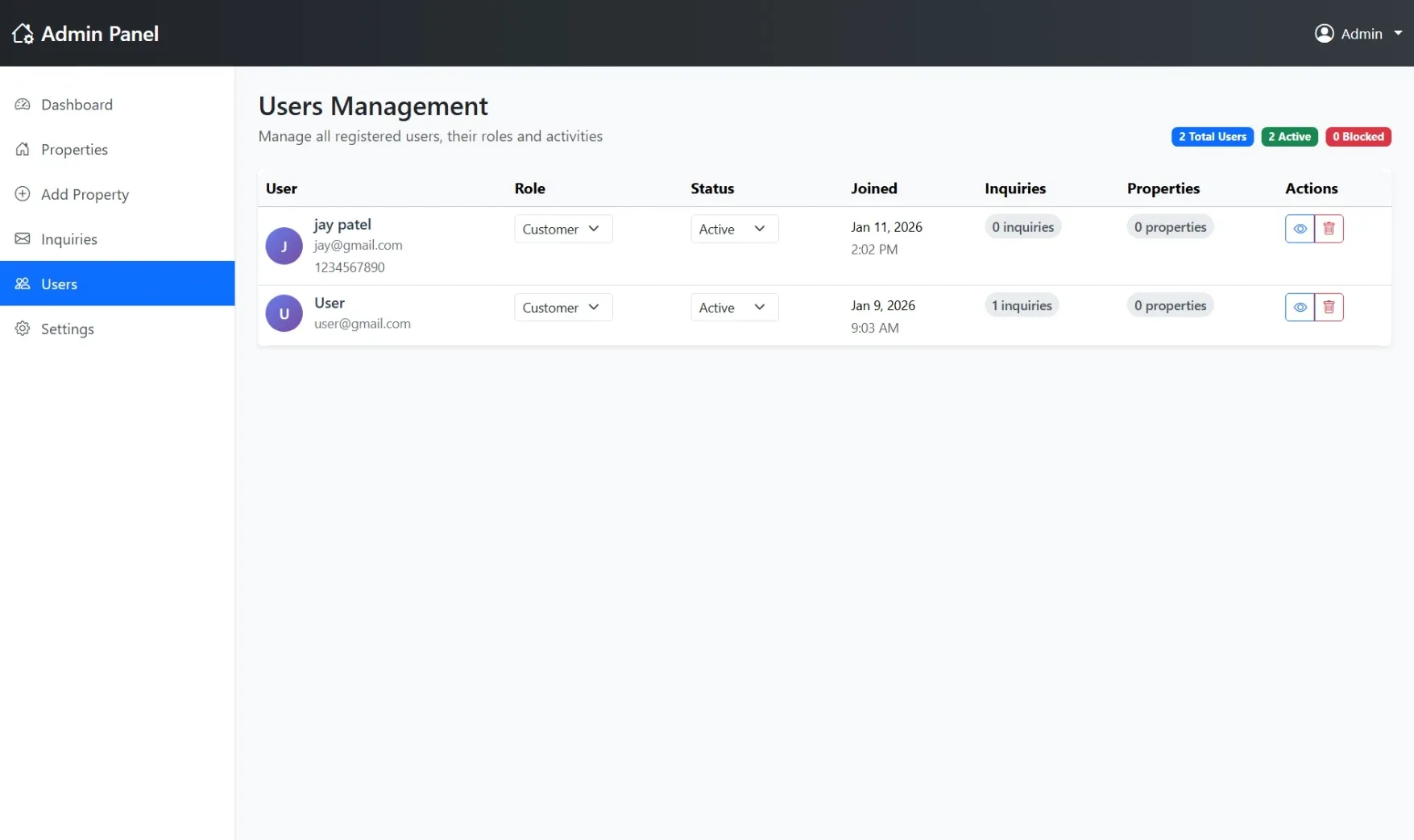
User Management
View, edit, and manage all registered users with role and status controls
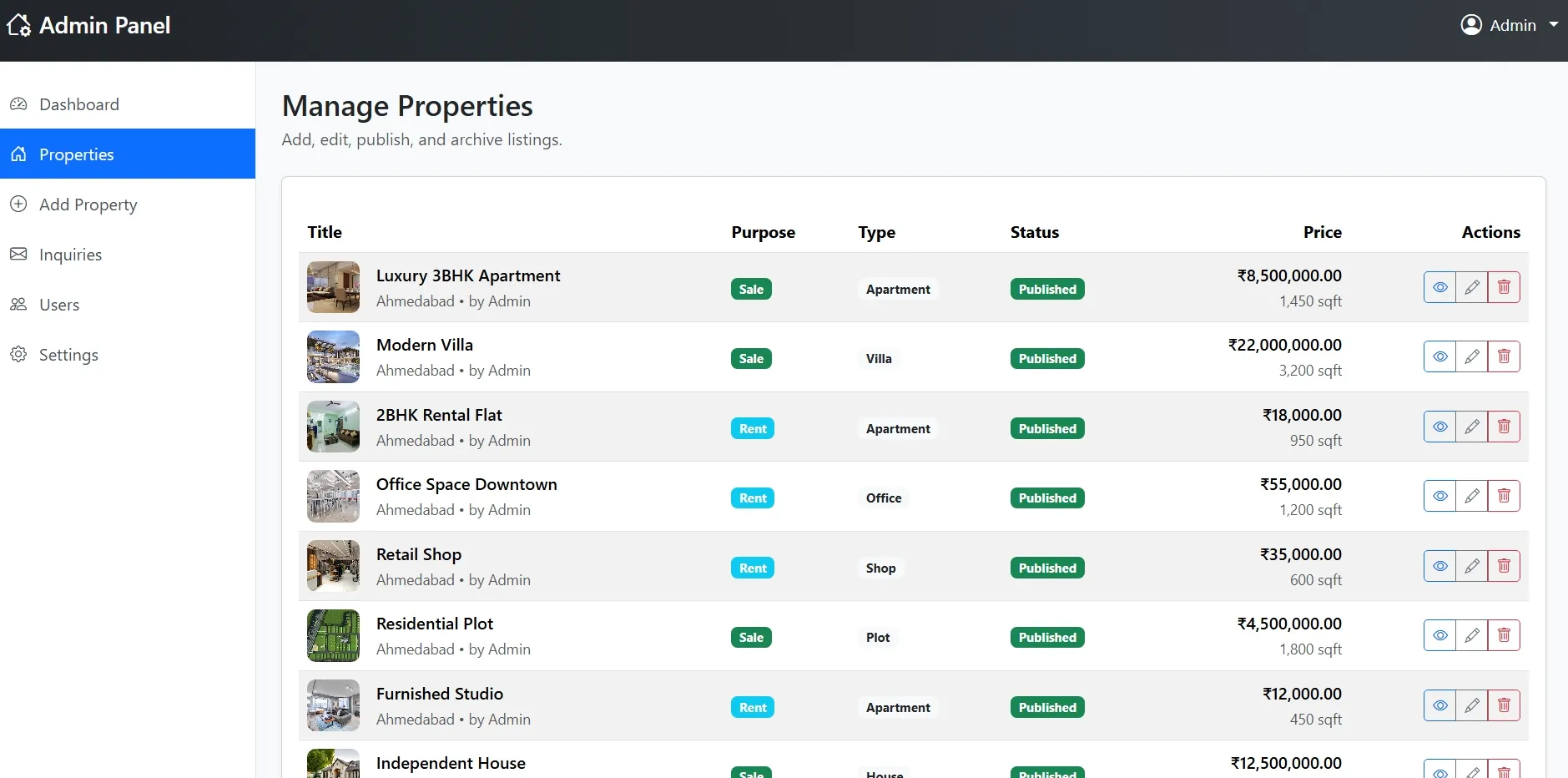
Property Management
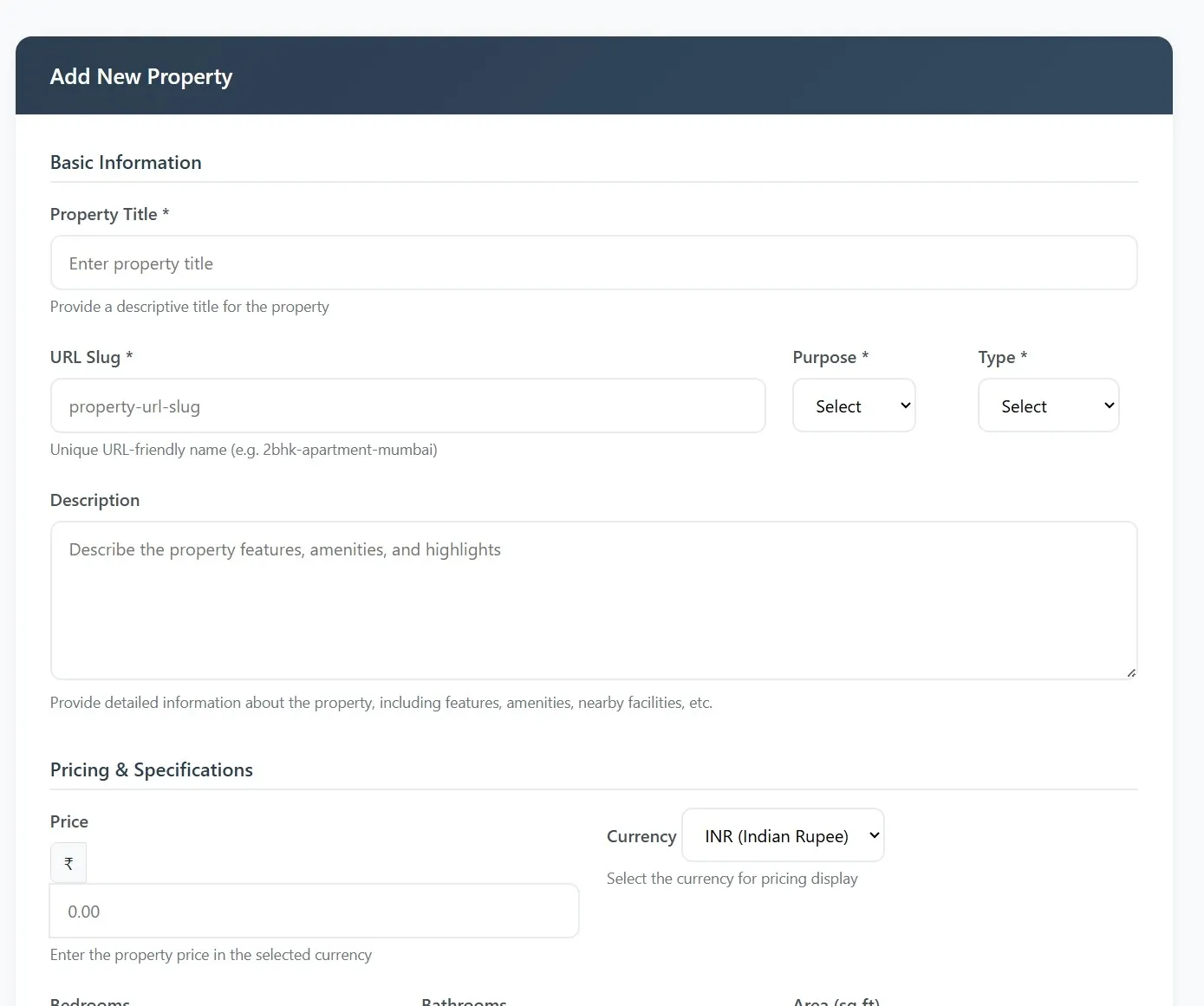
Add, edit, delete, and manage all property listings
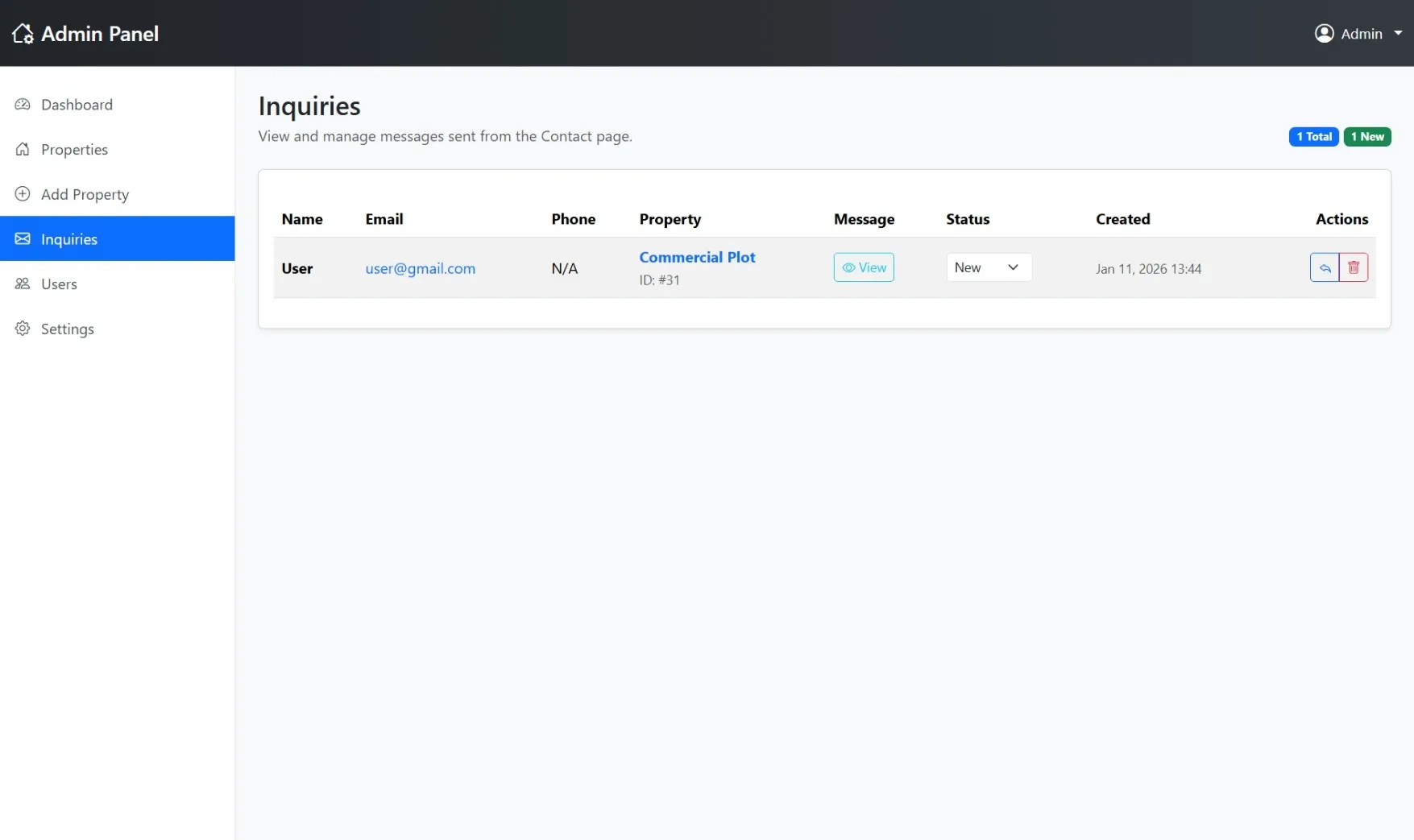
Inquiry Management
Handle and track all customer inquiries with response status
Property Details Admin
View and manage detailed property information and settings
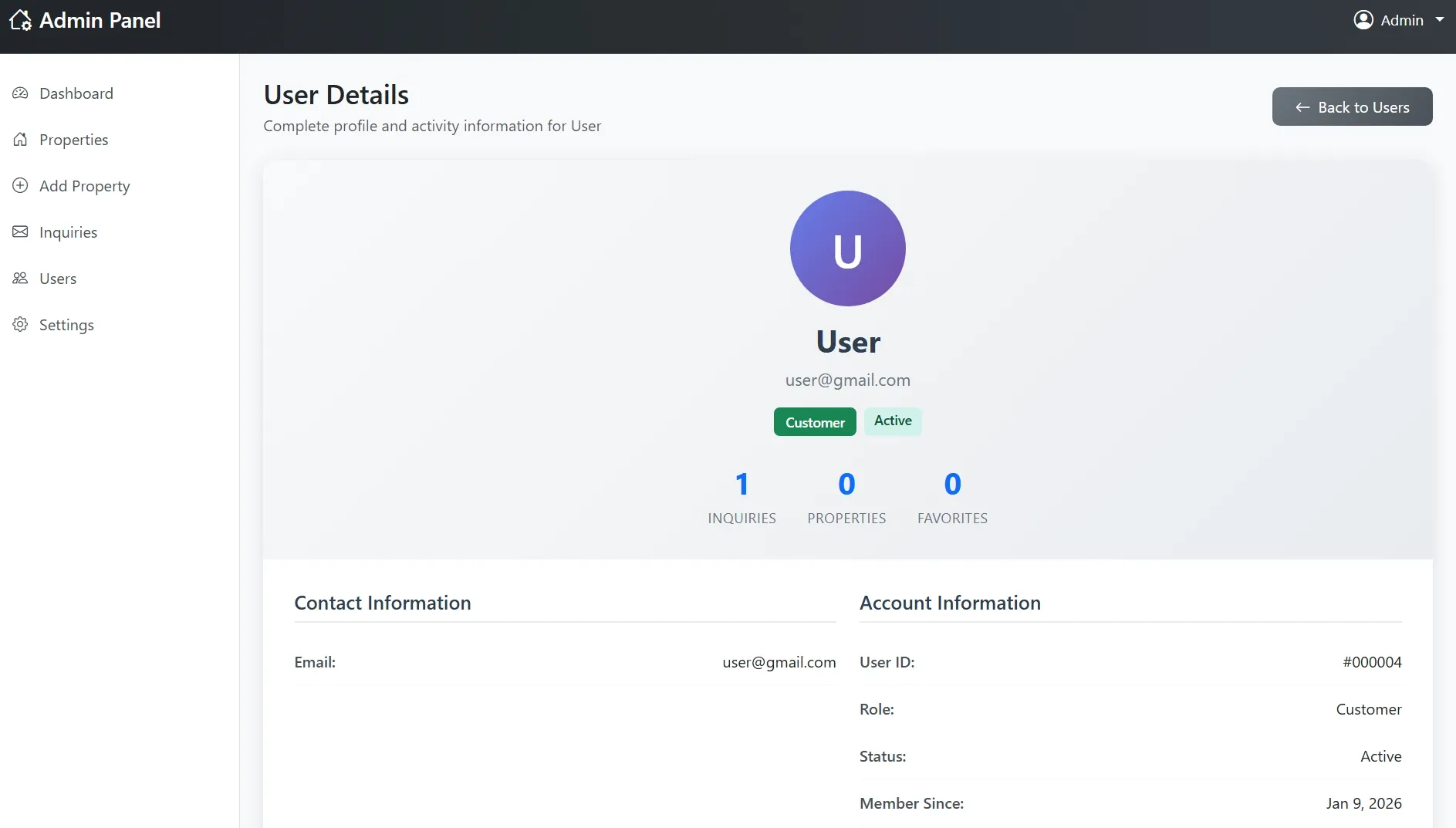
User Details Admin
Comprehensive user profile view with activity tracking
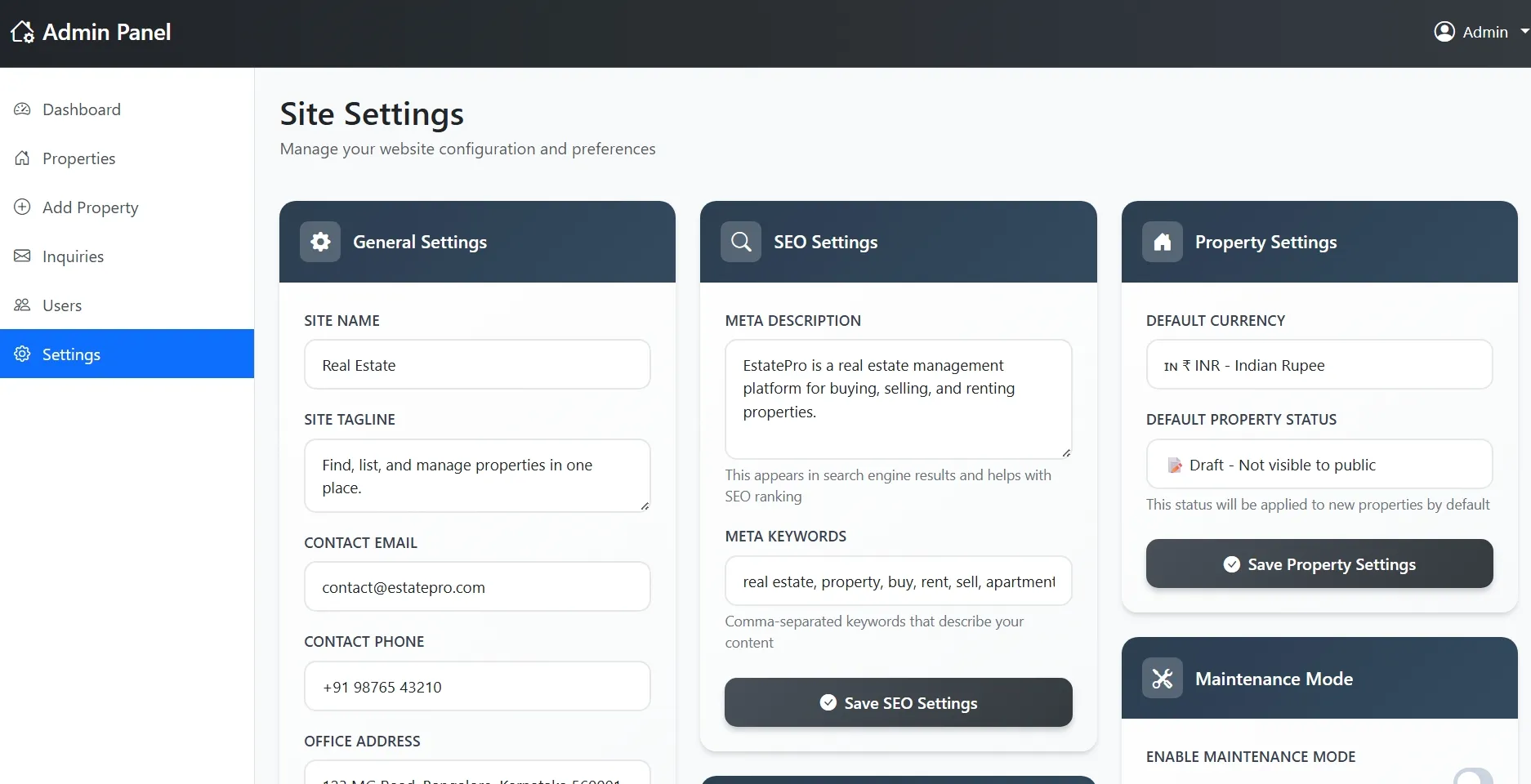
Settings Management
Configure site settings, contact information, and system preferences
Admin Authentication
Secure login system with role-based access control
How to Run
▶️ How to Run the Real Estate Management System
🔹 Prerequisites
->XAMPP or WAMP server installed
->Any web browser (Chrome, Firefox, Edge)
🔹 Installation Steps
1. Start Server
->Open XAMPP / WAMP Control Panel
->Start Apache and MySQL
2. Setup Database
->Open browser and go to http://localhost/phpmyadmin
->Create a new database named estate_db
Click Import
->Select the file estate.sql
->Click Go to import
3. Run the Project
->Open browser
->Go to http://localhost/esate
🔹 Login Credentials
Admin
->Username: admin@gmail.com
->Password: admin123
Customer
->Username: user@gmail.com
->Password: user123
🔹 Prerequisites
->XAMPP or WAMP server installed
->Any web browser (Chrome, Firefox, Edge)
🔹 Installation Steps
1. Start Server
->Open XAMPP / WAMP Control Panel
->Start Apache and MySQL
2. Setup Database
->Open browser and go to http://localhost/phpmyadmin
->Create a new database named estate_db
Click Import
->Select the file estate.sql
->Click Go to import
3. Run the Project
->Open browser
->Go to http://localhost/esate
🔹 Login Credentials
Admin
->Username: admin@gmail.com
->Password: admin123
Customer
->Username: user@gmail.com
->Password: user123
Important: Default max downloads per day (per order): 2. Download access may also be limited to 7 days from purchase.