Online Food Ordering System
NeuraBUG
in Web Development
Online Food Ordering System
₹499.00
₹899.00
Available for download
Project DetailsClick Here
Product DemoClick Here
Description
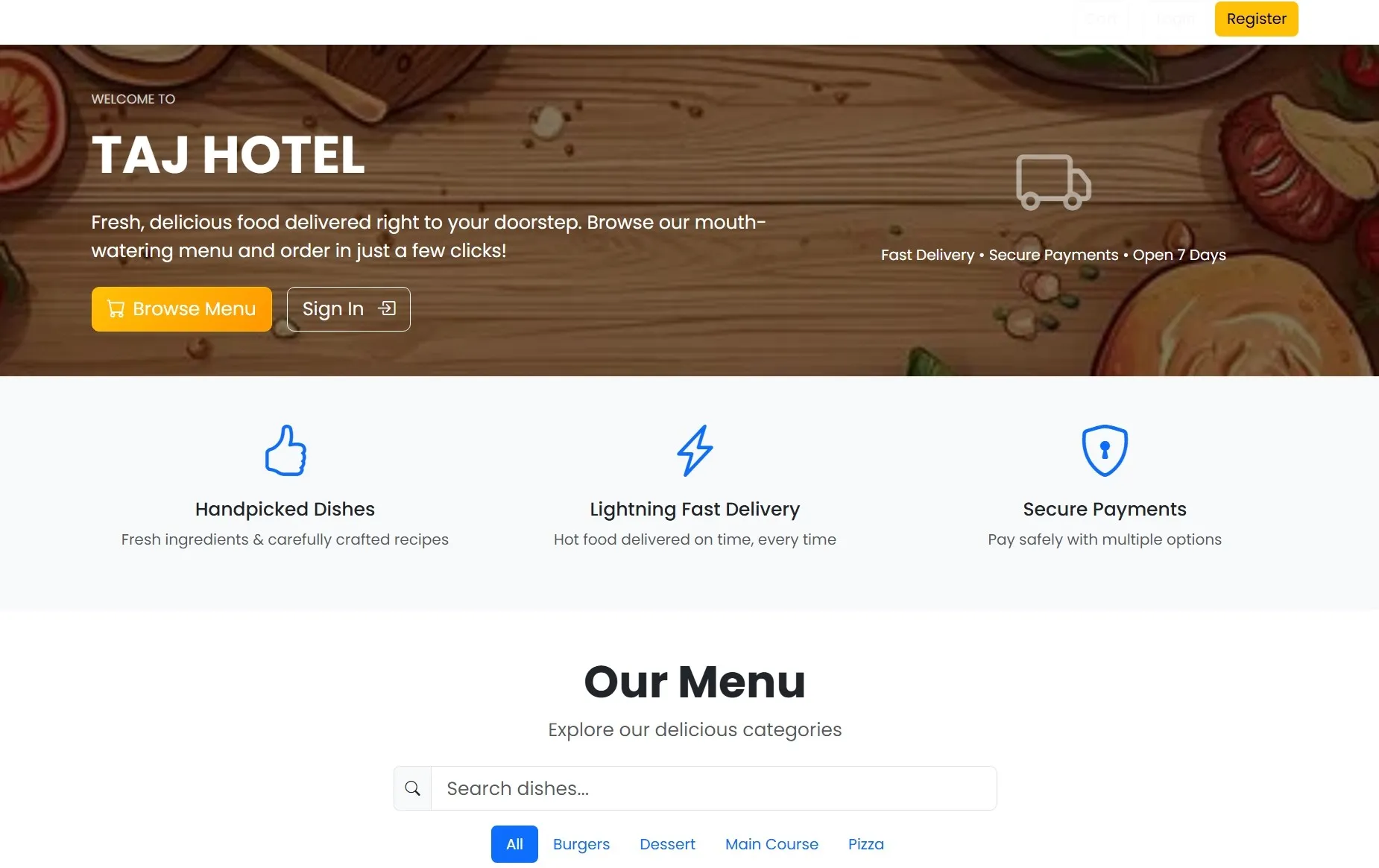
Online Food Ordering System enables customers to order food anytime from their preferred restaurants using a single platform.
It reduces manual work by automating order management, billing, and delivery coordination.
This project improves customer convenience and increases restaurant operational efficiency.
It reduces manual work by automating order management, billing, and delivery coordination.
This project improves customer convenience and increases restaurant operational efficiency.
Requirements
Project Name
Online Food Ordering System
Language Used
PHP 8+, JavaScript (ES6+),
Database
MySQL 8 (InnoDB, PDO)
UI Framework
Bootstrap 5.3 + Bootstrap Icons + custom CSS
Web Browser
Chrome 120+ / Edge / Firefox latest
Software
Laragon (Apache, MySQL, PHP) or XAMPP 8.2+
User Module
Register
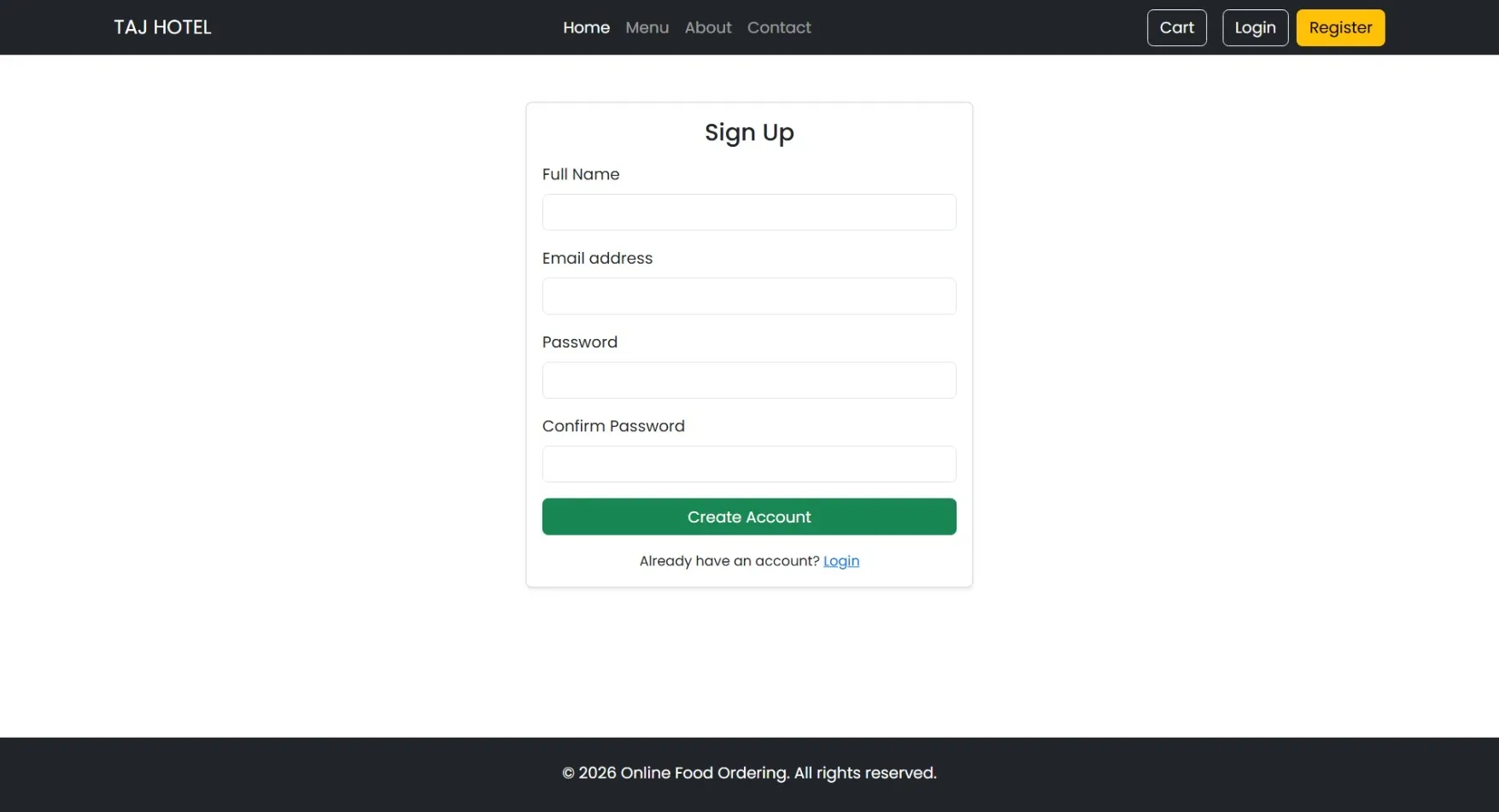
User Name, Valid Email, Encrypted Password
Login
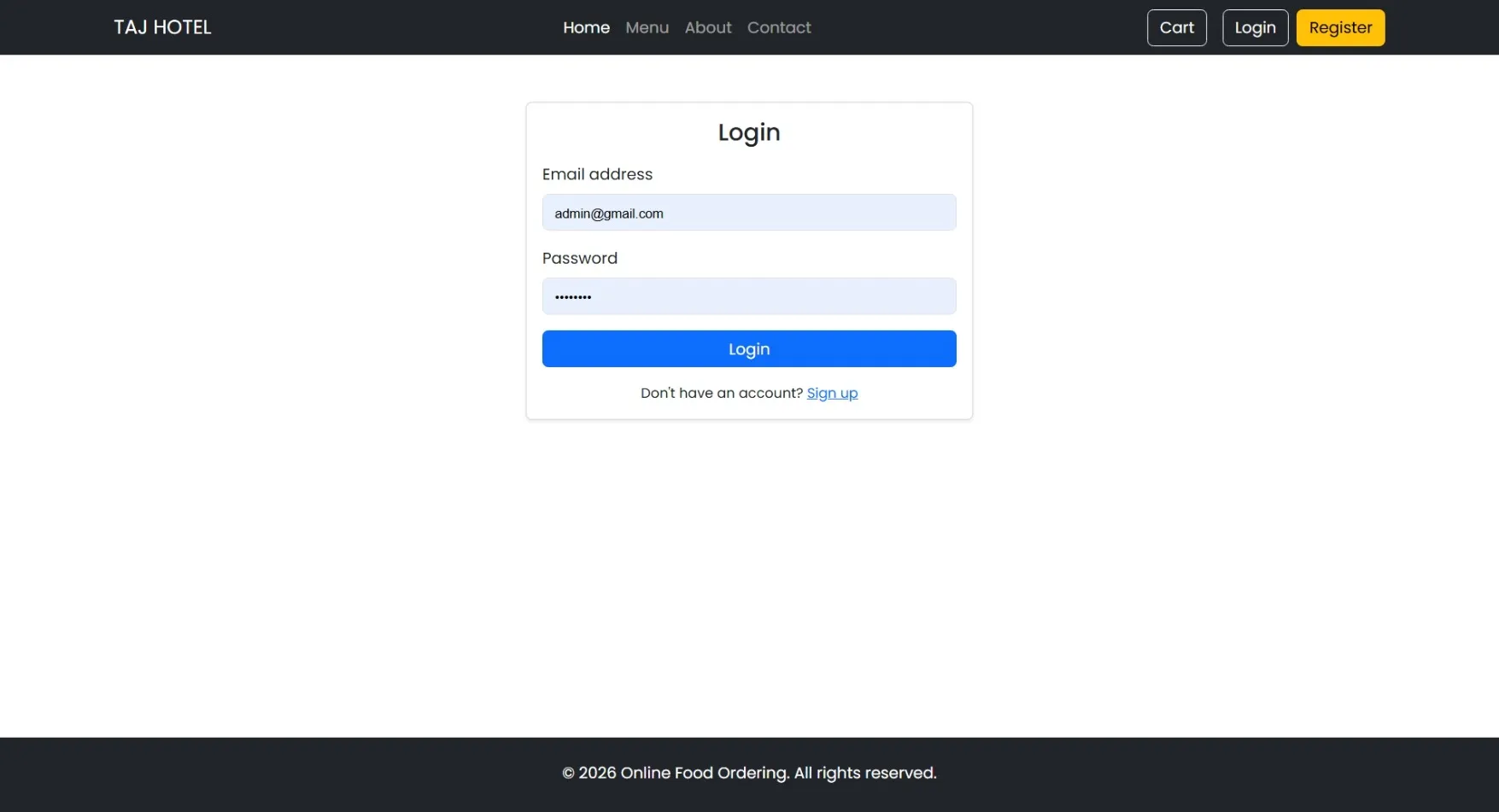
Secure Email Authentication, Password Verification
Browse
Food Categories, Restaurant Menus, Item Details
Search
Keyword-Based Filtering, Quick Item Lookup
Cart
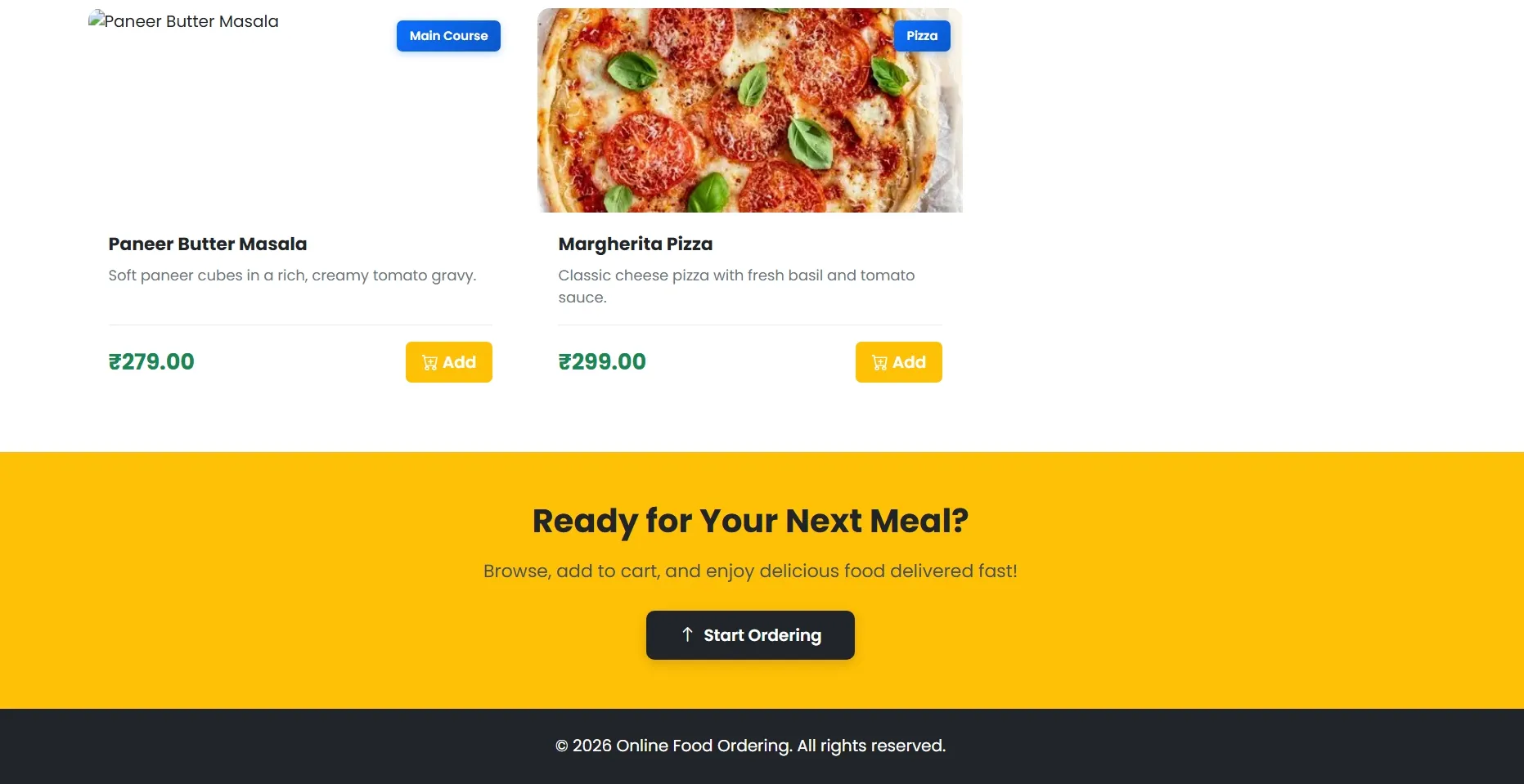
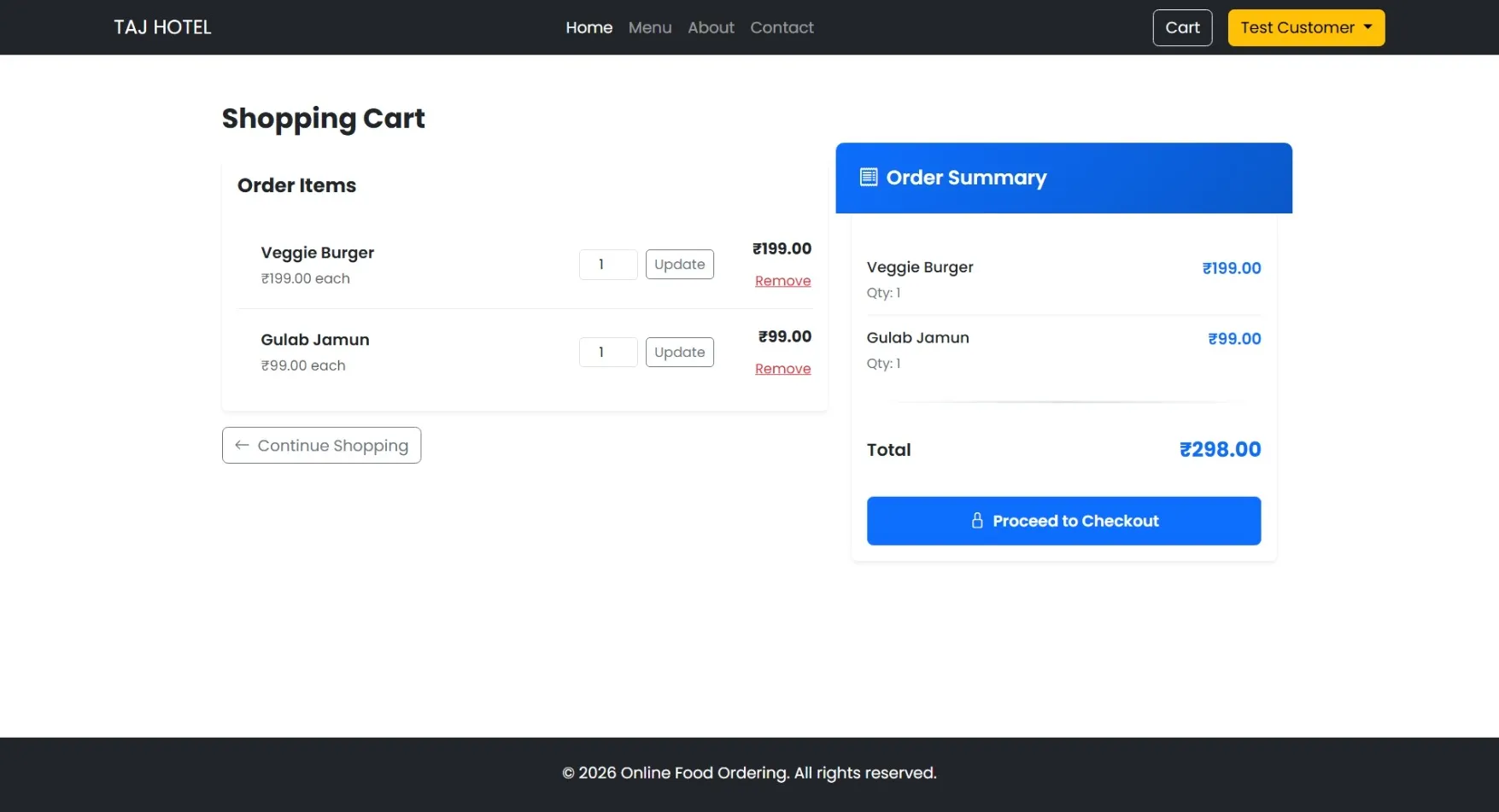
Add Items, Modify Quantities, Remove Products
Checkout
Delivery Address, Contact Number, Cash on Delivery
Orders
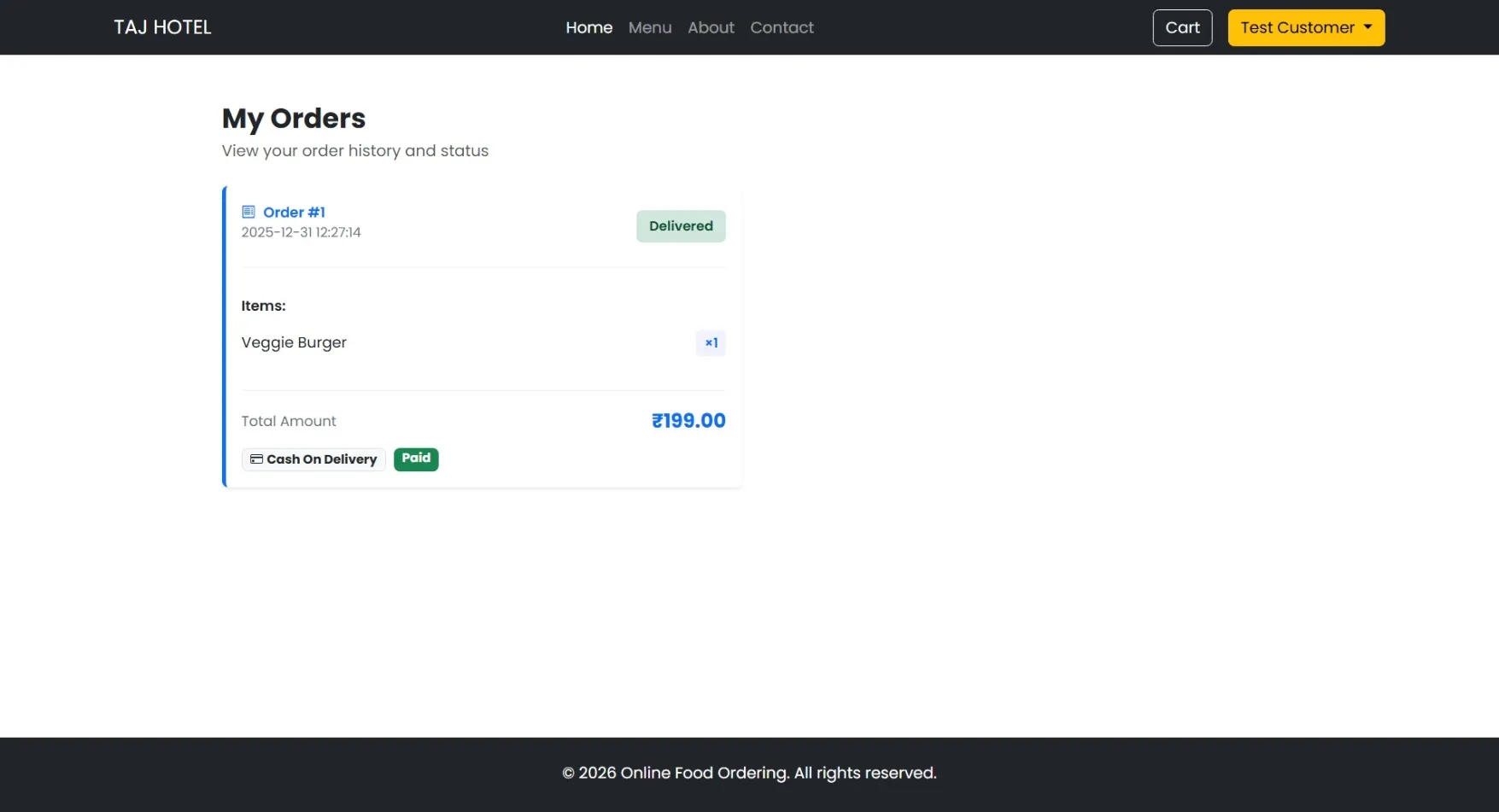
Order History, Live Status, Total Bill, Payment Method
Admin Module
Dashboard
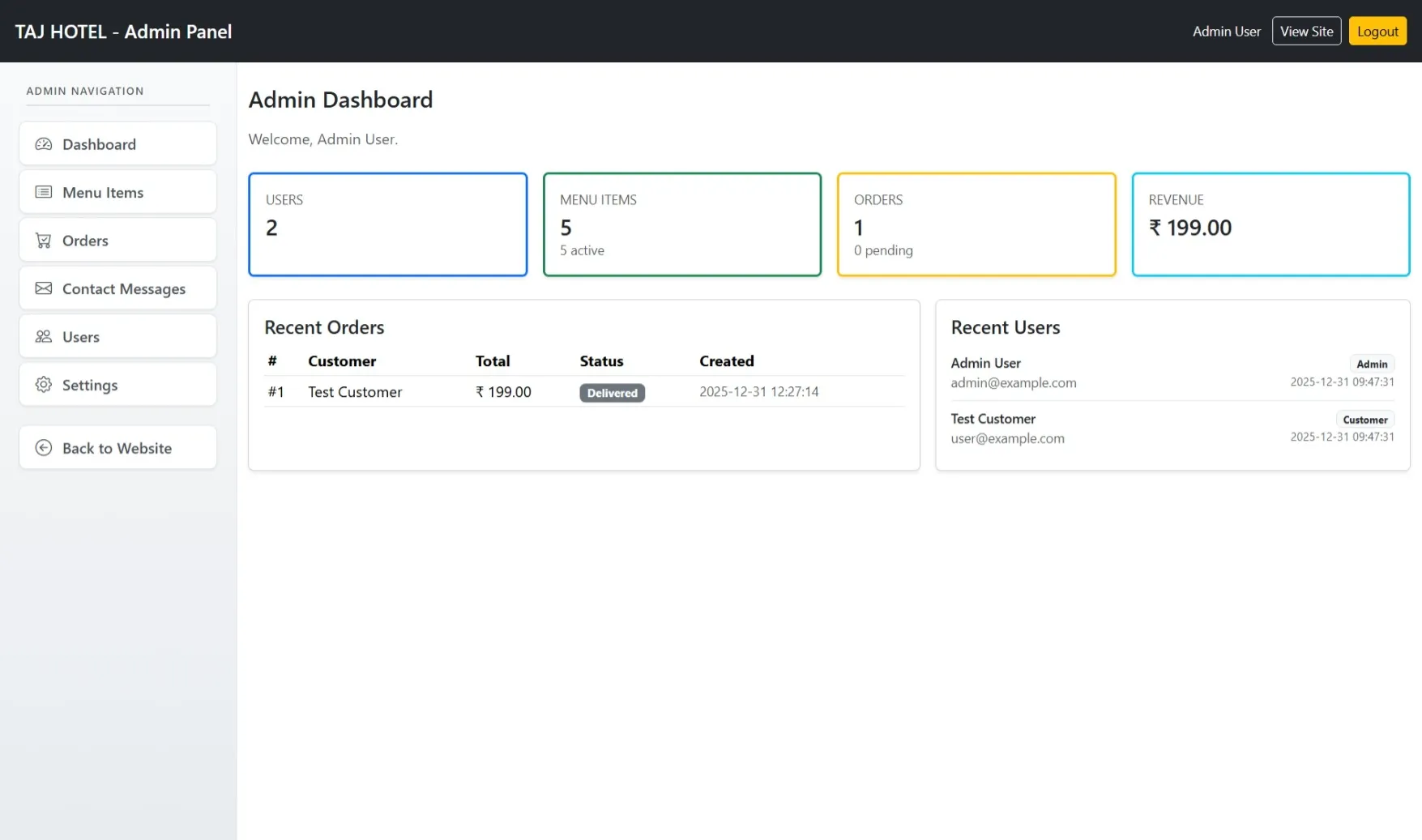
System Summary, Order Counts, Quick Navigation
Manage
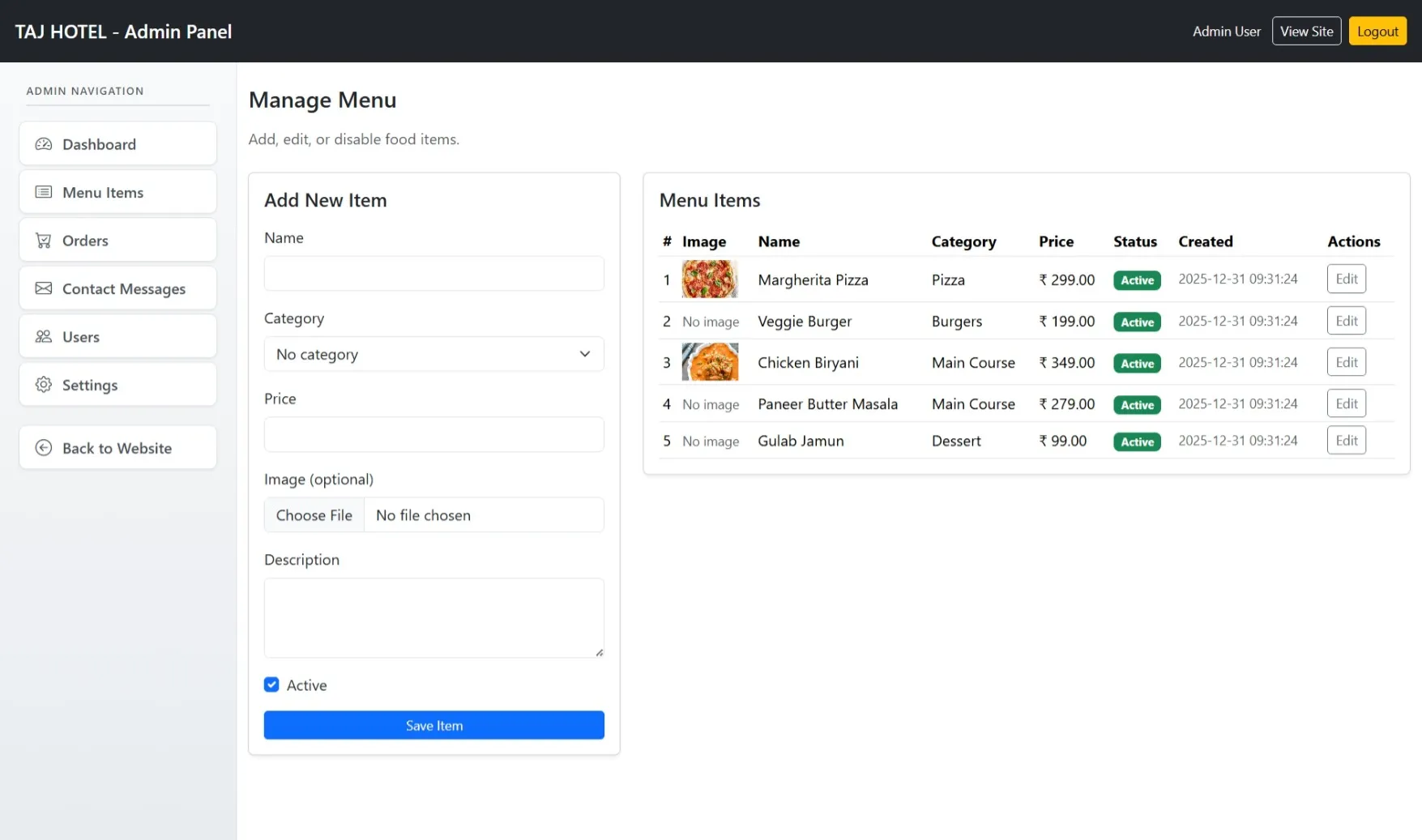
Create, Update, Delete Categories and Menu Items
Orders
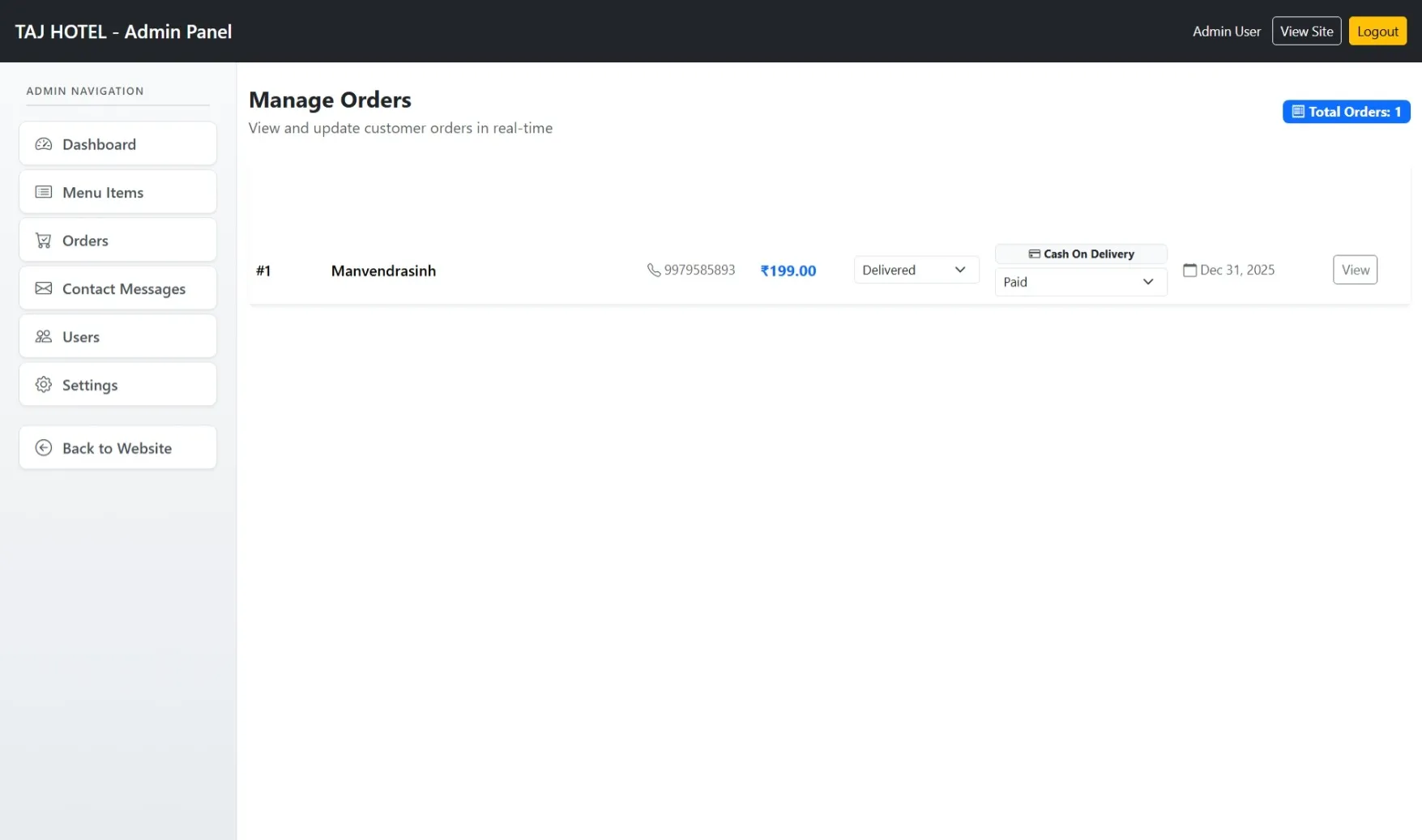
View All Orders, Update Order and Payment Status
Order Details
Customer Data, Ordered Items, Price Breakdown
Users
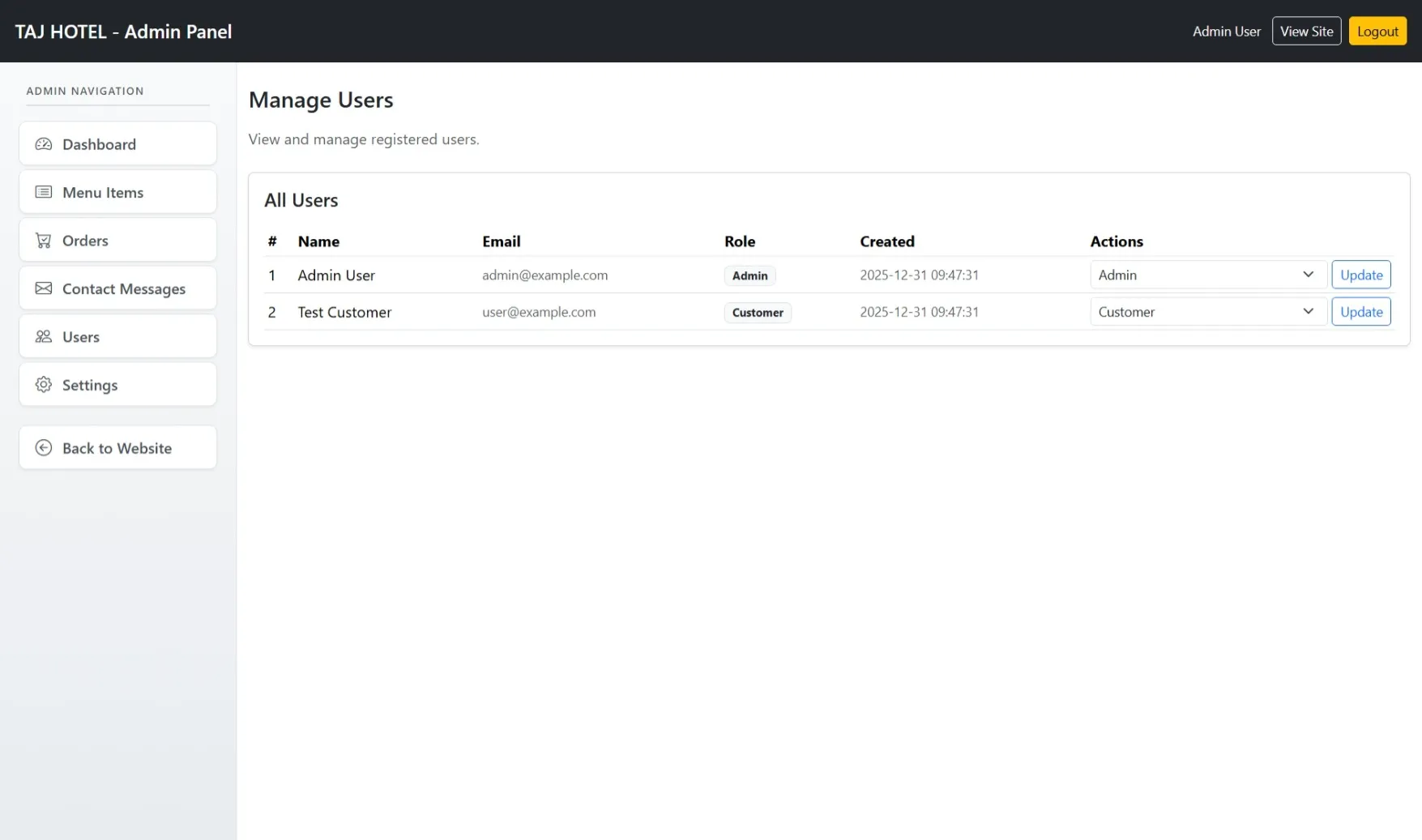
Customer Linking via Order Records
Reports
Orders by Date, Status, Payment Type
How to Run
▶️ How to Run the online food ordering System
🔹 Prerequisites
->XAMPP or WAMP server installed
->Any web browser (Chrome, Firefox, Edge)
🔹 Installation Steps
1. Start Server
->Open XAMPP / WAMP Control Panel
->Start Apache and MySQL
2. Setup Database
->Open browser and go to http://localhost/phpmyadmin
->Create a new database named food
Click Import
->Select the file food.sql
->Click Go to import
3. Run the Project
->Open browser
->Go to http://localhost/food
🔹 Login Credentials
Admin
->Username: admin@example.com
->Password: admin123
Customer
->Username: user@example.com
->Password: user123
🔹 Prerequisites
->XAMPP or WAMP server installed
->Any web browser (Chrome, Firefox, Edge)
🔹 Installation Steps
1. Start Server
->Open XAMPP / WAMP Control Panel
->Start Apache and MySQL
2. Setup Database
->Open browser and go to http://localhost/phpmyadmin
->Create a new database named food
Click Import
->Select the file food.sql
->Click Go to import
3. Run the Project
->Open browser
->Go to http://localhost/food
🔹 Login Credentials
Admin
->Username: admin@example.com
->Password: admin123
Customer
->Username: user@example.com
->Password: user123
Important: Default max downloads per day (per order): 2. Download access may also be limited to 7 days from purchase.