Restaurant & Café Management System
NeuraBUG
in Web Development
Restaurant & Café Management System
₹499.00
₹899.00
Available for download
Project DetailsClick Here
Product DemoClick Here
Description
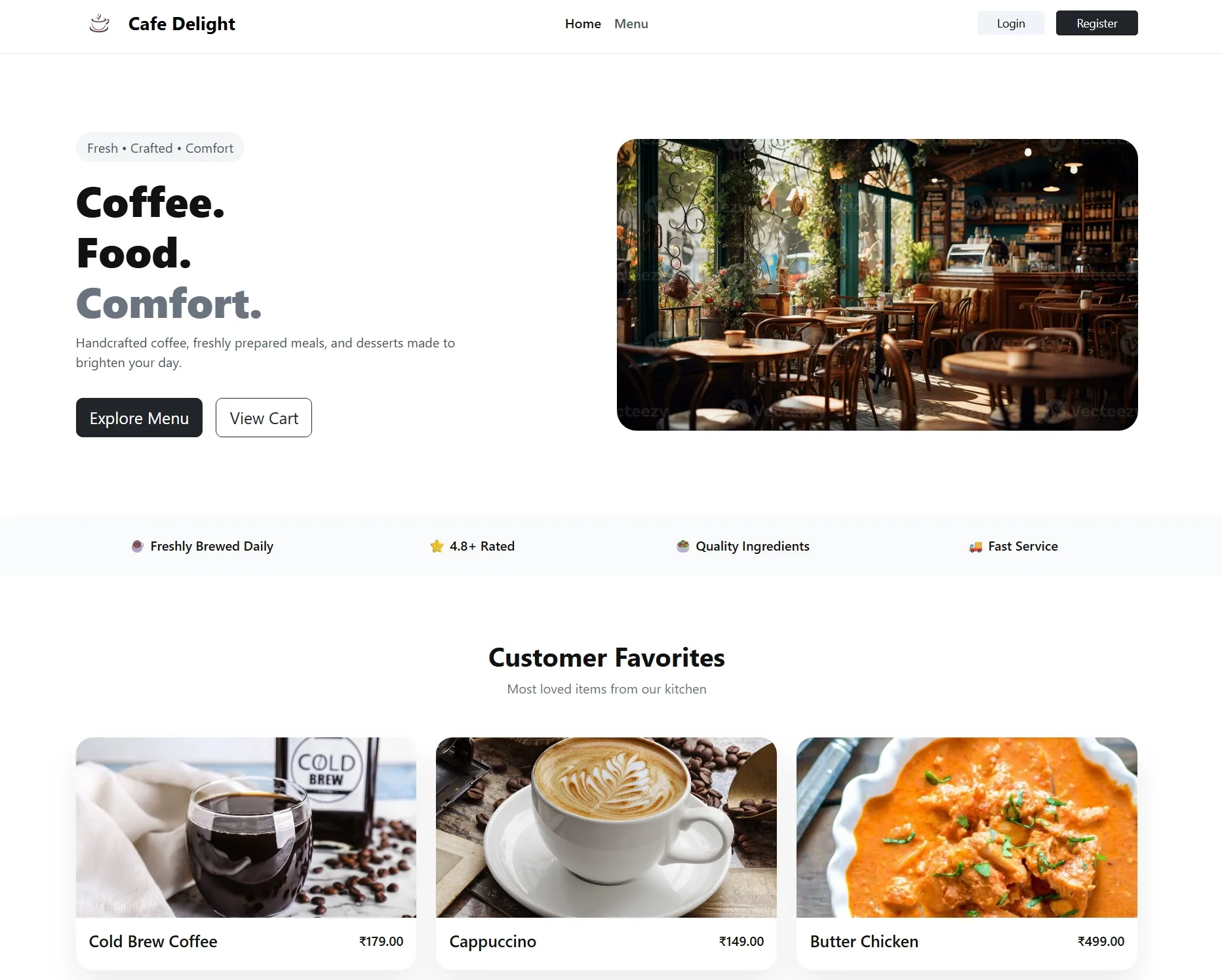
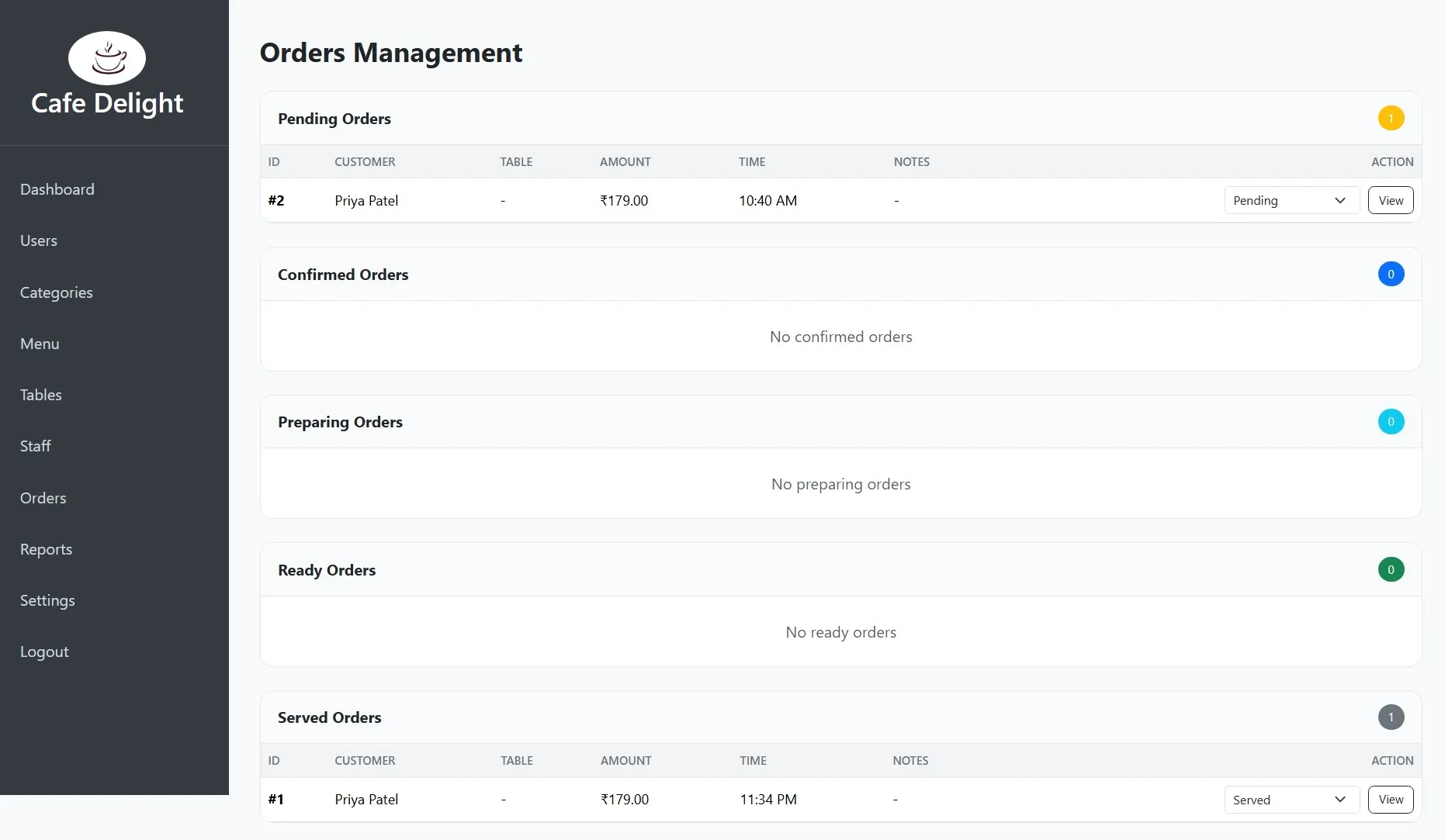
Restaurant & Café Management System is a web-based application developed using PHP and MySQL to manage day-to-day restaurant and café operations efficiently. It provides modules for menu management, order processing, billing, table handling, and user roles through a centralized admin panel.
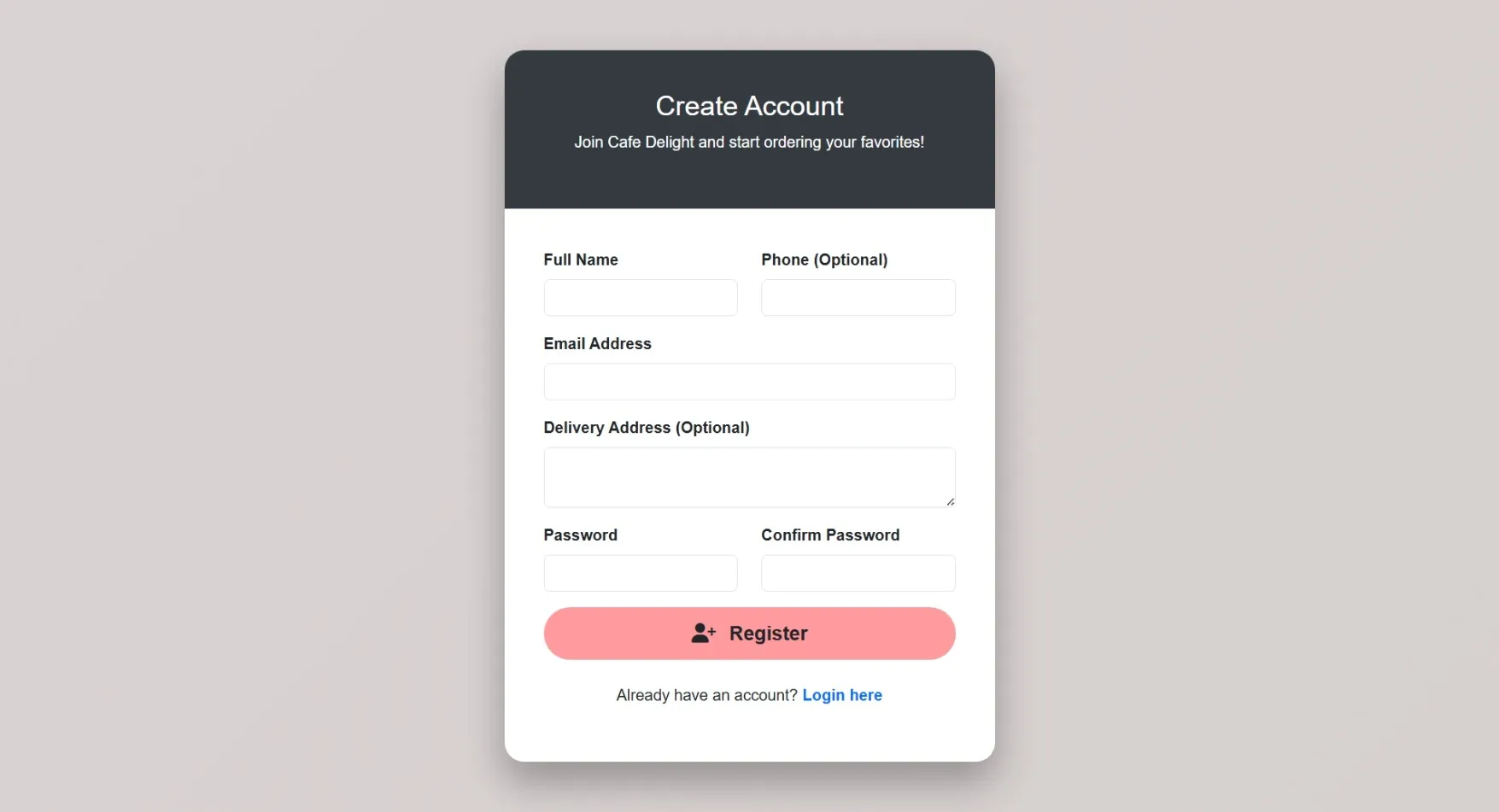
The system supports Admin, Staff, and Customer roles, enabling smooth order flow, reservation tracking, and sales monitoring. It is designed as a college-ready project with a simple interface, structured database, and real-world functionality suitable for academic submission and demonstration.
The system supports Admin, Staff, and Customer roles, enabling smooth order flow, reservation tracking, and sales monitoring. It is designed as a college-ready project with a simple interface, structured database, and real-world functionality suitable for academic submission and demonstration.
Requirements
Project Name
Restaurant & Café Management System
Language Used
PHP 7.4+, JavaScript
Database
MySQL 5.7+
UI Framework
HTML5, CSS3, Bootstrap 4/5
Web Browser
Google Chrome, Mozilla Firefox, Microsoft Edge
Software
XAMPP / WAMP / Laragon
User Module
Browse Menu
View food and beverage items by category
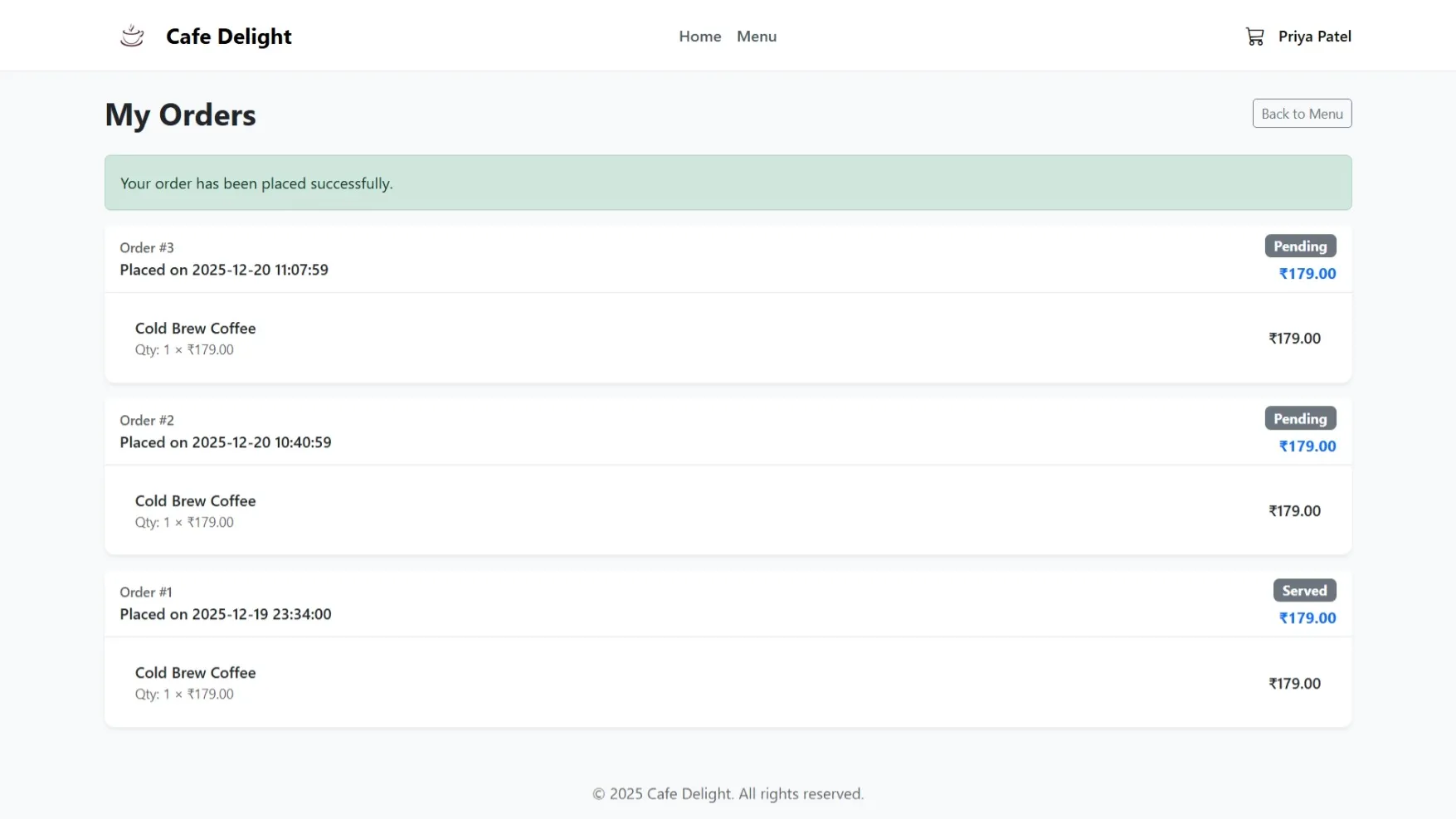
My Orders
Track order status and history
My Profile
Manage personal information and preferences
Table Reservation
Book a table for dining in
Order History
View past orders and receipts
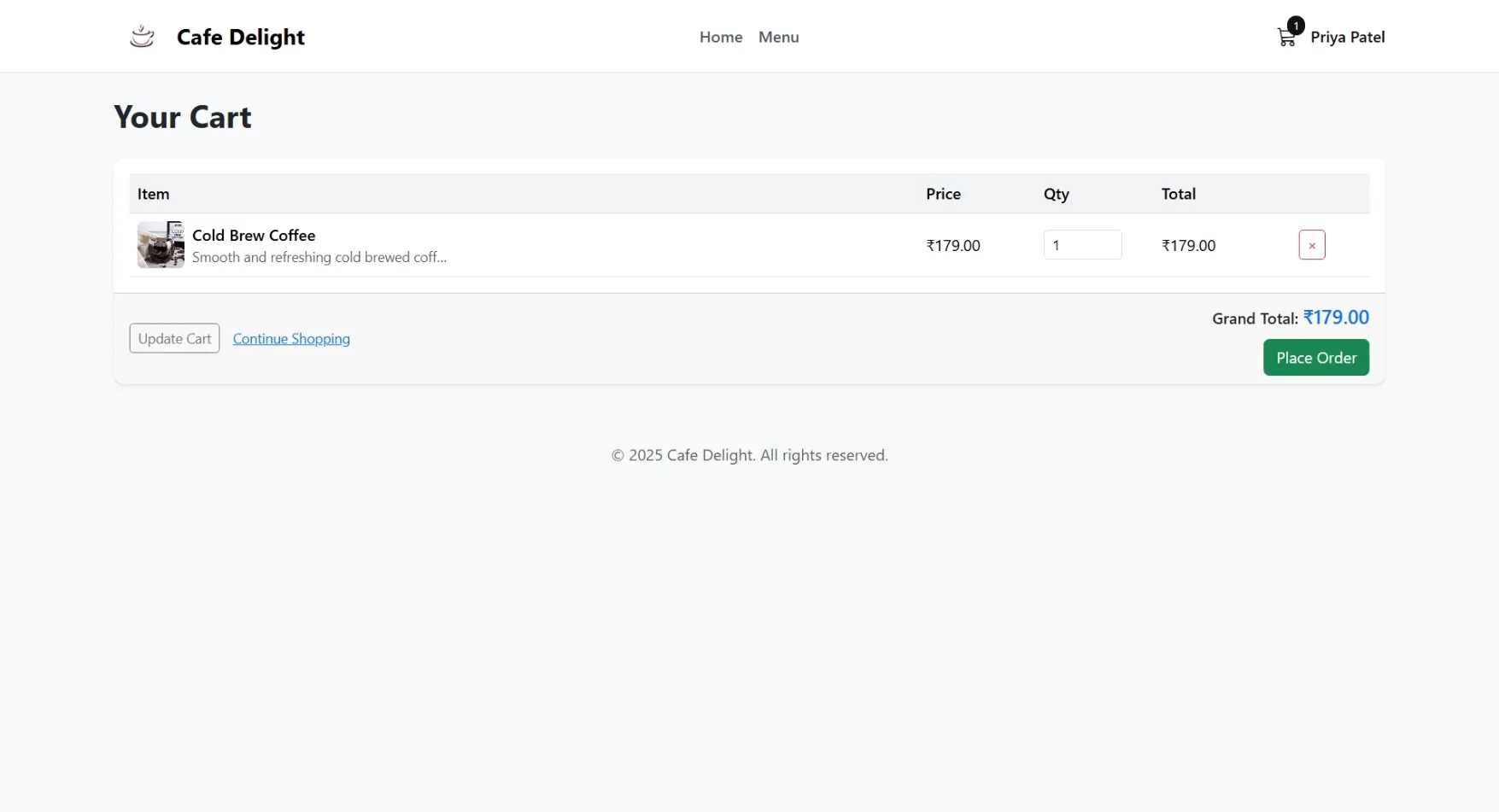
Cart
Review and modify order before checkout
Favorites
Save frequently ordered items
Feedback & Ratings
Rate food and service quality
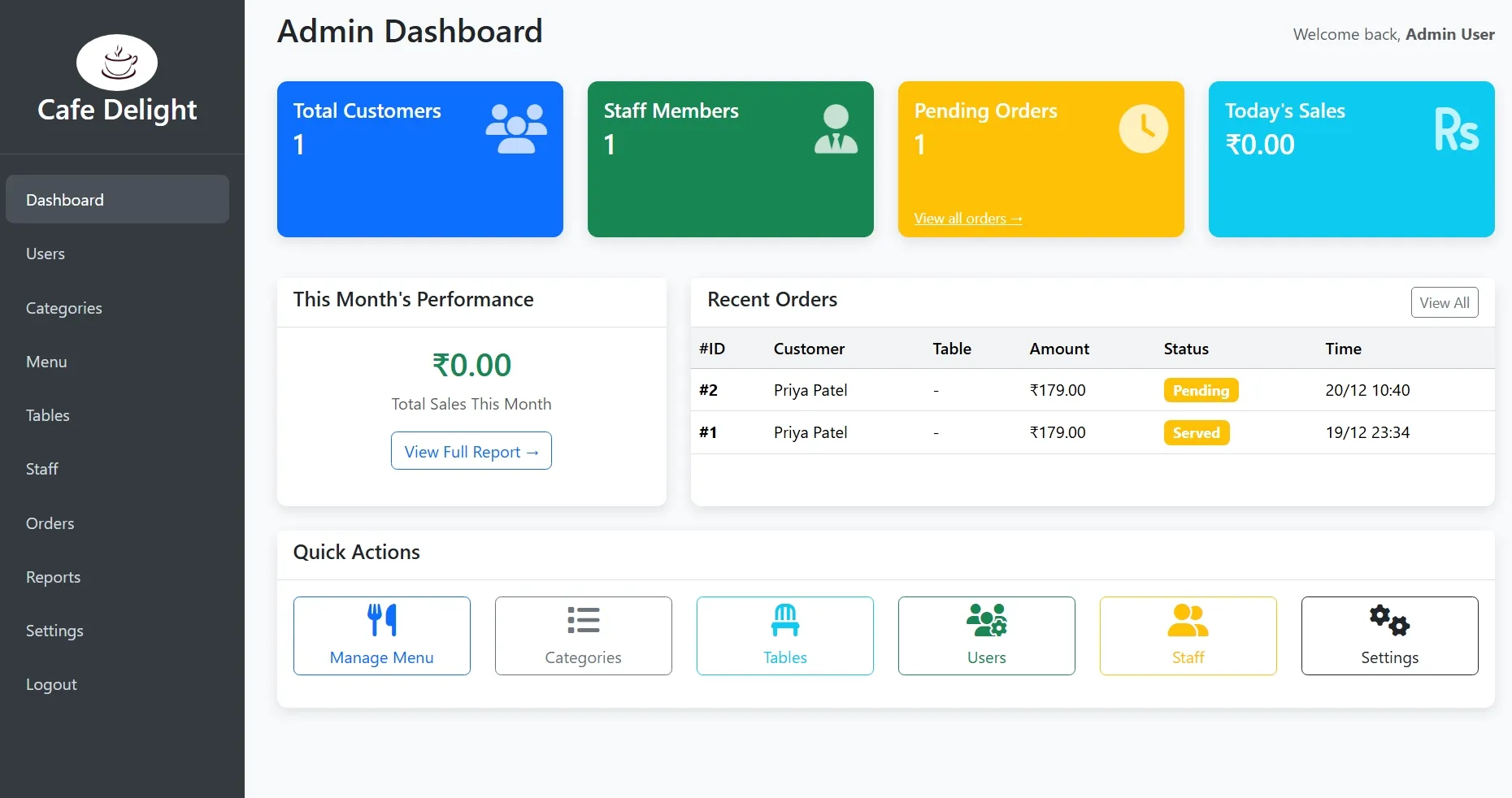
Admin Module
Dashboard
Overview of sales, orders, and system status
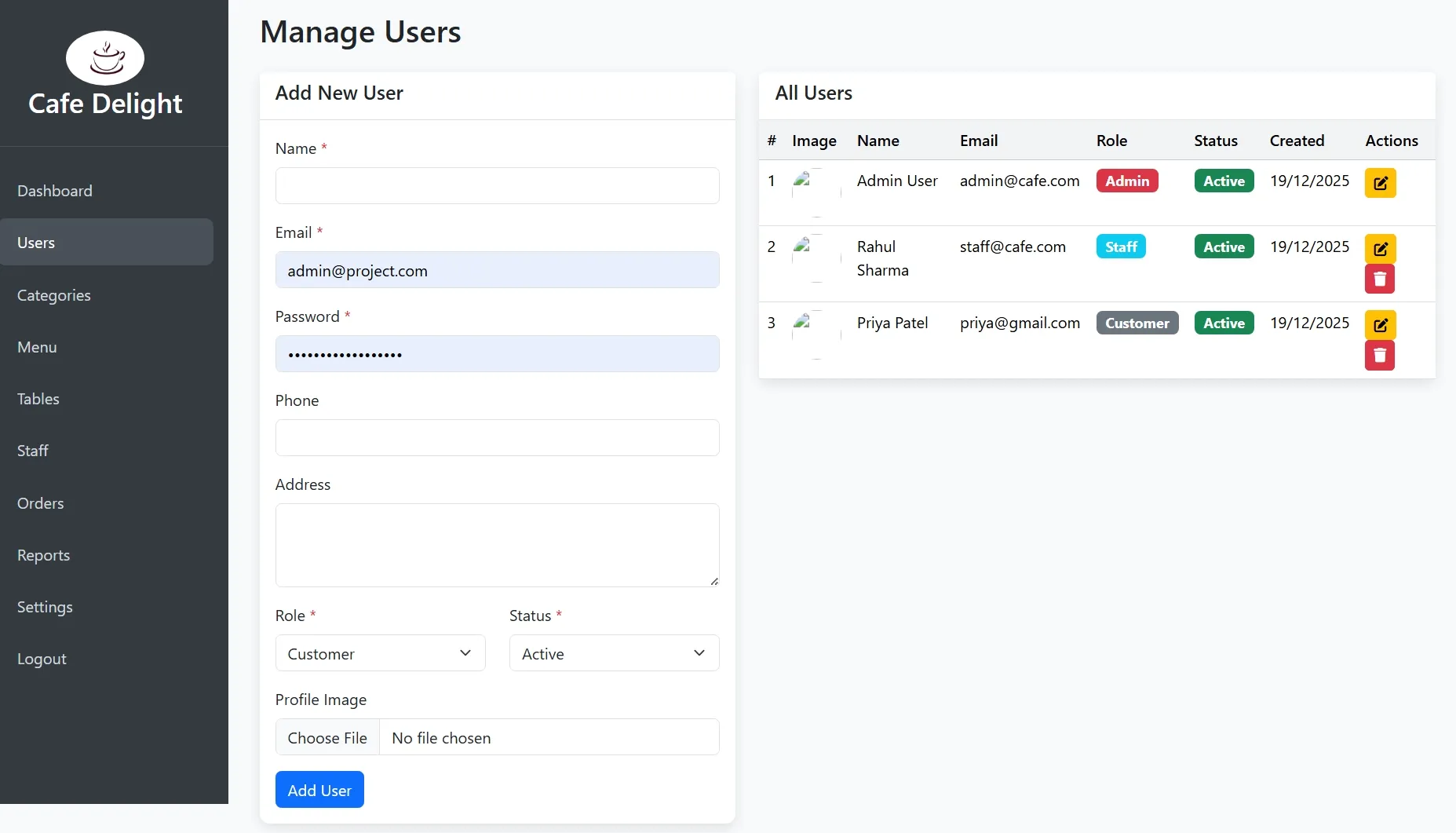
User Management
Create, view, edit, and deactivate user accounts
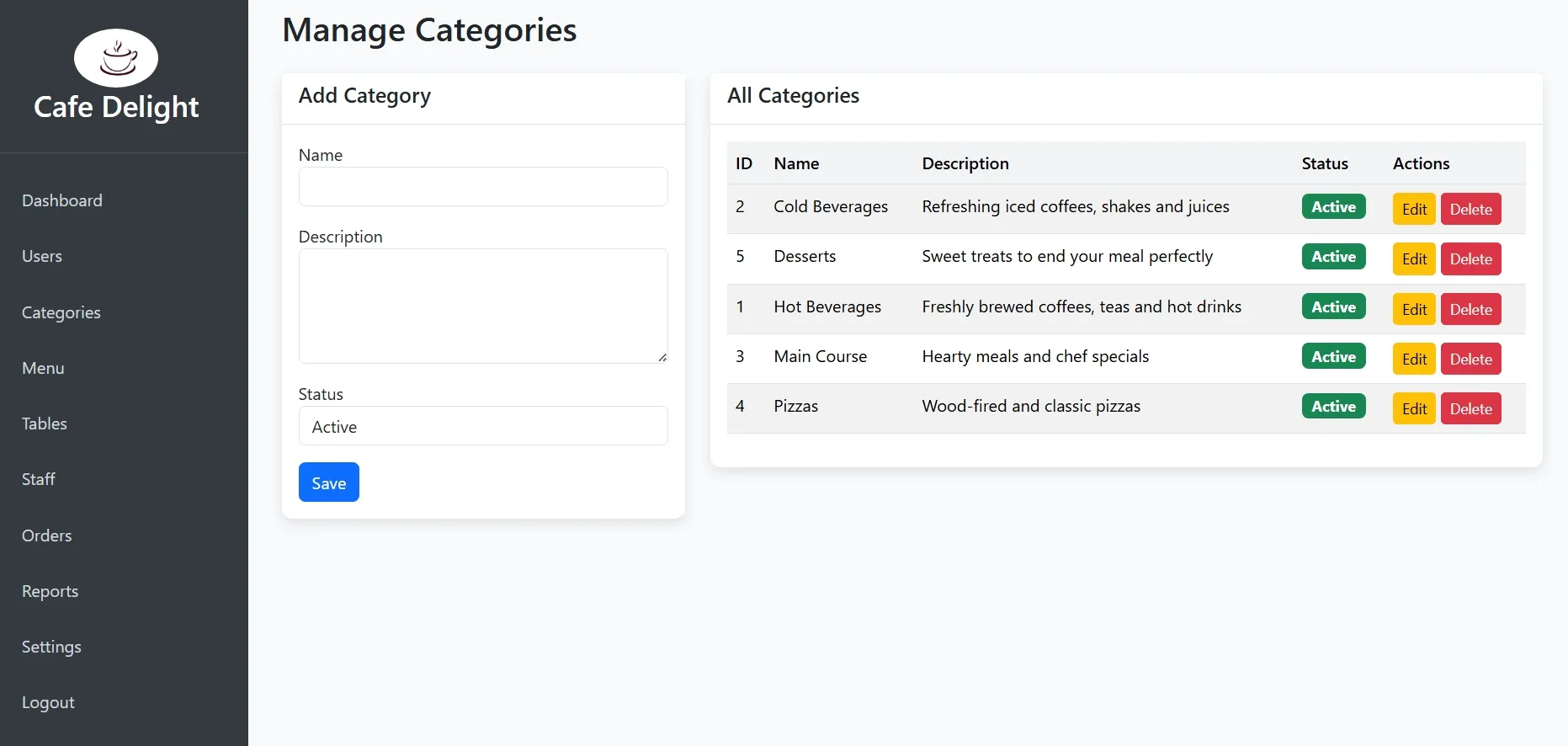
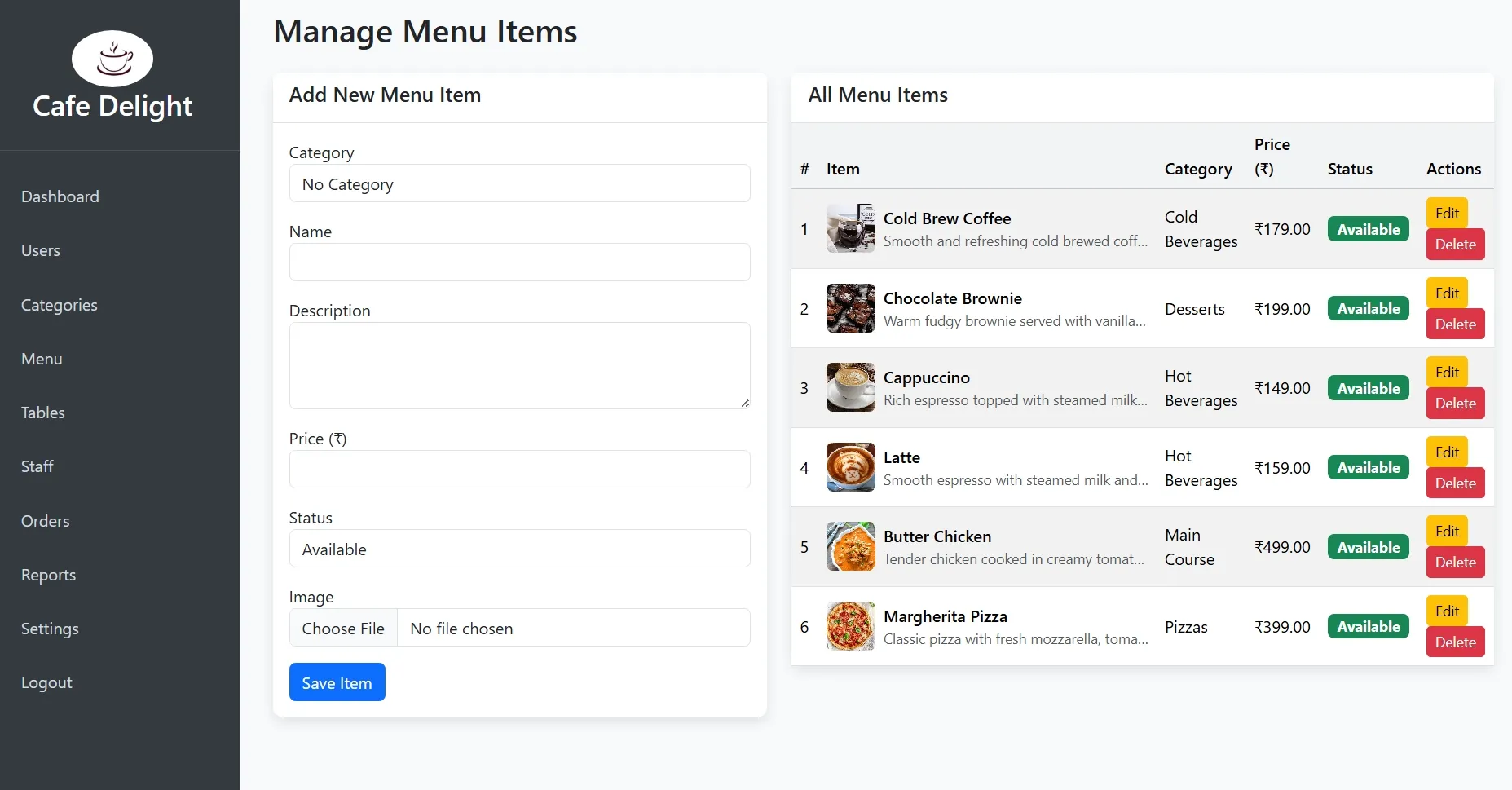
Menu Management
Add, edit, or remove food/beverage items and categories
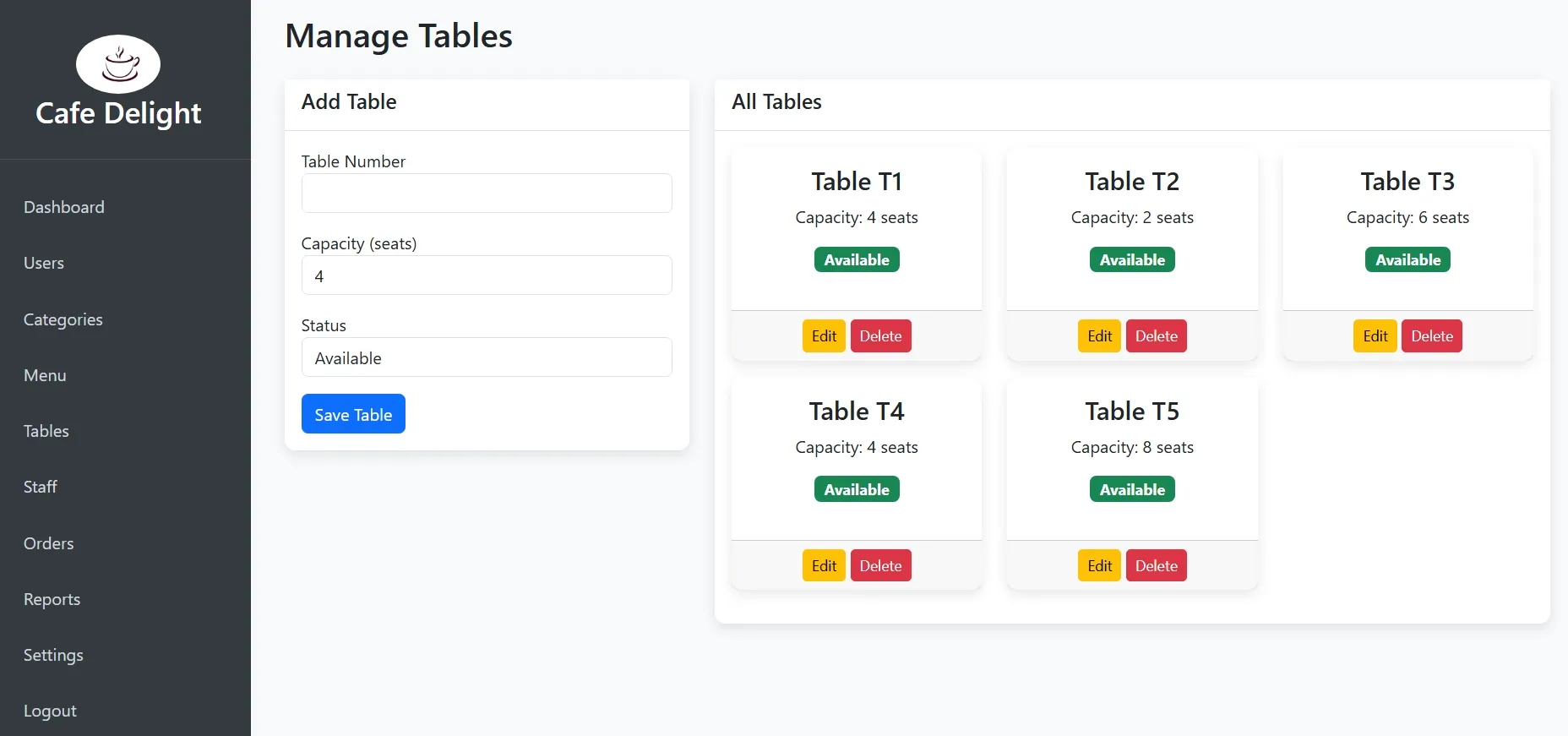
Table Management
View and manage restaurant tables and their status
Staff Management
Manage staff accounts and permissions
Order Management
View and process all customer orders
Reports & Analytics
Generate sales reports and business insights
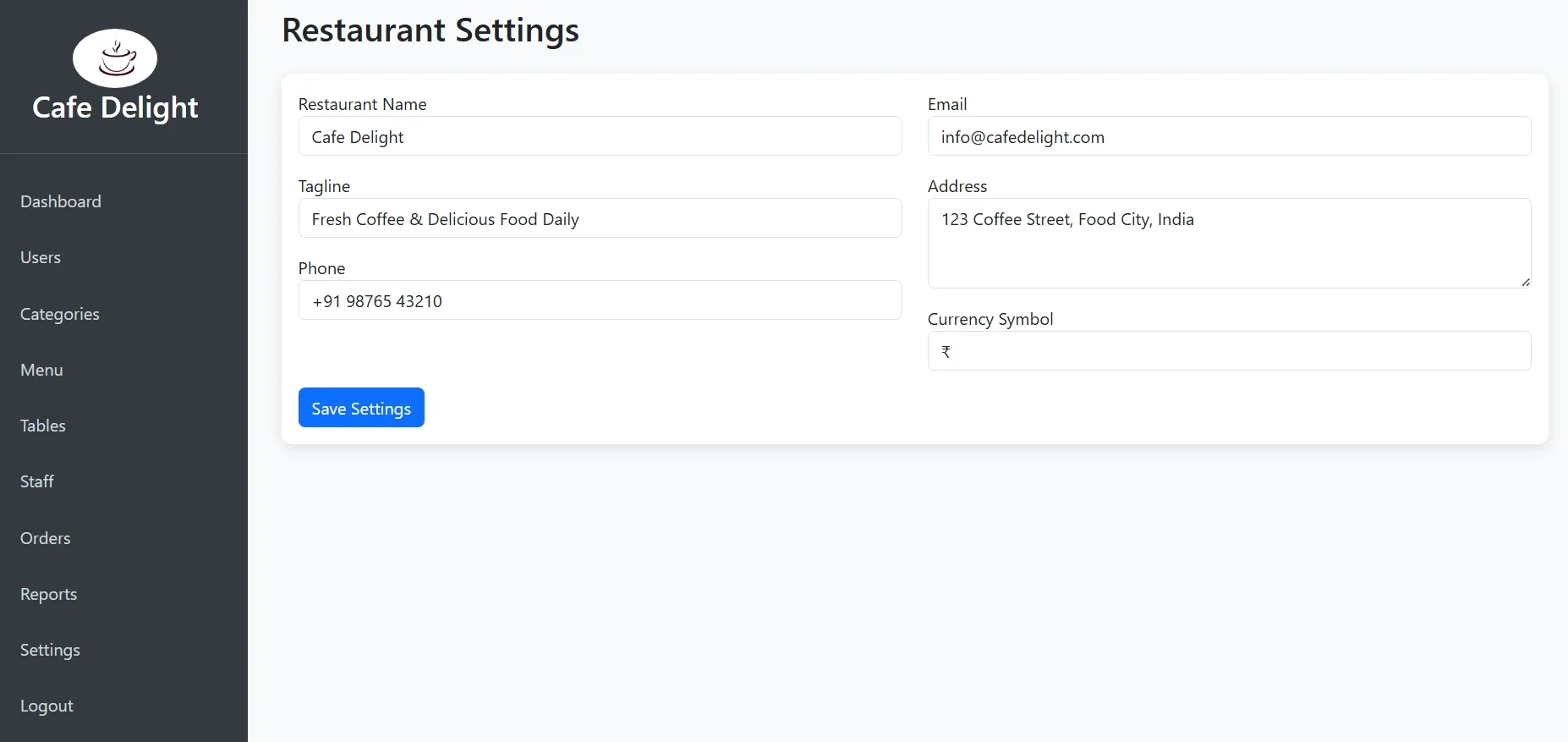
System Settings
Configure site settings, payment methods, and business hours
Staff Module
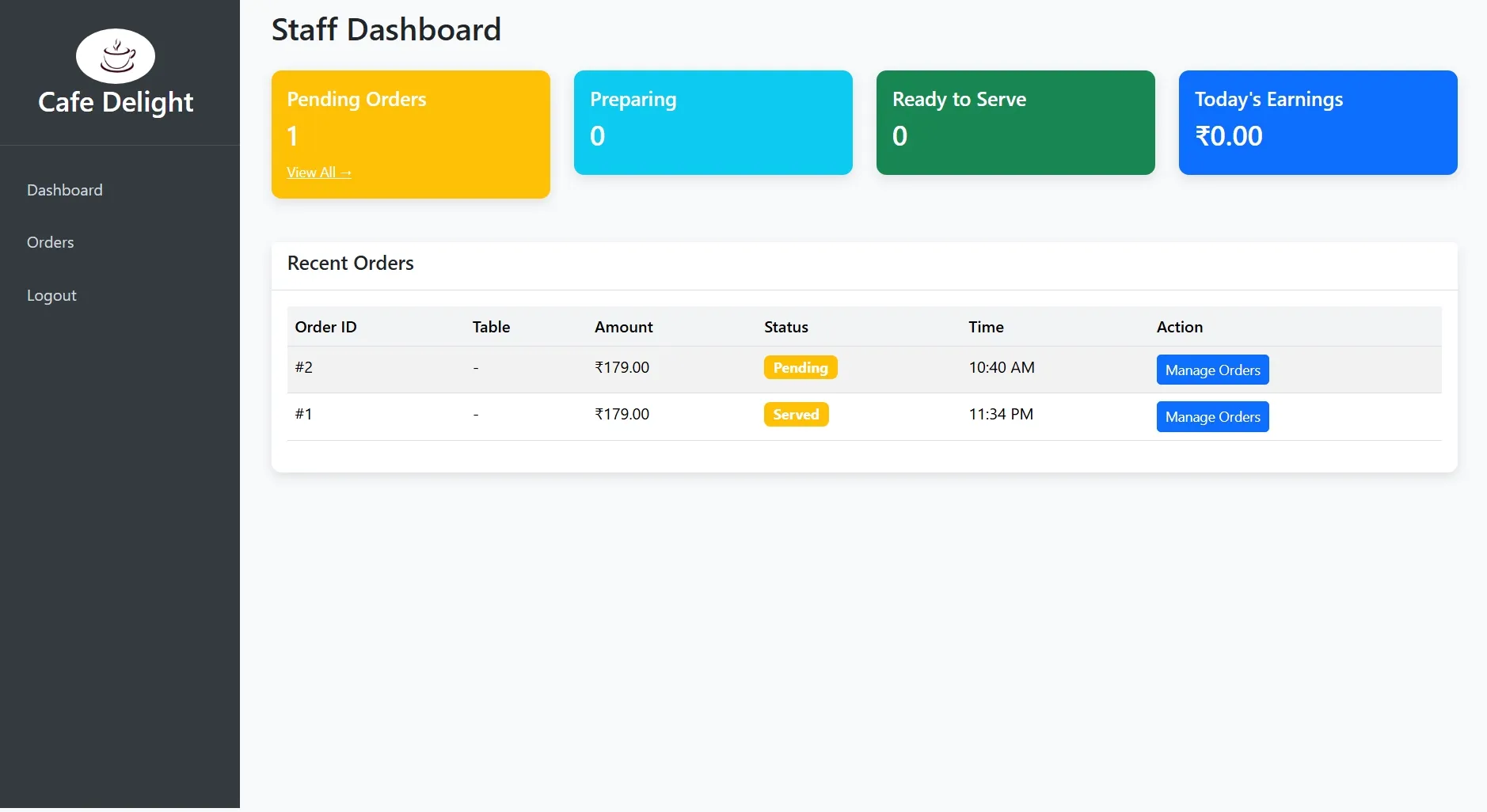
Dashboard
Overview of active orders and table status
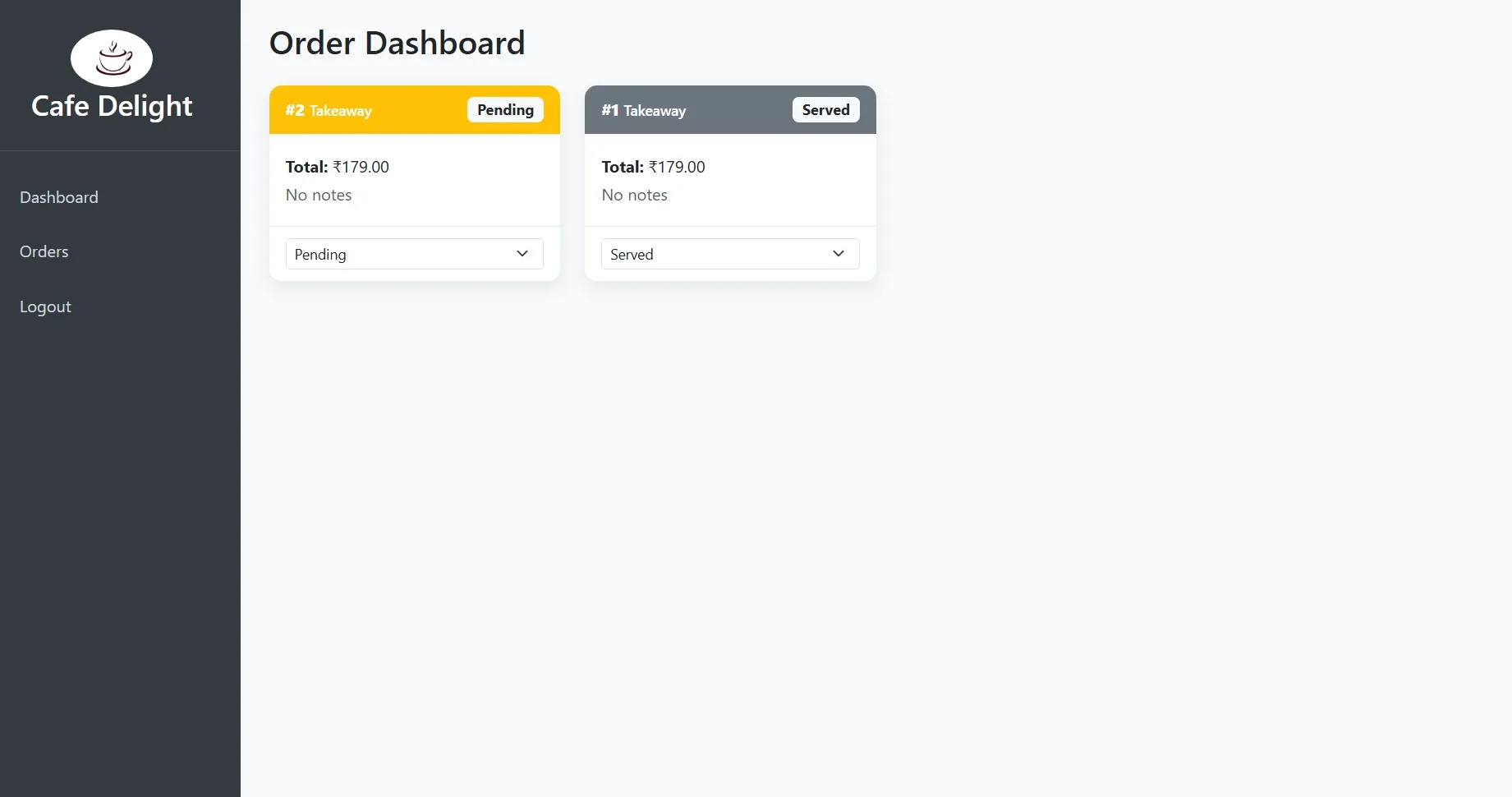
Order Management
Process new orders and update order status
Table Management
View and update table availability
Customer Service
Assist with customer requests and orders
Quick Actions
Common tasks for efficient service
How to Run
▶️ How to Run the Restaurant & Café Management System
🔹 Prerequisites
->XAMPP or WAMP server installed
->Any web browser (Chrome, Firefox, Edge)
🔹 Installation Steps
1. Start Server
->Open XAMPP / WAMP Control Panel
->Start Apache and MySQL
2. Setup Database
->Open browser and go to http://localhost/phpmyadmin
->Create a new database named restaurant_db
Click Import
->Select the file restaurant_db.sql
->Click Go to import
3. Run the Project
->Open browser
->Go to http://localhost/cafe
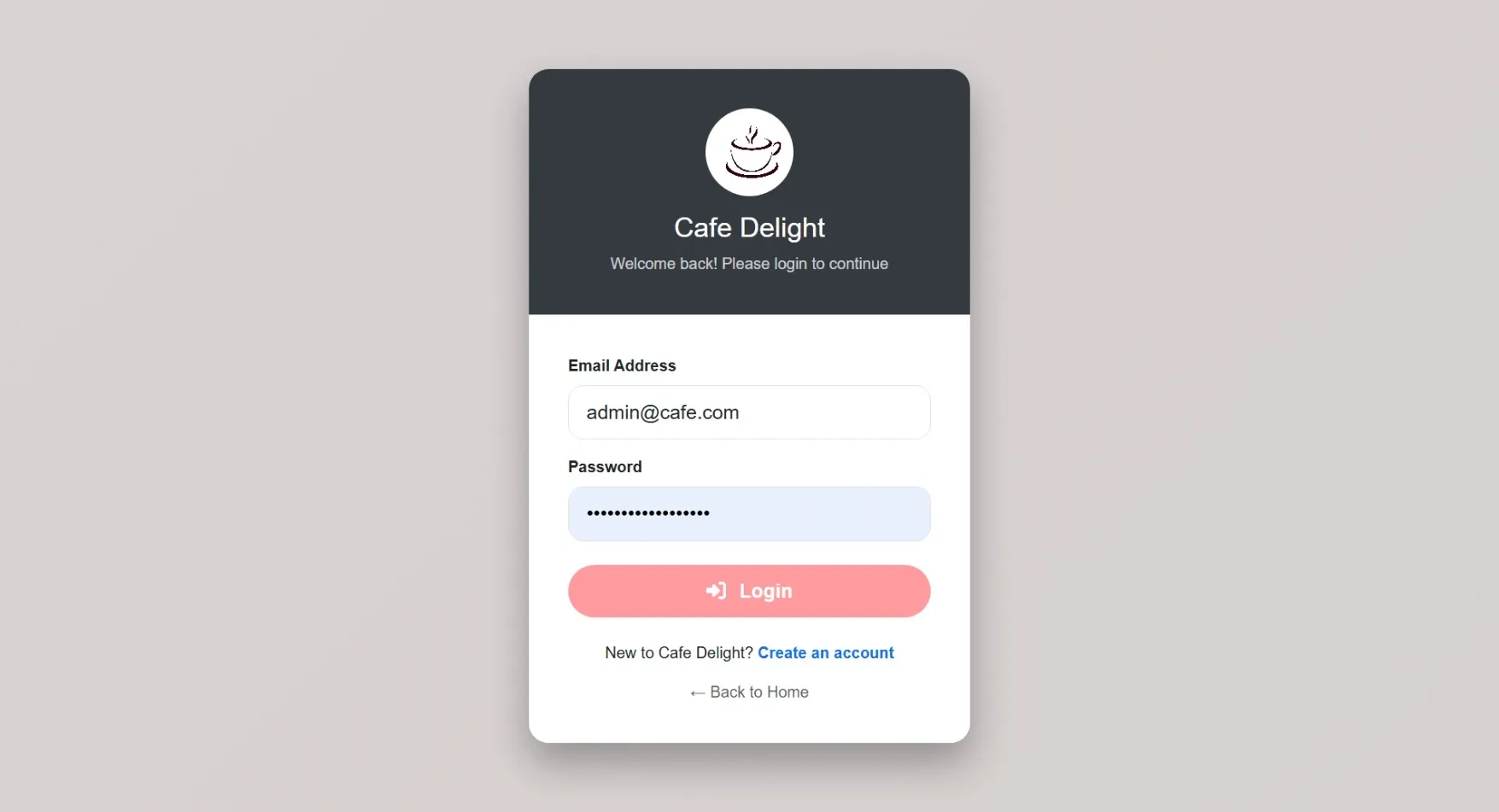
🔹 Login Credentials
Admin
->Username: admin@cafe.com
->Password: admin123
Staff
->Username: staff@cafe.com
->Password: rahul123
Customer
->Username: priya@gmail.com
->Password: priya123
🔹 Prerequisites
->XAMPP or WAMP server installed
->Any web browser (Chrome, Firefox, Edge)
🔹 Installation Steps
1. Start Server
->Open XAMPP / WAMP Control Panel
->Start Apache and MySQL
2. Setup Database
->Open browser and go to http://localhost/phpmyadmin
->Create a new database named restaurant_db
Click Import
->Select the file restaurant_db.sql
->Click Go to import
3. Run the Project
->Open browser
->Go to http://localhost/cafe
🔹 Login Credentials
Admin
->Username: admin@cafe.com
->Password: admin123
Staff
->Username: staff@cafe.com
->Password: rahul123
Customer
->Username: priya@gmail.com
->Password: priya123
Important: Default max downloads per day (per order): 2. Download access may also be limited to 7 days from purchase.