Blood Bank Management System Using PHP
NeuraBUG
in Web Development
Blood Bank Management System Using PHP
₹499.00
₹899.00
Available for download
Project DetailsClick Here
Product DemoClick Here
Description
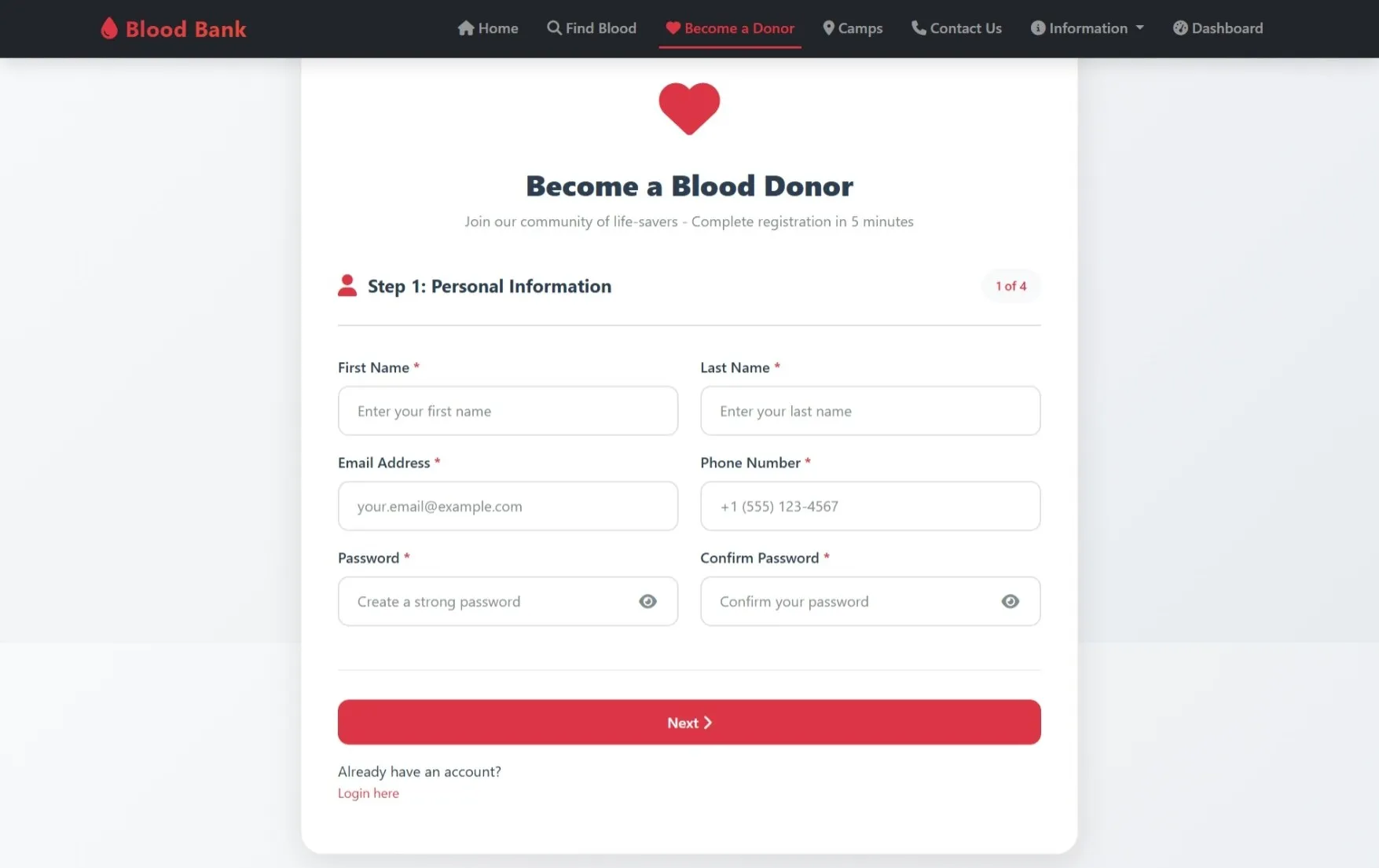
The Blood Bank Management System is a PHP–MySQL based platform that manages donor registration, blood requests, and appointment scheduling efficiently.
It provides secure role-based access for donors and administrators with proper authentication and session handling.
The system ensures smooth coordination between blood donors, camps, and recipients using a structured and reliable workflow.
It provides secure role-based access for donors and administrators with proper authentication and session handling.
The system ensures smooth coordination between blood donors, camps, and recipients using a structured and reliable workflow.
Requirements
Project Name
Blood Bank Management System
Language Used
PHP 8, JavaScript, HTML5, CSS3
Database
MySQL 8 with prepared statements
UI Framework
Bootstrap 5, FontAwesome 6
Web Browser
Chrome 120+, Firefox 120+, Safari 16+
Software
XAMPP 8.2, Laragon, WAMP, MAMP
User Module
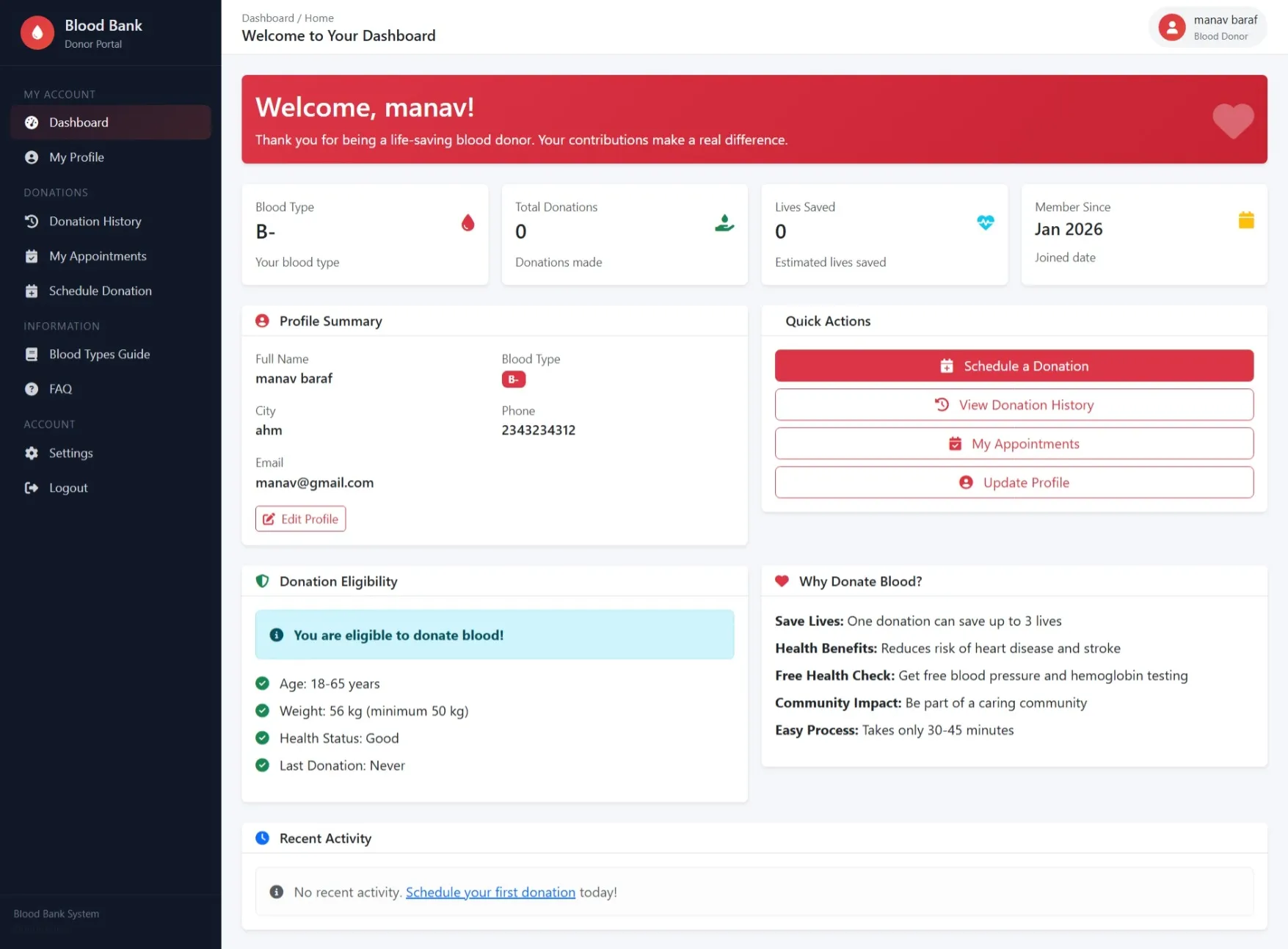
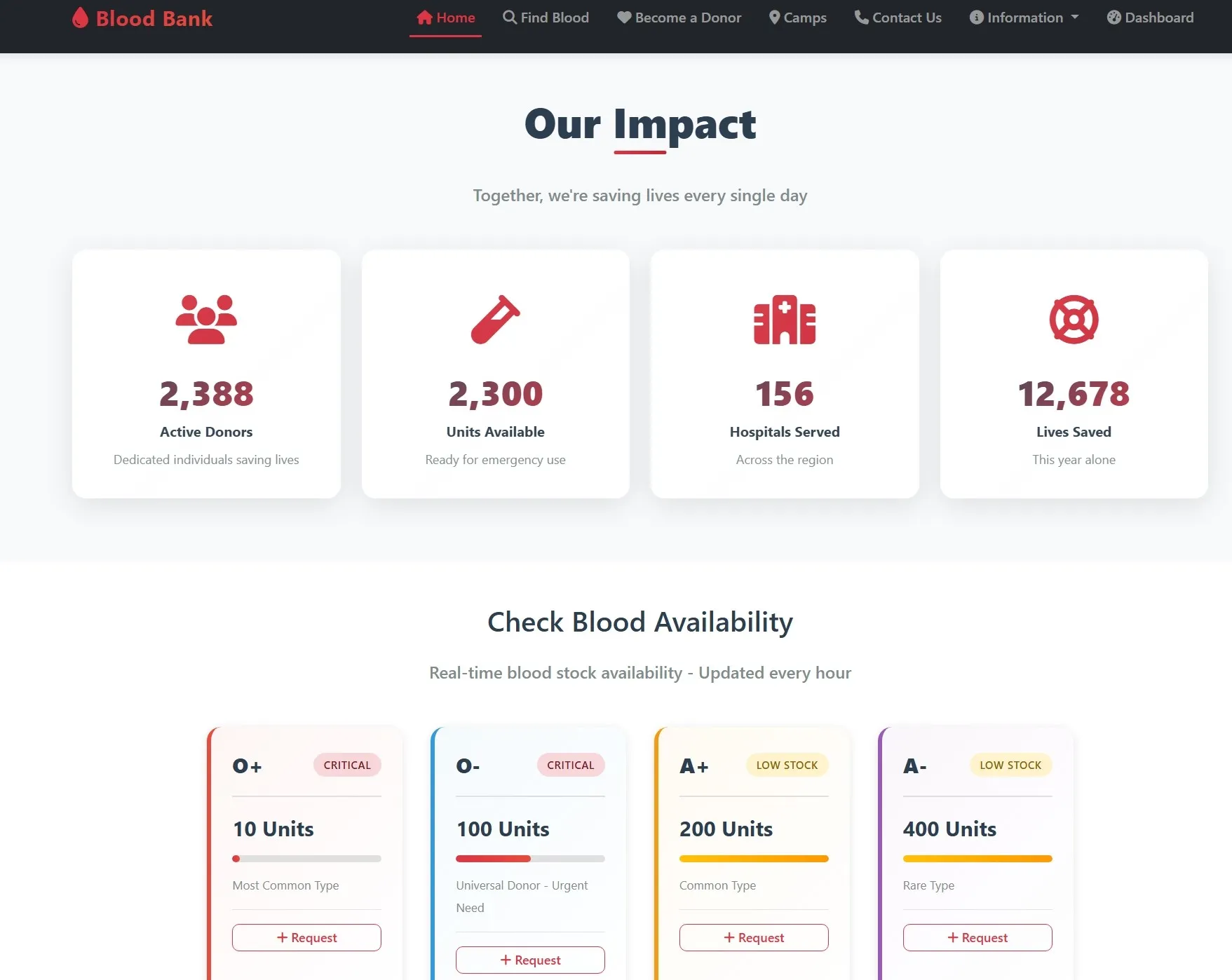
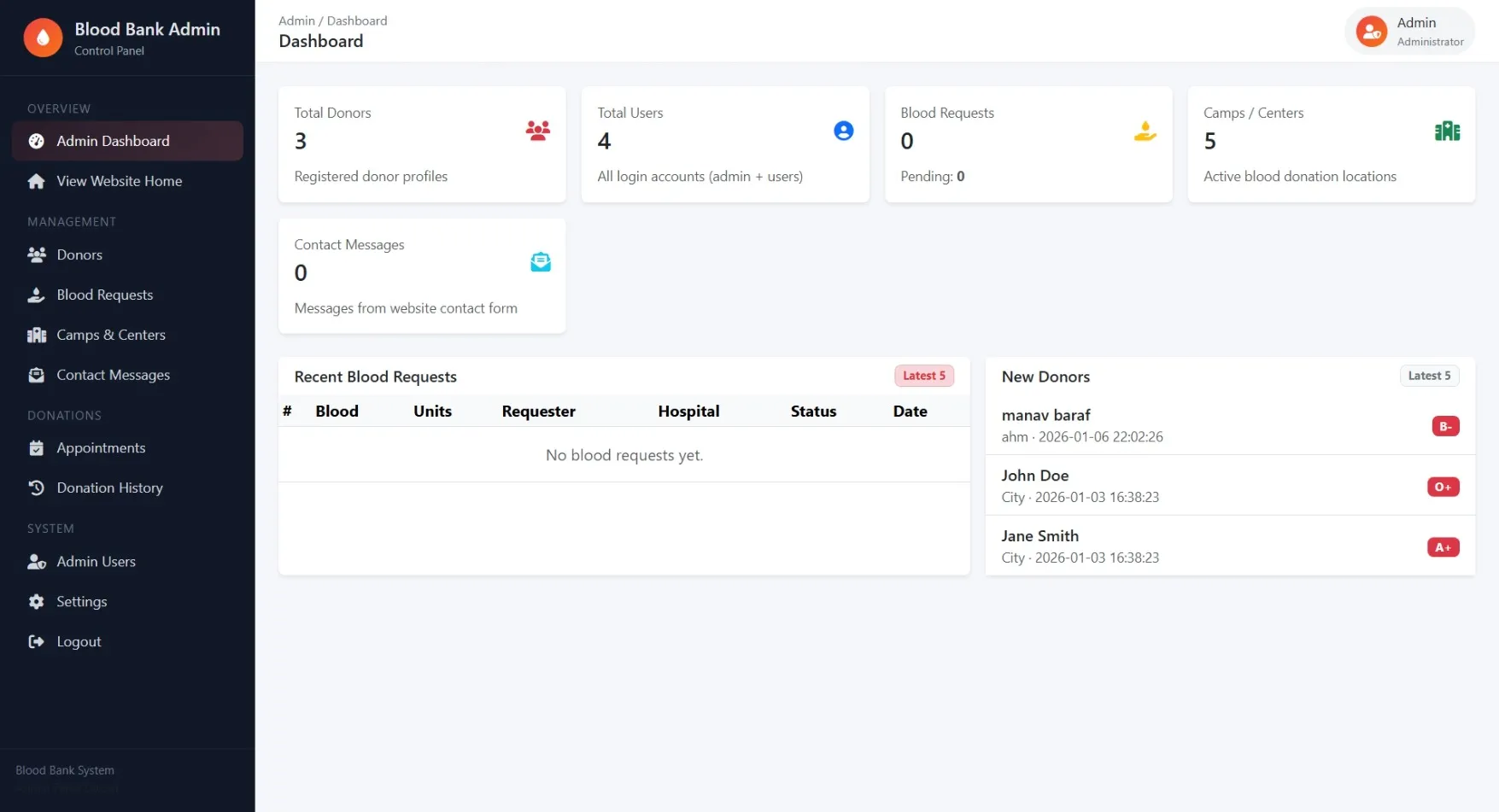
Dashboard
Quick view of donation statistics, blood type, eligibility status, and recent activity
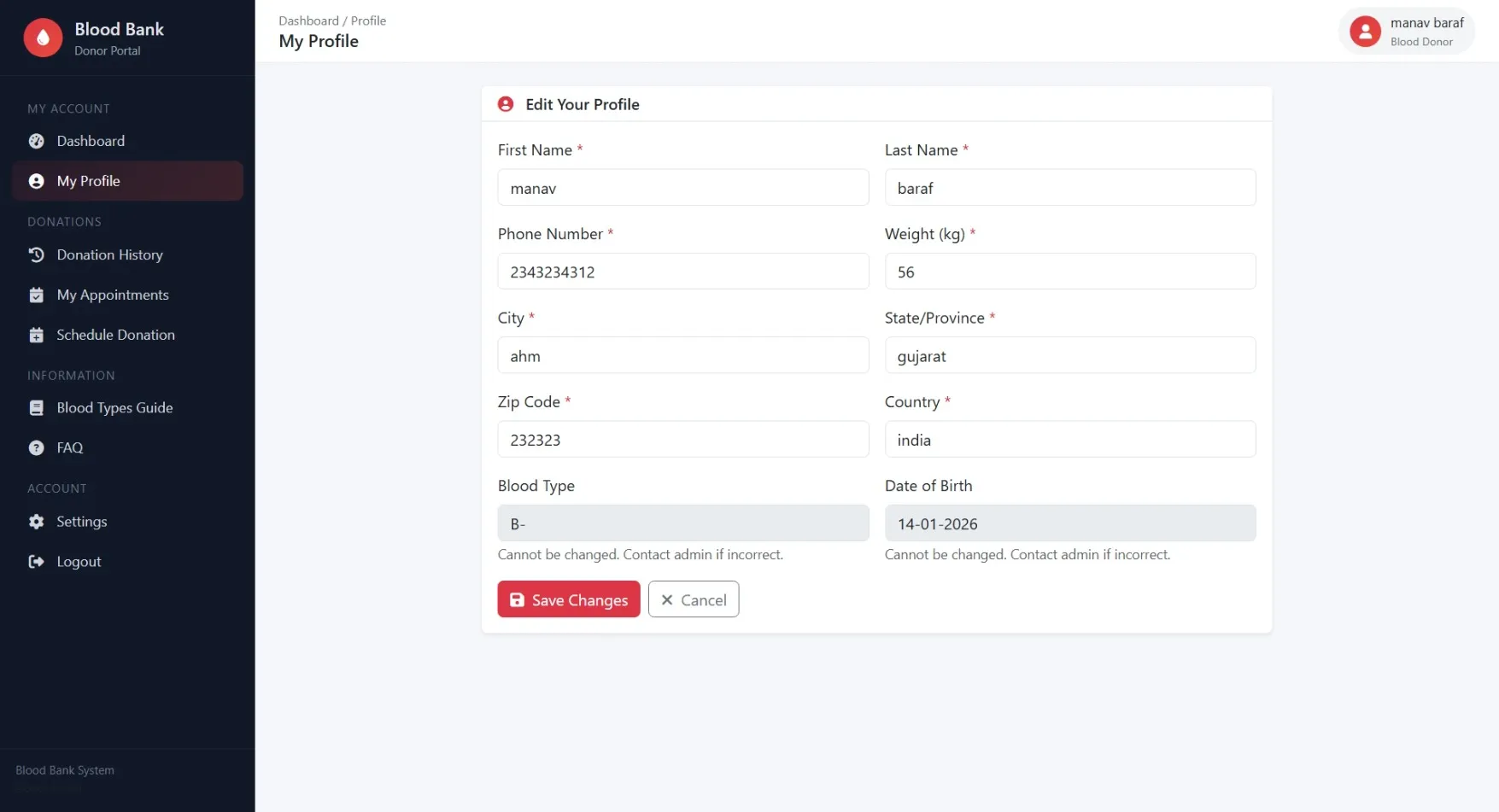
My Profile
Edit personal details, contact information, and donor health information
My Appointments
View scheduled appointments with status tracking and camp details
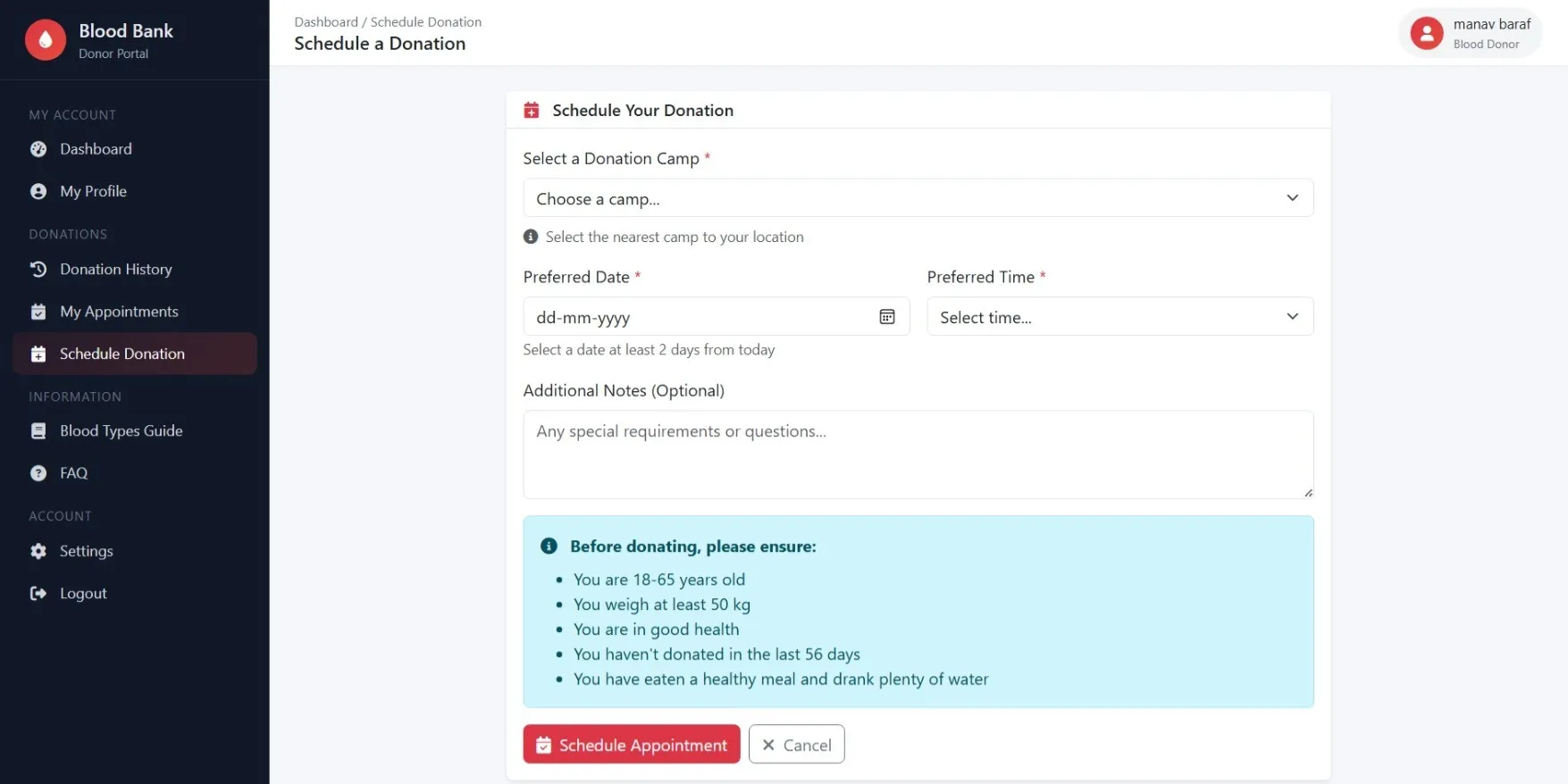
Schedule Donation
Book new donation appointments at available camps and centers
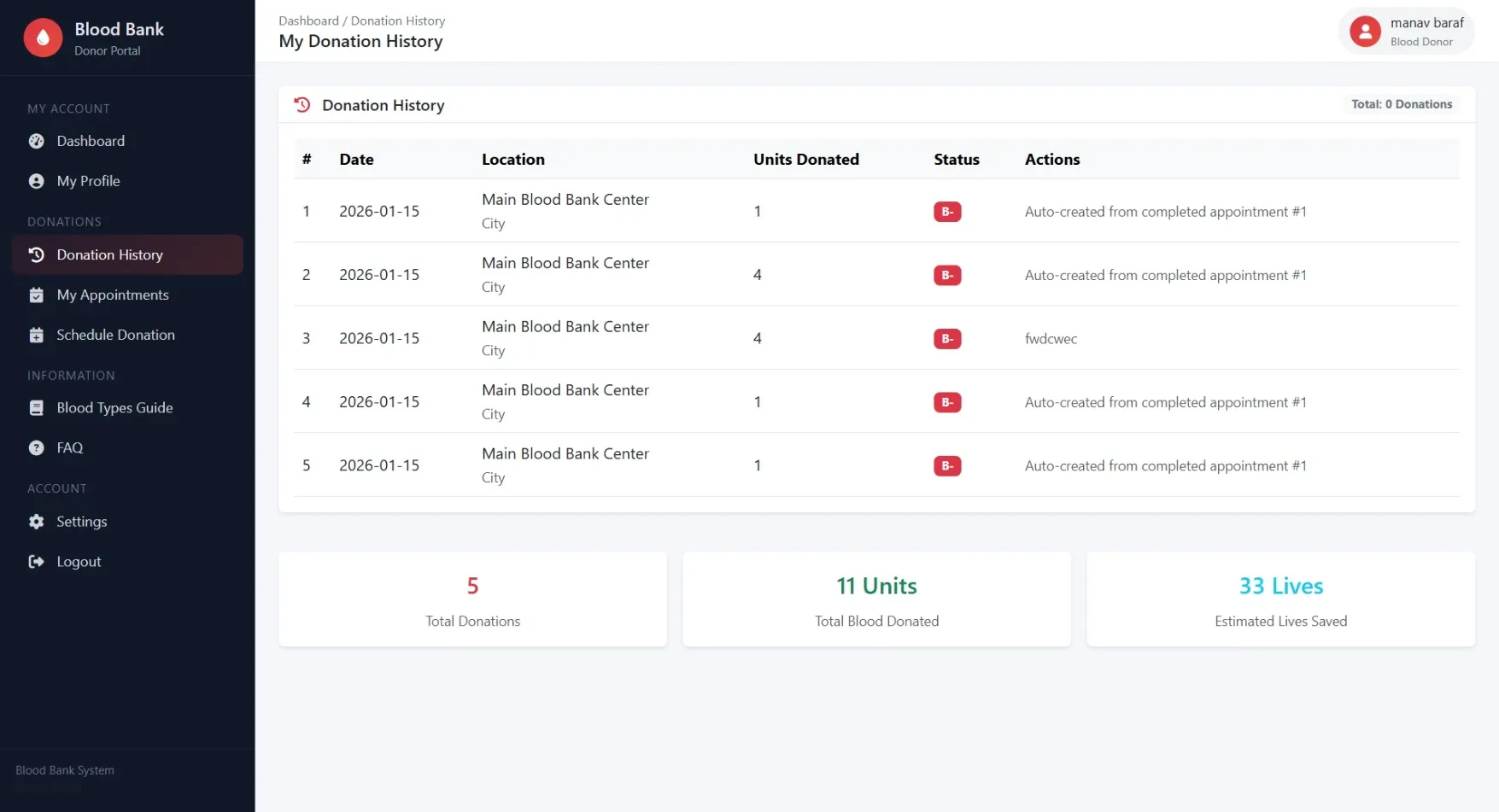
Donation History
Complete record of past donations with units donated and impact statistics
Settings
Change password and manage account security settings
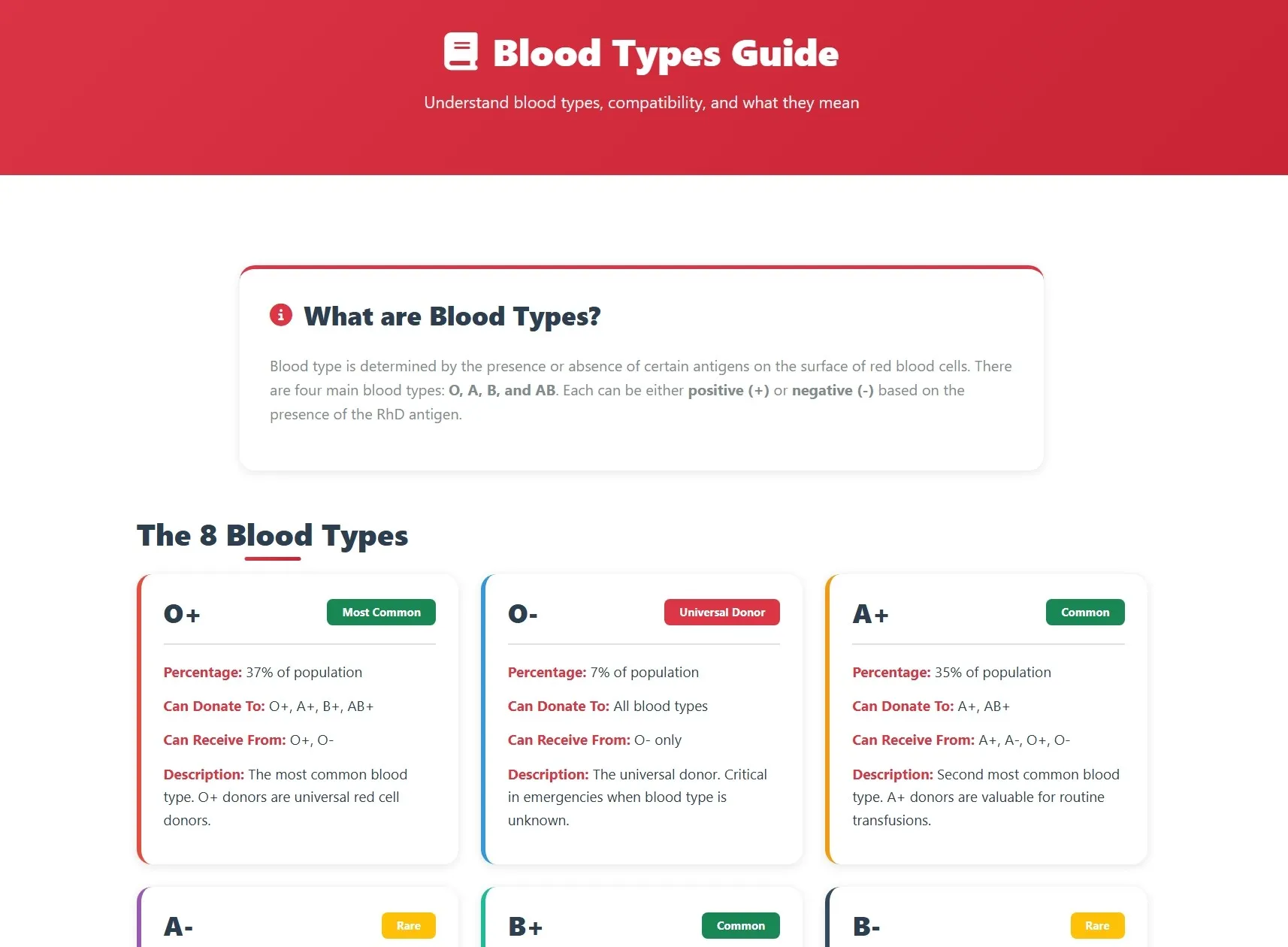
Blood Types Guide
Educational information about blood types and compatibility
FAQ
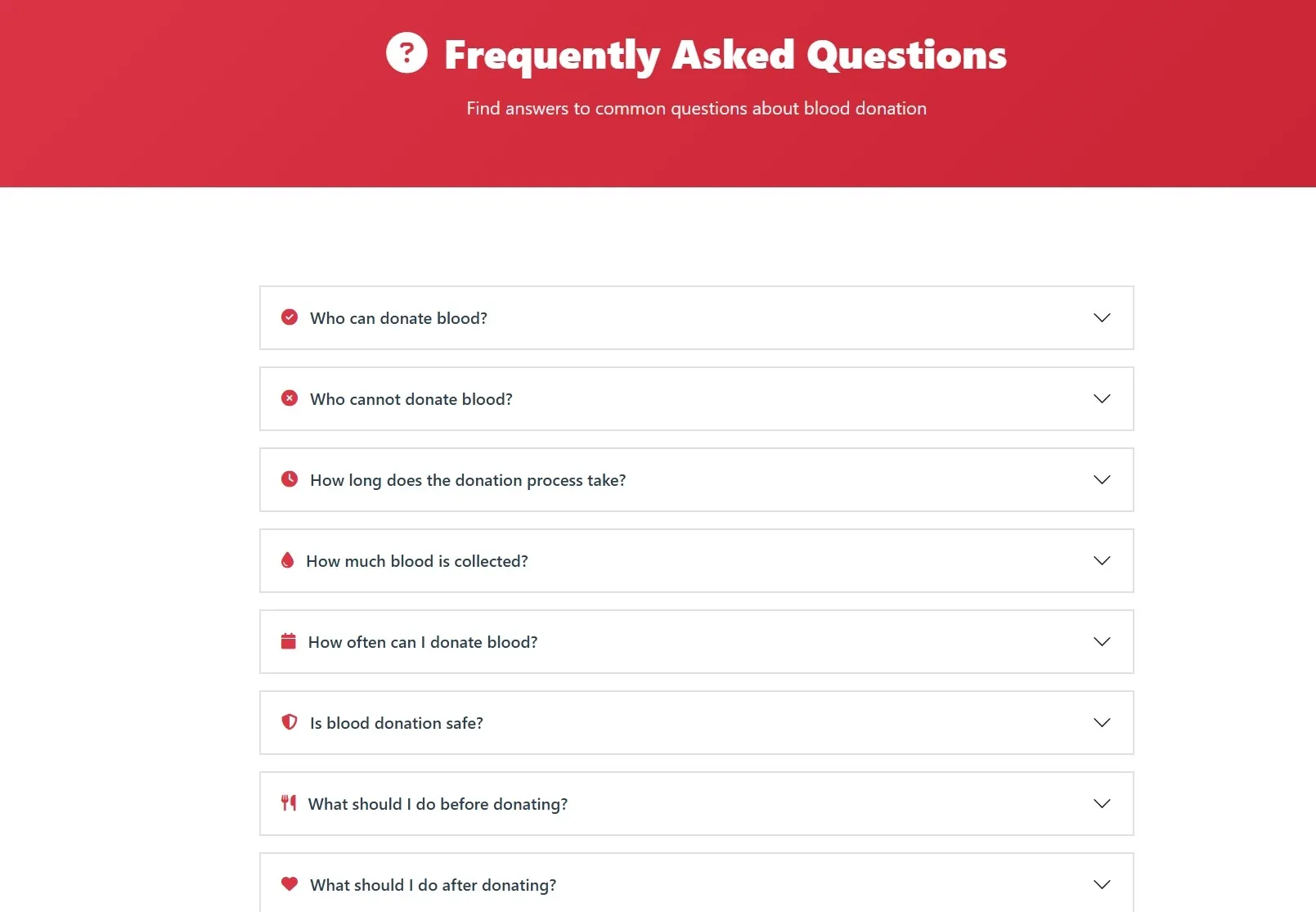
Frequently asked questions about donation process and requirements
Admin Module
Dashboard
Overview of system statistics including total donors, users, blood requests, camps, and messages
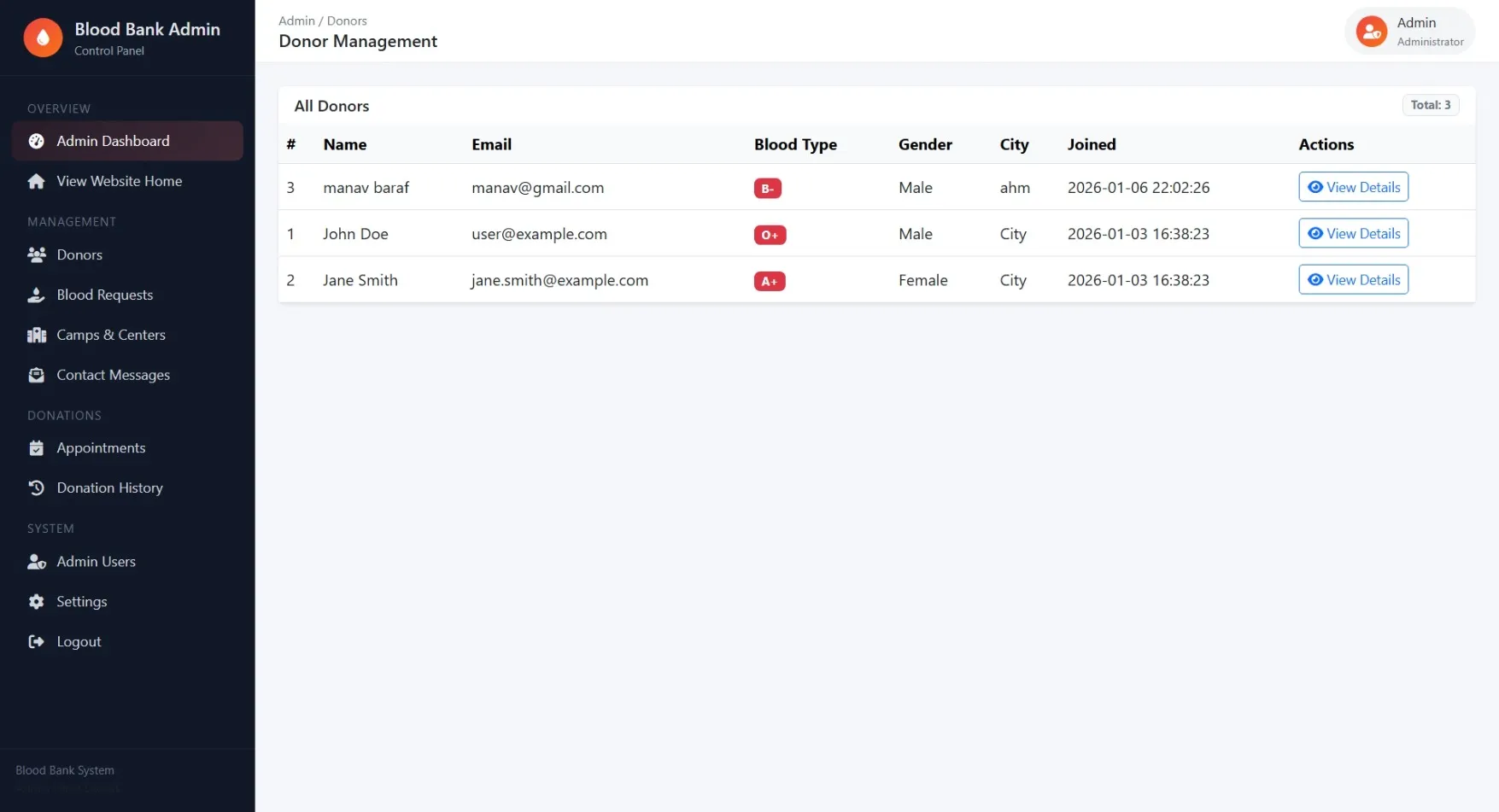
Donors
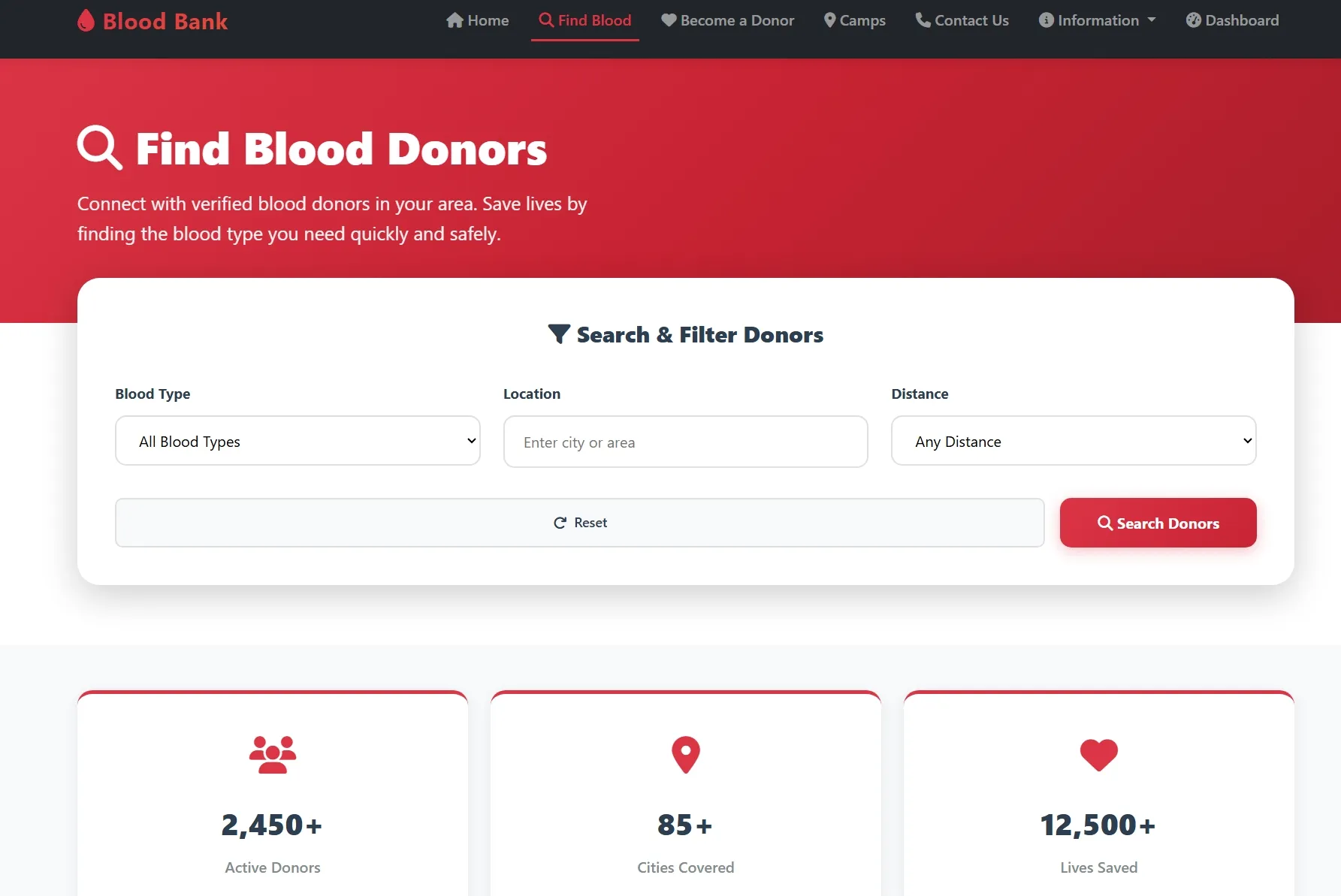
View and manage all registered donors with detailed information and search capabilities
Blood Requests
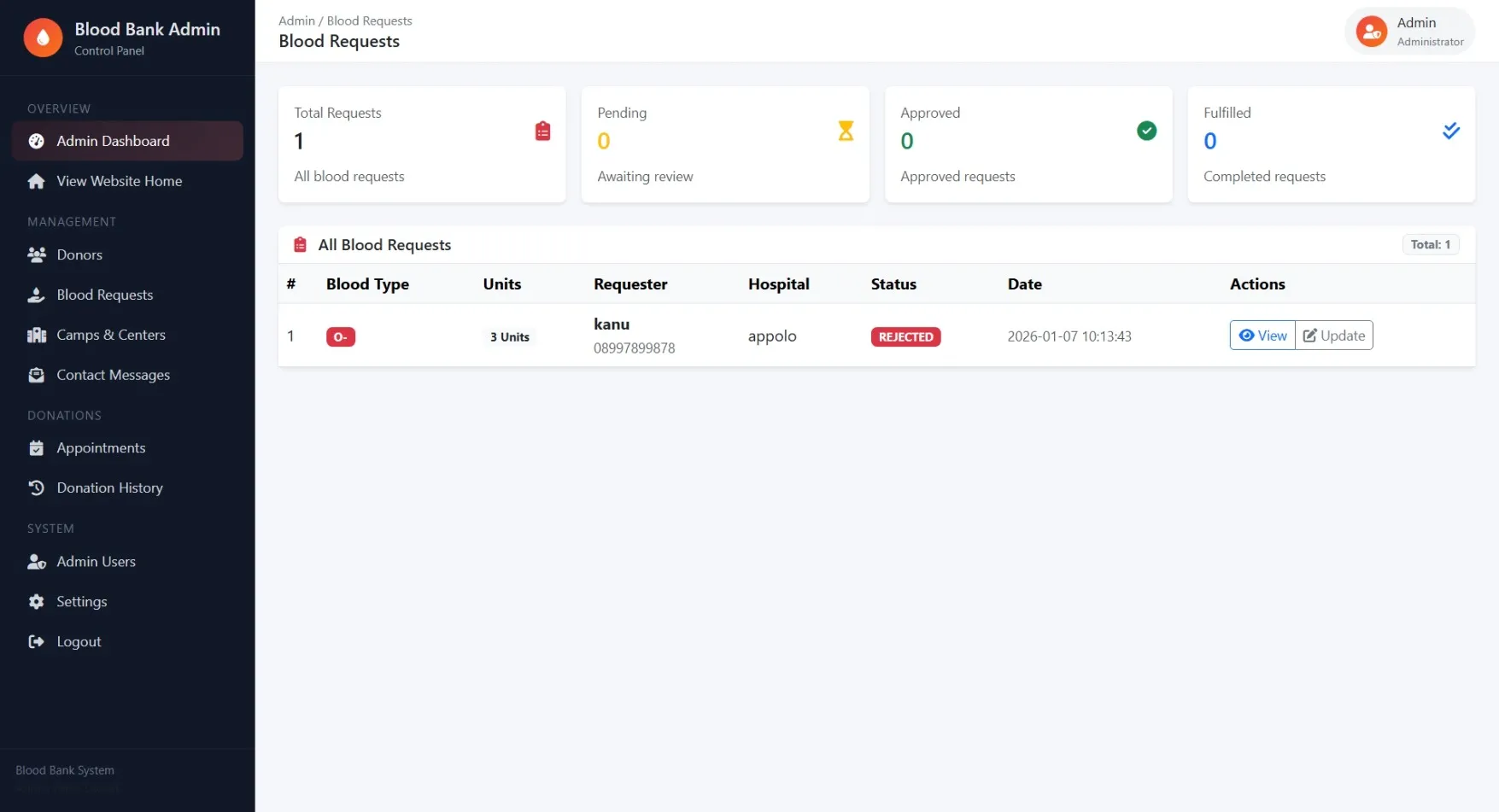
Process and update blood request statuses with full request details and contact information
Camps & Centers
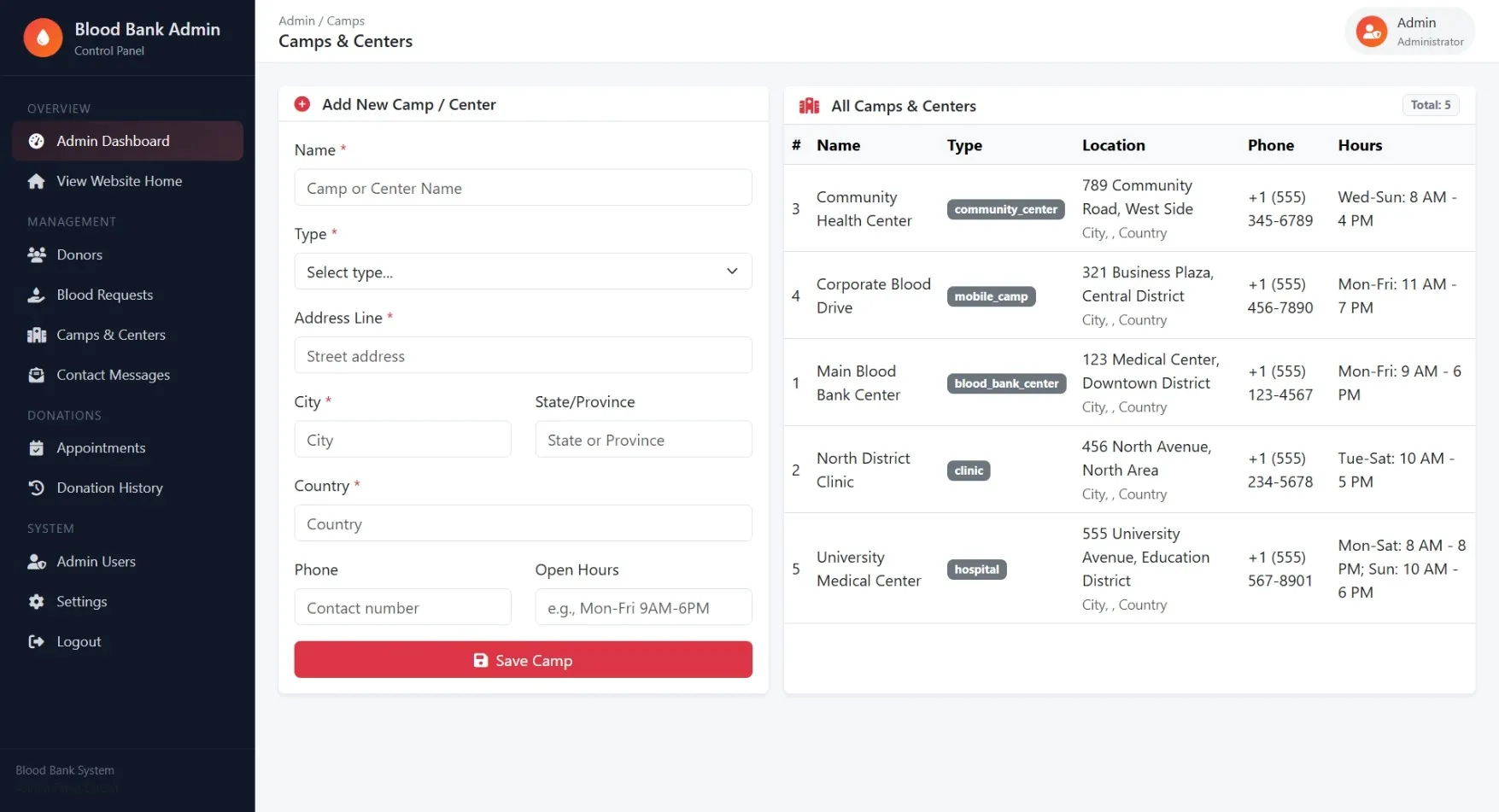
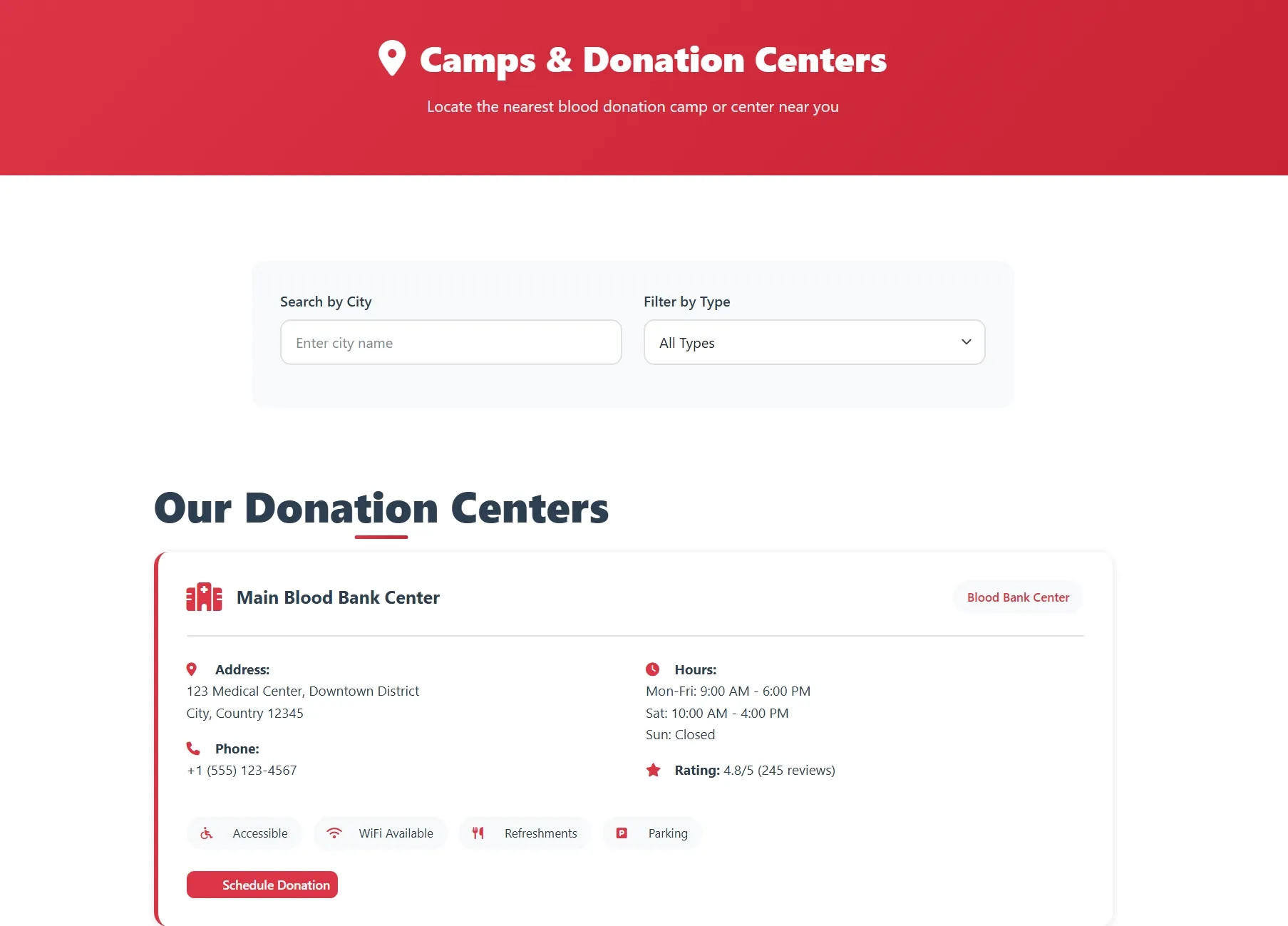
Add new donation camps and centers with location details and contact information
Contact Messages
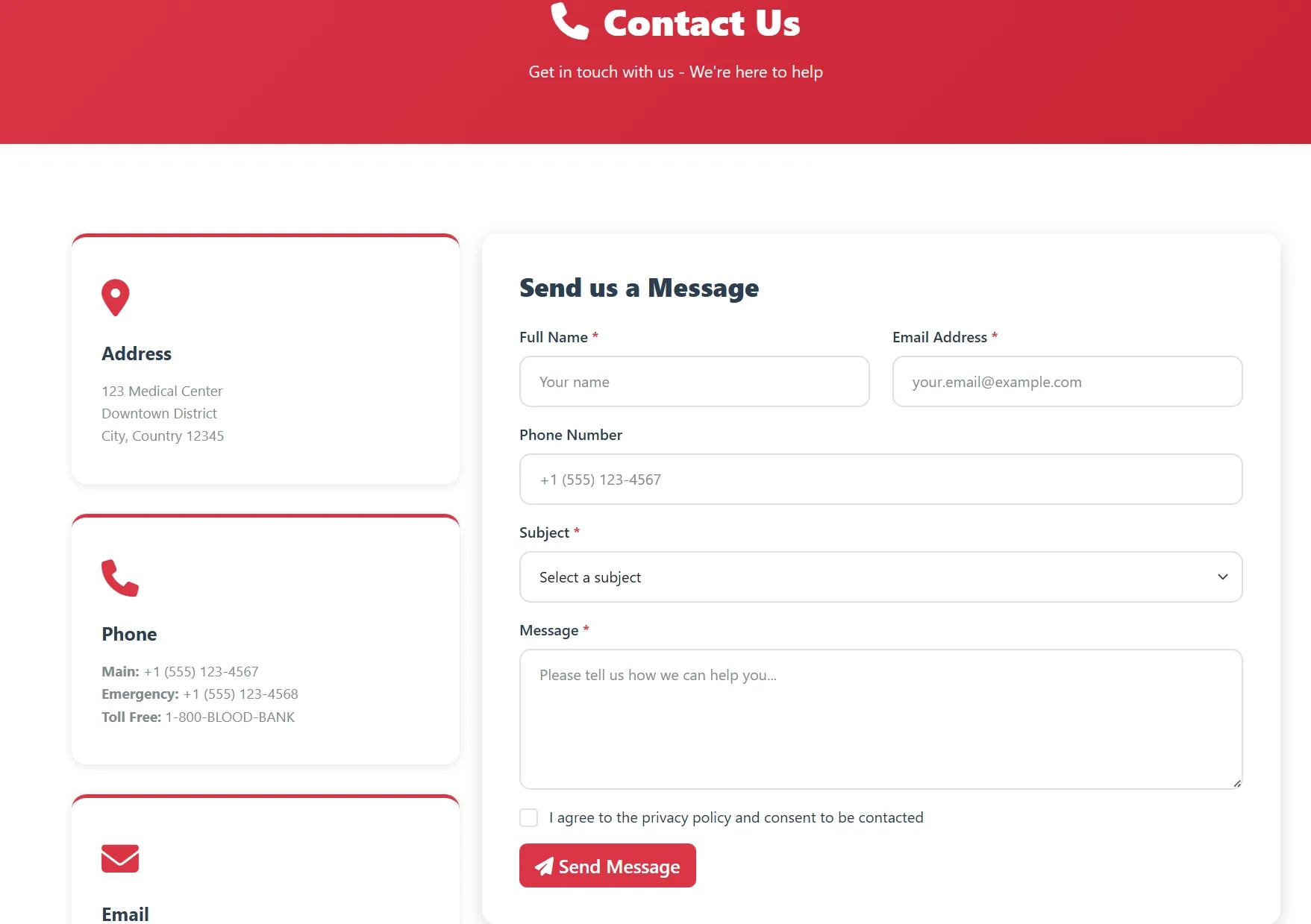
Review and manage messages submitted through the website contact form
Appointments
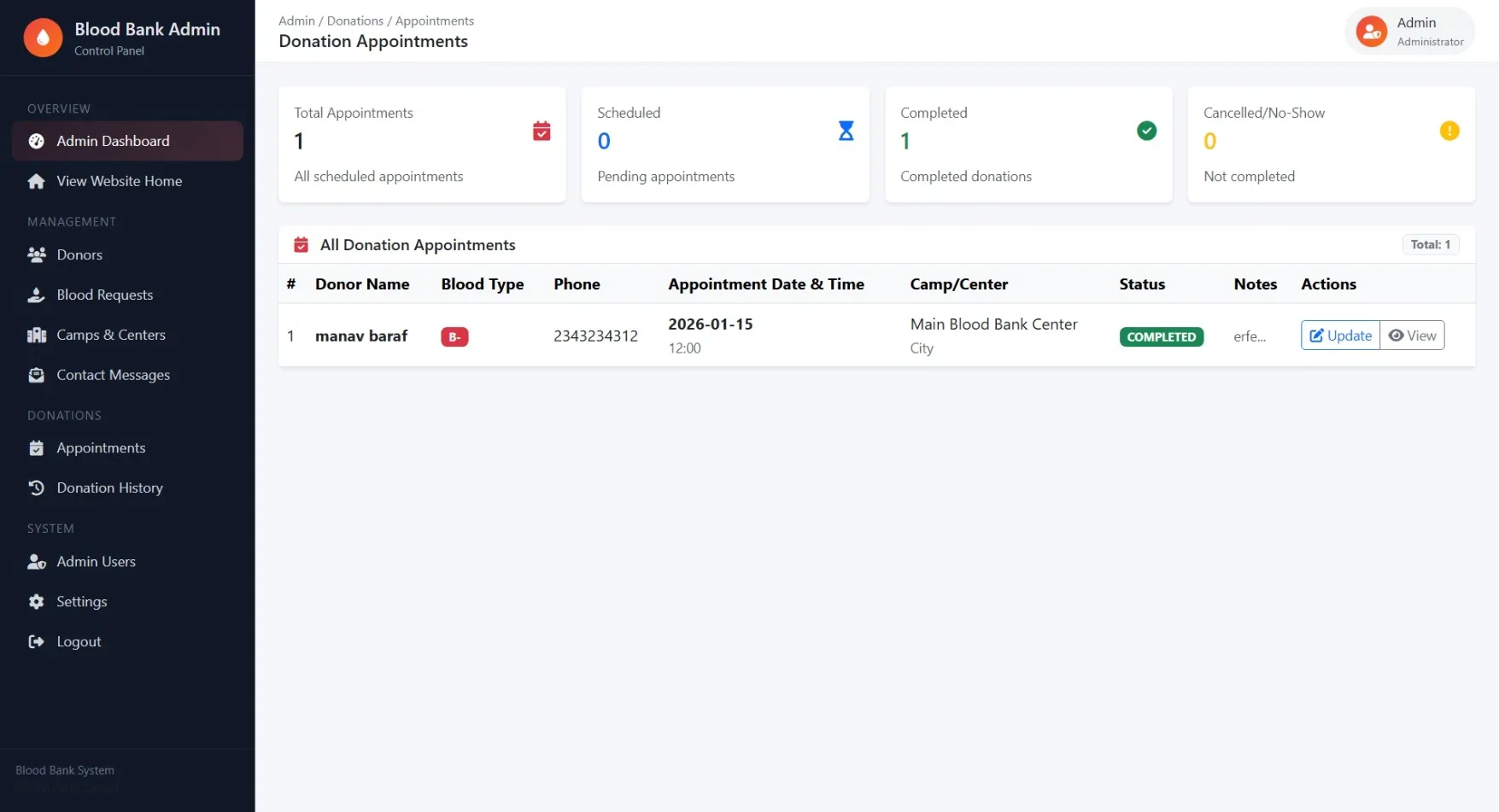
Manage donation appointments with status updates and automatic donation record creation
Donation History
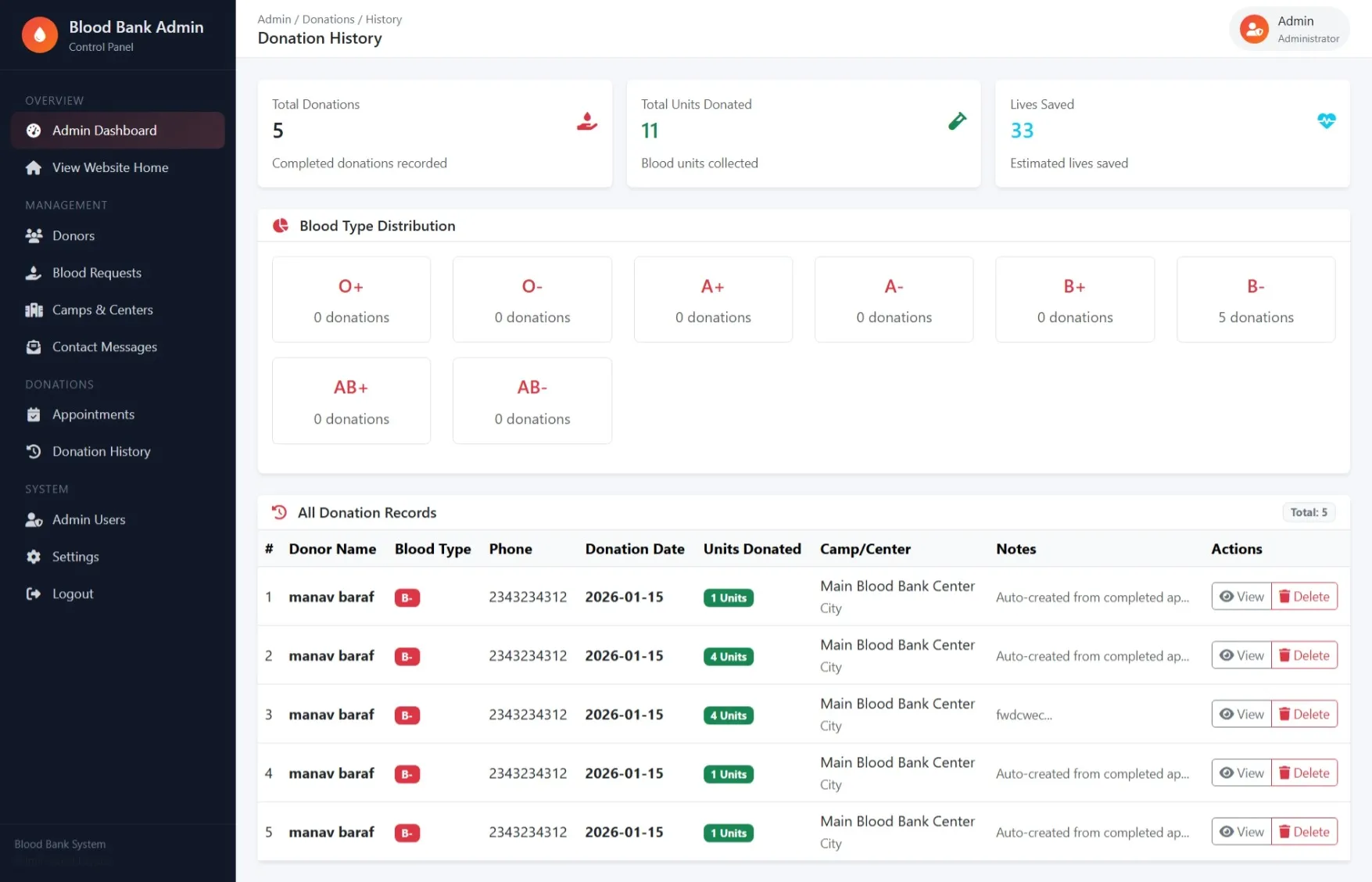
View complete donation records with statistics and ability to delete incorrect entries
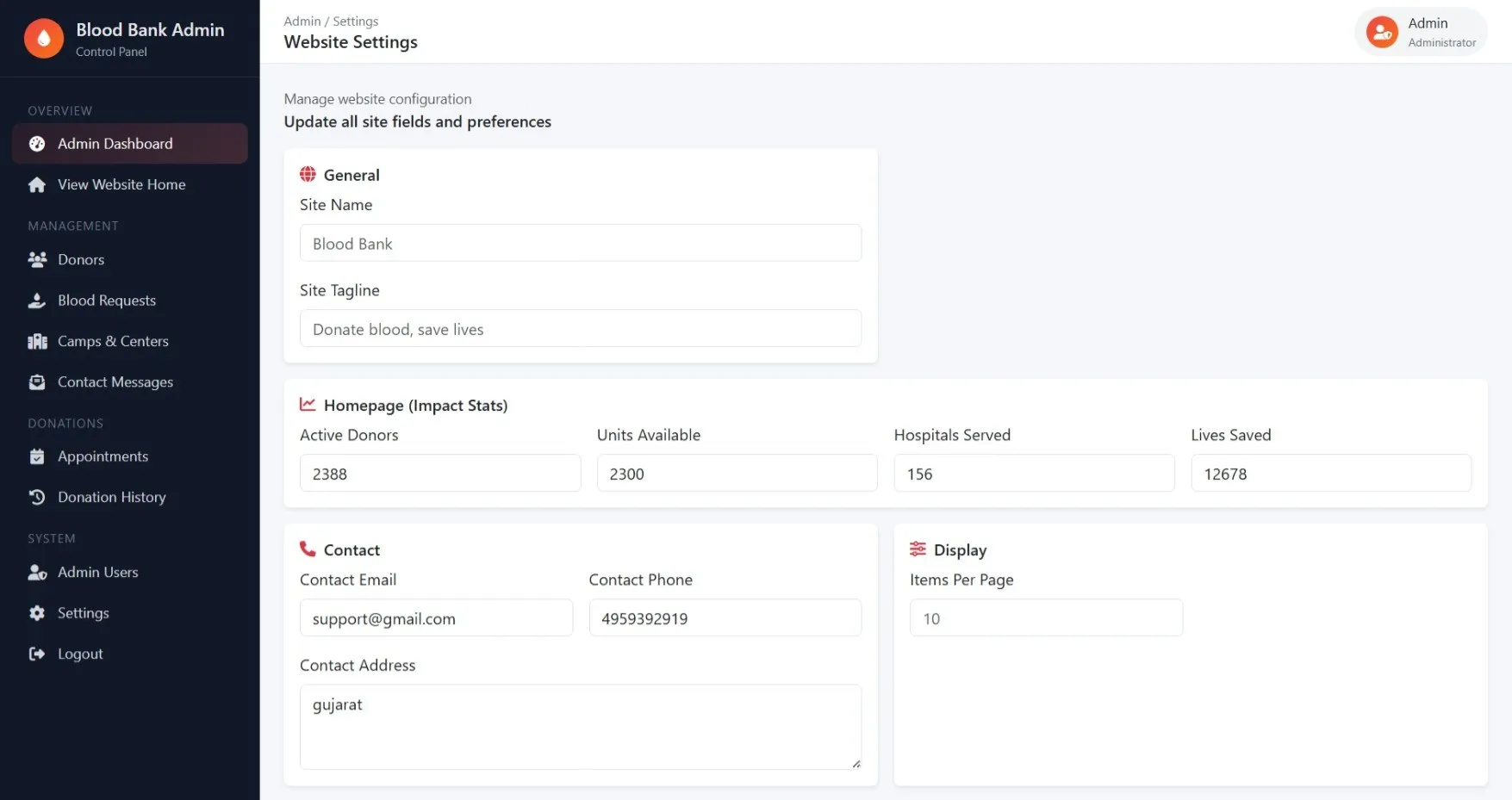
Settings
Configure website settings, blood availability, homepage statistics, and system preferences
Admin Users
Manage administrative user accounts and permissions
How to Run
▶️ How to Run the Blood Bank Management System
🔹 Prerequisites
->XAMPP or WAMP server installed
->Any web browser (Chrome, Firefox, Edge)
🔹 Installation Steps
1. Start Server
->Open XAMPP / WAMP Control Panel
->Start Apache and MySQL
2. Setup Database
->Open browser and go to http://localhost/phpmyadmin
->Create a new database named blood_bank
Click Import
->Select the file blood_bank.sql
->Click Go to import
3. Run the Project
->Open browser
->Go to http://localhost/blood
🔹 Login Credentials
Admin
->Username: admin@example.com
->Password: admin123
Customer
->Username: user@example.com
->Password: user123
🔹 Prerequisites
->XAMPP or WAMP server installed
->Any web browser (Chrome, Firefox, Edge)
🔹 Installation Steps
1. Start Server
->Open XAMPP / WAMP Control Panel
->Start Apache and MySQL
2. Setup Database
->Open browser and go to http://localhost/phpmyadmin
->Create a new database named blood_bank
Click Import
->Select the file blood_bank.sql
->Click Go to import
3. Run the Project
->Open browser
->Go to http://localhost/blood
🔹 Login Credentials
Admin
->Username: admin@example.com
->Password: admin123
Customer
->Username: user@example.com
->Password: user123
Important: Default max downloads per day (per order): 2. Download access may also be limited to 7 days from purchase.