To-Do List Management System
NeuraBUG
in Web Development
To-Do List Management System
₹199.00
₹499.00
Available for download
Project DetailsClick Here
Product DemoClick Here
Description
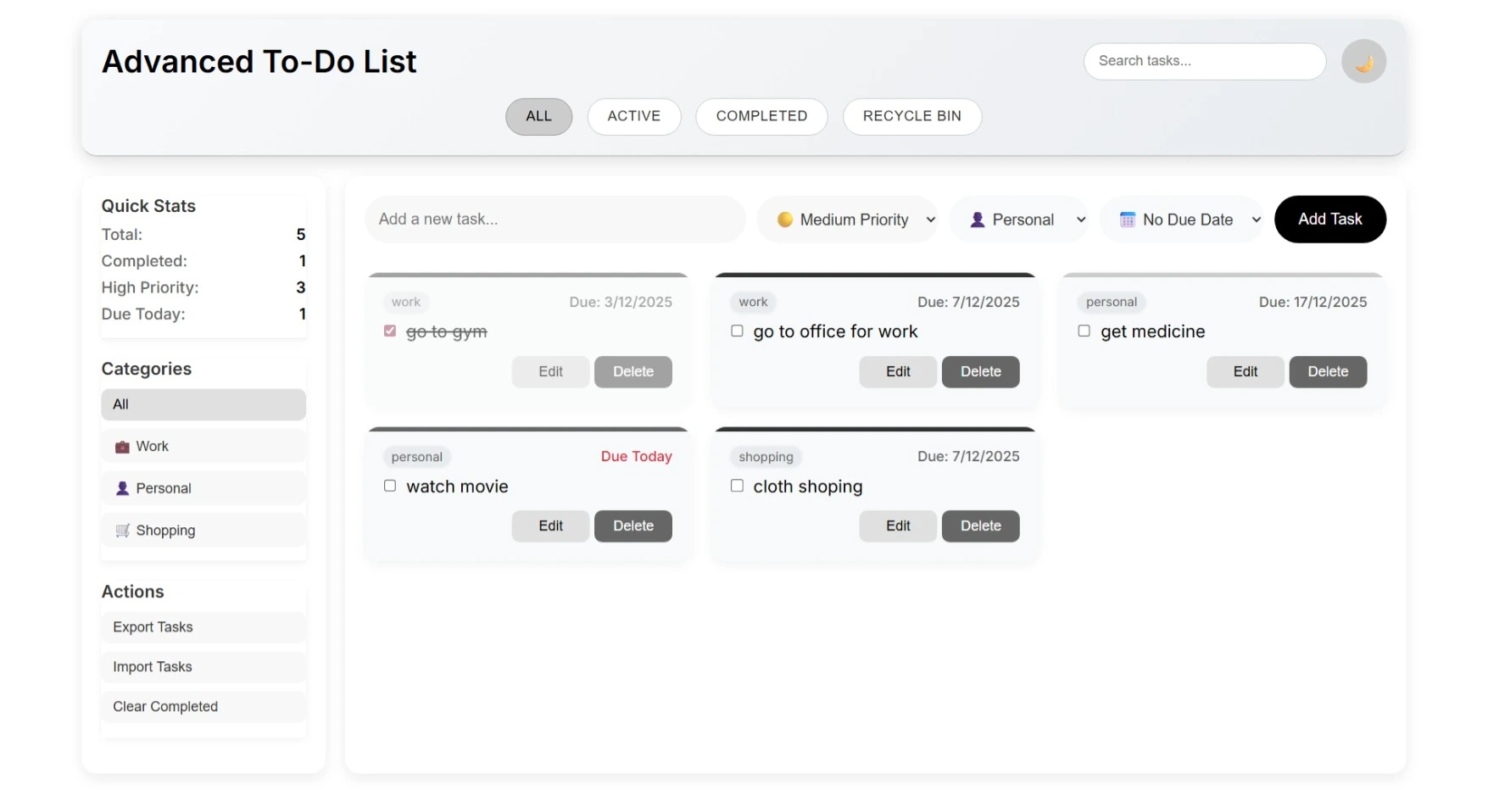
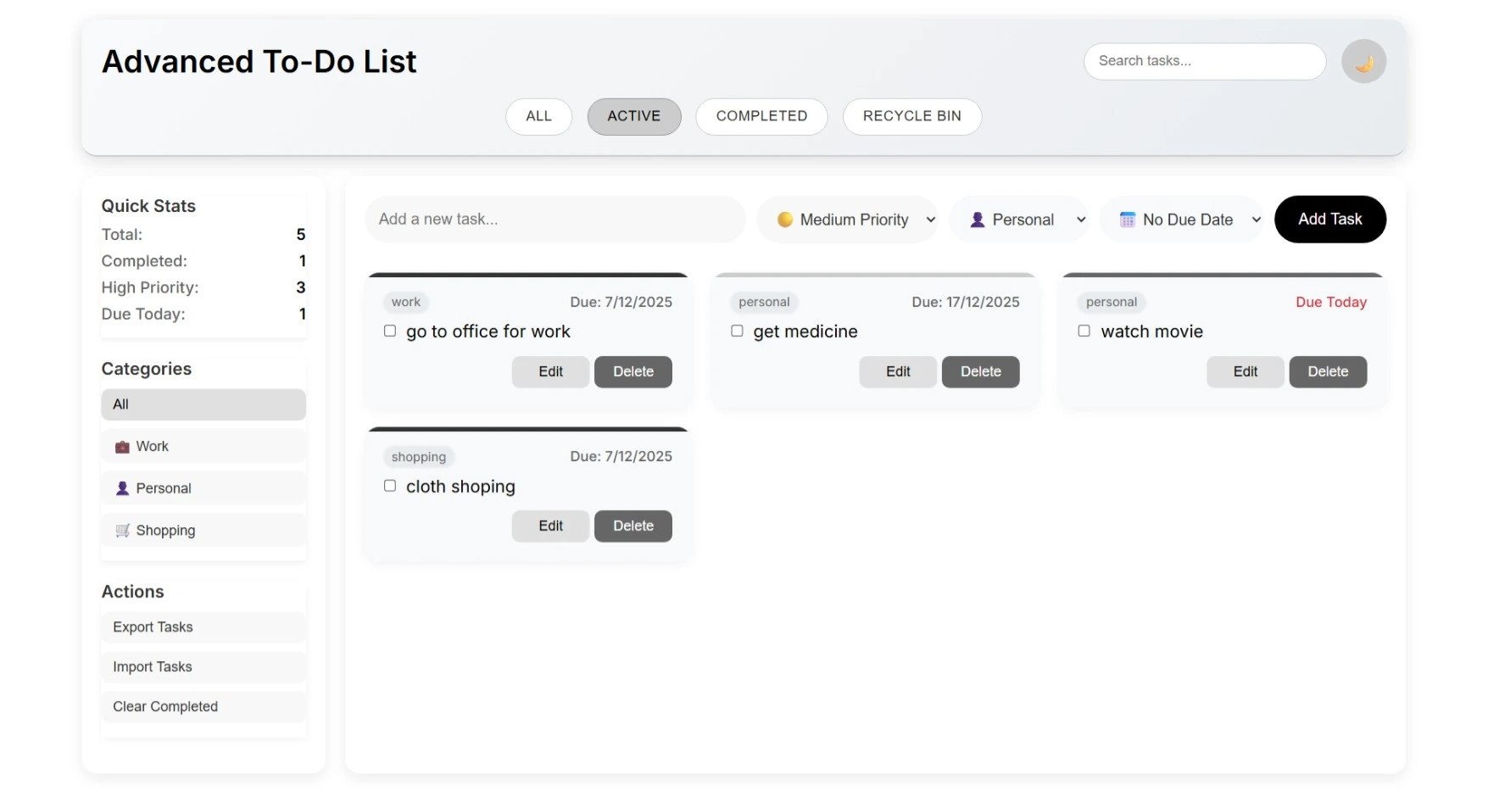
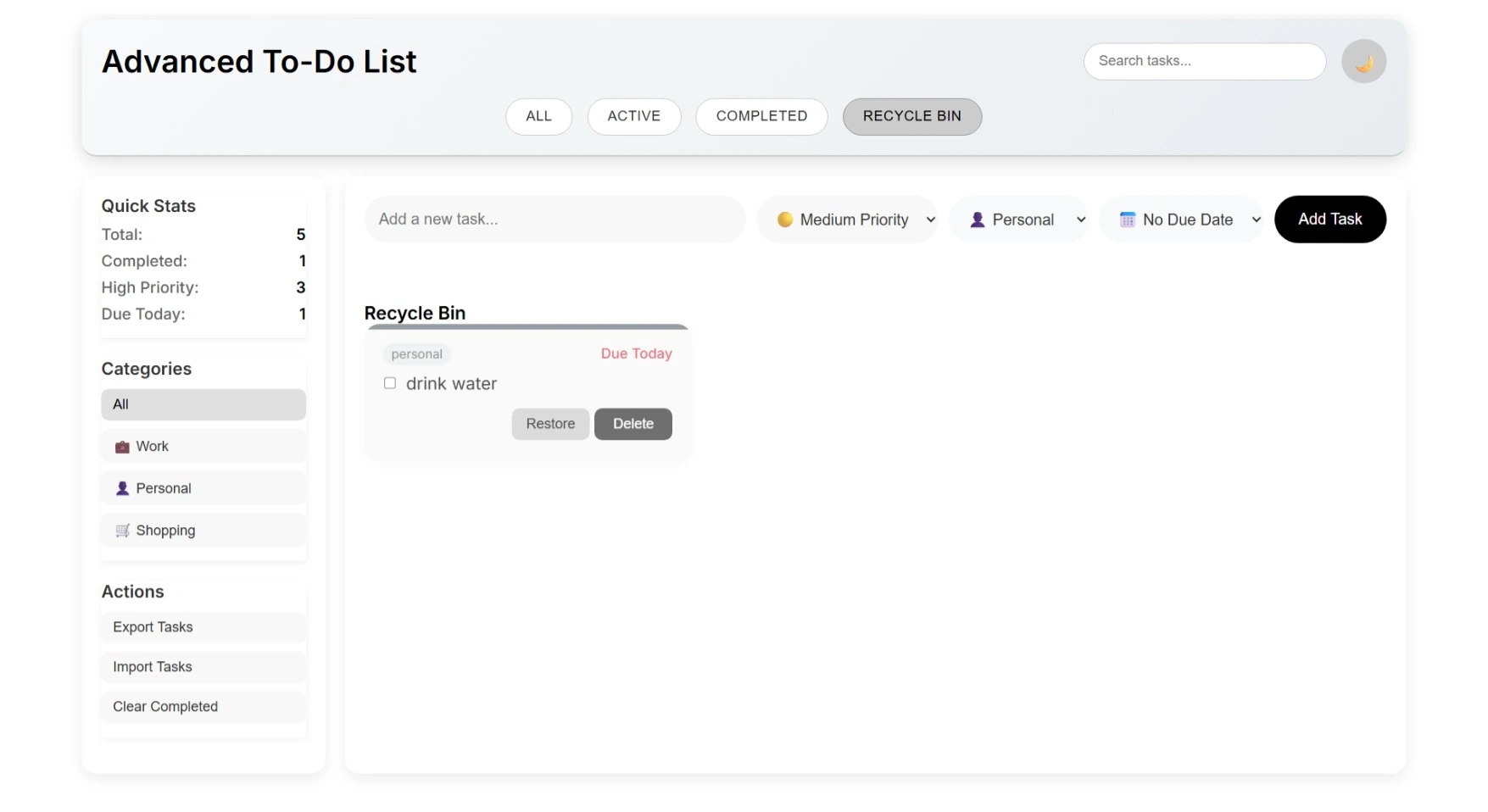
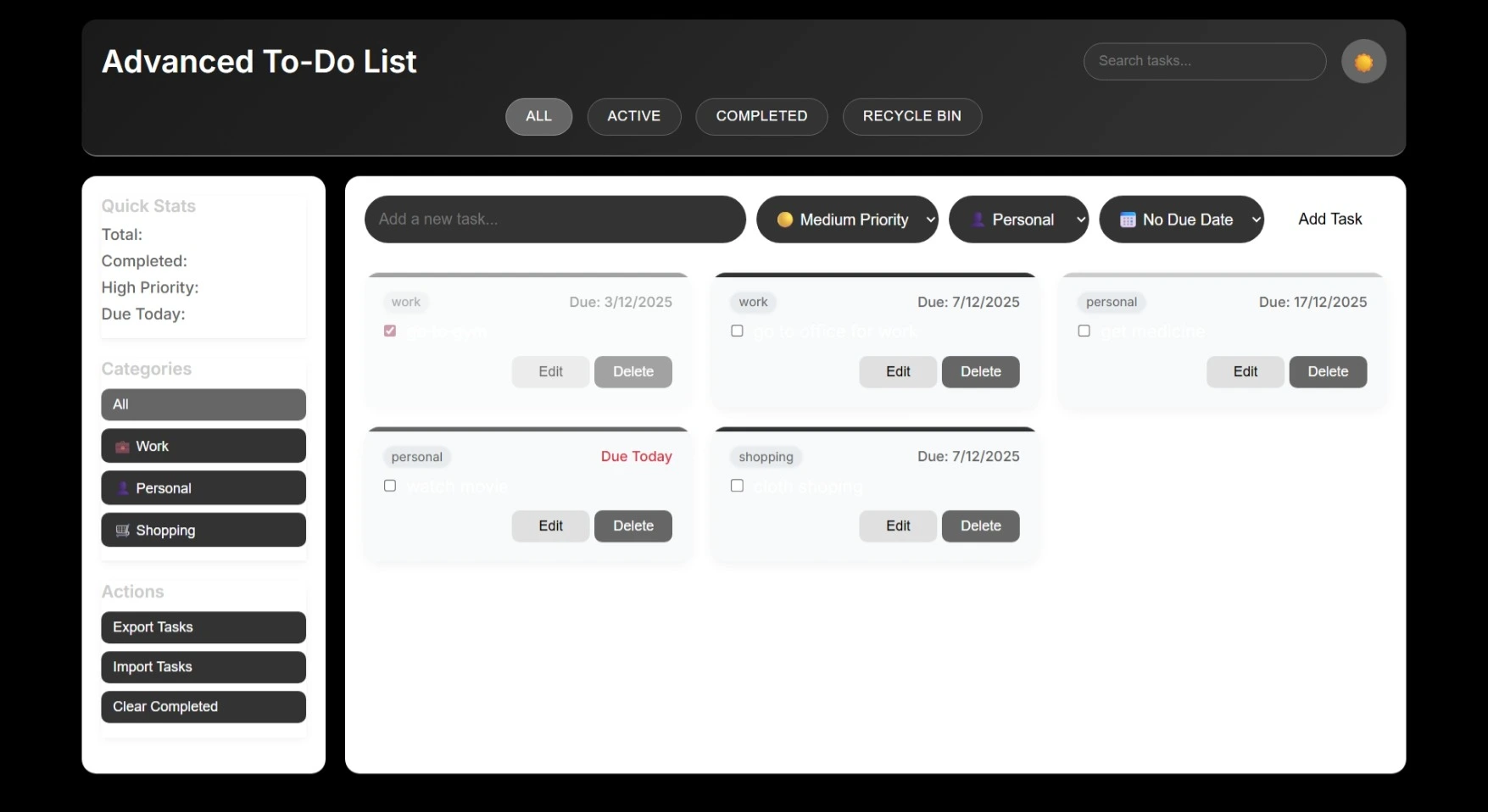
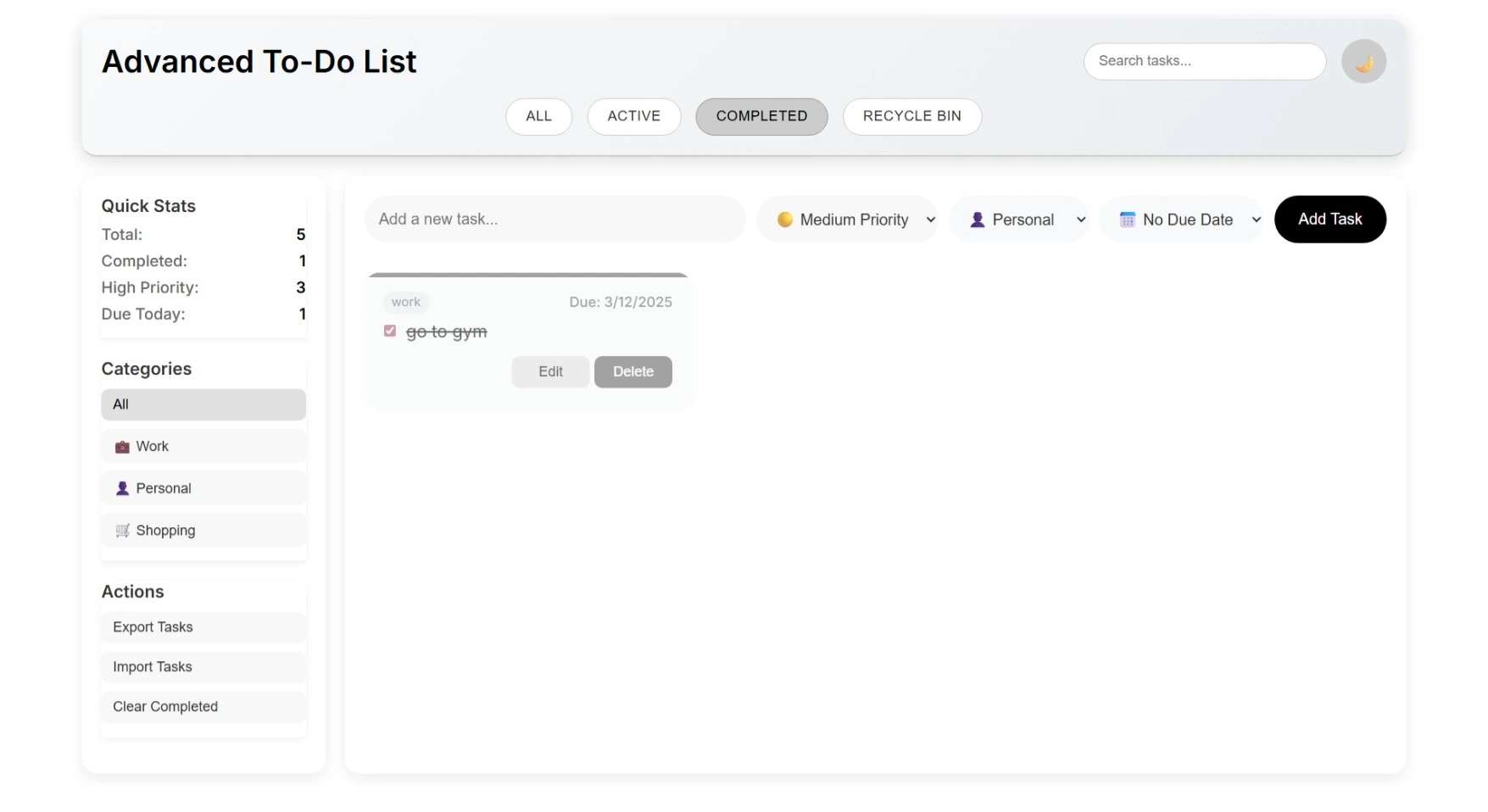
A modern, minimalist web app to manage tasks efficiently. Users can add, edit, delete, and mark tasks as complete, organize tasks into categories, and see recent tasks and progress. Uses localStorage to save data without a backend.
Requirements
Project Name
To-Do List website
Language Used
HTML, CSS, JavaScript
Database
LocalStorage (browser-based, no backend required)
UI Framework
Responsive custom CSS
Web Browser
Mozilla, Google Chrome, IE8, OPERAMozilla,
Software
VS Code (with Live Server extension)
User Module
Dashboard
Quick view of total tasks, completed tasks, and tasks due today
Tasks
Add, edit, complete/uncomplete, delete, and restore tasks
Categories
View, add, or delete task categories
Priorities
Set and view task priority levels (Low, Medium, High, Urgent)
Due Dates
Manage quick/custom due dates and see overdue alerts
Filters & Search
Filter tasks by status or category and search by keyword
Statistics
View task counts, high-priority tasks, and due today tasks
Backup & Restore
Export/import tasks via JSON for data management
Appearance
Toggle dark mode and use responsive layout
How to Run
🧩 Installation & Run Steps (HTML/CSS/JS Only)
Download and unzip the project folder on your system.
Open the folder in VS Code.
Open the main file (index.html).
Right-click → Open with Live Server (or open directly in a browser).
All tasks are saved automatically in localStorage.
🔐 Login Details:
No login required (tasks are stored locally).
Download and unzip the project folder on your system.
Open the folder in VS Code.
Open the main file (index.html).
Right-click → Open with Live Server (or open directly in a browser).
All tasks are saved automatically in localStorage.
🔐 Login Details:
No login required (tasks are stored locally).
Important: Default max downloads per day (per order): 2. Download access may also be limited to 7 days from purchase.