Hospital Management System Using PHP
NeuraBUG
in Web Development
Hospital Management System Using PHP
₹499.00
₹899.00
Available for download
Project DetailsClick Here
Product DemoClick Here
Description
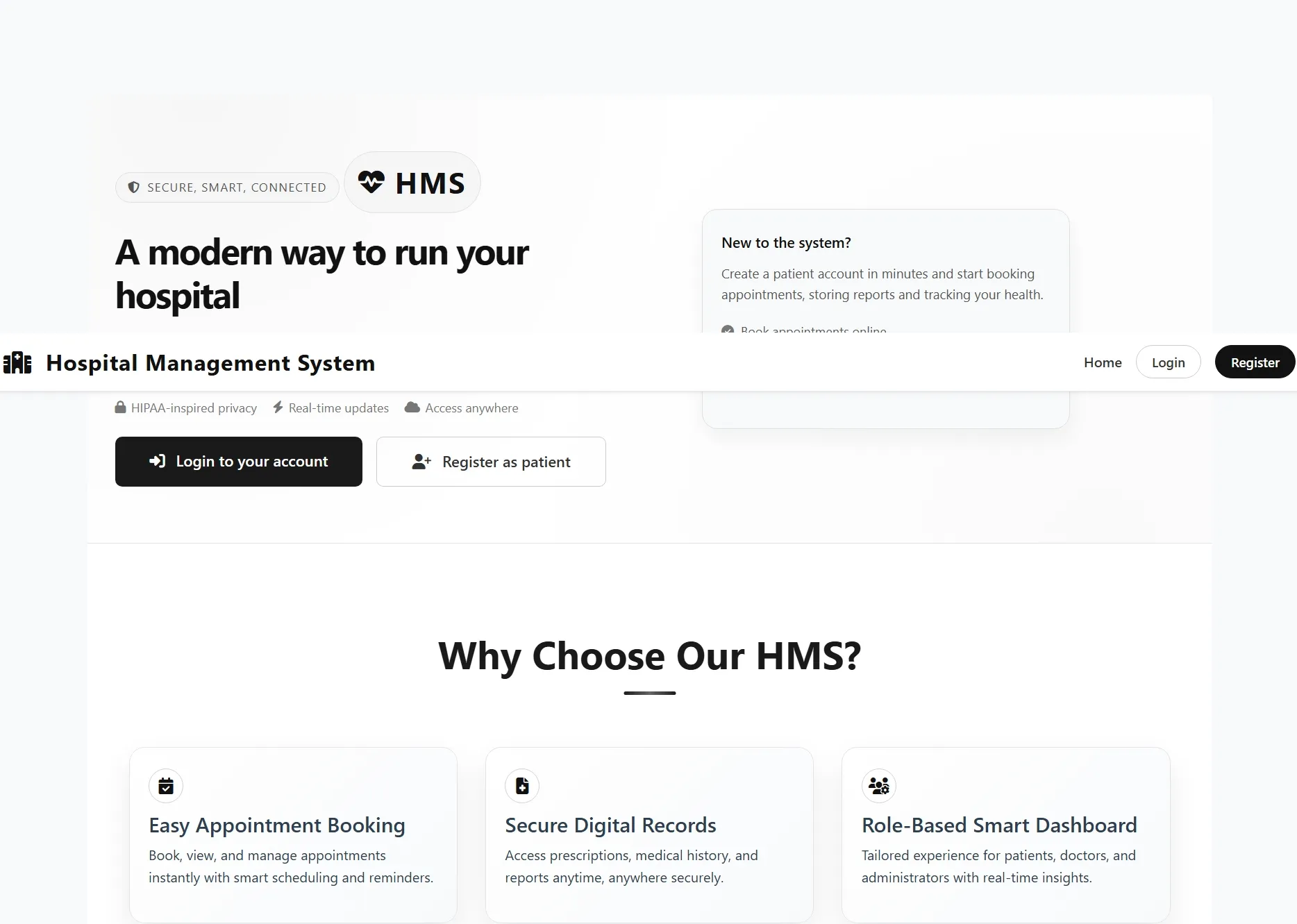
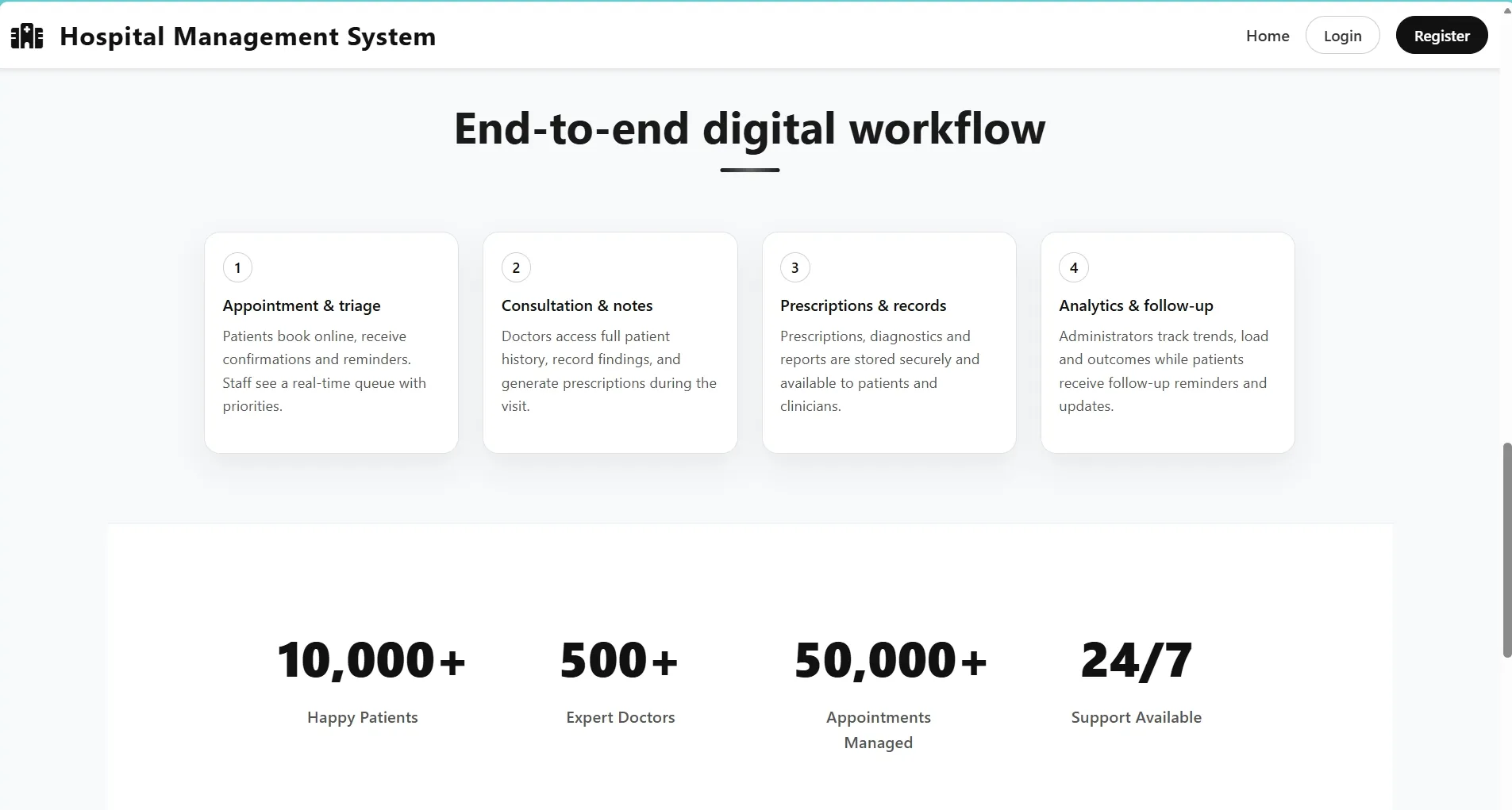
The Hospital Management System (HMS) is a web-based application developed using PHP and MySQL to manage hospital operations efficiently. It provides a centralized platform for handling patient records, appointments, doctors, and medical services. The system reduces manual paperwork and improves data accuracy. It is suitable for small to medium healthcare facilities.
The system supports Admin, Doctor, and Patient roles with role-based access control. Admin manages users and system data, doctors handle patient records and prescriptions, and patients can book appointments and view medical history. The application follows a traditional server-side architecture. It runs on Apache using XAMPP or similar local servers
The system supports Admin, Doctor, and Patient roles with role-based access control. Admin manages users and system data, doctors handle patient records and prescriptions, and patients can book appointments and view medical history. The application follows a traditional server-side architecture. It runs on Apache using XAMPP or similar local servers
Requirements
Project Name
Hospital Management System
Language Used
PHP 7.4+
Database
MySQL 5.7+ (Database: hms)
UI Framework
HTML5, CSS3, JavaScript, jQuery
Web Browser
Chrome 85+, Firefox 78+, Edge 85+, Safari 14+
Software
XAMPP/Laragon (Apache + PHP + MySQL)
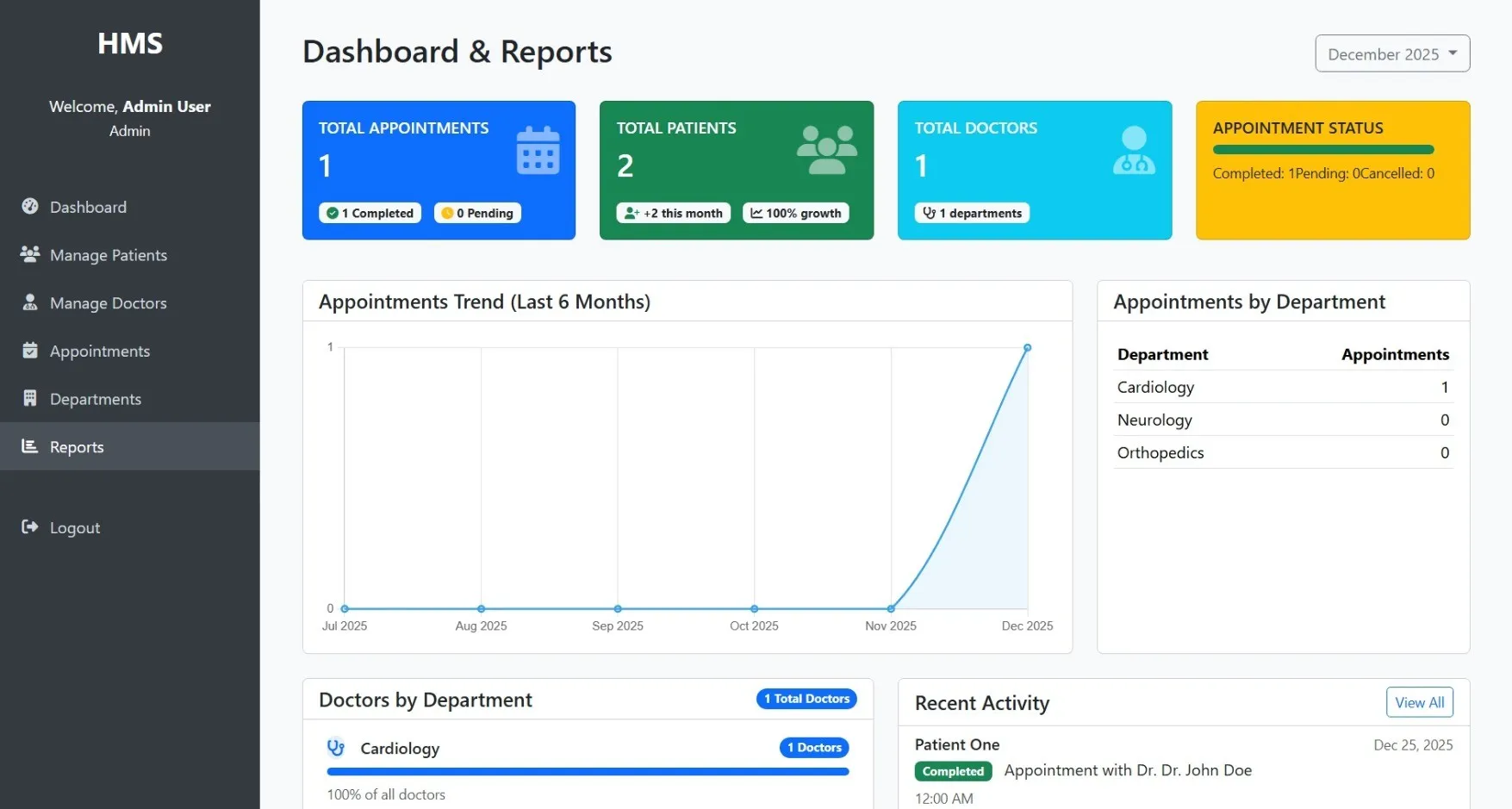
Admin Module
Dashboard
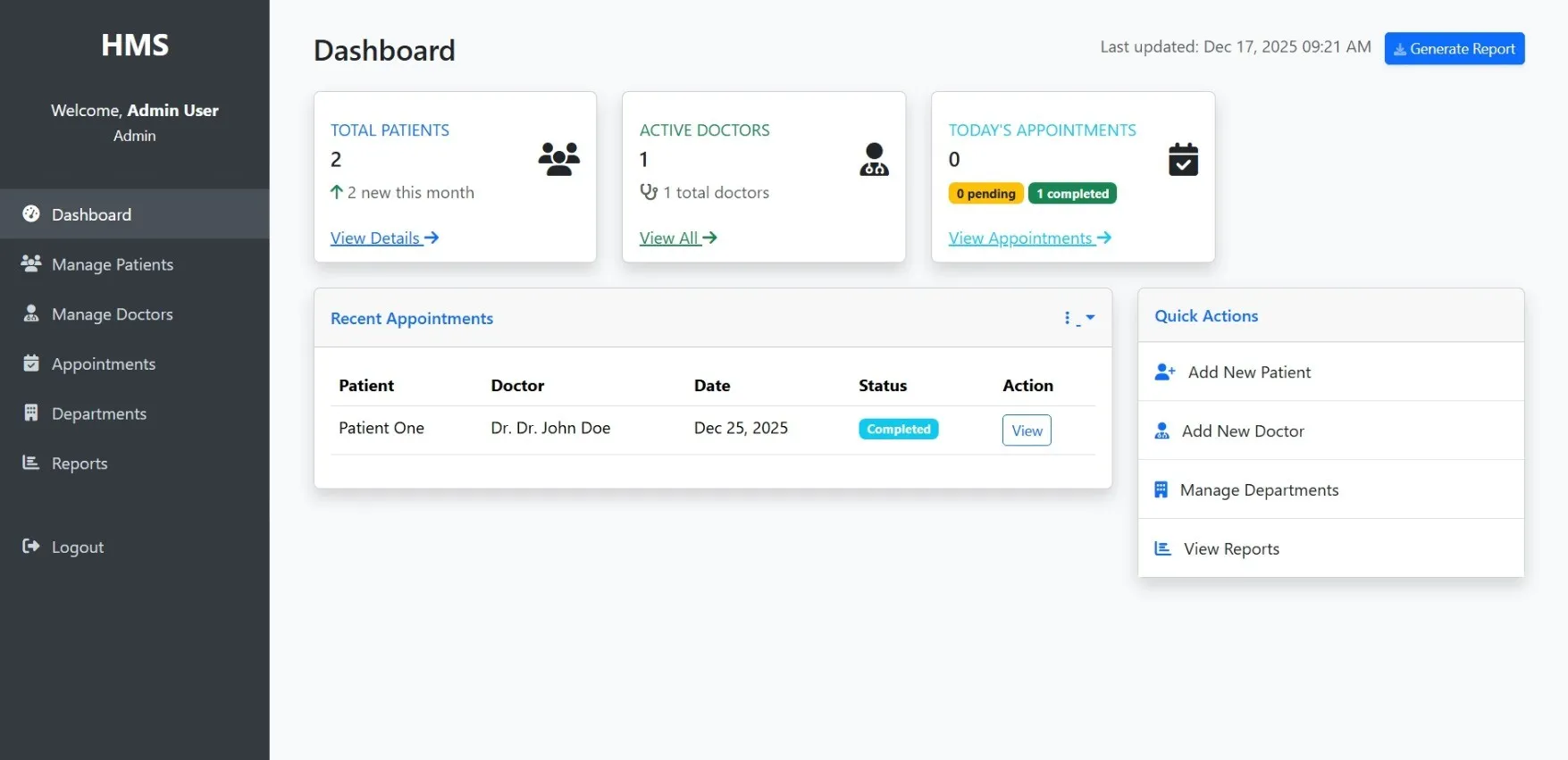
Shows important numbers and quick access to key features
User Management
Controls who can use the system (add/remove users, set permissions)
Doctor Management
Handles doctor information and specialties
Patient Management
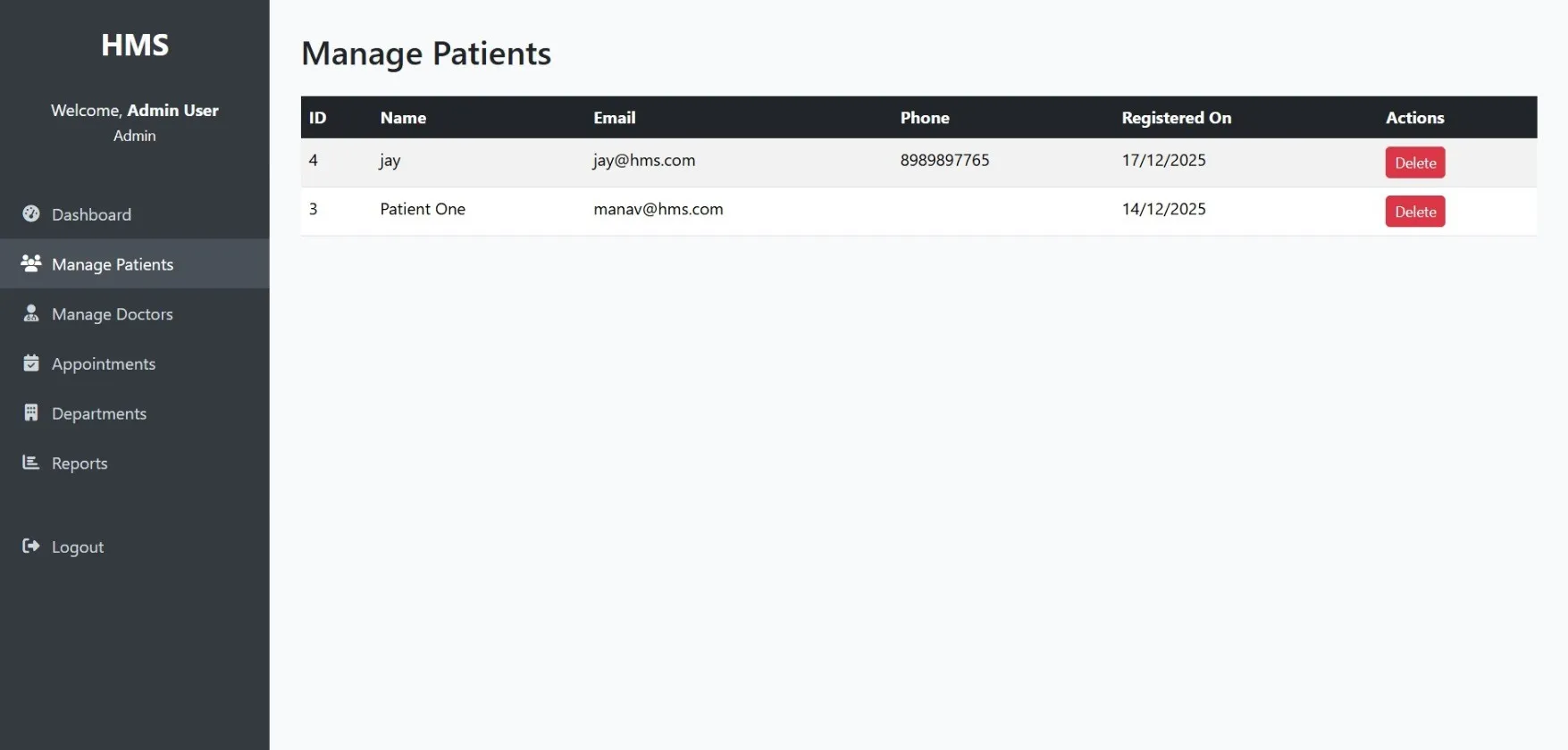
Manages all patient records
Appointments
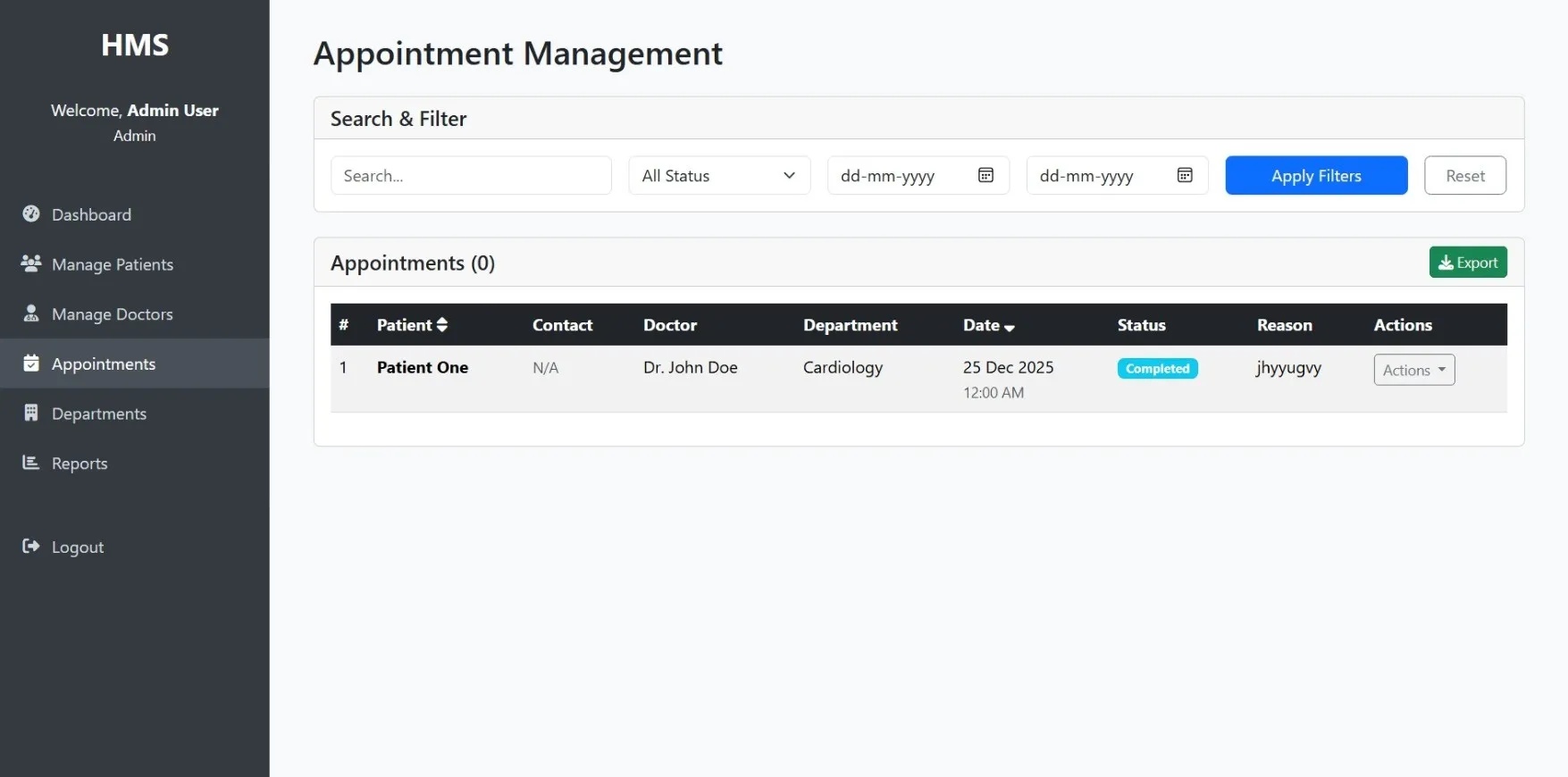
Views and manages all hospital appointments
Departments
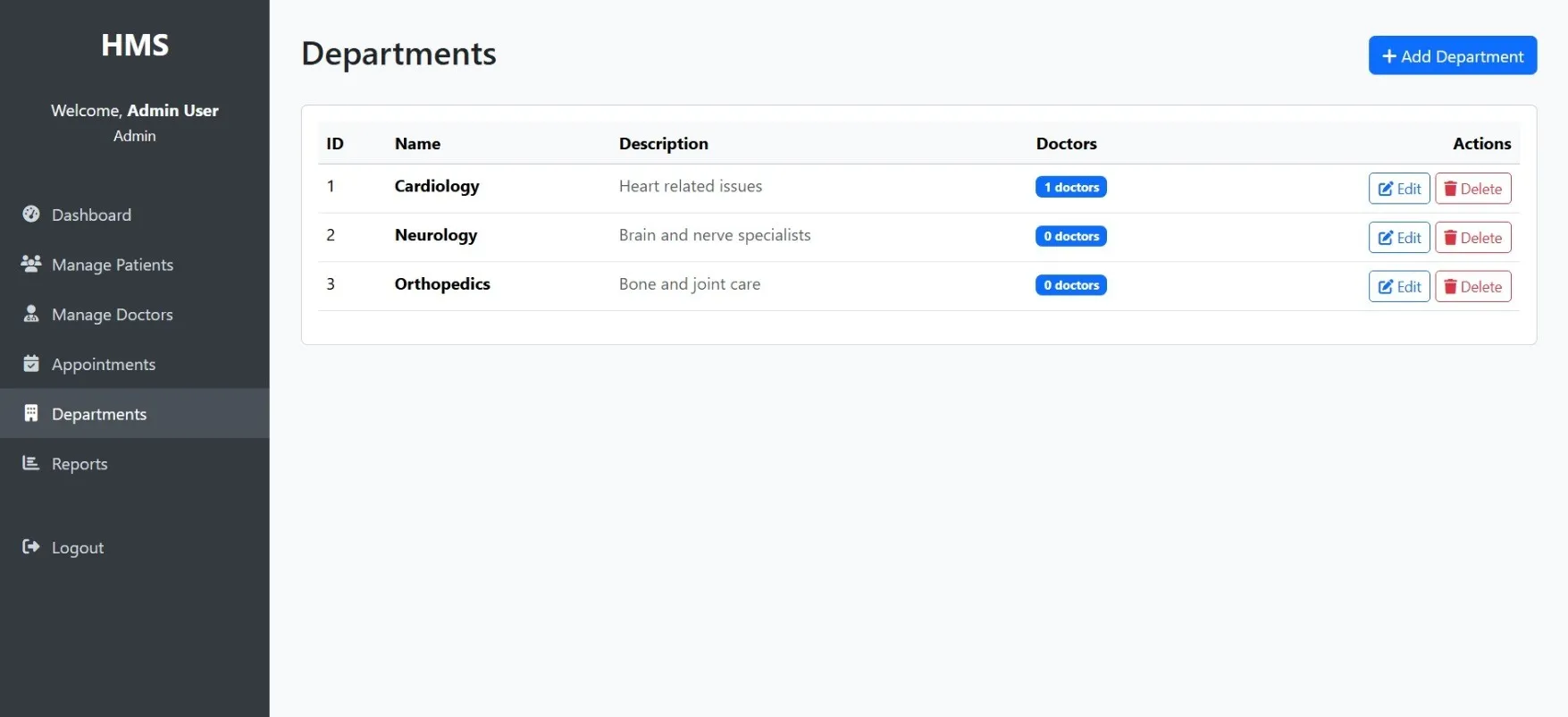
Organizes hospital departments and staff
Reports
Generates reports on hospital activities
System Settings
Configures how the system works
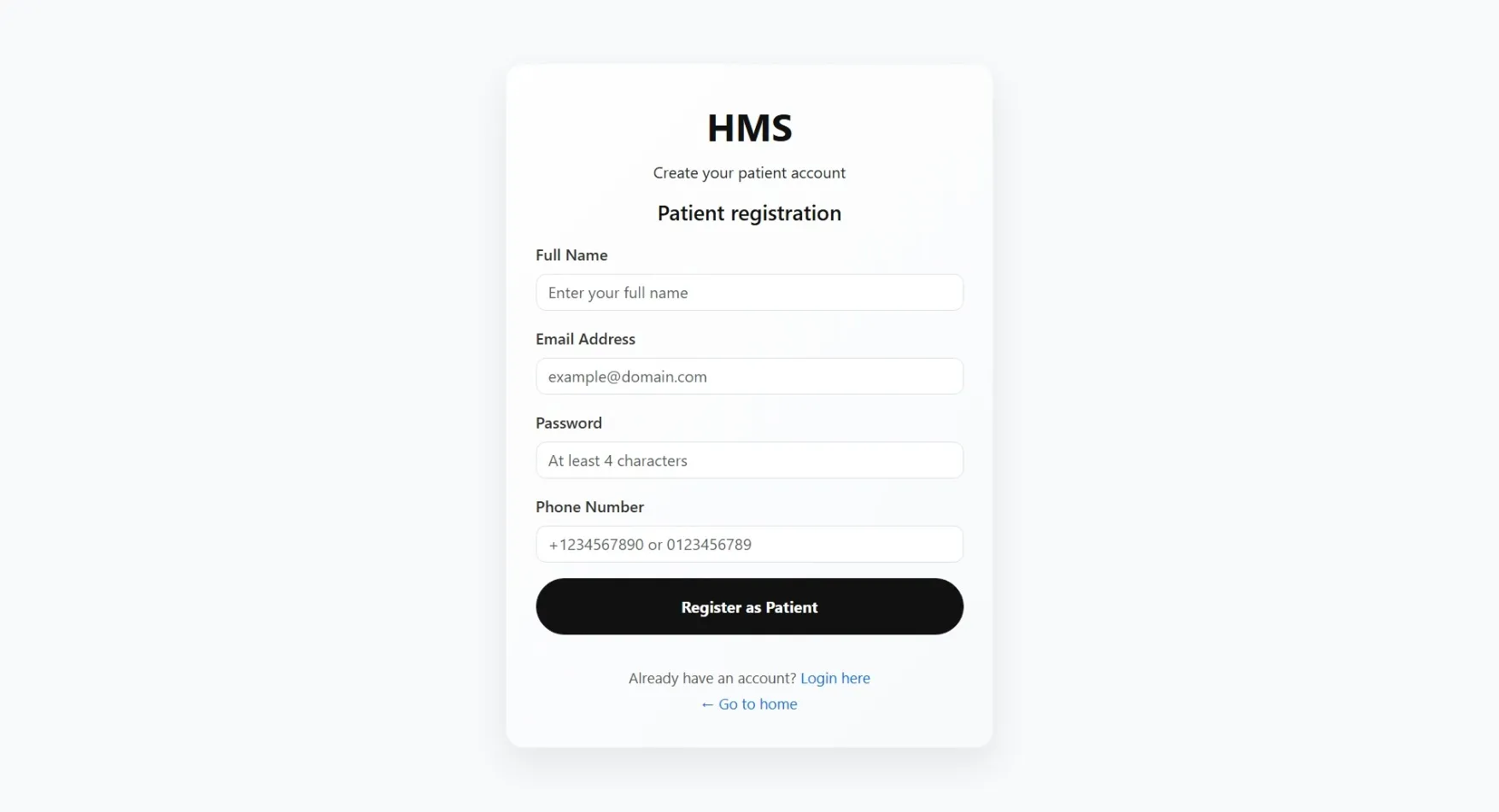
Patient Module
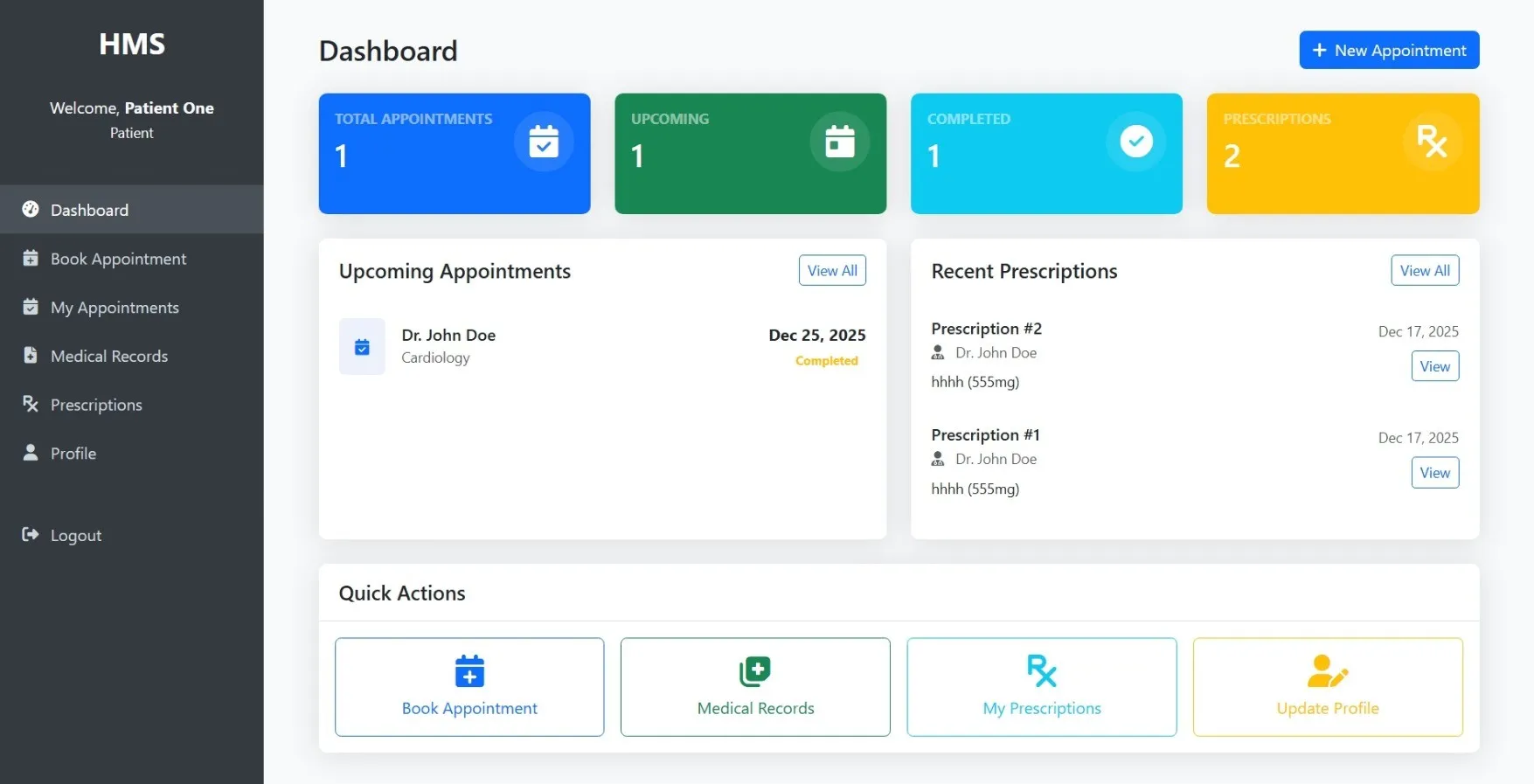
Dashboard
Shows upcoming appointments and health summary
Appointments
Books and manages doctor visits
Medical Records
Views personal health history
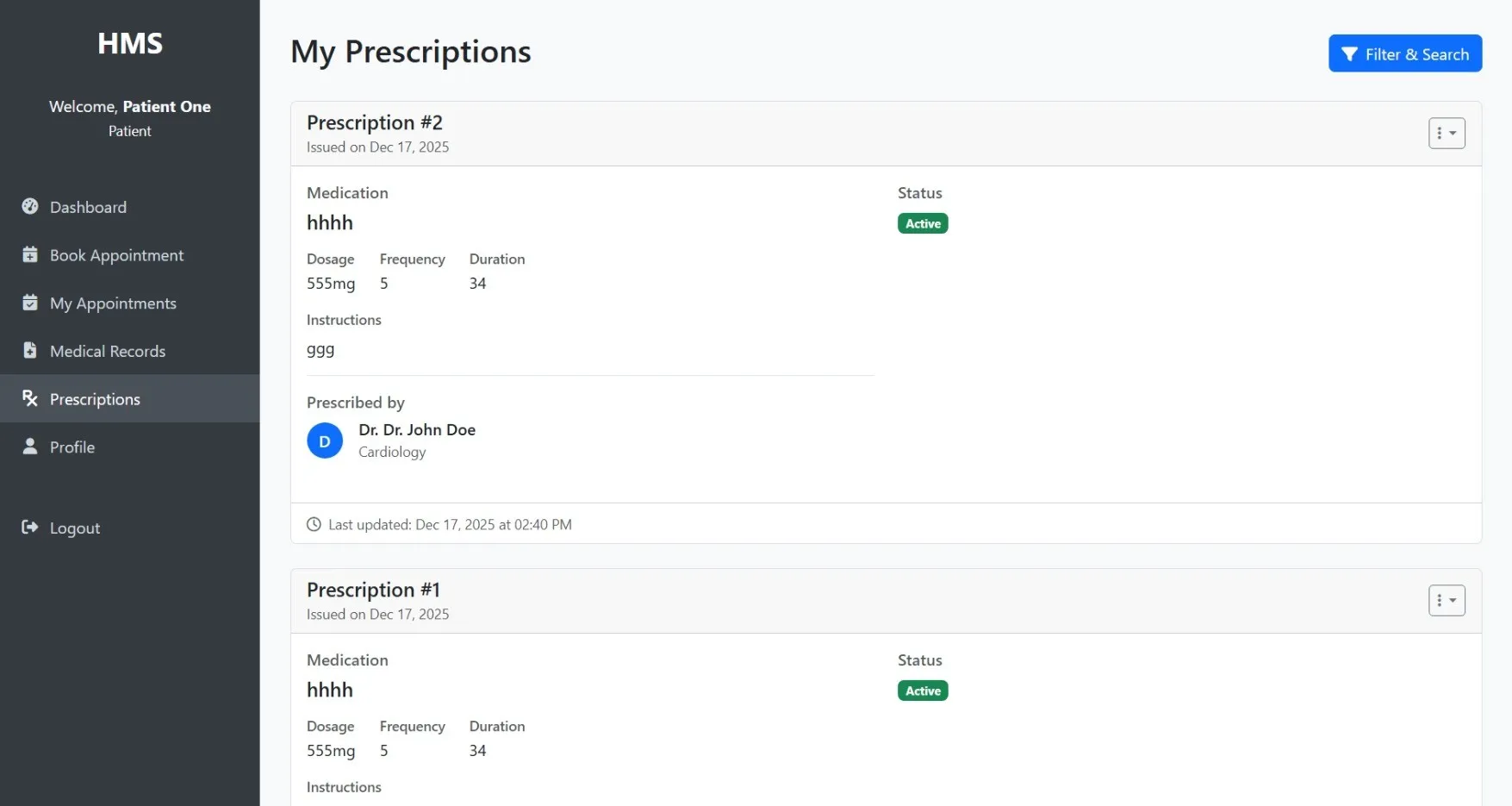
Prescriptions
Checks current and past medications
Billing
Views and pays medical bills
Profile
Updates personal information
Doctor Search
Finds and selects doctors
Feedback
Provides comments about the service
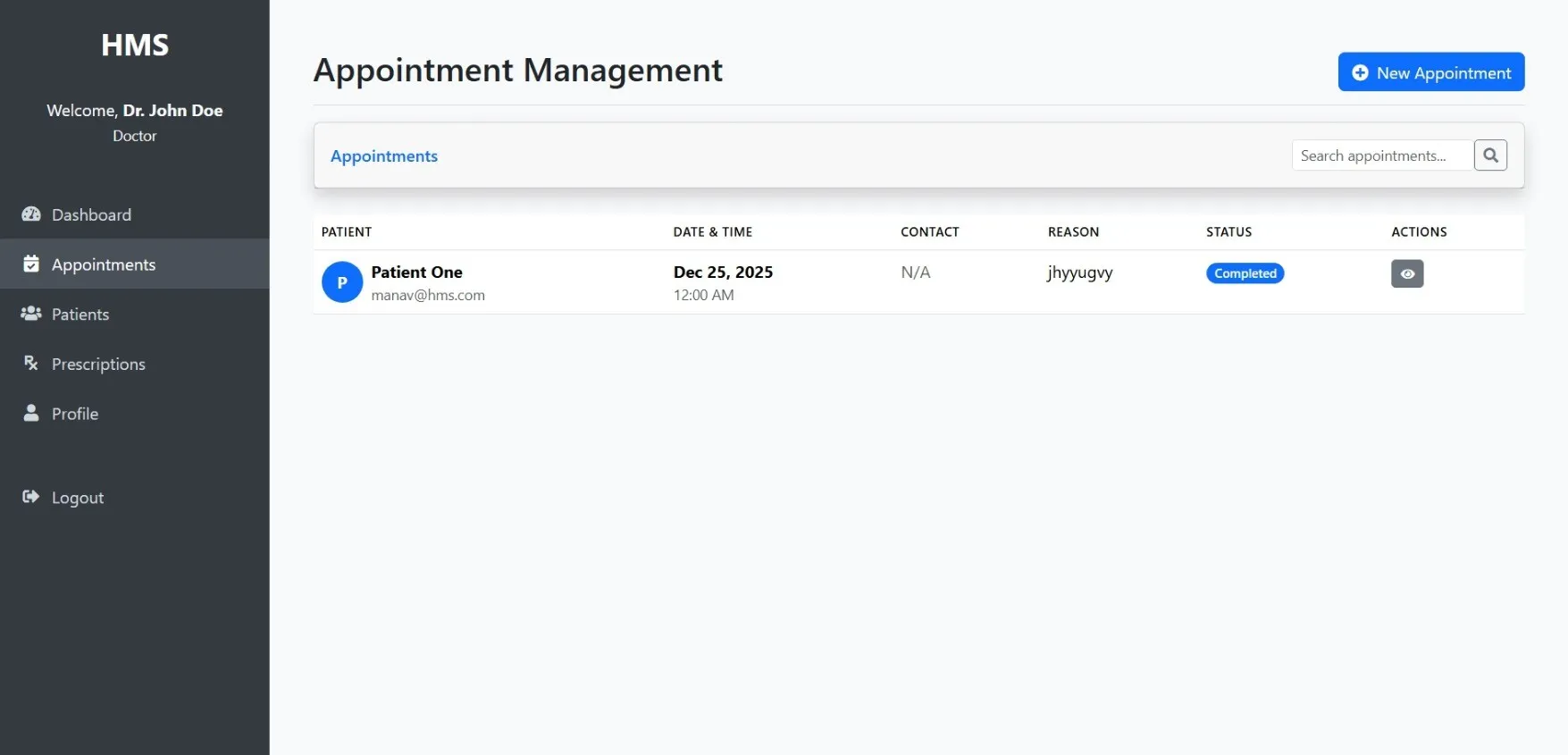
Doctor Module
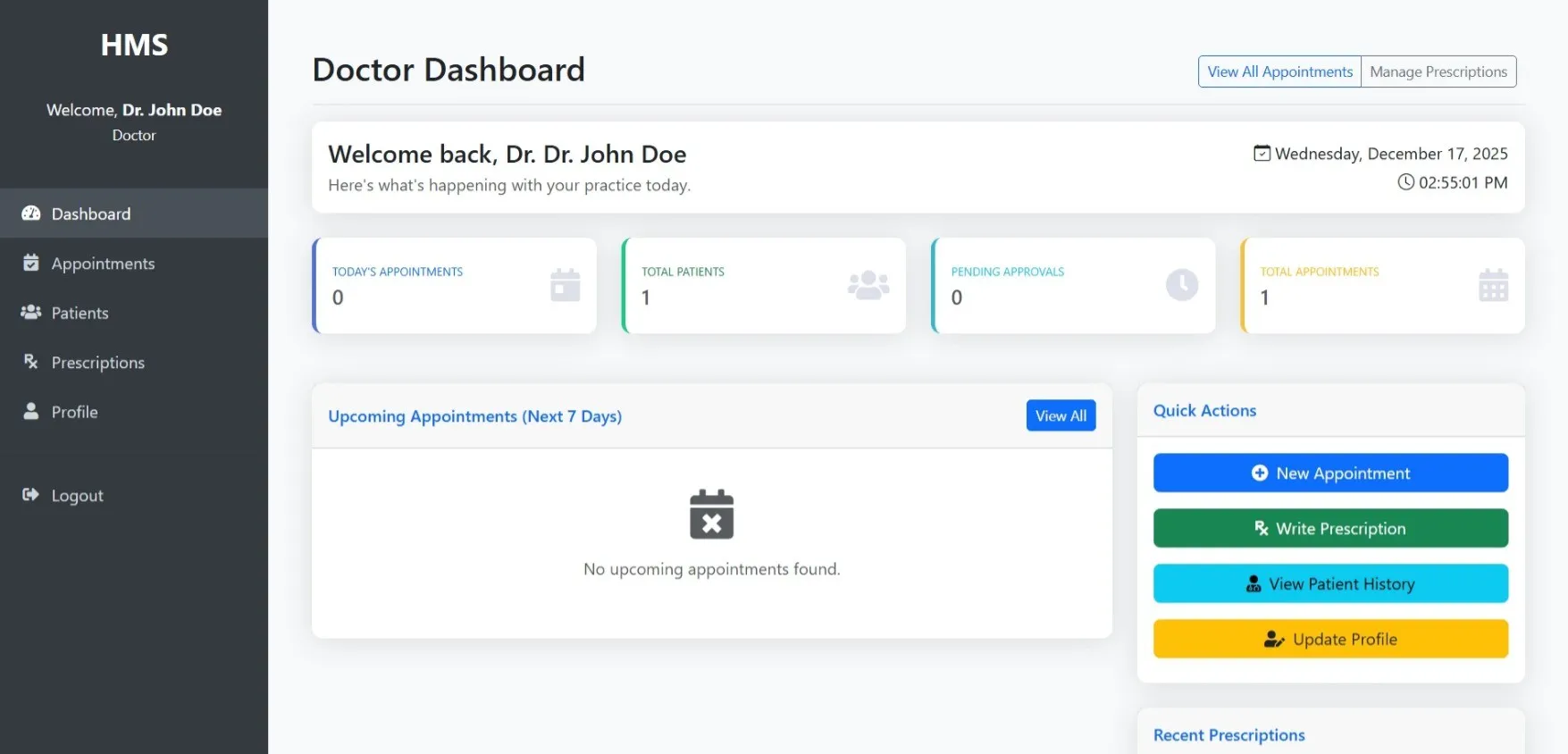
Dashboard
Shows daily schedule and patient updates
Appointments
Manages the doctor's daily schedule
Patients
Views and updates patient information
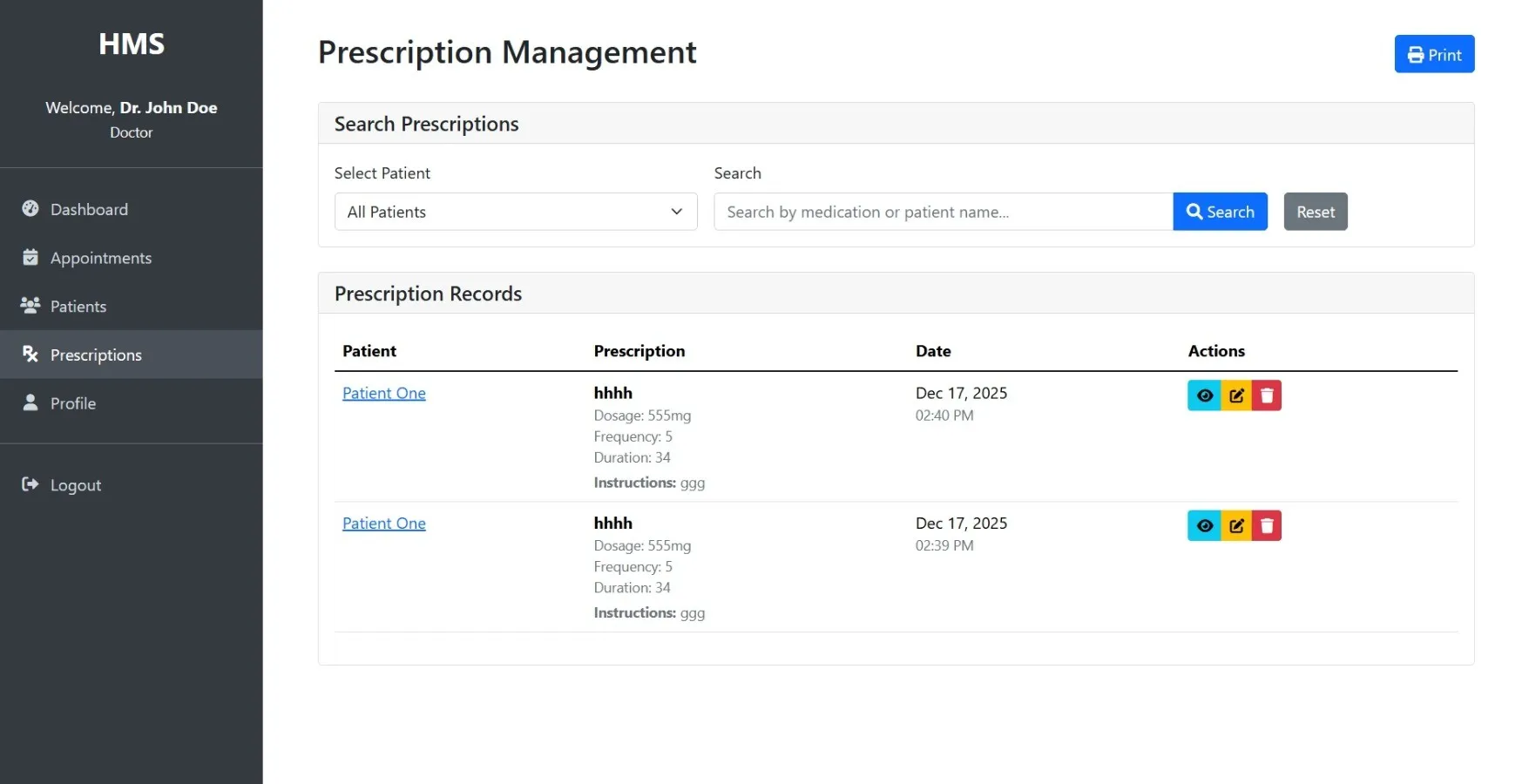
Prescriptions
Writes and manages patient medications
Medical Records
Updates patient health information
Schedule
Sets when the doctor is available
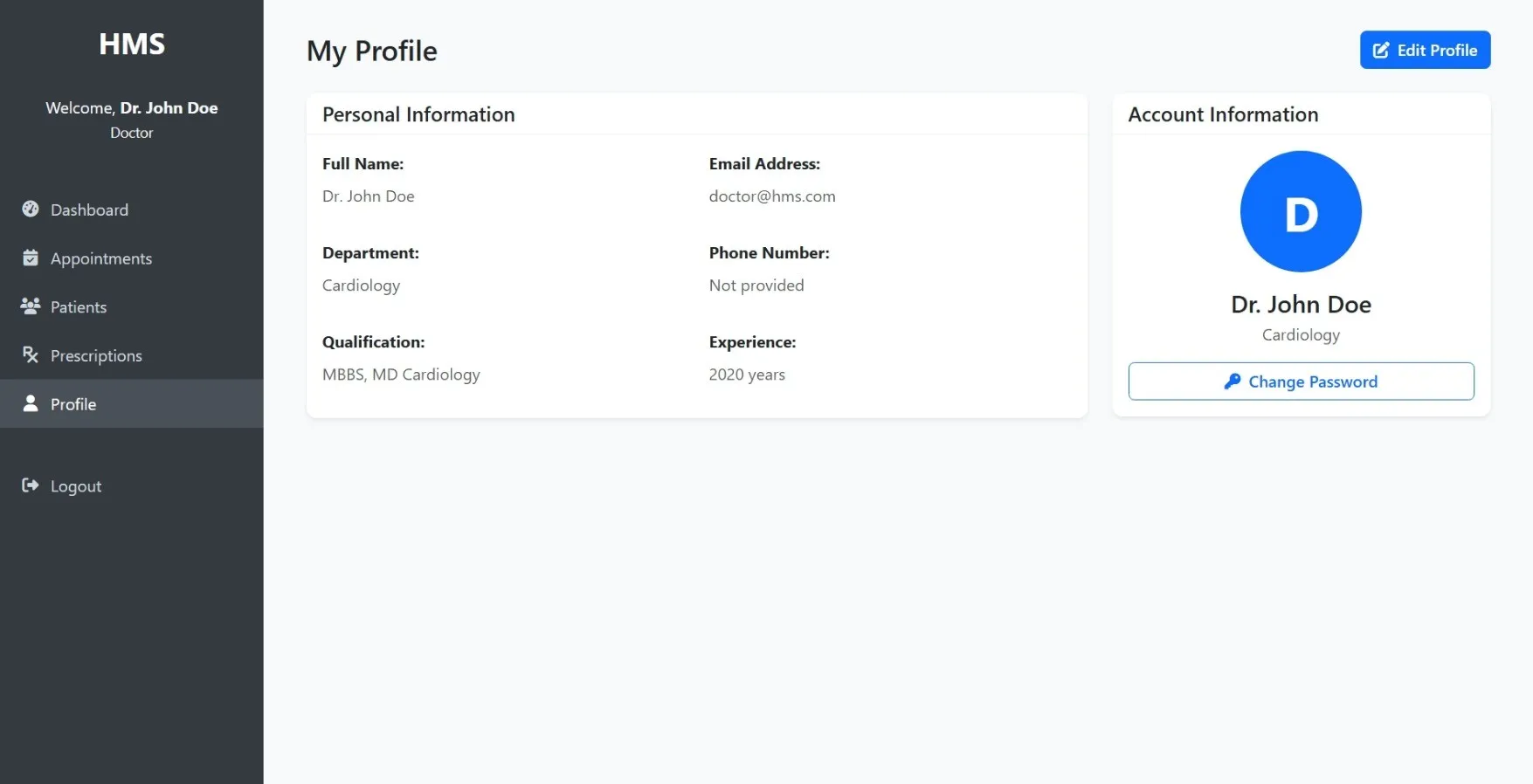
Profile
Manages personal account settings
How to Run
▶️ How to Run the Hospital Management System
🔹 Prerequisites
->XAMPP or WAMP server installed
->Any web browser (Chrome, Firefox, Edge)
🔹 Installation Steps
1. Start Server
->Open XAMPP / WAMP Control Panel
->Start Apache and MySQL
2. Setup Database
->Open browser and go to http://localhost/phpmyadmin
->Create a new database named hms
Click Import
->Select the file hms.sql
->Click Go to import
3. Run the Project
->Open browser
->Go to http://localhost/hms
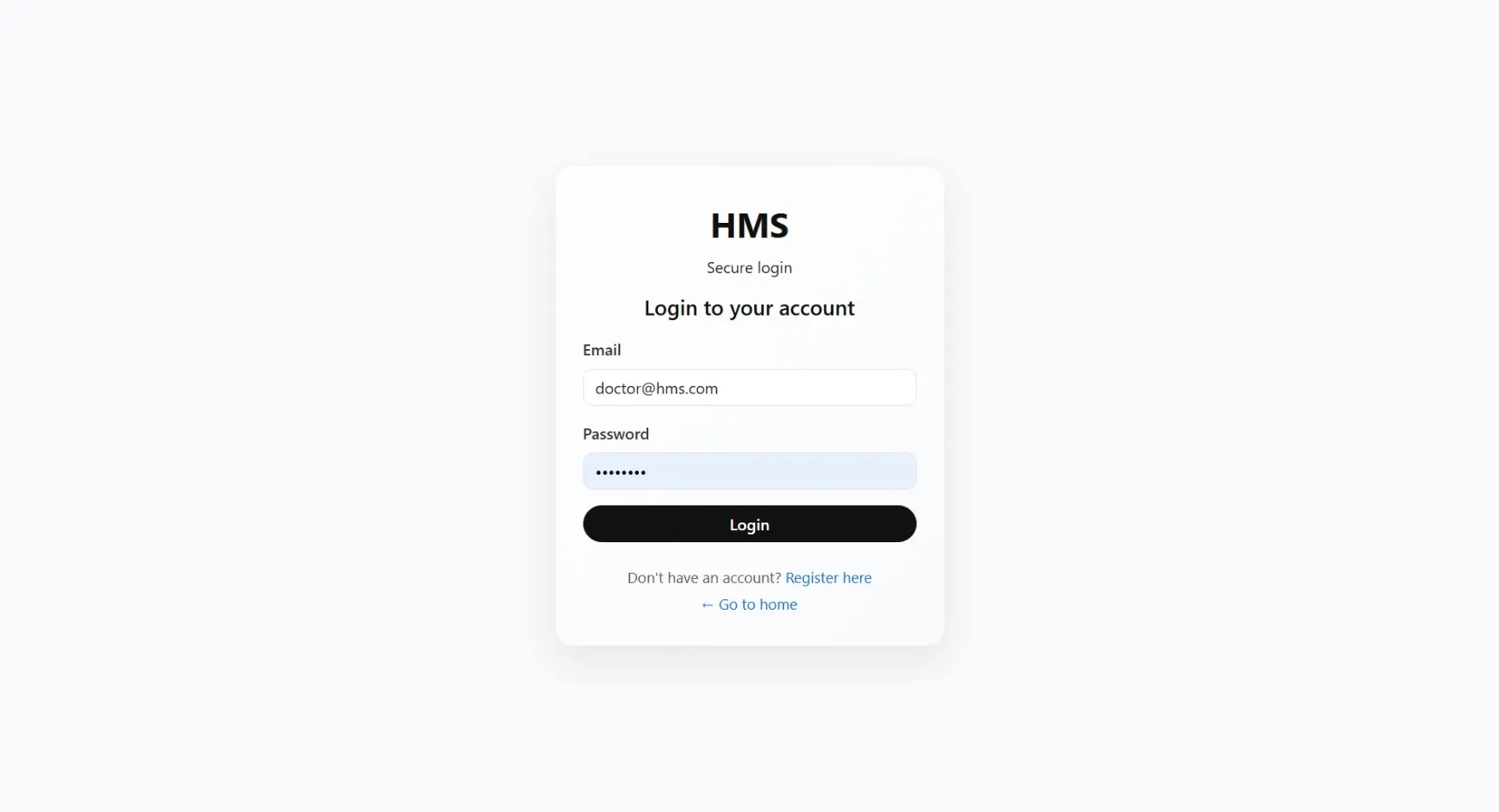
🔹 Login Credentials
Admin
->Username: admin
->Password: admin123
Doctor
->Username: doctor1
->Password: doctor123
Patient
->Username: patient1
->Password: patient123
🔹 Prerequisites
->XAMPP or WAMP server installed
->Any web browser (Chrome, Firefox, Edge)
🔹 Installation Steps
1. Start Server
->Open XAMPP / WAMP Control Panel
->Start Apache and MySQL
2. Setup Database
->Open browser and go to http://localhost/phpmyadmin
->Create a new database named hms
Click Import
->Select the file hms.sql
->Click Go to import
3. Run the Project
->Open browser
->Go to http://localhost/hms
🔹 Login Credentials
Admin
->Username: admin
->Password: admin123
Doctor
->Username: doctor1
->Password: doctor123
Patient
->Username: patient1
->Password: patient123
Important: Default max downloads per day (per order): 2. Download access may also be limited to 7 days from purchase.